Procedure
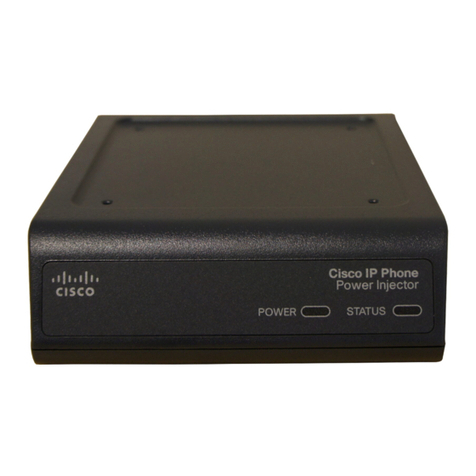
Step 1 Using the holes in the power adapter mounting tabs as a template, mark the locations on the surface where you will drill
the holes for the wall anchors or screws.
Step 2 Drill a hole at each marked location.
Step 3 Hold the power adapter to the surface and align the mounting tabs on the power adapter with the screw holes.
Step 4 Insert the #6-32 UNC or M3.5 screws through the mounting tabs and into the holes in the wall or surface.
Step 5 Use a Phillips head screwdriver to drive the screws into the surface.
If the power adapter is not securely fastened, continue making small adjustments until you are satisfied.
Note
Regulatory Information
The following information is for FCC compliance of Class B devices:
The equipment described in this manual generates and may radiate radio-frequency energy. If it is not installed in accordance with
Cisco’s installation instructions, it may cause interference with radio and television reception. This equipment has been tested and
found to comply with the limits for a Class B digital device in accordance with the specifications in part 15 of the FCC rules. These
specifications are designed to provide reasonable protection against such interference in a residential installation. However, there is
no guarantee that interference will not occur in a particular installation.
Modifying the equipment without Cisco’s written authorization may result in the equipment no longer complying with FCC requirements
for Class A or Class B digital devices. In that event, your right to use the equipment may be limited by FCC regulations, and you
may be required to correct any interference to radio or television communications at your own expense.
You can determine whether your equipment is causing interference by turning it off. If the interference stops, it was probably caused
by the Cisco equipment or one of its peripheral devices. If the equipment causes interference to radio or television reception, try to
correct the interference by using one or more of the following measures:
• Turn the television or radio antenna until the interference stops.
• Move the equipment to one side or the other of the television or radio.
6