Thank you for purchasing this Clarion product.
yPlease read this owner’s manual in its entirety before operating this equipment.
yAfter reading this manual, keep it handy, such as in your glove compartment.
ySave your sales receipt. Your sales receipt is essential for warranty service.
Content
1. FEATURES .....................................................................................................................3
Image features .......................................................................................................................... 3
DVD video features................................................................................................................... 4
Other features ........................................................................................................................... 4
2. PRECAUTIONS...............................................................................................................5
Operating .................................................................................................................................. 5
General ..................................................................................................................................... 5
Maintenance.............................................................................................................................. 5
Installation................................................................................................................................. 6
3. CONTROLS.....................................................................................................................7
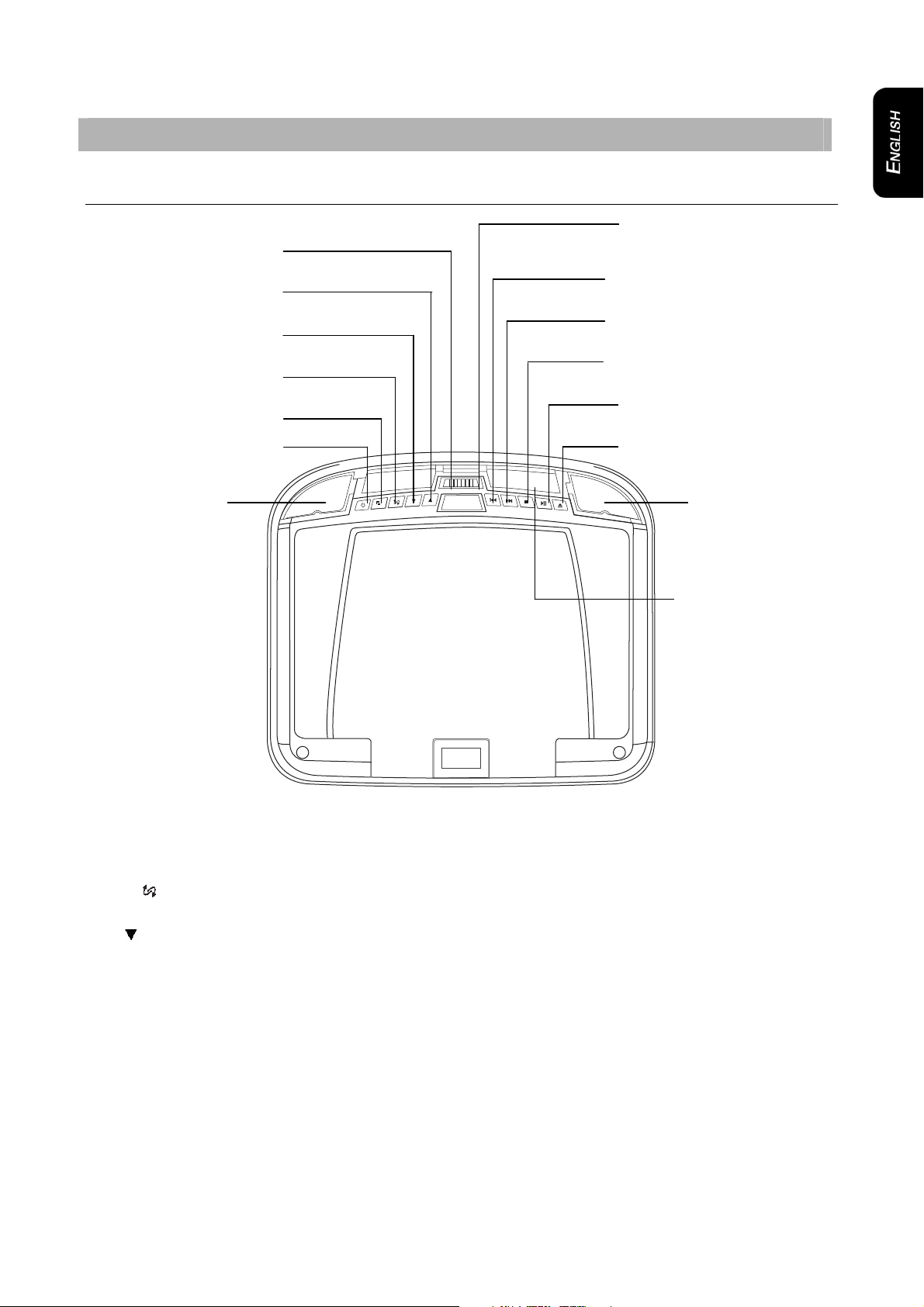
Monitor closed........................................................................................................................... 7
DVD drive slot ........................................................................................................................... 8
Monitor open ............................................................................................................................. 9
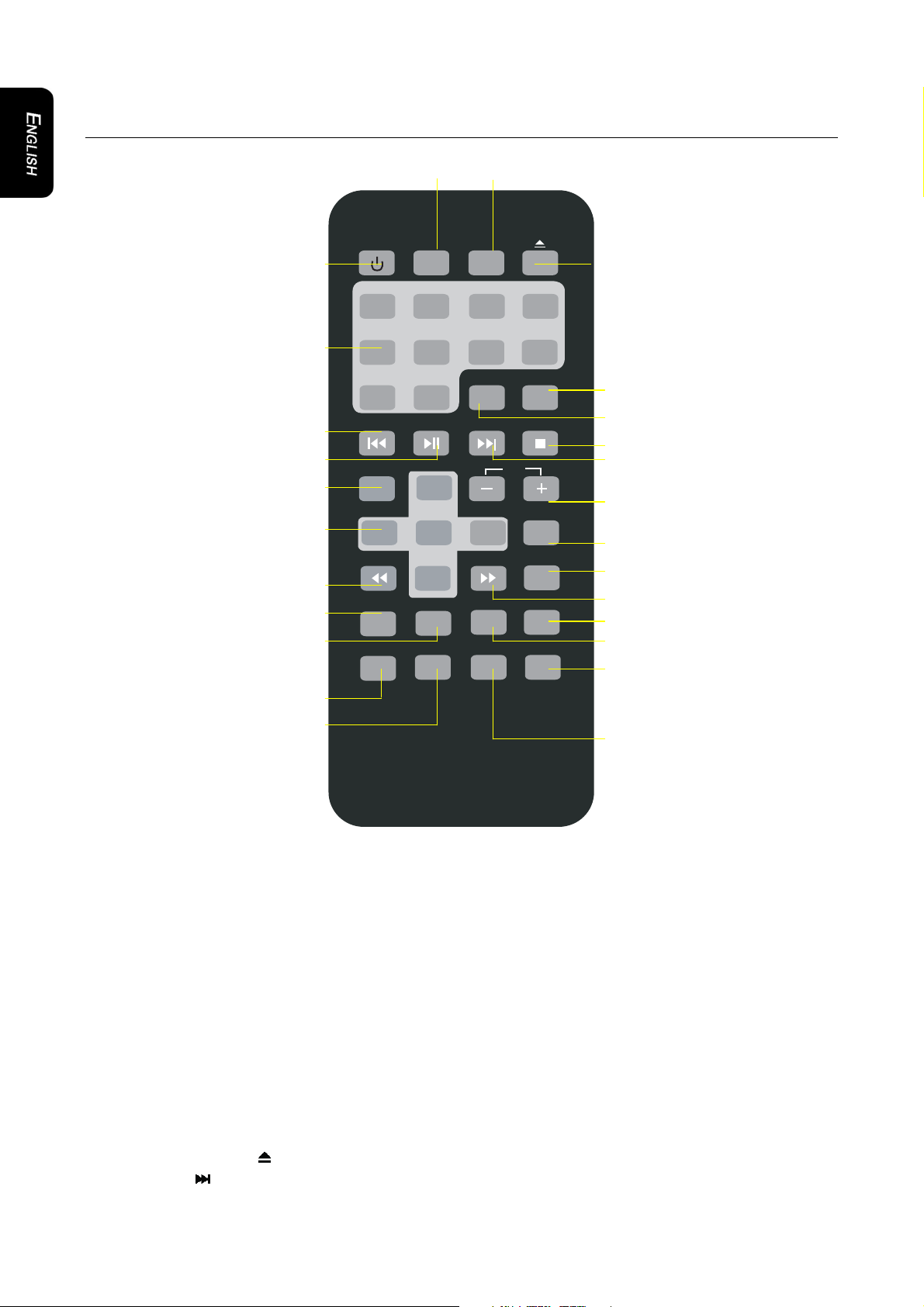
Remote control........................................................................................................................ 10
4. OPERATIONS...............................................................................................................12
Opening the monitor................................................................................................................ 12
Closing the monitor ................................................................................................................. 12
Handling discs......................................................................................................................... 13
Turning the player on .............................................................................................................. 13
Turning the player off .............................................................................................................. 13
Changing the image aspect ratio ............................................................................................ 13
Playing a disc (DVD or CD)..................................................................................................... 13
Using headphones .................................................................................................................. 14
Playing DVDs.......................................................................................................................... 15
Playing audio CDs................................................................................................................... 19
Playing MP3s .......................................................................................................................... 20
Care and maintenance............................................................................................................ 21
Changing the battery in the remote control............................................................................. 22
5. INSTALLATION AND WIRING .....................................................................................23
What is included in the box ..................................................................................................... 23
Tools and additional components............................................................................................ 23
Before you begin..................................................................................................................... 23
Mounting and wiring precautions ............................................................................................ 24
Installation procedure.............................................................................................................. 24
Wiring diagram........................................................................................................................ 27
6. SETTING PREFERENCES ...........................................................................................28
Accessing the on-screen display menus................................................................................. 28
Example: Setting parental control ........................................................................................... 28
General setup page................................................................................................................. 29
Speaker setup page................................................................................................................ 29
Preference page...................................................................................................................... 30
7. TROUBLESHOOTING ..................................................................................................31
8. GLOSSARY...................................................................................................................33
9. SPECIFICATIONS.........................................................................................................34
OHM888VD / OHM1088VD / OHM1588VD2