6
METAL DETECTION
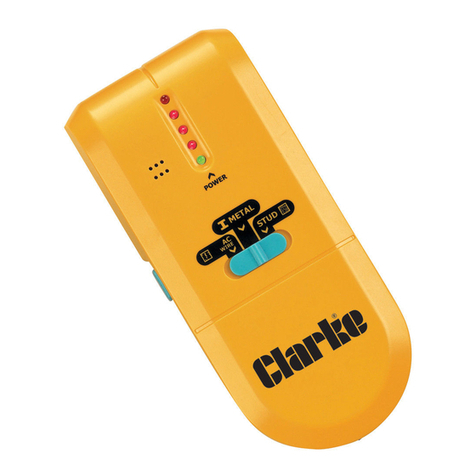
1. Press and hold the TEST button until an icon is shown on
the LCD.
2. Repeatedly press the SELECT button until is
displayed.
Calibration
3. Hold the unit in the air away from any metal objects,
4. Press and hold the TEST button.
• The unit will beep twice when calibration is complete.
Do not release the TEST button.
Using
5. Keep holding the TEST button and place the unit on the
wall, slowly move the unit sideways across the wall.
• When the centre bar on the LCD lights up and the
buzzer sounds, mark the point by placing a pencil mark
in the grove on top of the unit.
6. Carry on moving the unit in the same direction until the
centre bar on the LCD goes out and then reverse
direction.
• Once again, mark the point at which the buzzer sounds
by placing a pencil mark in the grove on top of the unit.
• The centre of the metal object is located mid way
between the two pencil marks.