Clear One Beamforming Microphone Array 2 User manual

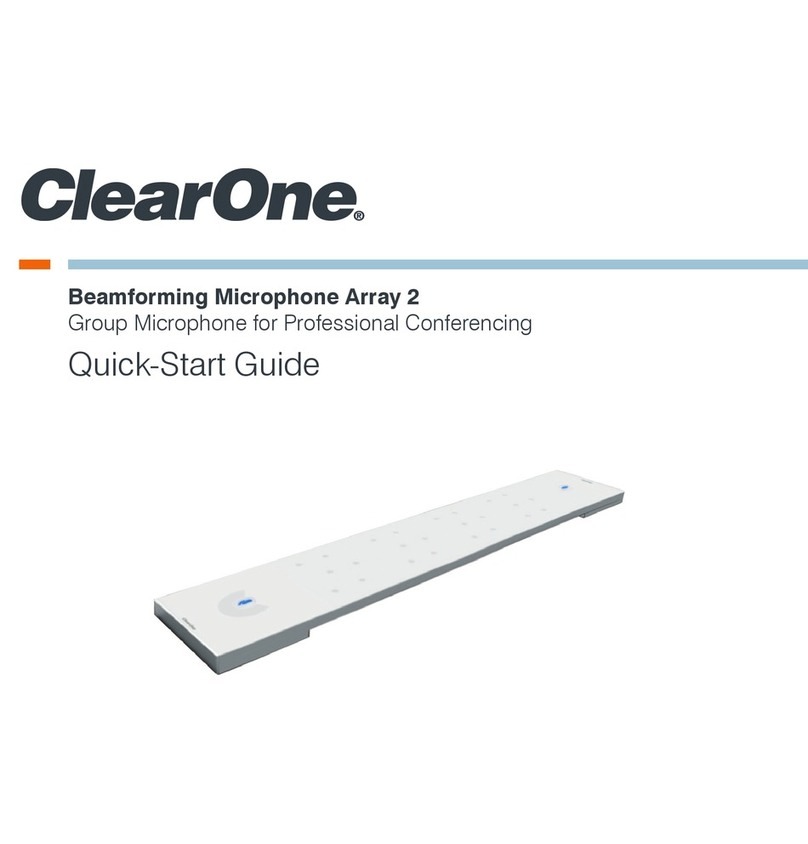
Beamforming Microphone Array 2
Group Microphone for Professional Conferencing
Ceiling Mount installation guide

ClearOne
5225 Wiley Post Way
Suite 500
Salt Lake City, UT 84116
Telephone 1.801.975.7200
1.800.945.7730
Sales 1.800.707.6694
FAX 1.801.303.5711
E-mail [email protected]
On the Web www.clearone.com
Beamforming microphone array 2
ceiling mount installation guide
clearone document
QSG-0034-001 Rev 1.0, OCTOBER 2016
© 2016 ClearOne
All rights reserved. No part of this document may be reproduced
in any form or by any means without written permission from
ClearOne. Printed in the United States of America. ClearOne
reserves specific privileges.
Information in this document is subject to change without
notice.

Chapter 1: Getting Started ........................................................................................................1
Connections ......................................................................................................................................................................1
Powering a Beamforming Microphone Array 2 ..........................................................................................................1
PoE Connection..........................................................................................................................................................1
P-Link Connections.....................................................................................................................................................2
SKUs Used ........................................................................................................................................................................4
BFM2 Ceiling Mounting Kits .......................................................................................................................................4
Chapter 2: Ceiling Mount Installation.......................................................................................5
Tools Required...................................................................................................................................................................6
Parts Received...................................................................................................................................................................6
Required Parts Checklist ............................................................................................................................................8
Legend ..............................................................................................................................................................................8
Mounting to Suspended Ceiling........................................................................................................................................9
Preparation .................................................................................................................................................................9
Support Cable Installation ........................................................................................................................................10
Solid Concrete Ceiling Structure......................................................................................................................10
Steel Truss Ceiling Structure ............................................................................................................................10
Wood Ceiling Structure ....................................................................................................................................11
Tray Installation .........................................................................................................................................................11
Suspension Column Installation...............................................................................................................................12
Mount Alignment.......................................................................................................................................................14
Beamforming Microphone Array 2 Installation................................................................................................................14
Install Interface Bracket ............................................................................................................................................14
Install and Secure Mount to Bracket ........................................................................................................................15
Adjustments..............................................................................................................................................................16
Service and Support................................................................................................................18
Table of Contents

1 Beamforming Microphone Array 2
Chapter 1: Getting Started
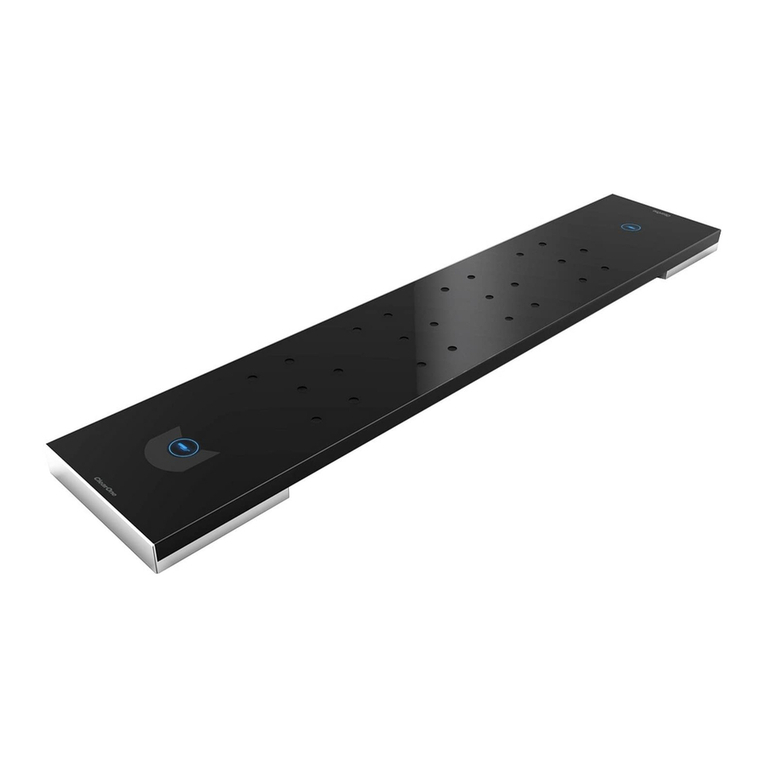
Congratulations on purchasing your Beamforming Microphone Array 2 (BFM2). The BFM2 is a 2nd
generation Beamforming Microphone Array product featuring 24 microphones, and beamforming
and adaptive steering technology designed specifically for the CONVERGE® Pro 2 products: 128,
128D, 128T, 128TD, 128V, 128VD, 120, and 48T.
»IMPORTANT: The BFM2 only can be used with CONVERGE Pro 2 systems. It is not
compatible with first generation CONVERGE Pro or Beamforming Microphone Array
systems.
CONNECTIONS
This section explains the connections in BFM2 installations.
powering aBeamforming microphone array 2
Powering a BFM2 can be...
• from a CONVERGE Pro 2 via a Peripheral-Link (P-Link1), with a single cable carrying power,
audio and control
• via a Power-Over-Ethernet (PoE) power supply/Injector2, third-party or ClearOne provided (a
ClearOne PoE Injector can power up to three BFM2 units)
• via a standard PoE Ethernet Switch3
poe connection
Use the appropriate AC cord to connect the PoE power supply to the AC power. Then plug the PoE
cable into the LAN+DC connection on the power supply. Route the PoE cable where it can be fed
through a mount assembly or to the conference table with the BFM2. Figure 1 illustrates PoE Power
Supply cable connections.
Figure 1
»NOTE: The PoE connection is only for power, not control. If not using a ClearOne
PoE Injector or similar specification standard PoE Injector, power must be supplied
to individual units.
Power Over Ethernet (PoE) Power Supply
(Front and Back Views)
Power Cord
to AC Power
PoE Ethernet Cable to
Beamforming Microphone Array 2

Chapter 1: Getting Started 2
Up to three BFM2 arrays are supported per CONVERGE Pro 2 unit, as seen below in Figure 3.
Up to 6 P-Link devices can be daisy-chained in a single P-Link chain.
PoE
Converge Pro 2 P-Link
(Power, Audio, Control)
200 ft.
P-Link
200 ft.
P-Link
200 ft.
Sample Scenario 1:
Connecting 3 BFM2 units to one CP2 Unit
power-source-selection
switch
(USB: for future use)
1
1
23
P-Link
Out
p-link connections
BFM2 units are connected to CONVERGE Pro 2 units and to other BFM2 units via the P-Link. Each
BFM2 unit has a P-Link In and P-Link Out connection that allows units to be “chained” together with
the P-Link Out of one unit connecting to the P-Link In of the next unit.
»NOTE: One or two P-Link connections are required depending on where in the stack
a BFM2 is placed. Only a P-Link In cable is required if the array is at the end of a
stack; both a P-Link In and P-Link Out cable are needed if the stack continues to
another array or CONVERGE Pro 2 unit.
Figure 3
Figure 2

3 Beamforming Microphone Array 2
PoE
Converge Pro2 P-Link
(Power, Audio, Control)
200 ft.
P-Link
200 ft.
P-Link
200 ft.
P-Link
200 ft. PoE
C-Link
Sample Scenario 2:
Connecting four BFM2 units in the same chain
with a two CP2 unit stack.
P-Link
200 ft.
PoE
DIALOG 20
Receiver
Converge Pro 2
PoE
Sample Scenario 3:
Connecting 3 BFM2 units and 3 DIALOG 20 Receiver units
to one CP2 Unit
Instructions for connecting the BFM2 are in the Beamforming Microphone Array 2 Quick-Start
Guide, and in the CONVERGE Pro 2 CONSOLE online help for configuring the BFM2.
»NOTE: Firmware upgrades and BFM2 operation are performed via the P-Link
connection. Plugging the PoE cable into the P-Link connections may cause damage
to the BFM2.
Make sure CONVERGE Pro 2 firmware is updated. Instructions for updating CONVERGE Pro 2
firmware can be found at:
http://www.clearone.com/resources#professional_audio
Figure 4
Figure 5

Chapter 1: Getting Started 4
Instructions for updating BFM2 firmware are included in the Beamforming Microphone Array 2
Quick-Start Guide, which is found on the ClearOne website at:
http://www.clearone.com/resources#professional_microphones
Physically, the BFM2 supports use in ceiling-mounted, wall-mounted or table-mounted modes,
giving you the option of a clutter-free conference room table area.
SKUs USED
The following SKUs may be used in a BFM2 installation:
Item Part No.
White Black
BFM2 for CONVERGE Pro 2 910-3200-201 910-3200-201-B
PoE Power Supply Kit for BFM2. Contains power supply,
one AC power cable, and two 25-foot CAT5E or CAT6 RJ45
plenum cables (one used as the PoE cable and the other as
a P-Link cable). If a PoE kit is not obtained, installers will need
to provide their own PoE unit and all cables.
910-3200-202
BFM2 Ceiling Mounting Kit with 12/24/36/48” Suspension
Column
910-3200-203-
12/24/36/48
910-3200-203-
12/24/36/48-B
Gen-1 Ceiling Mounting Kit with 12/24/36/48” Suspension
Column
910-001-005-
12/24/36/48
910-001-005-
12/24-B
Wall Mounting Kit (refer to Wall Mount Installation Guide) 910-001-006 910-001-006-B
»NOTE: All mounting kits are compatible with both the BFM1 and BFM2.
Bfm2 ceiling mounting kits
What each BFM2 Ceiling Mount Kit includes:
Part No.
Kit
Includes
White Black Mount
+
Bracket
Fixed Length
Suspension
Column
Lightweight
Suspended
Ceiling Kit
910-3200-
203
910-3200-
203-B
BFM2 Ceiling Mount Kit
without Suspension column Yes No Yes
910-3200-
203-12
910-3200-
203-12-B
BFM2 Ceiling Mount kit
with 12" Suspension Column Yes 12" Yes
910-3200-
203-24
910-3200-
203-24-B
BFM2 Ceiling Mount kit
with 24" Suspension Column Yes 24" Yes
910-3200-
203-36
910-3200-
203-36-B
BFM2 Ceiling Mount kit
with 36" Suspension Column Yes 36" Yes
910-3200-
203-48
910-3200-
203-48-B
BFM2 Ceiling Mount kit
with 48" Suspension Column Yes 48" Yes

Chapter 2: Ceiling Mount Installation
Once you have verified all the firmware updates and necessary connections made while executing
the tasks outlined in the Beamforming Microphone Array 2 Quick-Start Guide, you can proceed to
the physical installation of the BFM2 using one of our 2nd generation ceiling mount kits.
5 Beamforming Microphone Array 2
This section covers instructions for suspended ceiling mounting of the BFM2. For mounting to solid
ceiling or flush mounting junction box, installers will need to obtain parts independently.

Chapter 2: Ceiling Mount Installation 6
#1 & #2
Phillips screwdriver
Drill bits
1/4” (6.4mm) for concrete
5/32” (4.0mm) for wood
Drill
Ruler
Pencil
Hammer
TOOLS REQUIRED
The following tools are required for suspension ceiling mount installation of the BFM2:
»IMPORTANT: ClearOne makes no claim that the information contained herein covers
all details, conditions or variations, nor does it provide for every possible contingency
in connection with the installation or use of this product.
PARTS RECEIVED
The following parts are delivered with the BFM2 Mounting Kit:
P
QTY 1
Interface Bracket
O
QTY 1
Mount
I
M3 x 8mm
QTY 4
Q
Washer for M3 Screw
QTY 4
Mount with Interface Bracket:
N
QTY 1
Suspension Column
Fixed Length Suspension Column:
For SKUs without suspension columns
and other ceiling types, the mount is also
designed to be mounted to a 1.5” NPT or
NPSM threaded suspension column, with
a minimum of 4 usable threads, following
ANSI/ASME B1.20.1 (Schedule 40, 0.154”
minimum wall thickness).
»NOTE: It requires over 1” of threads
to get 4 usable threads.
Level

The ClearOne parts received are designed to be mounted into a suspended ceiling.
»NOTE: Your suspension column will vary by length based on the SKU purchased.
»NOTE: For SKUs without suspension columns and other ceiling types, the mount is
also designed to be mounted to a 1.5” NPT or NPSM threaded suspension column,
with a minimum of 4 usable threads, following ANSI/ASME B1.20.1 (Schedule 40,
0.154” minimum wall thickness).
Please verify that you have all the purchased parts required to complete your installation. If any
items from your order are missing or damaged, contact your ClearOne distributor immediately.
The following parts are required for solid ceiling mount, and need to be acquired independently by
installers:
10-24 x 5/8"
10-24 x 1/4" 10-24 x 1/4" Locking Collar
5/32" (security key wrench)
Ceiling Tile Cutter
1/4" x 2" Wire Anchor
0.262" x 1-5/16" Screw Eye
Cable Lock
1/16" x 25’ Cable
Tray
1-1/2" Suspension
Column Ring
A
QTY 1
B
QTY 1
C
QTY 4
D
QTY 4
E
QTY 4
F
QTY 4
G
QTY 4
H
QTY 1
J
QTY 1
K
QTY 1
L
QTY 1
M
QTY 1
Lightweight Suspended Ceiling Kit:
7 Beamforming Microphone Array 2
PARTS RECEIVED (continued)
Ceiling fasteners must be
appropriate to the ceiling type
»NOTE: Reference page 9 for
cutout template, if not using
Ceiling Tile Cutter (M).
Other manuals for Beamforming Microphone Array 2
1
This manual suits for next models
3
Table of contents
Other Clear One Microphone manuals

Clear One
Clear One VTC AccuMic User manual
Clear One
Clear One Uni-Directional User manual

Clear One
Clear One 910-001-013-W User manual

Clear One
Clear One Delta User manual

Clear One
Clear One AccuMic II User manual
Clear One
Clear One BFM2 User manual
Clear One
Clear One Beamforming Microphone Array 2 User manual
Clear One
Clear One Analog-X User manual

Clear One
Clear One PC User manual
Clear One
Clear One Button Mic User manual