TABLE OF CONTENTS
SAFETY INSTRUCTIONS................................................................................................................... 2
TABLE OF CONTENTS...................................................................................................................... 4
ABOUT OPTICAL DISCS.................................................................................................................. 6
Disc Requirements...................................................................................................................6
Disc Care and Maintenance ....................................................................................................6
Handling a Disc................................................................................................................6
Cleaning a Disc................................................................................................................6
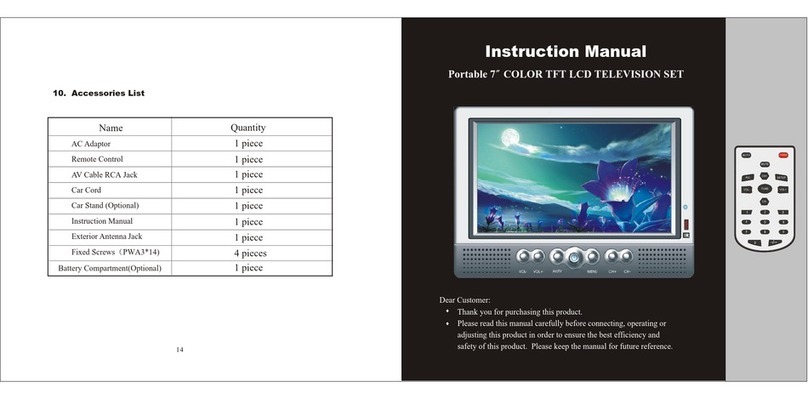
PACKAGE CONTENTS .................................................................................................................... 7
LOCATION OF CONTROLS ............................................................................................................ 8
Side View (Right) .....................................................................................................................8
Front View ................................................................................................................................8
Top View...................................................................................................................................8
Remote Control........................................................................................................................9
Battery Installation ...........................................................................................................9
CONNECTIONS ............................................................................................................................ 10
Audio/Video (AV) Connections..............................................................................................10
DVD Output....................................................................................................................10
External Antenna Input ..................................................................................................11
AV Signal Input ..............................................................................................................11
Dolby Pro Logic Surround (Digital Coaxial Audio) Connection..................................... 11
GETTING STARTED ........................................................................................................................ 12
Remote Control......................................................................................................................12
Power Supply .........................................................................................................................12
Using the AC/DC Adapter..............................................................................................12
Battery Operation (DC)..................................................................................................12
BASIC OPERATIONS ..................................................................................................................... 13
Power Management...............................................................................................................13
If the player will not be in use for a long period of time, set the Power Switch to the OFF
position, remove the battery, and unplug the player. ............................................................13
Radio Function.......................................................................................................................13
TV Function............................................................................................................................13
DVD Function.........................................................................................................................13
Play/Pause/Stop ............................................................................................................13
Next/Previous (Skip) ......................................................................................................14
Forward/Reverse (Search) ............................................................................................14
Slow ...............................................................................................................................14
Menu Navigation............................................................................................................14
Numeric Keypad ............................................................................................................14
Adjusting the Volume.....................................................................................................14
Disc Error Messages .....................................................................................................14