4.4.2. Program key:
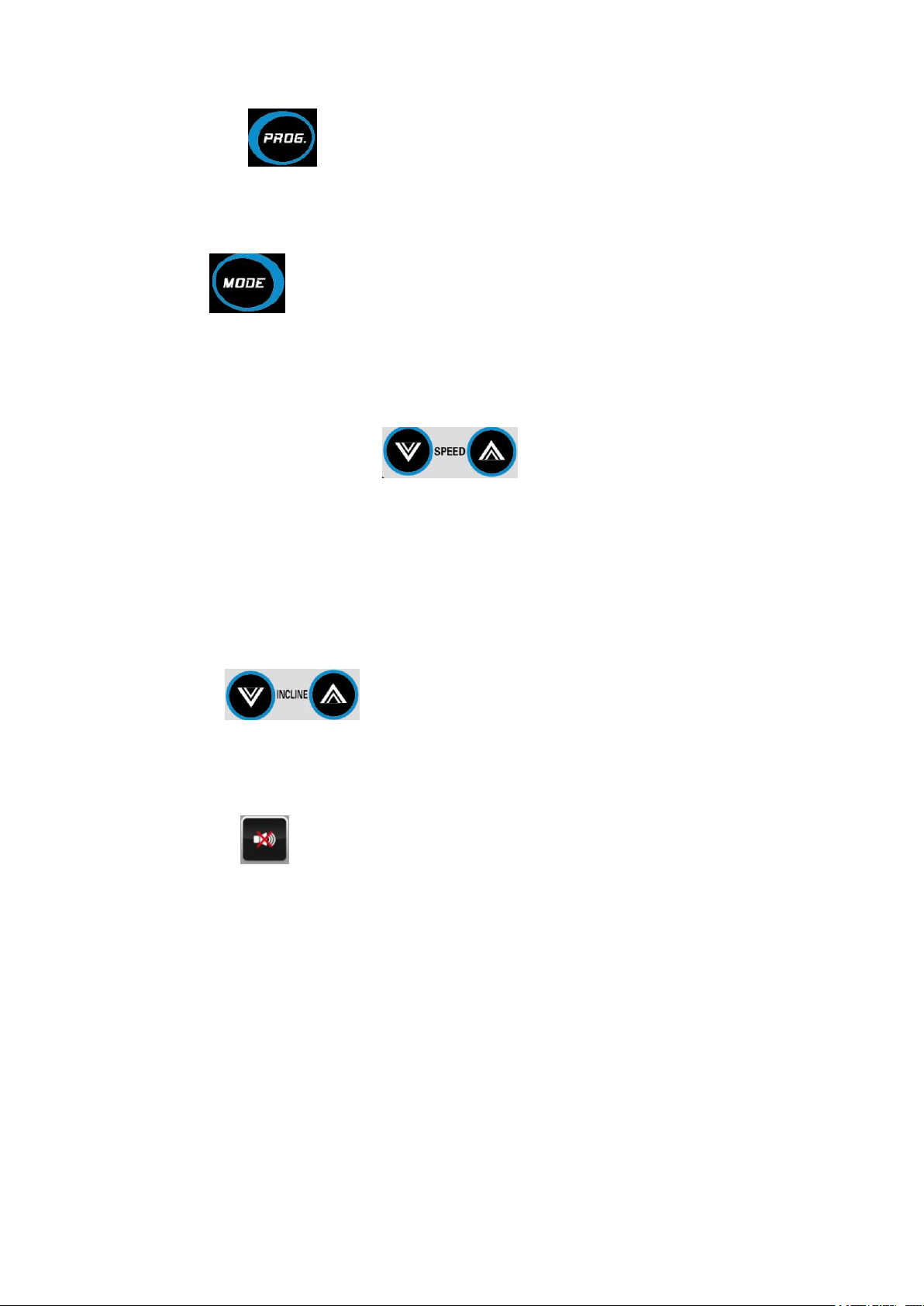
Press this button, from manual mode to automatic program (P1 - P12) in the standby mode can be
chosen. Manual mode is system default running mode, and the default speed is 0.8 km/h, the
maximum operating speed is 14.8km / h.
4.4.3 Mode key:
Pressing this button, three different countdown modes can be chosen when in standby mode: Time
countdown mode, distance countdown mode and calorie countdown mode. Use speed plus or minus
key to set the countdown value, when the setting is completed, press the "Start" button to start the
treadmill.
4.4.4 speed increase and decrease key:
Use these keys to adjust the speed of the treadmill by 0.1Km/press, and if keep pressing for more
than 2 seconds, the number will increase or decrease steadily. These two buttons are in hand grip.
4.4.5 Speed shortcut keys:(model without incline)
Speed shortcut key 1,3,5, 7,9,11 can directly adjust the speed in running state.
4.4.6 Multimedia control keys:
Play, pause, the former, the latter, the volume up/down buttons. Play music when insert U disc or
SD card.
4.4.7 Incline keys: (Only included in models with incline)
Can be used to adjust the the values when setting values and adjust the incline when the treadmill is
working. Keep pressing the key for more than 2 seconds,the incline will increase or decrease
steadily.These two keys are in hand grip.
4.4.8 Mute function: (Not included in models with incline)
When press this key,the treadmill will be muted and press it again can restore the volume.It can be
used to adjust the values of the system.
4.5 Display Function
1.5.1 Speed Display.
Display the current running speed value.
4.5.2 Time Display
Display the time of manual mode and the countdown time under automatic modes and programs.
4.5.3 Distance display
Display cumulative distance under manual mode and programs. Display the distance countdown in
automatic mode.
4.5.4. Calorie display
Display cumulative calorie under manual mode and programs. Display the calorie countdown in
automatic mode.