1.4.4 speed + - key:
Can be used to set the values of the treadmill. Adjust the speed of the treadmill by 0.1km/press and
if keep pressing for more than 2 seconds, the number will increase or decrease steadily.
1.4.5 Speed quick key:(models without incline)
Speed quick key 3,6,9 and 12 can directly adjust the speed in running state.
1.4.6 Multimedia control keys:
Play, pause, the former, the latter, volume increase/decrease buttons. Play music when insert U disc.
1.4.7 Fast switch key:
Press this key to cycle switch 3, 6, 9 and 12.
1.4.8 Incline + - key:(models with incline)
Can be used to set the values of the treadmill. Adjust the incline of the treadmill when it’s working
by one grade per press.keep pressing for more than 2 seconds, the number will increase or decrease
steadily.
1.5 LCD display:
1.5.1 Speed display.
Display the current running speed value.
1.5.2 Time display
Display the time of manual mode and the countdown time under automatic modes and programs.
1.5.3 Distance display
Display cumulative distance under manual mode and programs. Display the distance countdown in
automatic mode.
1.5.4 Calorie display
Display cumulative calorie under manual mode and programs. Display the calorie countdown
in automatic mode..
1.5.6 Heart rate display
Heart rate signal will be detected, and the heart-shaped mark flashes while testing.
1.5.7 The range of the data that each window displays:
TIME:5:00 – 99.59(MIN)
DISTANCE: 1.0 – 99.9(KM)
CALORIES: 20.0 – 999 (C)
SPEED: 0.8 – 16(KM/H)
PULSE: 50 – 200 (BPM)
1.6 Heart rate measure function
In the case that the treadmill is energized, hold the heartbeat sensor piece for 5 seconds, and
the heart rate will be shown on the screen, the display range is 50-200 times/min. The heart-shaped
mark flashes while testing.
This data is for reference only, it cannot be considered as medical data.
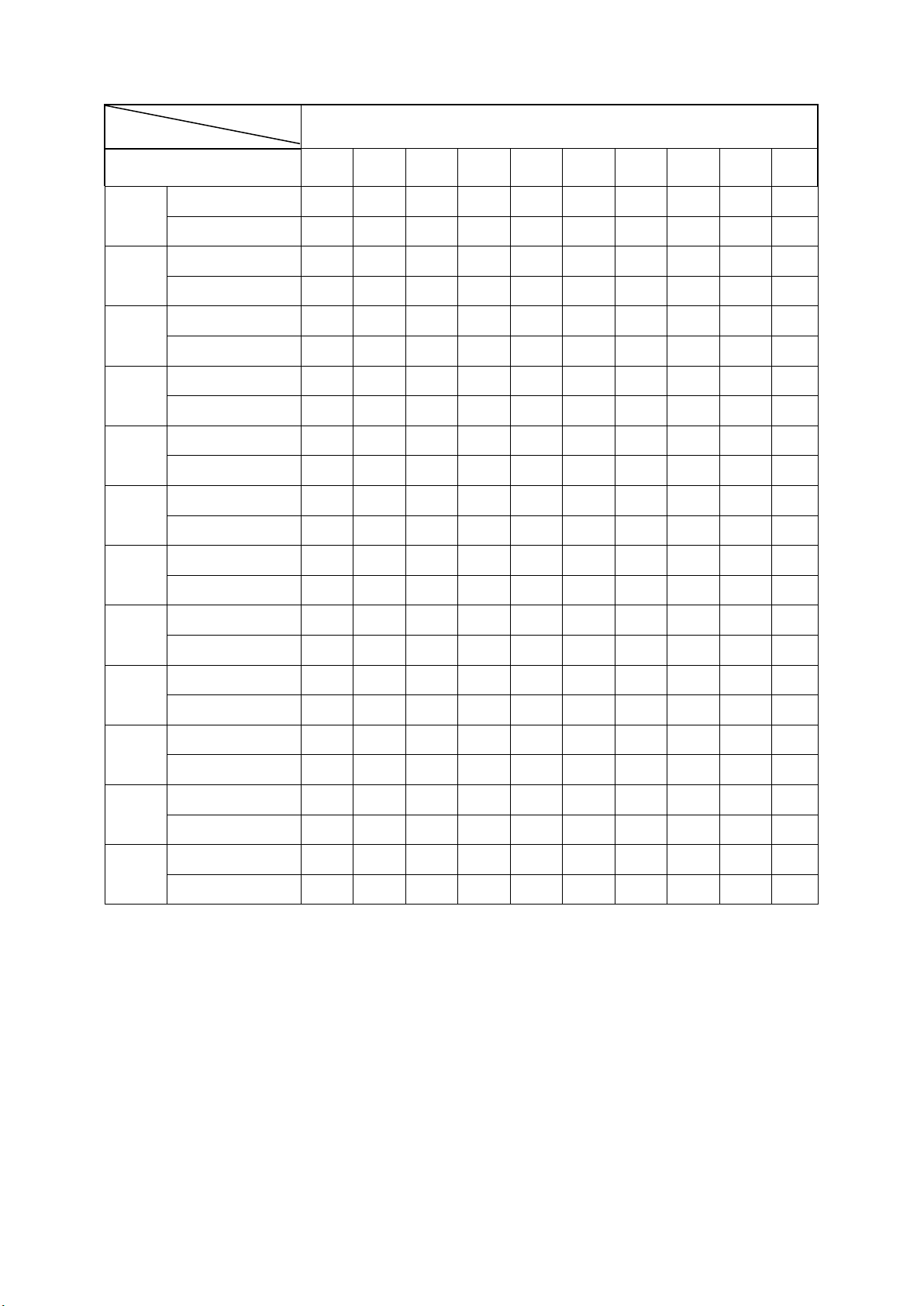
Automatic program data(with incline):