Commax DRC-40KPT User manual

Tilt Color Door Camera DRC-40KPT
User Manual
•Thank you for purchasing COMMAX products.
•Please carefully read this User’s Guide (in particular, precautions for safety) before using a product and follow
instructions to use a product exactly.
•The company is not responsible for any safety accidents caused by abnormal operation of the product.

1. Overview
LED & Sensor
Microphone
Camera Lens
Speaker
Call Button
Angle Adjustment Lever
Volume Adjuster
Monitor Connection Terminal
Door Release
Connection Line
2. Wiring and Installation
1. Match the fix the whole in the wall and the fixing
2. Match and connect monitor line as shown below
(#1: Audio, #2: GND, #3: DC12V, #4: Video)
3. Adjust camera location on the wall by checking
4. Connect the Door Release Connection Line as
5. Tighten a screw at the bottom side of the camera
fixing bracket [FIG.1]
[FIG.2]
the image on monitor screen and fix its location
shown below [FIG.2]
[FIG.1]
SCREW T4X18 (2EA)
SCREW M3X8 (1EA)
▶Position of camera
66.5°
Note
[FIG.2]
[FIG.1]
"The product features tilt function and, it is designed for being used only with vieophones
that support tilt function such as CDV-70KPT"

3.
Package contents
4. Specification
DRC-40KPT
DRC-40KPT
DC 12V (Supplied from monitor)
4wires to a monitor (polarity)
2 wires to the door release (non-polarity)
CMOS IMAGE SENSOR
NTSC or PAL STANDARD.
Simultaneous communication
0.1 Lux (within 300mm)
Embedded night LED (activated at night)
Horizontal 82°, Vertical 50°
Up, down 15 Degrees
Right, Left 11 Degrees
-10 ℃(tested up to -40°C) ~ +40 ℃
400g
96(W) x 155(H) x 32.5(D)
Diameter (pie)
meter
Model No.
Rated Voltage / Power Consumption
Sensor Type
Video Transmission Standard
Communication
Minimum Illumination
LED
Effective Viewing Angle
Operating Temperature
Weight (g)
Dimension (mm)
Distance between a door
camera and monitor
Wiring (Main Unit / Door Release)
0.5 0.65 0.8
28m 50m 70m
Angle Adjustment

Printed In Korea / 2016.04.105
PM1040KPT010
513-11, Sangdaewon-dong, Jungwon-gu, Seongnam-si, Gyeonggi-do, Korea
Int’l Business Dept. : Tel.; +82-31-7393-540~550 Fax.; +82-31-745-2133
Web site : www.commax.com
Other Commax Security Camera manuals
Commax
Commax DRC-2AB1(B&W) User manual
Commax
Commax DRC-4CPN2 User manual

Commax
Commax DRC-4FC User manual
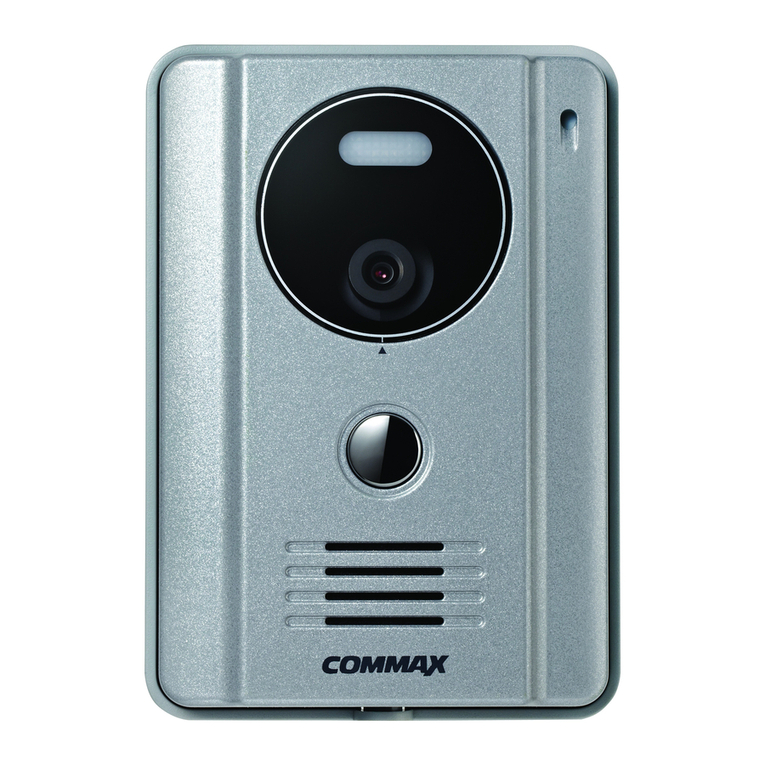
Commax
Commax drc-4g User manual
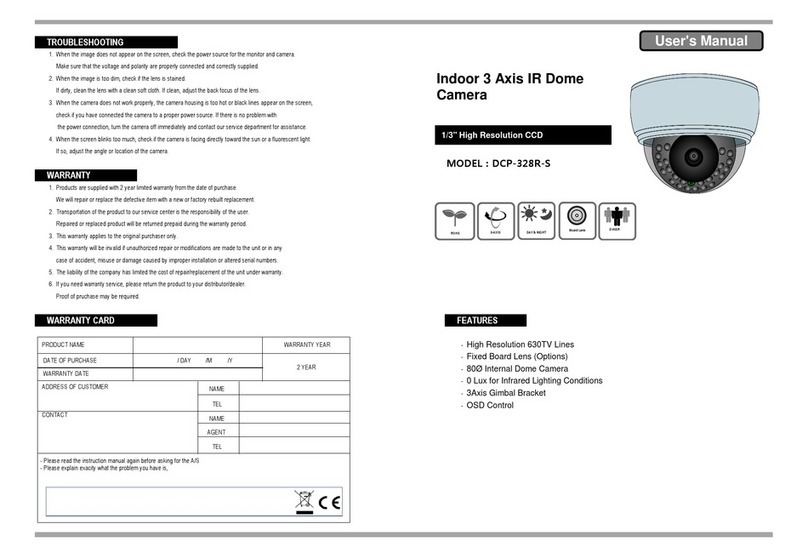
Commax
Commax DCP-328R-S User manual
Commax
Commax DRC-4U User manual
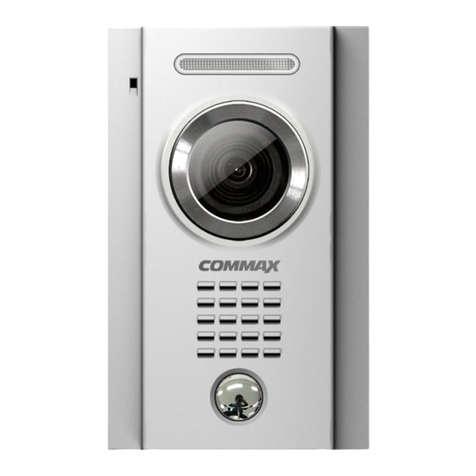
Commax
Commax DRC-4MC User manual

Commax
Commax drc-4g User manual
Commax
Commax CNV-2M03RS User manual

Commax
Commax DRC-40CS User manual