EnglishDeutsch
 logo
Brands
  1. Home
  2. •
  3. Brands
  4. •
  5. Compaq
  6. •
  7. TV Accessories
  8. •
  9. Compaq MC-1 User manual

Compaq MC-1 User manual

Other manuals for MC-1

1

This manual suits for next models

1

Popular TV Accessories manuals by other brands

pass & seymour GFCI Installation and operating instructions

pass & seymour

pass & seymour GFCI Installation and operating instructions

Skyvue SECURITY ALARM DEVICE manual

Skyvue

Skyvue SECURITY ALARM DEVICE manual

Niles C5-RFWM installation guide

Niles

Niles C5-RFWM installation guide

Philips SWA3554 Specifications

Philips

Philips SWA3554 Specifications

Sony CRU-52X1 instructions

Sony

Sony CRU-52X1 instructions

BVE MATRIX 7xe manual

BVE

BVE MATRIX 7xe manual

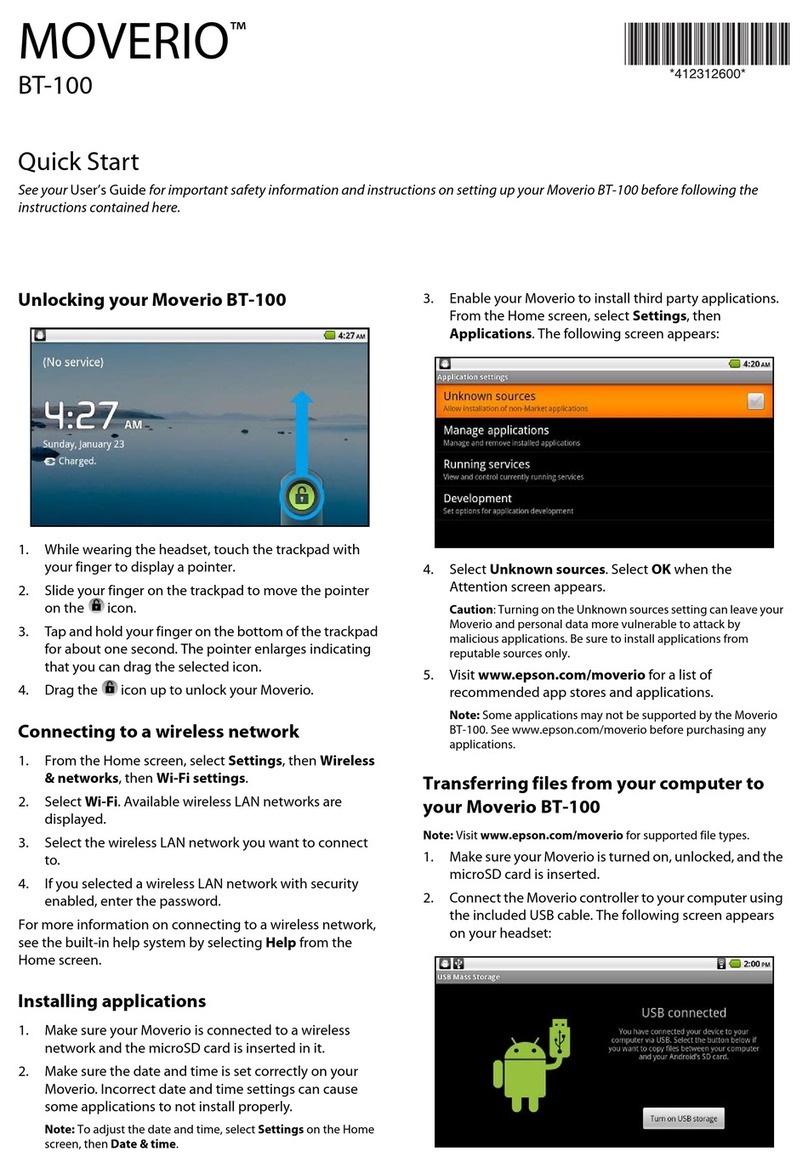
Epson Moverio BT-100 quick start guide

Epson

Epson Moverio BT-100 quick start guide

Philips MONCARD user guide

Philips

Philips MONCARD user guide

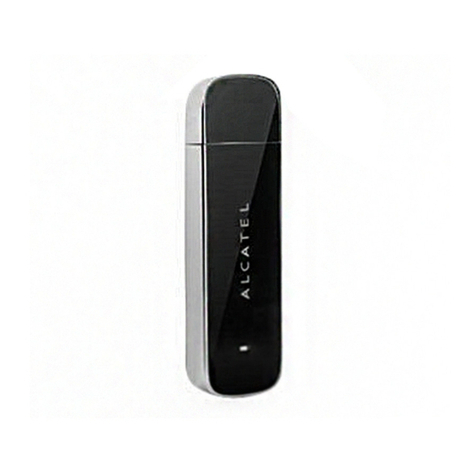
Alcatel onetouch v100 quick start guide

Alcatel

Alcatel onetouch v100 quick start guide

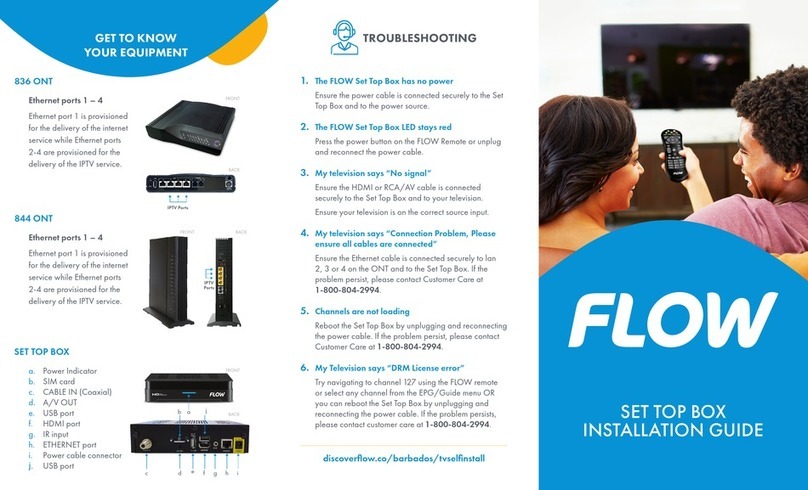
Flow 836 ONT installation guide

Flow

Flow 836 ONT installation guide

AIRIS G819 user manual

AIRIS

AIRIS G819 user manual

Philips LC7.1E Service manual

Philips

Philips LC7.1E Service manual

Loewe Digital Recorder + operating instructions

Loewe

Loewe Digital Recorder + operating instructions

Sceptre Stello Assembly instruction

Sceptre

Sceptre Stello Assembly instruction

Philips Flavors 42FDF7013 Specifications

Philips

Philips Flavors 42FDF7013 Specifications

Goodmans GD11FVRSD32 quick start guide

Goodmans

Goodmans GD11FVRSD32 quick start guide

Philips Clon99-BKI Instructions for use

Philips

Philips Clon99-BKI Instructions for use

Serene TVDirect TV-95 operating guide

Serene

Serene TVDirect TV-95 operating guide

https://manuals.online logo
https://manuals.online logoBrands
  • About & Mission
  • Contact us
  • Privacy Policy
  • Terms and Conditions

Copyright 2026 Manuals.Online. All Rights Reserved.

Notice
© 2001 Compaq Computer Corporation
COMPAQ and the Compaq logo Registered in U.S. Patent and Trademark Office.
Microsoft and Windows are trademarks of Microsoft Corporation.
All other product names mentioned herein may be trademarks or registered trademarks of their respective
companies.
Compaq shall not be liable for technical or editorial errors or omissions contained herein.
The information in this document is subject to change without notice.
The information in this publication is subject to change without notice and is provided "AS IS" WITH-
OUT WARRANTY OF ANY KIND. THE ENTIRE RISK ARISING OUT OF THE USE OF THIS
INFORMATION REMAINS WITH RECIPIENT. IN NO EVENT SHALL COMPAQ BE LIABLE FOR
ANY DIRECT, CONSEQUENTIAL, INCIDENTAL, SPECIAL, PUNITIVE OR OTHER DAMAGES
WHATSOEVER (INCLUDING WITHOUT LIMITATION, DAMAGES FOR LOSS OF BUSINESS
PROFITS, BUSINESS INTERRUPTION OR LOSS OF BUSINESS INFORMATION), EVEN IF
COMPAQ HAS BEEN ADVISED OF THE POSSIBILITY OF SUCH DAMAGES. THE FOREGOING
SHALL APPLY REGARDLESS OF THE NEGLIGENCE OR OTHER FAULT OF EITHER PARTY
AND REGARDLESS OF WHETHER SUCH LIABILITY SOUNDS IN CONTRACT, NEGLIGENCE,
TORT, OR ANY OTHER THEORY OF LEGAL LIABILITY, AND NOTWITHSTANDING ANY
FAILURE OF ESSENTIAL PURPOSE OF ANY LIMITED REMEDY.
The limited warranties for Compaq products are exclusively set forth in the documentation accompanying
such products. Nothing herein should be construed as constituting a further or additional warranty.
iPAQ Music Center
First Edition (April 2001)
Part Number 225345-001
iPAQ.book Page 1 Tuesday, April 17, 2001 8:15 AM
iPAQ.book Page 2 Tuesday, April 17, 2001 8:15 AM
IPAQ MUSIC CENTER–GETTING STARTED CONTENTS I
Contents C
Chapter 1 Introduction . . . . . . . . . . . . . . . . . . . . . . . . . . . . . . . . . . . . . . . . 1-1
Who Should Read this Guide?. . . . . . . . . . . . . . . . . . . . . . . . . . . . . . . . . . 1-2
Symbols Used in This Guide. . . . . . . . . . . . . . . . . . . . . . . . . . . . . . . . . . . . 1-3
Safety Instructions . . . . . . . . . . . . . . . . . . . . . . . . . . . . . . . . . . . . . . . . . . . . 1-3
Where an I Find More Information? . . . . . . . . . . . . . . . . . . . . . . . . . . . 1-4
Chapter 2 Connecting Your iPAQ Music Center . . . . . . . . . . . . . . . . . . 2-1
iPAQ Music enter Parts List . . . . . . . . . . . . . . . . . . . . . . . . . . . . . . . . . . . 2-2
System Requirements . . . . . . . . . . . . . . . . . . . . . . . . . . . . . . . . . . . . . . . . . 2-3
The iPAQ Music enter . . . . . . . . . . . . . . . . . . . . . . . . . . . . . . . . . . . . . . . .2-4
Hardware onnections . . . . . . . . . . . . . . . . . . . . . . . . . . . . . . . . . . . . . . . .2-6
Power On . . . . . . . . . . . . . . . . . . . . . . . . . . . . . . . . . . . . . . . . . . . . . . . . . . . . .2-9
Options & Accessories . . . . . . . . . . . . . . . . . . . . . . . . . . . . . . . . . . . . . . . . 2-10
Chapter 3 Your iPAQ Music Center Remote Control . . . . . . . . . . . . . . 3-1
Remote ontrol Overview. . . . . . . . . . . . . . . . . . . . . . . . . . . . . . . . . . . . . . 3-2
Battery Installation. . . . . . . . . . . . . . . . . . . . . . . . . . . . . . . . . . . . . . . . . . . . 3-2
Number & Text Entry. . . . . . . . . . . . . . . . . . . . . . . . . . . . . . . . . . . . . . . . . . 3-3
Text Field Editing. . . . . . . . . . . . . . . . . . . . . . . . . . . . . . . . . . . . . . . . . . . . . . 3-4
iPAQ.book Page i Tuesday, April 17, 2001 8:15 AM
CONTENTS II IPAQ MUSIC CENTER–GETTING STARTED
Chapter 4 etup & Overview . . . . . . . . . . . . . . . . . . . . . . . . . . . . . . . . . . 4-1
Setup . . . . . . . . . . . . . . . . . . . . . . . . . . . . . . . . . . . . . . . . . . . . . . . . . . . . . . . . . 4-2
Players, Guides, and Options Overview . . . . . . . . . . . . . . . . . . . . . . . . .4-4
Chapter 5 Let’s Get tarted . . . . . . . . . . . . . . . . . . . . . . . . . . . . . . . . . . . . 5-1
Navigating the Guide Screen . . . . . . . . . . . . . . . . . . . . . . . . . . . . . . . . . . 5-2
Playing a D . . . . . . . . . . . . . . . . . . . . . . . . . . . . . . . . . . . . . . . . . . . . . . . . . . 5-3
Setting the Play Mode . . . . . . . . . . . . . . . . . . . . . . . . . . . . . . . . . . . . . . . . . 5-4
Recording from a D . . . . . . . . . . . . . . . . . . . . . . . . . . . . . . . . . . . . . . . . . . 5-6
Listening to Internet Radio . . . . . . . . . . . . . . . . . . . . . . . . . . . . . . . . . . . . 5-9
Chapter 6 Personalizing Your Music Library . . . . . . . . . . . . . . . . . . . . 6-1
Music Groups and Playlists . . . . . . . . . . . . . . . . . . . . . . . . . . . . . . . . . . . .6-2
Editing D and Track Information. . . . . . . . . . . . . . . . . . . . . . . . . . . . .6-10
Transfer to Portable Device . . . . . . . . . . . . . . . . . . . . . . . . . . . . . . . . . . . 6-12
Chapter 7 Personalizing Internet Radio . . . . . . . . . . . . . . . . . . . . . . . . . 7-1
Radio Mode . . . . . . . . . . . . . . . . . . . . . . . . . . . . . . . . . . . . . . . . . . . . . . . . . . . 7-2
Radio Groups . . . . . . . . . . . . . . . . . . . . . . . . . . . . . . . . . . . . . . . . . . . . . . . . . 7-2
Chapter 8 OpenGlobe . . . . . . . . . . . . . . . . . . . . . . . . . . . . . . . . . . . . . . . . . 8-1
The World of OpenGlobe . . . . . . . . . . . . . . . . . . . . . . . . . . . . . . . . . . . . . . 8-2
Accessing OpenGlobe. . . . . . . . . . . . . . . . . . . . . . . . . . . . . . . . . . . . . . . . . . 8-3
E- ommerce™ . . . . . . . . . . . . . . . . . . . . . . . . . . . . . . . . . . . . . . . . . . . . . . .8-4
Chapter 9 Home Networking for iPAQ Music Center . . . . . . . . . . . . . 9-1
HPNA . . . . . . . . . . . . . . . . . . . . . . . . . . . . . . . . . . . . . . . . . . . . . . . . . . . . . . . . .9-2
Appendix . . . . . . . . . . . . . . . . . . . . . . . . . . . . . . . . . . . . . . . . . . . . . . . . . . A-1
Set Up odes . . . . . . . . . . . . . . . . . . . . . . . . . . . . . . . . . . . . . . . . . . . . . . . . . .A-2
iPAQ.book Page ii Tuesday, April 17, 2001 8:15 AM
IPAQ MUSIC CENTER—GETTING STARTED INTRODUCTION 1-1
1
Introduction
Congratulations on the purchase of your new Compaq iPAQ™
Music Center. This revolutionary product combines the
convenience of a CD changer with the ability to store, organize,
and personalize your music collection, as well as listen to Internet
Radio.
This guide will help you:
➜Set up your iPAQ Music Center.
➜Get acquainted with its hardware and software features.
Note: Your iPAQ Music Center and remote control may differ slightly from the
hardware depicted in this manual. Illustrations are for demonstration
purposes only and may change as the software is updated.
In This Chapter
Who Should Read this
Guide? 1-2
Symbols Used in This
Guide 1-3
Safety Instructions 1-3
Where an I Find More
Information? 1-4
iPAQ.book Page 1 Tuesday, April 17, 2001 8:15 AM
1-2 INTRODUCTION IPAQ MUSIC CENTER—GETTING STARTED
Using Your iPAQ Music Center Getting
tarted Guide
This easy-to-use guide helps you find the information you want
as quickly as possible.
The page layout enables you to see at a glance how the
information is organized. The left column lists the most important
topics. It explains why the topic is important to you and what the
topic is. This column also contains warnings and useful tips and
tells you about other reference materials.
The right column explains how to perform a procedure. It
contains step-by-step instructions.
Graphics help you visualize the task and validate what you are
doing as you do it. Detailed graphics may span both columns.
Who hould
Read this
Guide?
The iPAQ Music Center is
a new technology, and it is
recommended that you
read the chapters in
sequence.
iPAQ.book Page 2 Tuesday, April 17, 2001 8:15 AM
1-3INTRODUCTION
IPAQ MUSIC CENTER—GETTING STARTED
ymbol Information Boxes
Understanding the background
or concept may help you solve a
problem.
Helpful hints make using your
iPAQ Music Center easier and
faster.
Another document or another
page in this document has
related information.
afe Use of Your iPAQ Music Center
➜Follow all warnings and instructions marked on the product.
➜Unplug this product from the wall outlet before cleaning. Do
not use liquid cleaners or aerosol cleaners. Use a damp cloth
for cleaning.
➜Do not use this product near water.
➜Do not place this product on an unstable cart, stand, or table.
The product may fall, causing serious damage to the product.
➜Slots and openings in the cabinet and in the back or bottom
are provided for ventilation. To ensure reliable operation of
the product and to protect it from overheating, these openings
must not be blocked or covered. The product should never be
placed near (or over) a radiator or heat register or in a built-in
installation unless proper ventilation is provided.
➜This product should be operated from the type of power
indicated on the marking label. If you are not sure of the type
of power available, consult your dealer or local power
company.
➜If an extension cord is used with this product, make sure that
the total ampere rating of the equipment plugged into the
extension cord does not exceed the extension cord ampere
rating. Also, make sure that the total rating of all products
plugged into the wall outlet does not exceed the fuse rating.
ymbols Used
in This Guide
Throughout this guide,
symbol information boxes
provide important
information.
Did you know ...
Tip
See also ...
afety
Instructions
Your iPAQ Music Center is
an electrical device. Treat
it with care to avoid
personal injury and
damage to the equipment.
iPAQ.book Page 3 Tuesday, April 17, 2001 8:15 AM

1-4 INTRODUCTION IPAQ MUSIC CENTER—GETTING STARTED
➜Never insert objects of any kind into this product through
cabinet slots as they may touch dangerous voltage points or
may short out parts that could result in a fire or electric
shocks. Never spill liquid of any kind on the product.
➜To avoid electric shock, do not open the cover. There are no
user-serviceable parts inside.
➜Unplug this product from the wall outlet and refer servicing
to qualified service personnel under the following conditions:
•The power cord or plug is damaged or frayed.
•Liquid has been spilled into the product.
•The product has been exposed to rain or water.
•The product does not operate normally when the operating
instructions are followed.
•The product has been dropped or cabinet has been
damaged.
•The product exhibits a distinct change in performance,
indicating a need for service.
Accessing More Information
You can use your PC to access the following information on the
Compaq Web site:
➜The online iPAQ Music Center Getting Started guide
➜Frequently Asked Questions (FAQs)
➜Service and Support information
➜War ranty
➜Links for purchasing iPAQ Music Center options and
accessories
➜Other exciting links to products, services, and information
Note: As new features are added, look for updates on Compaq’s Web page
compaq.com/ipaqaudio
afety
Instructions
(continued)
Where Can I
Find More
Information?
Information is available in
the printed guides as well
as on the Compaq Web
page. Use the iPAQ Music
Center Getting Started
guide as your first point of
reference and then refer to
the following documents:
➜Quick Setup Poster
➜Online Help
➜Phone# 1-888-302-7358
➜compaq.com/
ipaqaudio
iPAQ.book Page 4 Tuesday, April 17, 2001 8:15 AM
IPAQ MUSIC CENTER—GETTING STARTED CONNECTING YOUR IPAQ MUSIC CENTER 2-1
2
Connecting
Your iPAQ
Music Center
Connecting your iPAQ Music Center is a simple process.
This chapter helps you get acquainted with the iPAQ Music
Center hardware and provides easy step-by-step instructions for
making the right connections.
In This Chapter
iPAQ Music enter Parts
List 2-2
System Requirements 2-3
The iPAQ Music enter 2-4
Hardware onnections 2-6
Power On 2-9
Options & Accessories 2-10
iPAQ.book Page 1 Tuesday, April 17, 2001 8:15 AM
CONNECTING YOUR IPAQ MUSIC CENTER2-2 IPAQ MUSIC CENTER—GETTING STARTED
What’s in the Box?
Before connecting the iPAQ Music Center to your home
entertainment system, compare the contents of the box with the
iPAQ Music Center parts list.
In addition to your Warranty and iPAQ Music Center Getting
Started guide, the contents of the box include the following:
iPAQ Music Center
Parts List
Tip
It’s a good idea to have the
iPAQ Music Center Quick
Setup Poster handy to help you
make the right connections.
1iPAQ Music Center 6Stereo cable
2Two AA batteries 7Remote control
3Power Cable 8Telephone splitter
4Composite video cable 9Quick Setup Poster
5Telephone cable
iPAQ.book Page 2 Tuesday, April 17, 2001 8:15 AM