manuals.online logo
Brands
  1. Home
  2. •
  3. Brands
  4. •
  5. CompuSTAR
  6. •
  7. Remote Starter
  8. •
  9. CompuSTAR 2W901R-SS Technical manual

CompuSTAR 2W901R-SS Technical manual

Other manuals for 2W901R-SS

1

Other CompuSTAR Remote Starter manuals
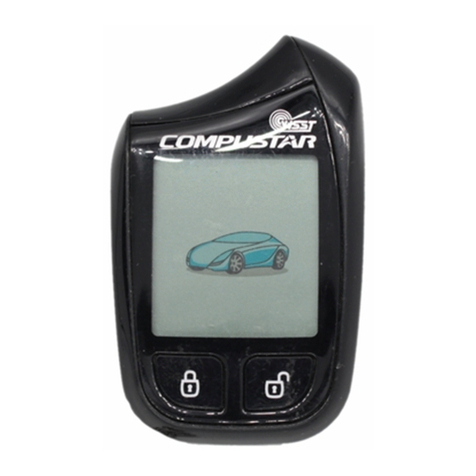
CompuSTAR 2W901R-SS User manual

CompuSTAR

CompuSTAR 2W901R-SS User manual
CompuSTAR 2WAMR User manual

CompuSTAR

CompuSTAR 2WAMR User manual
CompuSTAR FT-MBKG20-HRN User manual

CompuSTAR

CompuSTAR FT-MBKG20-HRN User manual
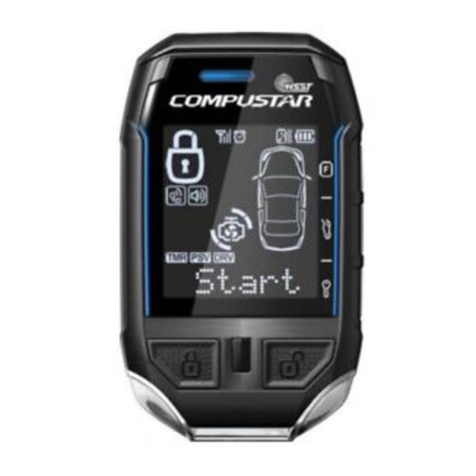
CompuSTAR 2WSSR-T11 User manual

CompuSTAR

CompuSTAR 2WSSR-T11 User manual
CompuSTAR R1700-FM User manual

CompuSTAR

CompuSTAR R1700-FM User manual
CompuSTAR 2WSH-LED User manual

CompuSTAR

CompuSTAR 2WSH-LED User manual
CompuSTAR 2WT13R-SF Technical manual

CompuSTAR

CompuSTAR 2WT13R-SF Technical manual
CompuSTAR DroneMobile DR-2000 User manual
CompuSTAR

CompuSTAR DroneMobile DR-2000 User manual

CompuSTAR SLICE 2W940R-SS Technical manual
CompuSTAR

CompuSTAR SLICE 2W940R-SS Technical manual

CompuSTAR 2WFMRS User manual

CompuSTAR

CompuSTAR 2WFMRS User manual
CompuSTAR 2WT11R-SS Technical manual

CompuSTAR

CompuSTAR 2WT11R-SS Technical manual
CompuSTAR R1700-AM User manual

CompuSTAR

CompuSTAR R1700-AM User manual

CompuSTAR CM4200DX User manual

CompuSTAR

CompuSTAR CM4200DX User manual
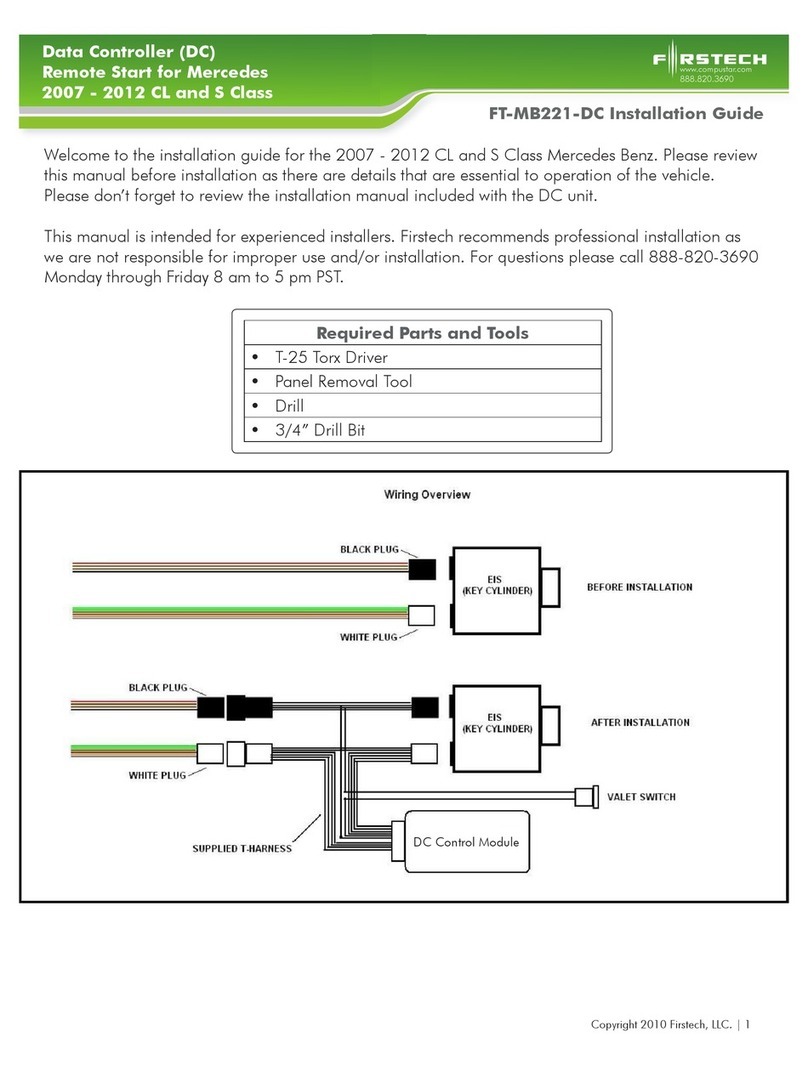
CompuSTAR FT-MB221-DC User manual

CompuSTAR

CompuSTAR FT-MB221-DC User manual
CompuSTAR 1000AS User manual

CompuSTAR

CompuSTAR 1000AS User manual
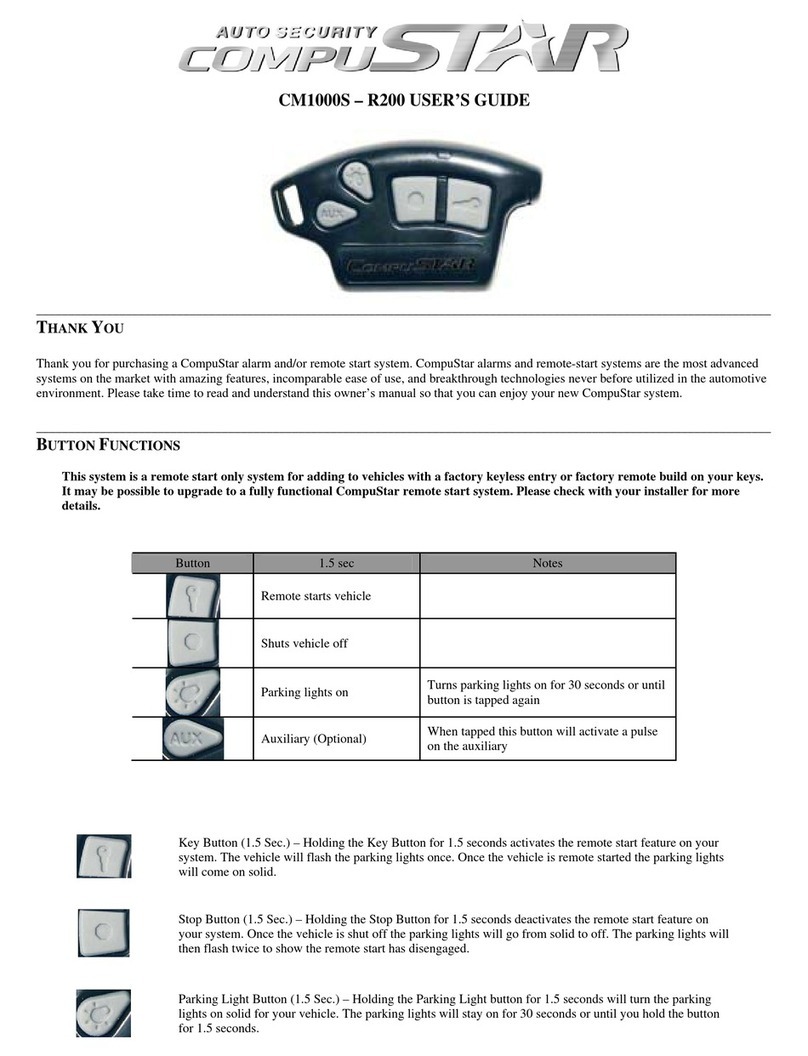
CompuSTAR CM1000S – R200 User manual

CompuSTAR

CompuSTAR CM1000S – R200 User manual
CompuSTAR 2BSHLED User manual

CompuSTAR

CompuSTAR 2BSHLED User manual
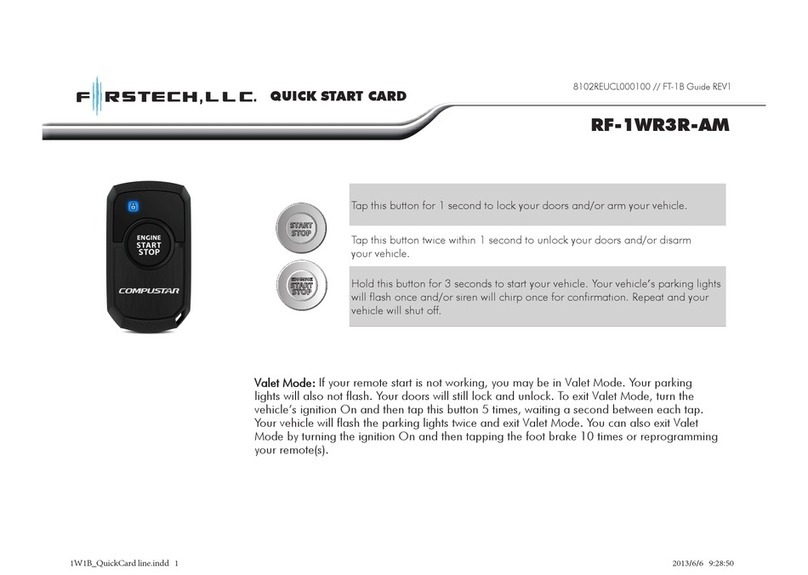
CompuSTAR RF-1WR3R-AM Technical manual

CompuSTAR

CompuSTAR RF-1WR3R-AM Technical manual

Popular Remote Starter manuals by other brands

FamilyTool FMT002JST instruction manual

FamilyTool

FamilyTool FMT002JST instruction manual

PowerJump LMD-021 user manual

PowerJump

PowerJump LMD-021 user manual

AstroStart 803U user manual

AstroStart

AstroStart 803U user manual

Durite 0-649-20 Leaflet

Durite

Durite 0-649-20 Leaflet

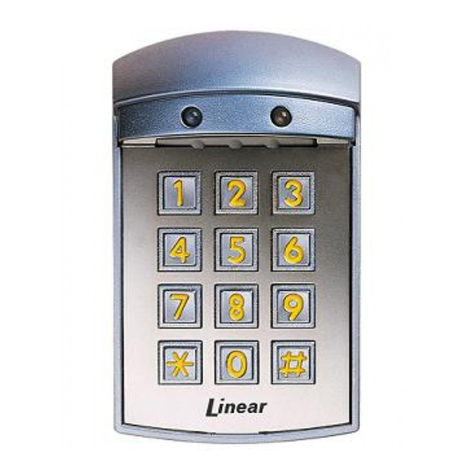
Linear ACCESS AK-21 Installation and programming instructions

Linear

Linear ACCESS AK-21 Installation and programming instructions

Soundstream TARANTULA RS.2 installation guide

Soundstream

Soundstream TARANTULA RS.2 installation guide

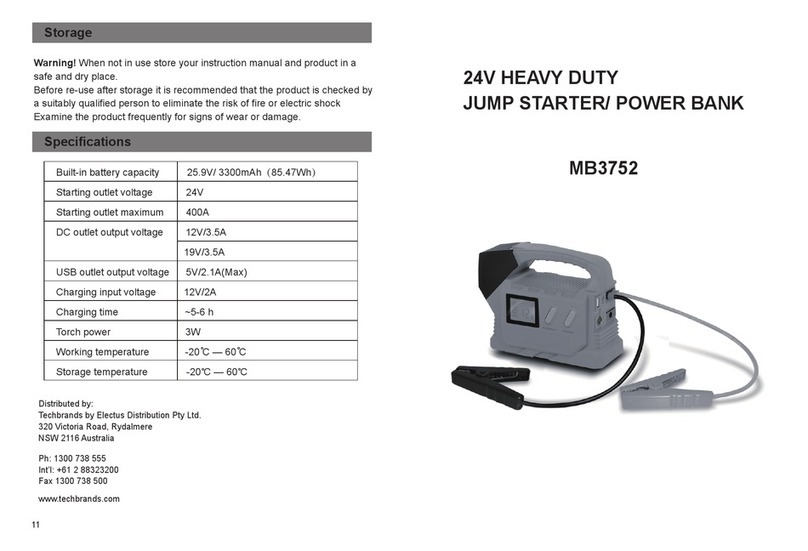
Jaycar Electronics MB3752 instruction manual
Jaycar Electronics

Jaycar Electronics MB3752 instruction manual

Ultra Start 72 Series owner's manual

Ultra Start

Ultra Start 72 Series owner's manual
ADS FLASHLOGIC FLRSVW1 Product guide

ADS

ADS FLASHLOGIC FLRSVW1 Product guide
Black Widow Security BW RAS 400 installation manual
Black Widow Security

Black Widow Security BW RAS 400 installation manual

Vector Power City DK080706 Owner's manual & warranty
Vector

Vector Power City DK080706 Owner's manual & warranty

Code Alarm CA-535 owner's manual

Code Alarm

Code Alarm CA-535 owner's manual
EINHELL EGS 3600 Directions for use

EINHELL

EINHELL EGS 3600 Directions for use
Schumacher INSTANT POWER IP-75C owner's manual
Schumacher

Schumacher INSTANT POWER IP-75C owner's manual

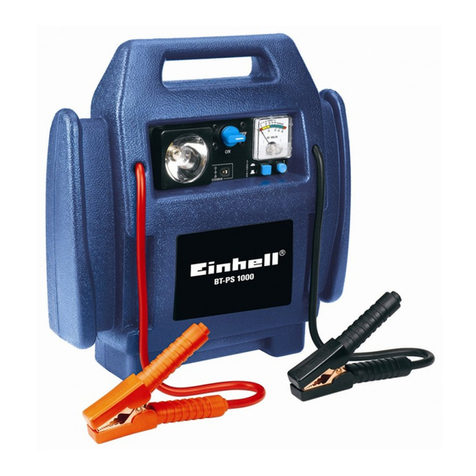
EINHELL BT-PS 1000 Directions for use

EINHELL

EINHELL BT-PS 1000 Directions for use
Mazda 0000-8F-H28 installation instructions

Mazda

Mazda 0000-8F-H28 installation instructions

DEI 450ESP owner's guide

DEI

DEI 450ESP owner's guide

Directed Electronics AutoCommand 28624TN Owner's installation guide

Directed Electronics

Directed Electronics AutoCommand 28624TN Owner's installation guide

manuals.online logo
manuals.online logoBrands
  • About & Mission
  • Contact us
  • Privacy Policy
  • Terms and Conditions

Copyright 2025 Manuals.Online. All Rights Reserved.

Firstech, LLC. | 1
8102REUCL000702 // FT-2W901R Guide REV3
QUICK START CARD
2W901R-SS
A tap of this button will lock your doors and/or arm your Compustar alarm.
A tap of this button will unlock your doors and/or disarm your Compustar alarm.
Holding this button for 2.5 seconds will pop your trunk, if equipped. If not, ask your
Compustar Dealer for details on how to get it.
Holding this button for 2.5 seconds will start your vehicle. The 2W901R-SS will
receive a page back alert and run time countdown timer will start. Run Time
Extension: If enabled, double tapping this button will reset your remote start run time
or turbo timer.
Tapping these two buttons will mute and unmute the siren on your Compustar
alarm. Holding them for 2.5 seconds will turn the Shock Sensor on or off.
Function Button: This button is used to access advanced remote functions. Please
see the following table for more info.
Rechargeable Battery: Your 2W901R-SS is
equipped with a rechargeable battery. Use
the included USB charger cable to charge
your remote. We recommend charging
your remote before first use. Charge time is
approximately 1.5 hours.
Register online at www.compustar.com
within 10 days of purchase to activate your
new remote’s warranty.
Then
Press
2.5 Sec 2.5 Sec
1 x Drive Lock
On/Off
Turbo Timer
On/Off Auxiliary 1 Auxiliary 2 Auxiliary 3 Auxiliary 4
2 x 2nd Car
On/Off
Timer Start
On/Off Auxiliary 5 Auxiliary 6 Auxiliary 7
3 x Valet Mode
On/Off
Passive Mode
On/Off
FUNCTION BUTTON TABLE
2W901R-SS_QuickCard line.indd 1 2019/3/16 10:11:13
FEATURE LCD
READOUT FUNCTION/DESCRIPTION
RPS RPS - ON /
RPS - OFF On or Off Turns your RPS Touch paging feature
on or off.
Vibrate VI - OFF /
VI - ON On or Off Turns the silent mode on or off.
Temperature TEMP - F /
TEMP - C F or C Changes the temperature readout
from Fahrenheit to Celsius.
Auxiliary AUX - OFF /
AUX - ON On or Off Turns your Auxiliary Extender feature
on or off.
2 Way
Paging
Display
FULL / HALF Full or
Half
Determines whether your remote
is used for Alarm or Starter Only
systems. Set to FULL for ALARM IT
and MAX IT features. Set to HALF for
START IT ONLY systems.
FEATURE LCD
READOUT FUNCTION/DESCRIPTION
Enter
Remote
Option
Menu 2.5 Seconds
Enter and Exit the Remote Option
Menu
Scroll
Through
Menu
Moves down the Remote Option
Menu
Scroll Up
Menu
Moves back up the Remote Option
Menu
Time Adjusts
Hour
Adjusts
Minute Sets the time on your remote
Remote
Start Time
Adjusts
Hour
Adjusts
Minute
Sets the time at which you want your
vehicle to start every day. Check with
your installer for additional info.
Alarm Clock
Time
Adjusts
Hour
Adjusts
Minute
Sets the time in which you would like
the remote’s alarm clock to alert you.
Alarm Clock AL - OFF/
AL - ON On of Off Turns the alarm clock on or off.
REMOTE OPTION MENU
Firstech, LLC. | 2
QUICK START CARD
2W901R-SS
To reprogram your remote first cycle the key in the ignition 5 times
within 7 seconds. Parking lights will flash. After that tap the Lock
button on your remote. Repeat for any additional remotes. If you
receive two parking light flashes, your Compustar has exited remote
programming mode and you must retry.
Questions/comments? Contact us at 888-820-3690 from 8 AM
to 5PM PST. Also please visit www.compustar.com for a complete
user’s manual.
2W901R-SS_QuickCard line.indd 2 2019/3/16 10:11:15