manuals.online logo
Brands
  1. Home
  2. •
  3. Brands
  4. •
  5. Contour
  6. •
  7. Mouse
  8. •
  9. Contour unimouse User manual

Contour unimouse User manual

Other manuals for unimouse

2

This manual suits for next models

1

Other Contour Mouse manuals

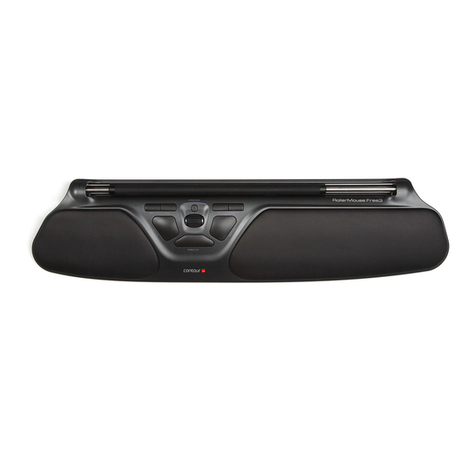
Contour RollerMouse Free3 User manual

Contour

Contour RollerMouse Free3 User manual
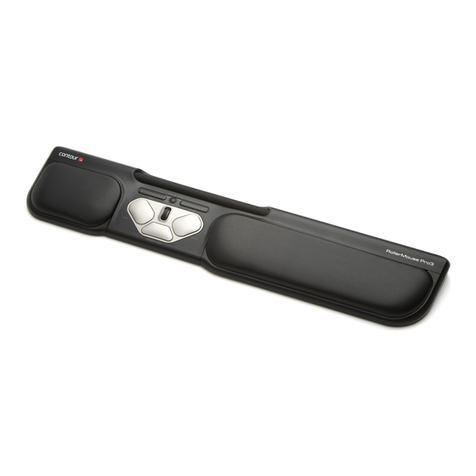
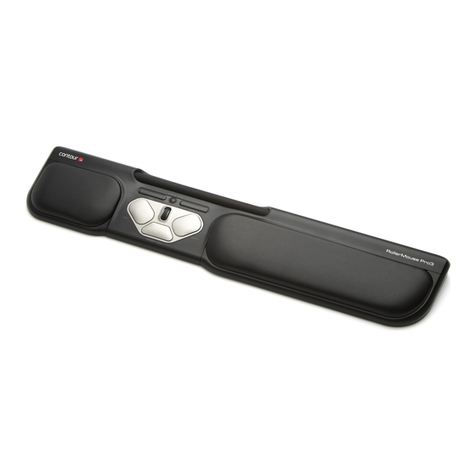
Contour rollermouse pro3 User manual

Contour

Contour rollermouse pro3 User manual
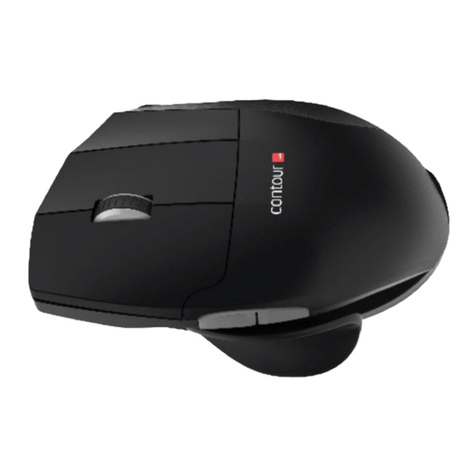
Contour Unimouse Wired User manual

Contour

Contour Unimouse Wired User manual
Contour 60EF3 User manual

Contour

Contour 60EF3 User manual

Contour RollerMouse Free2 User manual

Contour

Contour RollerMouse Free2 User manual
Contour unimouse wired User manual

Contour

Contour unimouse wired User manual
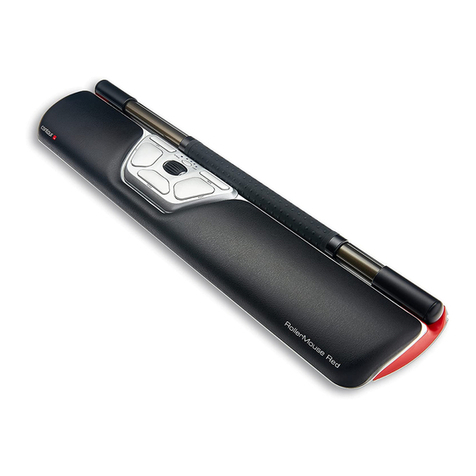
Contour RollerMouse Red User manual

Contour

Contour RollerMouse Red User manual
Contour CMO-GM-S-R User manual

Contour

Contour CMO-GM-S-R User manual
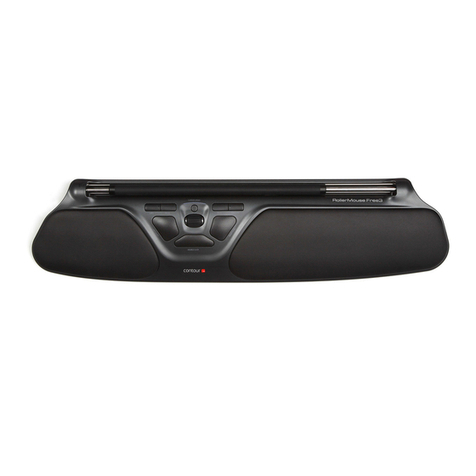
Contour RollerMouse Free3 User manual

Contour

Contour RollerMouse Free3 User manual
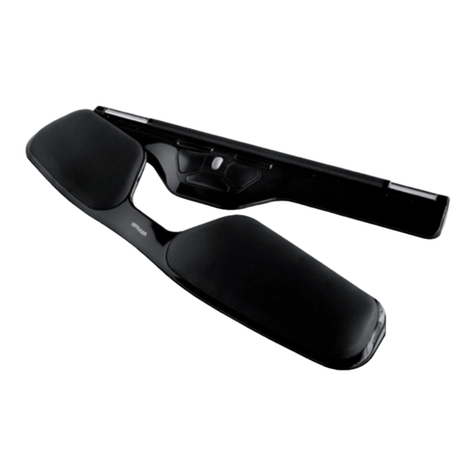
Contour RollerMouse Free User manual

Contour

Contour RollerMouse Free User manual
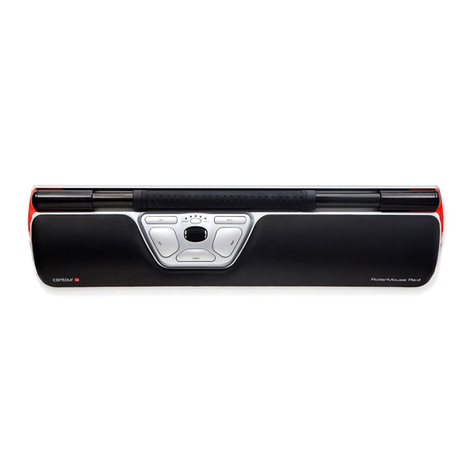
Contour RollerMouse Red User manual

Contour

Contour RollerMouse Red User manual
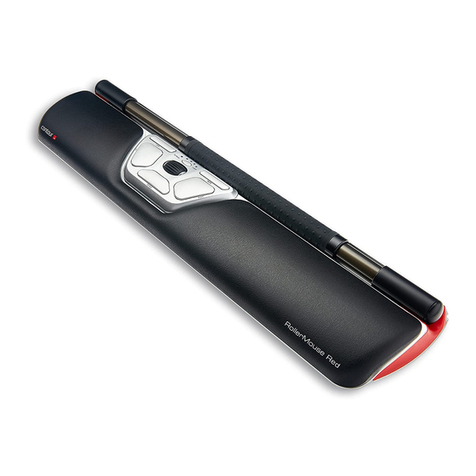
Contour RollerMouse Red User manual

Contour

Contour RollerMouse Red User manual
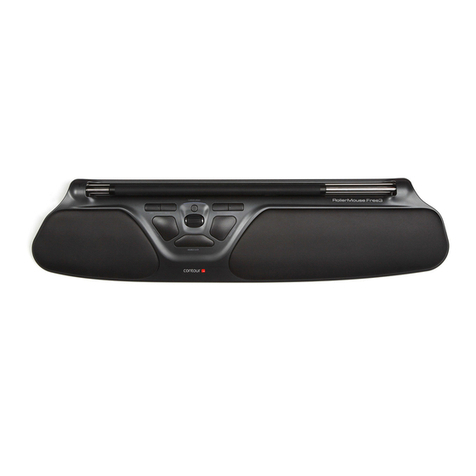
Contour RollerMouse Free3 User manual

Contour

Contour RollerMouse Free3 User manual

Contour SliderMouse Pro Wireless User manual

Contour

Contour SliderMouse Pro Wireless User manual

Contour rollermouse pro2 User manual

Contour

Contour rollermouse pro2 User manual

Contour unimouse User manual

Contour

Contour unimouse User manual
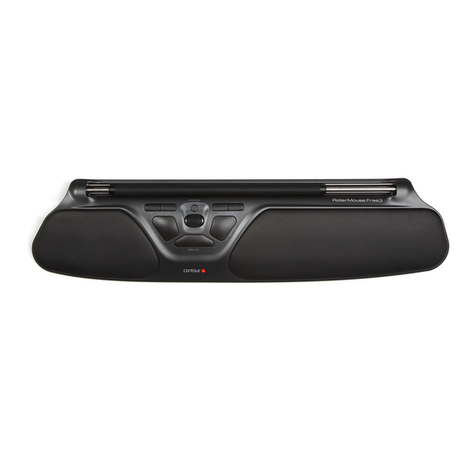
Contour RollerMouse Free3 User manual

Contour

Contour RollerMouse Free3 User manual
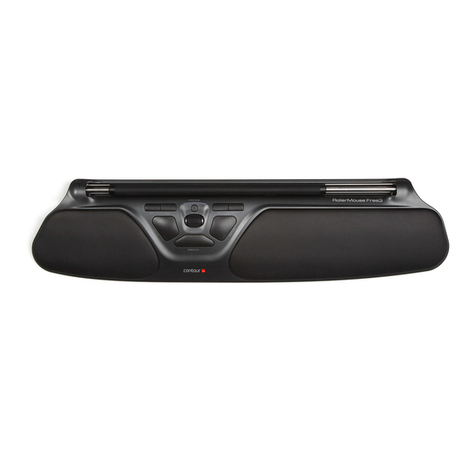
Contour RollerMouse Free3 User manual

Contour

Contour RollerMouse Free3 User manual
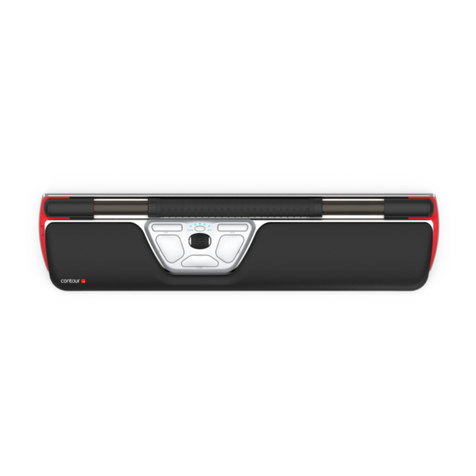
Contour Re:d User manual

Contour

Contour Re:d User manual
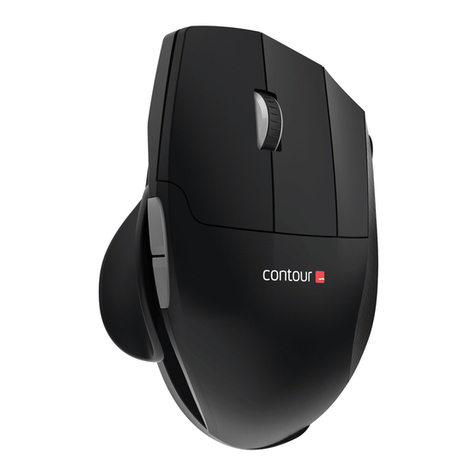
Contour unimouse User manual

Contour

Contour unimouse User manual
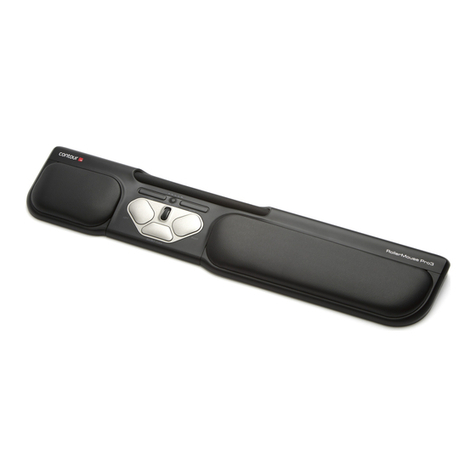
Contour rollermouse pro3 User manual

Contour

Contour rollermouse pro3 User manual

Contour RollerMouse Red User manual

Contour

Contour RollerMouse Red User manual

Contour rollermouse pro3 User manual

Contour

Contour rollermouse pro3 User manual

Popular Mouse manuals by other brands

Viper V570 user manual

Viper

Viper V570 user manual

Cherry MC 2.1 user manual

Cherry

Cherry MC 2.1 user manual

Sven RX-G720 user manual

Sven

Sven RX-G720 user manual

Sharkoon Light2 180 manual

Sharkoon

Sharkoon Light2 180 manual

Cherry MW 8C ERGO user manual

Cherry

Cherry MW 8C ERGO user manual

Vantec NBW-100U user manual

Vantec

Vantec NBW-100U user manual

NGS HIT RB manual

NGS

NGS HIT RB manual

Sharkoon FireGlider manual 

Sharkoon

Sharkoon FireGlider manual 

Lenovo Wireless Mouse N3902 quick start guide

Lenovo

Lenovo Wireless Mouse N3902 quick start guide

BASETech BN-S11 operating instructions

BASETech

BASETech BN-S11 operating instructions

Dell WM326 user guide

Dell

Dell WM326 user guide

Areson B213 user guide

Areson

Areson B213 user guide

Targus AMU83EU operating instructions

Targus

Targus AMU83EU operating instructions

HP M17587-371 manual

HP

HP M17587-371 manual

Chatpen CHA-30 user manual

Chatpen

Chatpen CHA-30 user manual

GAMDIAS DEMETER GMS5000 Quick installation guide

GAMDIAS

GAMDIAS DEMETER GMS5000 Quick installation guide

HP KJ453AA - Wireless Laser Mouse datasheet

HP

HP KJ453AA - Wireless Laser Mouse datasheet

Trust GRAPHIN GXT 960 user guide

Trust

Trust GRAPHIN GXT 960 user guide

manuals.online logo
manuals.online logoBrands
  • About & Mission
  • Contact us
  • Privacy Policy
  • Terms and Conditions

Copyright 2025 Manuals.Online. All Rights Reserved.

Adjustability Guide
Adjustability Guide /1
Vary Your Posture
Adjustability is the most important feature of the Unimouse. We encourage you to explore a variety of positions while using your
Unimouse.
Unimouse has 4 points of articulation that are friction-based to provide stability in any position.
Don’t be afraid to experiment! The articulating hindge will reach its maximum vertical tilt at 70 degrees, and the Articulating
Thumb Support (ATS) will not extend past its maximum length of 14mm.
Adjustability Guide /2
Body Tilt Adjustment
70°35°
Adjust body tilt for your desired mousing
angle. The friction based adjustment allows
vertical positions from 35° to 70° and every
angle in between.
Adjustability Guide /3
Thumb Support Width Adjustment
The thumb rest can be extended or
collapsed to accommodate different hand
sizes. For smaller hands, collapse the
thumb rest. For larger hands, pull the
thumb rest outward to extend it. The
thumb support width adjustment allows
you to vary the position of your thumb to
relax your hand while you mouse.
Min. Width Max Width
Adjustability Guide /4
Thumb Support Slide
Slide the thumb support forward or back to
accommodate variations in thumb length
and grip preference.
Adjustability Guide /5
Thumb Support Rotation
The thumb support can be rotated in any
direction to adjust to your prefered thumb
support position.