Supplemental Guide – DOC. 7861C Contents •i
Contents
Introduction...................................................................................................................................1
Physical Description.................................................................................................................... 2
Front Panel..........................................................................................................................................................................................................2
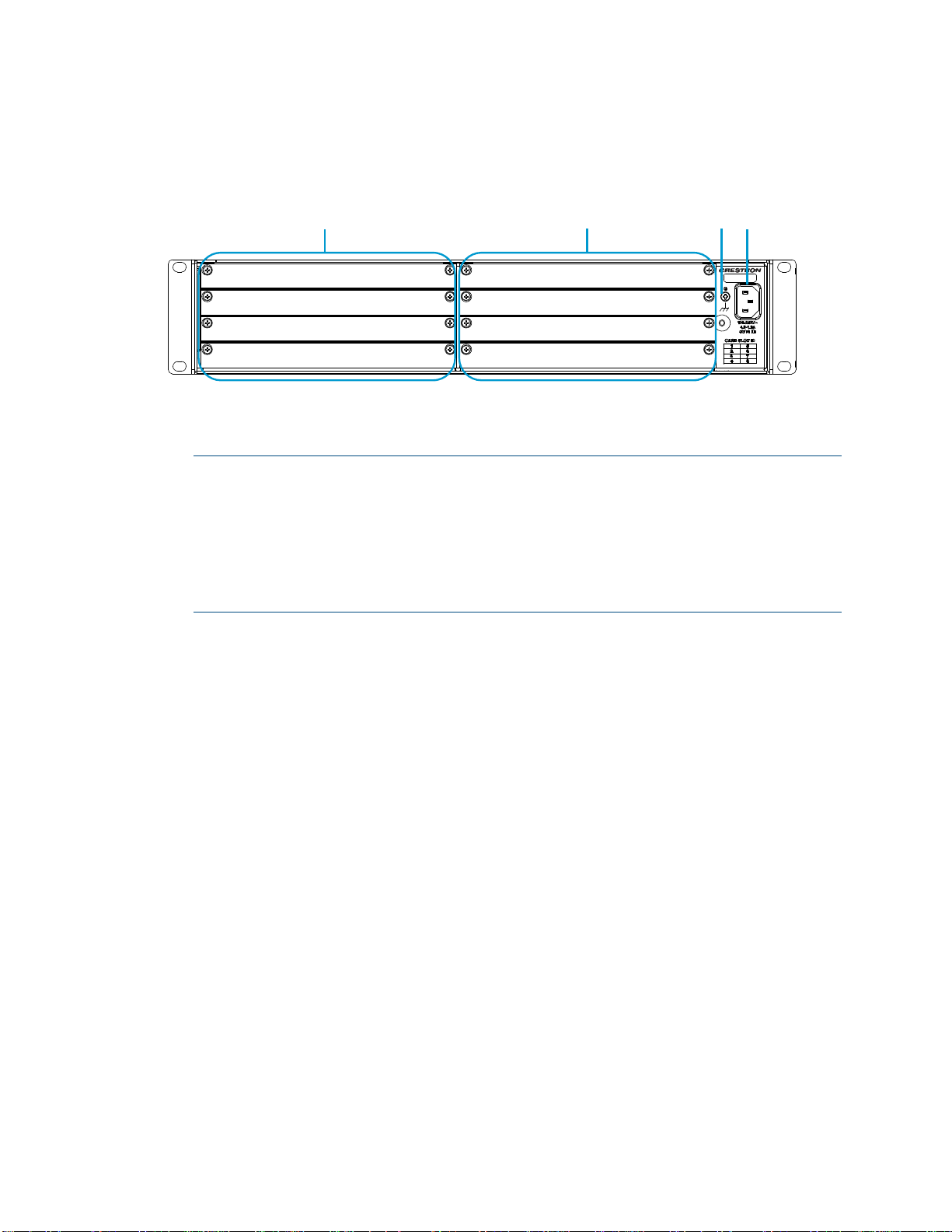
Rear Panel ............................................................................................................................................................................................................3
LCD Display Operation .............................................................................................................. 4
Card Status and Configuration ............................................................................................... 6
Configure the Device Mode...................................................................................................................................................................7
View and Configure Input Routing Settings .......................................................................................................................... 8
View Input Routing Settings .......................................................................................................................................................9
Configure Input Routing Settings ........................................................................................................................................10
View and Configure Network Settings.......................................................................................................................................11
View Network Settings.................................................................................................................................................................. 12
Configure IPv4 Settings ................................................................................................................................................................ 13
Perform Diagnostics.................................................................................................................................................................................. 16
View Card Details............................................................................................................................................................................... 16
View Card Status ............................................................................................................................................................................... 17
Reset a Card ...........................................................................................................................................................................................18
Restore a Card to the Factory Default Settings..................................................................................................... 19
Chassis Status and Configuration.........................................................................................20
View Chassis Details........................................................................................................................................................................ 21
View Chassis Status......................................................................................................................................................................... 21
Configure the Front Panel ..........................................................................................................................................................22
Update Firmware ...............................................................................................................................................................................23
Restore Factory Default Settings........................................................................................................................................24