manuals.online logo
Brands
  1. Home
  2. •
  3. Brands
  4. •
  5. Crestron
  6. •
  7. Digital Camera
  8. •
  9. Crestron Eye-12 User manual

Crestron Eye-12 User manual

This manual suits for next models

13

Other Crestron Digital Camera manuals

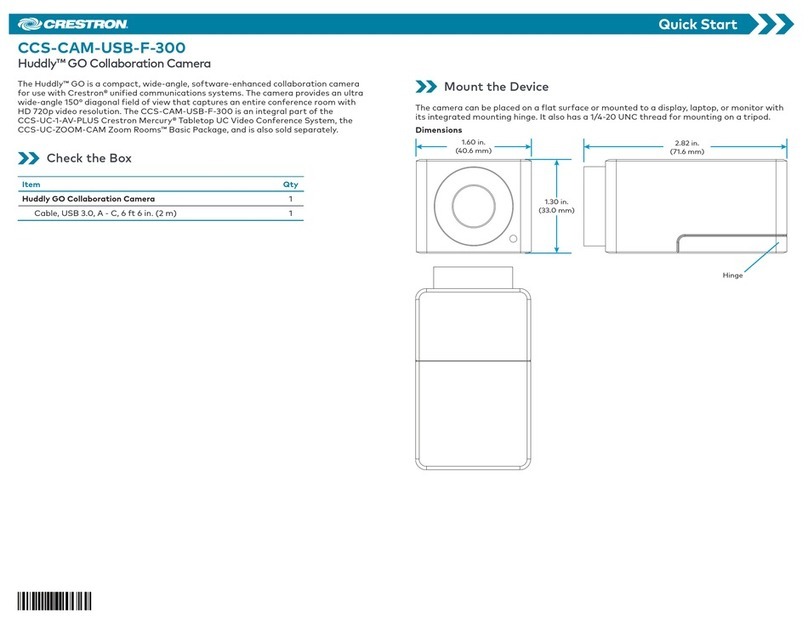
Crestron CCS-CAM-USB-F-300 User manual

Crestron

Crestron CCS-CAM-USB-F-300 User manual

Crestron AutoTracker 3 Series User manual

Crestron

Crestron AutoTracker 3 Series User manual

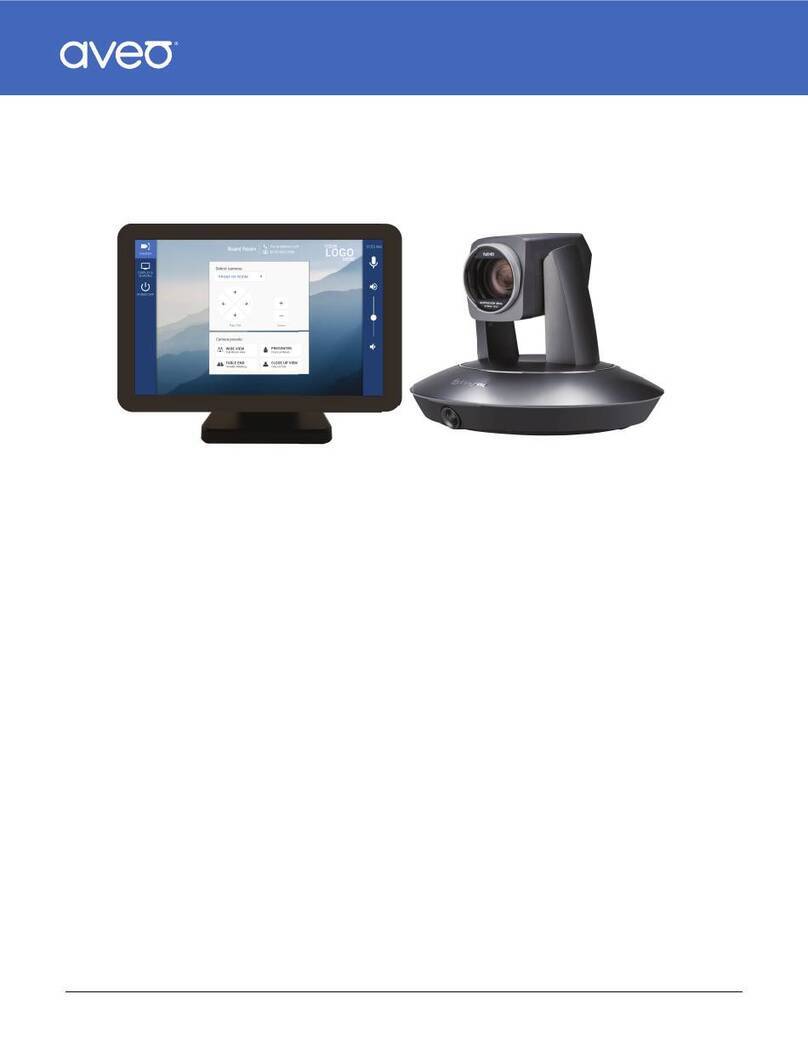
Crestron IV-CAMA3 Series Quick setup guide

Crestron

Crestron IV-CAMA3 Series Quick setup guide

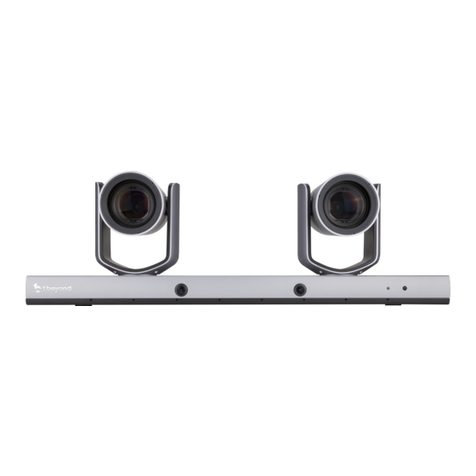
Crestron 1 Beyond Hawk IV-CAMHK-12-SLVR-1B User manual

Crestron

Crestron 1 Beyond Hawk IV-CAMHK-12-SLVR-1B User manual

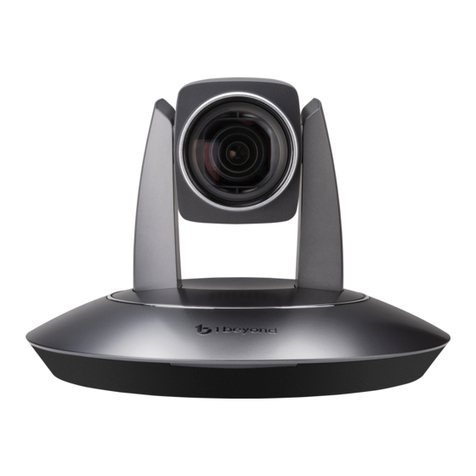
Crestron PTZ Series User manual

Crestron

Crestron PTZ Series User manual

Crestron 1 Beyond Hawk IV-CAMHK-12-SLVR-1B User manual

Crestron

Crestron 1 Beyond Hawk IV-CAMHK-12-SLVR-1B User manual

Popular Digital Camera manuals by other brands

Canon WP-DC35 user guide

Canon

Canon WP-DC35 user guide

Xiaomi 70mai Dash Cam Lite user manual

Xiaomi

Xiaomi 70mai Dash Cam Lite user manual

Samsung PL70 Quick start manual

Samsung

Samsung PL70 Quick start manual

GE E1680W user manual

GE

GE E1680W user manual

Canon EOS 1200D instruction manual

Canon

Canon EOS 1200D instruction manual

Tevion MD 86497 user guide

Tevion

Tevion MD 86497 user guide

Exakta VX Features

Exakta

Exakta VX Features

Kodak Digital Science DC120 user guide

Kodak

Kodak Digital Science DC120 user guide

Nikon FM3A Specifications

Nikon

Nikon FM3A Specifications

Vectra Fitness H1 Quick reference guide

Vectra Fitness

Vectra Fitness H1 Quick reference guide

Nikon COOLPIX 775 quick start guide

Nikon

Nikon COOLPIX 775 quick start guide

Olympus IR 500 - 4MP Digital Solutions Camera Manuel de Référence

Olympus

Olympus IR 500 - 4MP Digital Solutions Camera Manuel de Référence

Samsung EC-L100ZBBA brochure

Samsung

Samsung EC-L100ZBBA brochure

FujiFilm FINEPIX BL01124-201 owner's manual

FujiFilm

FujiFilm FINEPIX BL01124-201 owner's manual

Panasonic DMC-L10KPP Service manual

Panasonic

Panasonic DMC-L10KPP Service manual

Hyundai Electric HYU-CC-CHBF12001 Quick installation guide

Hyundai Electric

Hyundai Electric HYU-CC-CHBF12001 Quick installation guide

Sony DSC-WX80 specification

Sony

Sony DSC-WX80 specification

Nikon Nuvis S - Point & Shoot instruction manual

Nikon

Nikon Nuvis S - Point & Shoot instruction manual

manuals.online logo
manuals.online logoBrands
  • About & Mission
  • Contact us
  • Privacy Policy
  • Terms and Conditions

Copyright 2025 Manuals.Online. All Rights Reserved.

Partner: WolfVision
Model: Eye-12/14, VZ-3/3s/8light4/8plus4/
xNEO/9P³/9.4L/9.4F/C3D/C6/C123/C323
Device Type: Document Camera
GENERAL INFORMATION
SIMPLWINDOWS NAME: WolfVision WolfProt TCP-IP v1.2
CATEGORY: Camera
VERSION: 1.2
SUMMARY: This module provides TCP-IP control of the WolfVision Document Cameras.
GENERAL NOTES:
This module provides TCP-IP control of the WolfVision Eye-12 and VZ-9.4F. It should
also control the EYE-14, the VZ-3/3s, VZ-8light4/plus4, VZ-9plus with serial number
#1008068 and higher, VZ-9plus3, VZ-9.4L, VZ-xNEO, VZ-C6, C3D, VZ-C12² with
serial number #1009412, VZ-C32 with serial number #1011797 and higher, VZ-
C123 and VZ-323. Some commands are not be available on all models.
CRESTRON HARDWARE REQUIRED: 2 or 3-Series Processor with Ethernet
SETUP OF CRESTRON HARDWARE: TCP/IP
Port Number: 50915
VENDOR FIRMWARE: N/A
VENDOR SETUP: None
CABLE DIAGRAM: Ethernet
CONTROL:
Power_On/Off/Toggle D Pulse to turn the document camera on and off.
Zoom_<Wide/Tele> D
Press and hold to adjust the camera’s zoom. Once zoomed all the way in, releasing
and pressing the Zoom_Tele again will cause the camera to zoom in farther using
the digital zoom.
Focus_<Near/Far> D Press and hold to adjust the camera’s focus.
Auto_Focus_<On/Off/Toggle> D Pulse to turn the auto focus on and off.
Iris_<Open/Close> D Press and hold to adjust the camera’s iris.
Auto_Iris_<On/Off/Toggle> D Pulse to turn the auto iris on and off.
Iris_Priority_<Auto/Manual/Toggle> D Pulse to set the iris priority to auto or manual.
Image_Rotation_Off D Pulse to turn the image rotation off.
Partner: WolfVision
Model: Eye-12/14, VZ-3/3s/8light4/8plus4/
xNEO/9P³/9.4L/9.4F/C3D/C6/C12³/C32³
Device Type: Document Camera
Image_Rotation_Cycle D Pulse to cycle through the image rotation settings, -90, 180, +90 and off.
Source_Select_* D Pulse to select the source for the visualizer.
Set_PIP_<On/Off/Toggle> D Pulse to turn the PIP on and off.
Take_Snapshot D Pulse to store picture to Memory or USB.
Start_Recording D Pulse to start recording.
Stop_Recording D Pulse to stop recording.
Pause/Resume_Recording D Pulse to pause or resume the current recording.
Volume<Up/Dn> D Pulse to change the audio output volume.
Set_Volume_Level A Set output volume. Valid range of 0d – 100d in increments of 10d.
Mute_<On/Off/Toggle> D Pulse to mute or unmute the audio output.
Streaming_Mode_<Auto/Off> D Pulse to set the streaming mode.
Menu_* D Pulse to access and navigate setup menus.
Video_Pause/Resume D Pulse to pause/resume video playback.
Vergence_<+/-> D Pulse to Start/Stop vergence Plus/Minus
_2D_On D Pulse to turn 2D mode on and 3D mode off.
_3D_On D Pulse to turn 3D mode on and 2D mode off.
_2D/3D_Toggle D Pulse to toggle between 2D/3D modes.
Light_* D Pulse to turn the light, lightbox and slidebox on and off.
Lampchange D Pulse to allow a lamp change.
Reset_Lamp_<1/2>_Hours D Pulse to reset the lamp hours for the desired lamp.
Lamp_Voltage_* D Pulse to set the lamp voltage to the desired light level.
Recall_Preset_* D Pulse to recall a camera preset. Presets 1, 2, and 3 can be set using the
Store_Preset_<1/2/3> inputs.
Store_Preset_<1/2/3> D Pulse to store the current camera settings in the desired preset.

Partner: WolfVision
Model: Eye-12/14, VZ-3/3s/8light4/8plus4/
xNEO/9P³/9.4L/9.4F/C3D/C6/C12³/C32³
Device Type: Document Camera
Freeze_<On/Off/Toggle> D Pulse to turn the freeze function onand off.
Recall_Stored_Image_<1..9> D Pulse to recall the store image.
Memory_Off D Pulse to turn the recalled image off.
Show_All_<On/Off/Toggle> D Pulse to turn the showall images on and off.
Store_Image_<1..9> D Pulse to store the current image in the desired memory location.
Erase_All_Images D Pulse to erase all images.
Poll_Enable D Set high to enable polling for status.
Connect D Digital signal that can be used to control the TCP/IP Connection.
{{TCP/IP_Client_>>_connect-f}} D Digital signal to be routed from the connect-f output of the TCP/IP Client.
{{TCP/IP_Client_>>_status}} A Analog signal to be routed from the status output of the TCP/IP Client.
{{TCP/IP_Client_>>_RX$}} S Serial signal to be routed from the RX$ output of the TCP/IP Client.
FEEDBACK:
Power_Is_<On/Off> D High to indicate the current power status.
Zoom_Position_Gauge A Analog signal indicating the current zoom position. To be displayed using a gauge
on a touch panel.
Digital_Zoom_2x_Is_On D High to indicate digital zoom 2x is on.
Digital_Zoom_4x_Is_On D High to indicate digital zoom 4x is on.
Digital_Zoom_Is_Off D High to indicate digital zoom is off.
Focus_Position_Gauge A Analog signal indicating the current focus position. To be displayed using a gauge
on a touch panel.
Auto_Focus_Is_<On/Off> D High to indicate the current auto focus state.
Iris_Position_Gauge A Analog signal indicating the current iris position. To be displayed using a gauge on
a touch panel.
Auto_Iris_Is_<On/Off> D High to indicate the current auto iris state.
Partner: WolfVision
Model: Eye-12/14, VZ-3/3s/8light4/8plus4/
xNEO/9P³/9.4L/9.4F/C3D/C6/C12³/C32³
Device Type: Document Camera
Iris_Priority_Is_<Auto/Manual> D High to indicate the current iris priority state.
Source_*_Selected D High to indicate current source selected.
PIP_<On/Off> D High to indicate current PIP state.
Recording D High to indicate device is recording.
Stopped D High to indicate device has stopped recording.
Paused D High to indicate recording is paused.
Set_Volume_Level A Analog signal indicating the current volume level. To be displayed using a gauge
on a touch panel.
Mute_Is<On/Off> D High to indicate current mute state.
Streaming_Mode_Is_<Auto/Off> D High to indicate the current streaming mode state.
Vergence_Position_Gauge A Analog signal indicating the current vergence position. To be displayed using a
gauge on a touch panel.
_2D_Is_On D High to indicate current 2D state.
_3D_Is_On D High to indicate current 3D state.
Freeze_Is_<On/Off> D High to indicate current freeze state.
Show_All_Is_<On/Off> D High to indicate the current show all state.
Connect-F D Digital signal indicating the connection state of the TCP/IP Client.
{{Connect_>>_TCP/IP_Client}} D Digital signal to be routed to the Connect input on the TCP/IP Client.
{{TX$_>>_TCP/IP_Client}} S Serial signal to be routed to the TX$ input on the TCP/IP Client.
Partner: WolfVision
Model: Eye-12/14, VZ-3/3s/8light4/8plus4/
xNEO/9P³/9.4L/9.4F/C3D/C6/C12³/C32³
Device Type: Document Camera
TESTING:
OPS USED FOR TESTING: 1.501.2867.30341
SIMPL WINDOWS USED FOR TESTING: 4.06.01.00
CRES DB USED FOR TESTING: 61.05.007.00
SYMBOL LIBRARY USED FOR TESTING: 1023
SAMPLE PROGRAM: WolfVision WolfProt TCP-IP v1.2 Demo MC3
REVISION HISTORY: V.1.2 – Updated February 20, 2017
BUG-FIXES
POLLING: Added error handling for WolfProt communication
POLLING: Increased delay between two successive commands from 100ms to 200ms
POLLING: Fixed error in Timeout detection
POLLING: Reduced polling interval from 15s to 5s (complete polling cycle requires approx. 3.5s)