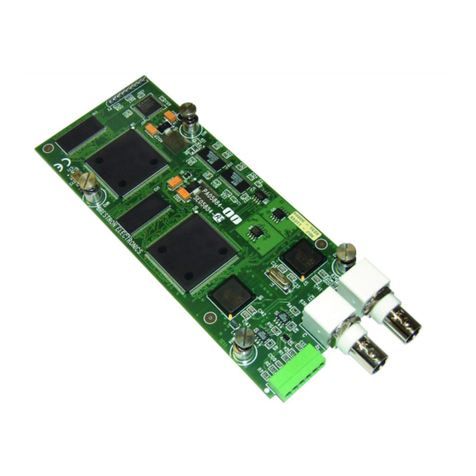
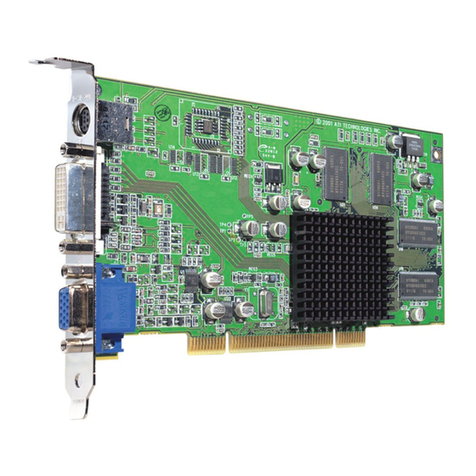
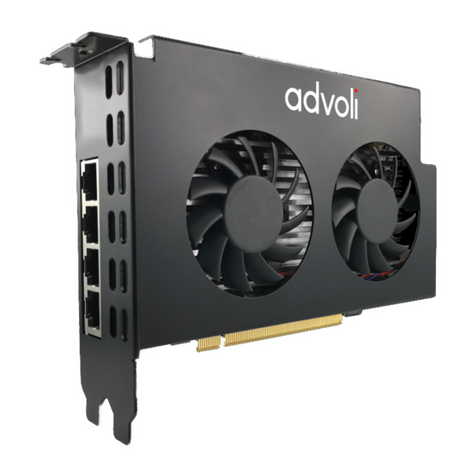
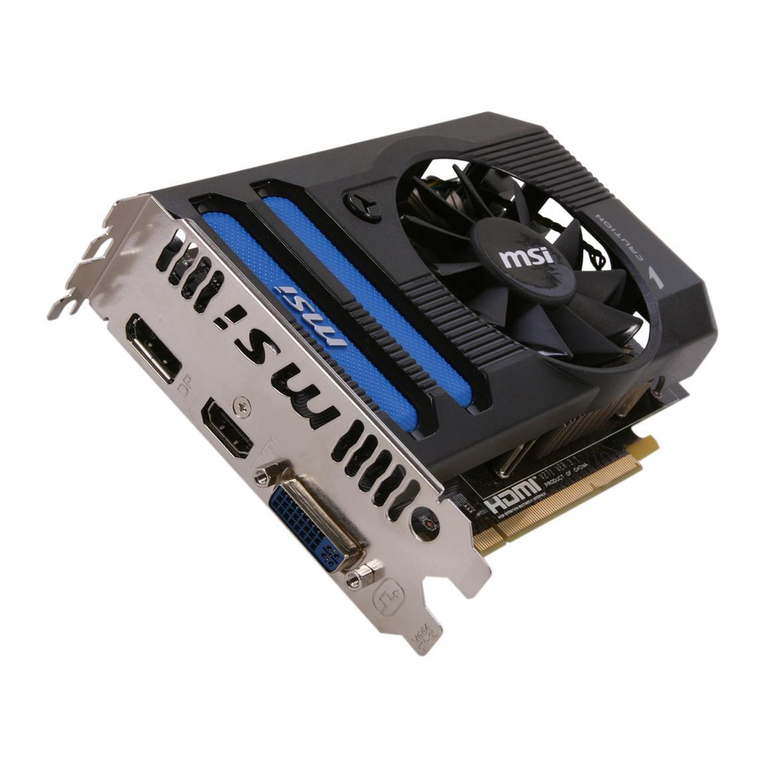
Crestron TPS-VIDL Video Card for TPS/Lectern Panel
NOTE: This device complies with part 15 of the FCC rules. Operation is subject to the
following two conditions: (1) this device may not cause harmful interference, and (2) this
device must accept any interference received, including interference that may cause undesired
operation.
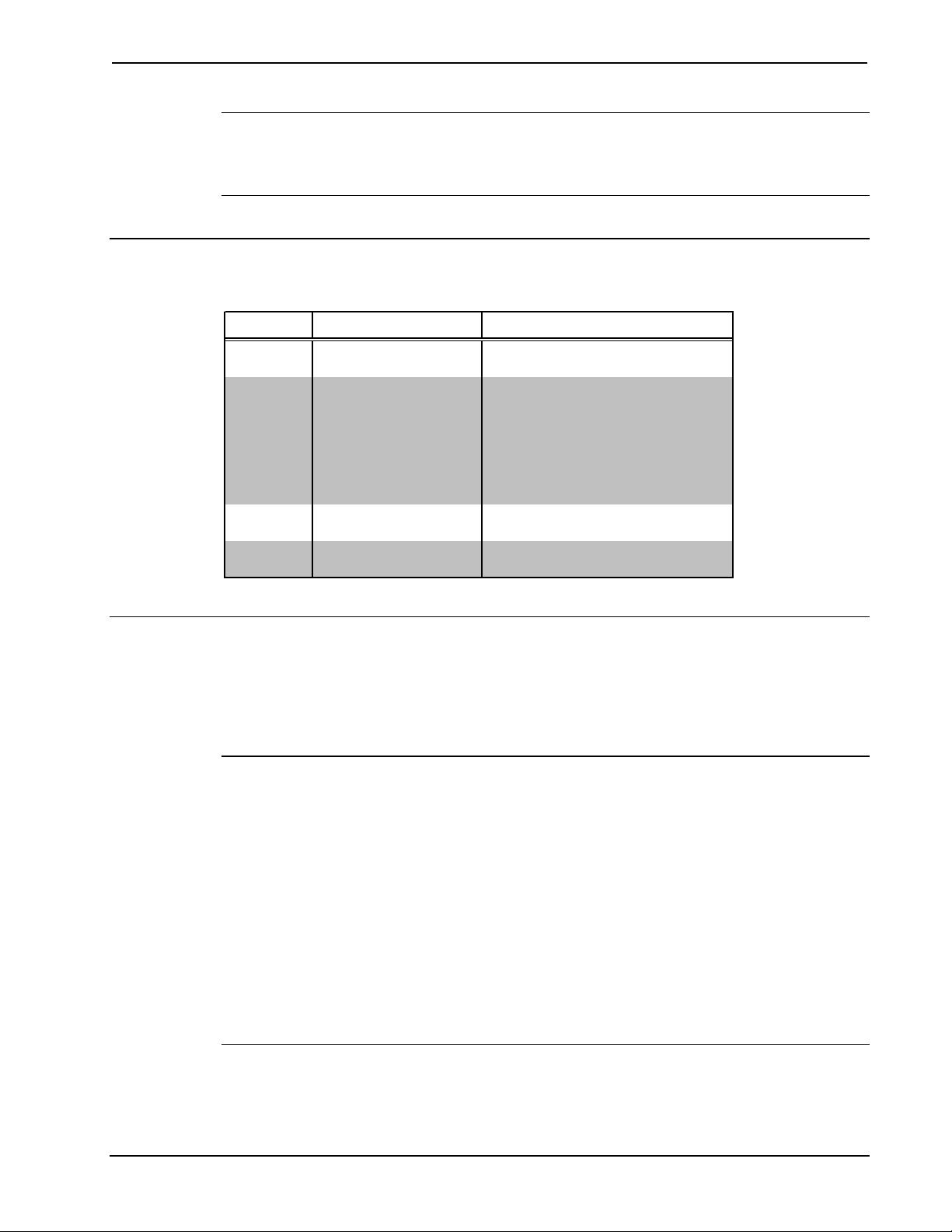
Connector Specifications
Connector Specifications of the TPS-VIDL
PORT TYPE SIGNAL(S)
Touchpanel
Interface
60-pin connector Various
C + 6-pin connector, 3.5mm S-Video chrominance input #1
C - 6-pin connector, 3.5mm S-Video chrominance return
C S 6-pin connector, 3.5mm S-Video chrominance shield
Y + 6-pin connector, 3.5mm S-Video luminance input or composite
input #1
Y - 6-pin connector, 3.5mm S-Video luminance return
Y S 6-pin connector, 3.5mm S-Video luminance shield
C BNC S-Video chrominance (color
information) input #2
COMP / Y BNC Composite video or S-Video
luminance (brightness) input #2
Installation and Hookup
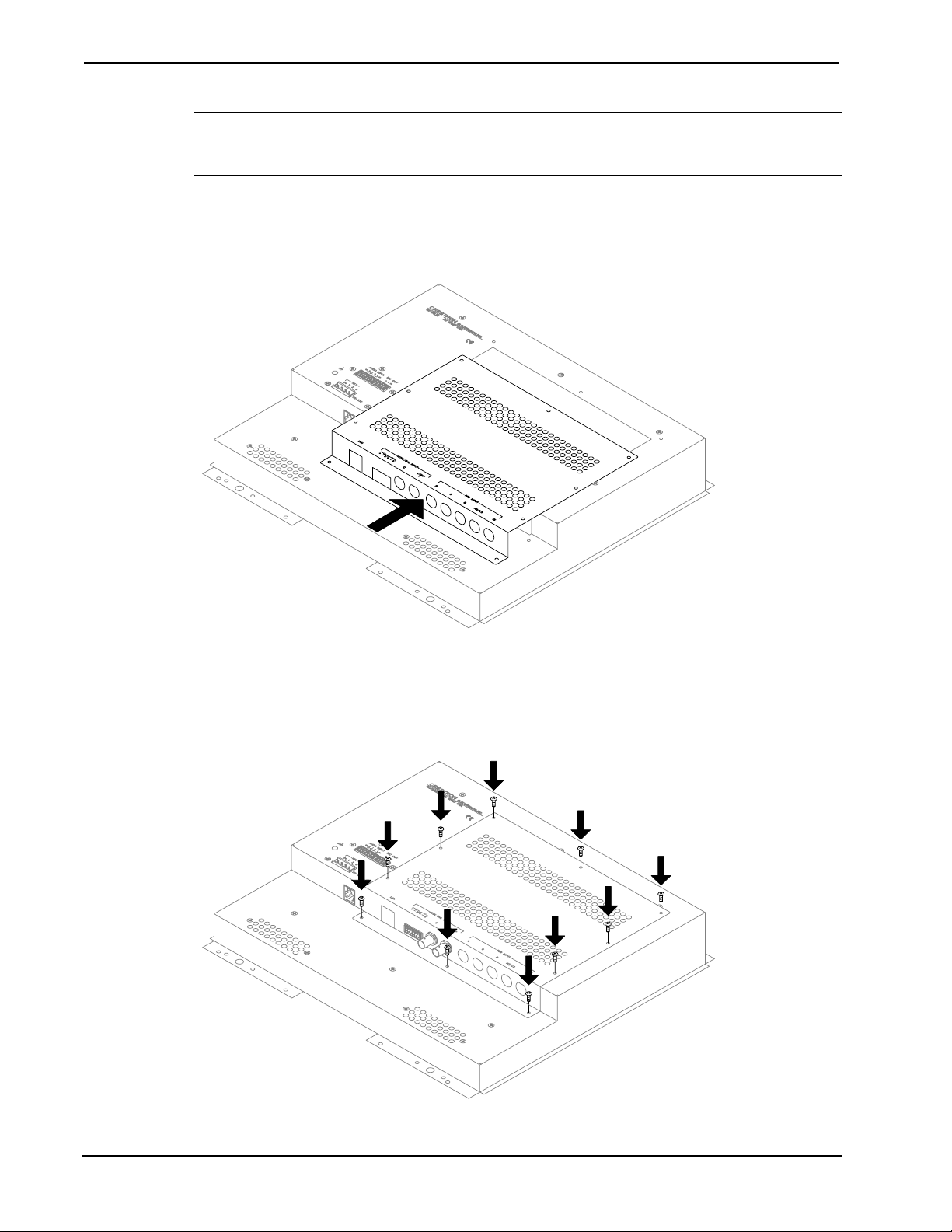
The TPS-VIDL is designed to be installed into a specific expansion slot in the TPS-5000L
and TPS-6000L touchpanel and the TPS-TPI touchpanel interface. The tools required for
installation are a grounding strap (or grounded workstation), #1 Phillips screwdriver, #1
Phillips 1/4-inch hex bit and an inch-pound torque driver.
CAUTION: The TPS-VIDL and the touchpanel contain electrostatic sensitive devices
(ESDs); observe precautions for handling ESDs to avoid damaging the card and/or the
touchpanel.
NOTE: The diagrams in this procedure show a TPS-6000L touchpanel but the steps for the
TPS-5000L and TPS-TPI are identical. This procedure pertains to a touchpanel or interface
that is NOT installed into a wall or lectern. If already installed, refer to the latest revision of
the TPS-5000L, TPS-6000L, or TPS-TPI Operations & Installation Guide (Doc. 5825, 5783,
or 5855, respectively) or, if applicable, BB-5000 or BB-6000 Installation Guide (Doc. 5826
or 5827). Disconnect power and perform the installation procedure in reverse to remove the
touchpanel or interface. The latest software version of the Operations & Installation Guide
can be obtained from the Downloads page (MANUAL Library) of Crestron’s website
(www.crestron.com). New users are required to register in order to obtain access to the FTP
site.
1. To prevent scratching of the screen (TPS-TPI excluded), place the touchpanel
face-down onto a padded surface.
Operations & Installation Guide - DOC. 5830 Video Card for TPS/Lectern Panel: TPS-VIDL •3