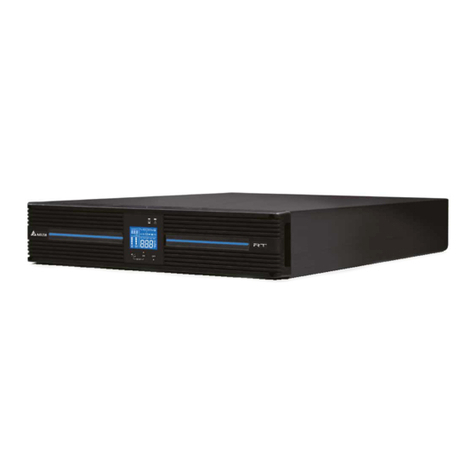
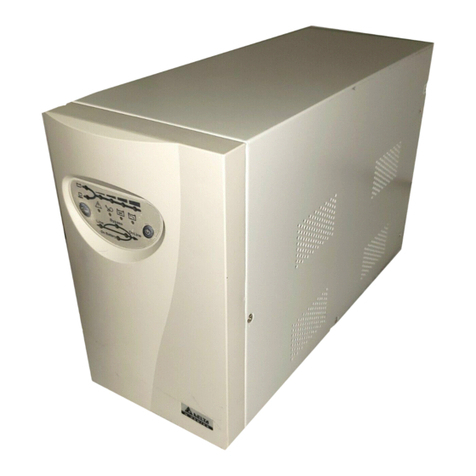
Delta Electronics INX-1K User manual

www.deltapowersolutions.com
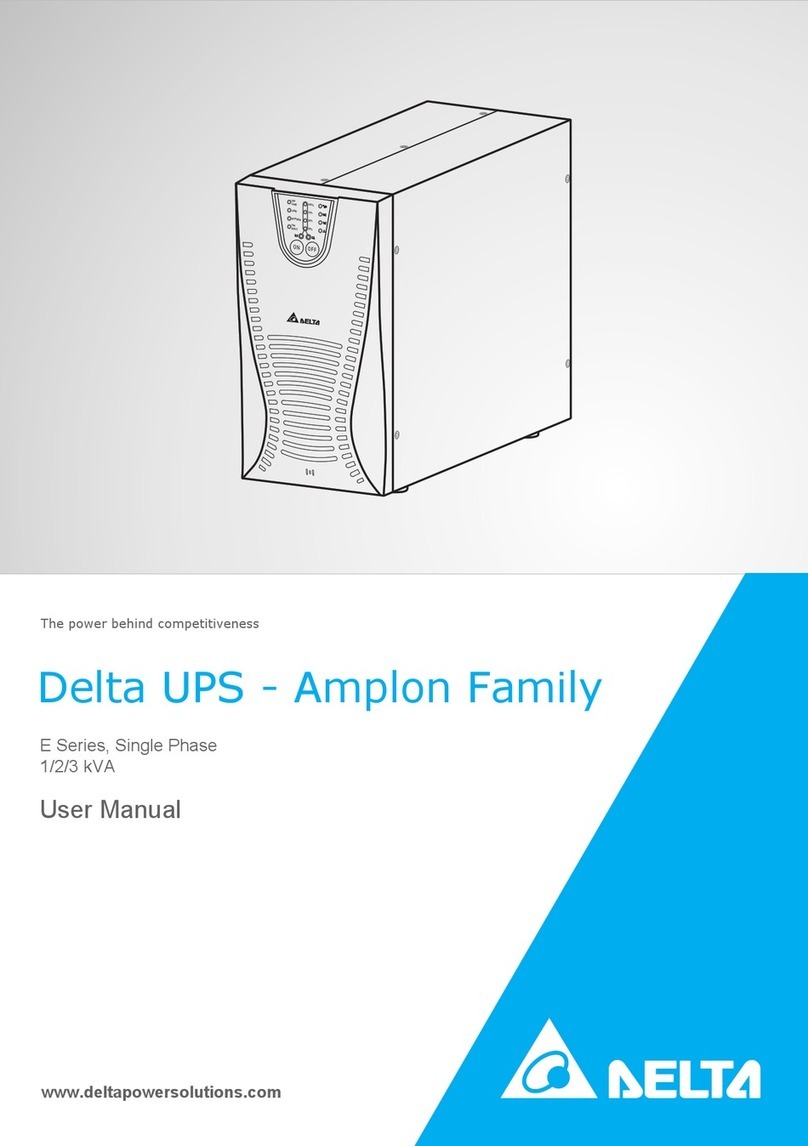
Delta UPS - Amplon Family
User Manual
The power behind competitiveness
INX Series, Single Phase
1/ 2/ 3 kVA

II
Amplon INX Series
Save This Manual
This manual contains important instructions and warnings that you should
follow during the installation, operation, storage and maintenance of this
product. Failure to heed these instructions and warnings will void the warranty.
Copyright © 2018 by Delta Electronics Inc. All Rights Reserved. All rights of this
User Manual (“Manual”), including but not limited to the contents, information,
and figures are solely owned and reserved by Delta Electronics Inc. (“Delta”).
The Manual can only be applied to the operation or the use of this product. Any
disposition, duplication, dissemination, reproduction, modification, translation,
extraction, or usage of this Manual in whole or in part is prohibited without the prior
written permission of Delta. Given that Delta will continuously improve and develop
the product, changes may be made to the information in this Manual at any time
without obligation to notify any person of such revision or changes. Delta will make
all possible efforts to secure the accuracy and the integrity of this Manual. Delta
disclaims any kinds or forms of warranty, guarantee, or undertaking, either expressly
or implicitly, including but not limited to the completeness, faultlessness, accuracy,
non-infringement, merchantability or tness for a particular purpose of the Manual.

Table of Contents
III
Table of Contents
Chapter 1 : Important Safety Warnings------------------------------- 1
1.1 Transportation ---------------------------------------------------- 1
1.2 Preparation-------------------------------------------------------- 1
1.3 Installation--------------------------------------------------------- 1
1.4 Operation ---------------------------------------------------------- 2
1.5 Maintenance, Service and Faults --------------------------- 2
1.6 Packing List ------------------------------------------------------- 3
Chapter 2 : Installation and Setup ------------------------------------- 4
2.1 Rear Panel View------------------------------------------------- 4
2.2 Operating principle ---------------------------------------------- 6
2.3 Setup the UPS --------------------------------------------------- 6
2.4 Battery Replacement ------------------------------------------- 9
Chapter 3 : Operation -----------------------------------------------------10
3.1 Button Operation -----------------------------------------------10
3.2 LCD Panel--------------------------------------------------------11
3.3 Audible Alarm----------------------------------------------------13
3.4 LCD Display Wordings Index--------------------------------14
3.5 UPS Setting------------------------------------------------------15
3.6 Operating Mode Description---------------------------------19
3.7 Faults Reference Code ---------------------------------------21
3.8 Warning Indicator-----------------------------------------------22
Chapter 4 : Troubleshooting --------------------------------------------23
Chapter 5 : Storage and Maintenance -------------------------------25
Chapter 6 : Technical Specications ---------------------------------26
Chapter 7 : Warranty-------------------------------------------------------28

1
Amplon INX Series
Chapter 1 : Important Safety Warnings
Please comply with all warnings and operating instructions in this manual strictly.
Save this manual properly and read carefully the following instructions before
installing the unit. Do not operate this unit before reading through all safety
information and operating instructions carefully.
1.1 Transportation
z
zPlease transport the UPS system only in the original package to protect against
shock and impact.
1.2 Preparation
z
zCondensation may occur if the UPS system is moved directly from cold to warm
environment. The UPS system must be absolutely dry before being installed.
Please allow at least two hours for the UPS system to acclimate the environ-
ment.
z
zDo not install the UPS system near water or in moist environments.
z
zDo not install the UPS system where it would be exposed to direct sunlight or
near heater.
z
zDo not block ventilation holes in the UPS housing.
1.3 Installation
z
zDo not connect appliances or devices which would overload the UPS system (e.g.
laser printers) to the UPS output sockets.
z
zPlease do not attached half-sinewave load or motor load to the UPS.
z
zPlace cables in such a way that no one can step on or trip over them.
z
zDo not connect domestic appliances such as hair dryers to the UPS output sockets.
z
zThe UPS can be operated by any individuals with no previous experience.
z
zConnect the UPS system only to an earthed shockproof outlet which must be
easily accessible and close to the UPS system.
z
zPlease use only VDE-tested, CE-marked mains cable (e.g. the mains cable of
your computer) to connect the UPS system to the building wiring outlet (shock-

Chapter 1 Important Safety Warnings
2
proof outlet).
z
zPlease use only VDE-tested, CE-marked power cables to connect the loads to
the UPS system.
z
zWhen installing the equipment, it should ensure that the sum of the leakage cur-
rent of the UPS and the connected devices does not exceed 3.5mA.
1.4 Operation
z
zDo not disconnect the mains cable on the UPS system or the building wiring
outlet (shockproof socket outlet) during operations since this would cancel the
protective earthing of the UPS system and of all connected loads.
z
zThe UPS system features its own, internal current source (batteries). The UPS
output sockets or output terminals block may be electrically live even if the UPS
system is not connected to the building wiring outlet.
z
z In order to fully disconnect the UPS system, rst press the OFF/ ENTER button
to disconnect the mains.
z
z Prevent no uids or other foreign objects from inside of the UPS system.
1.5 Maintenance, Service and Faults
z
zThe UPS system operates with hazardous voltages. Repairs may be carried out
only by qualied maintenance personnel.
WARNING:
Risk of electric shock. Even after the unit is disconnected from the mains
(building wiring outlet), components inside the UPS system are still
connected to the battery and electrically live and dangerous.
z
z Before carrying out any kind of service and/ or maintenance, disconnect the bat-
teries and verify that no current is present and no hazardous voltage exists in
the terminals of high capability capacitor such as BUS-capacitors.
z
zOnly persons are adequately familiar with batteries and with the required pre-
cautionary measures may replace batteries and supervise operations. Unauthor-
ized persons must be kept well away from the batteries.
WARNING:
Risk of electric shock. The battery circuit is not isolated from the input
voltage. Hazardous voltages may occur between the battery terminals and
the ground. Before touching, please verify that no voltage is present!

3
Amplon INX Series
z
zBatteries may cause electric shock and have a high short-circuit current. Please
take the precautionary measures specied below and any other measures nec-
essary when working with batteries:
- remove wristwatches, rings and other metal objects
- use only tools with insulated grips and handles.
z
zWhen changing batteries, install the same number and same type of batteries.
z
zDo not attempt to dispose of batteries by burning them. This could cause battery
explosion.
z
z Do not open or destroy batteries. Escaping electrolyte can cause injury to the
skin and eyes. It may be toxic.
z
zPlease replace the fuse only with the same type and amperage in order to avoid
re hazards.
z
zDo not dismantle the UPS system.
1.6 Packing List
12
3
45
6
No. Item Q’ty
1UPS 1 PC
2Input cable 1 PC
3USB cable 1 PC
4User manual 1 PC
5Battery cable (for Extended Runtime Model only) 1 PC
6Screws and nuts (for Extended Runtime Model
only) 2 Sets

Chapter 2 Installation and Setup
4
2.1 Rear Panel View
z
zStandard Runtime Model
1 kVA 2 kVA
3 kVA
Chapter 2 : Installation and Setup
NOTE :
Before installation, please inspect the unit. Be sure that nothing inside the
package is damaged. Please keep the original package in a safe place for
future use.

5
Amplon INX Series
1 kVA 2 kVA 3 kVA
No. Item
1AC input
2Input circuit breaker
3USB port
4RS-232 port
5Mini slot
6Output socket
7External battery connector
8Output terminal
z
zExtended Runtime Model

Chapter 2 Installation and Setup
6
2.2 Operating principle
The operating principle of the UPS is shown as below
2.3 Setup the UPS
Step 1: Connect battery wires
If UPS is extended runtime model, please connect
external batteries as below chart.
Please refer to below chart to secure battery cable to
the terminal with supplied screws and nuts.

7
Amplon INX Series
Step 2: UPS input connection
Plug the UPS into a two-pole, three-wire, grounded receptacle only. Avoid using
extension cords.
z
zThe power cord is attached to the UPS. For the type of power cord, please refer
to the table below.
UPS Type of Power Cord
Standard Runtime
Model
1kVA Plug 10A INDIA
2kVA Plug 10A INDIA
3kVA Plug 16A INDIA
Extended Runtime
Model
1kVA Plug 10A INDIA
2kVA Plug 16A INDIA
3kVA Plug 16A INDIA
Step 3: UPS output connection
z
zFor socket-type outputs, simply connect devices to the outlets.
z
z For terminal-type outputs, please follow below steps for the wiring conguration:
1. Remove the small cover of the terminal block
2. Suggest using AWG12 ~ 10 or 3.3mm2~ 5.3mm2power cords for 3kVA.
Please also install a circuit breaker (40A) between the mains and AC input
of the UPS in 3kVA for safety operation.
3. Upon completion of the wiring conguration, please check whether the wires
are securely afxed.
4. Put the small cover back to the rear panel.
This manual suits for next models
2
Table of contents
Other Delta Electronics UPS manuals

Delta Electronics
Delta Electronics E series User manual

Delta Electronics
Delta Electronics GAIA Series User manual

Delta Electronics
Delta Electronics 7KVA User manual

Delta Electronics
Delta Electronics N Series User manual

Delta Electronics
Delta Electronics DUPS-1232 User manual

Delta Electronics
Delta Electronics Amplon Family User manual

Delta Electronics
Delta Electronics NH Plus Series User manual

Delta Electronics
Delta Electronics RT Series User manual