DT9000 Master: Quick Start Guide v 1.3 Page 3of 27
i Revision History
New Application Version (v1.2)
New Application Version (v1.3)
ii Reference Documents
iii Table of Contents
..................................................................................................................................................................................................1
..................................................................................................................................................................................................2
i Revision History.....................................................................................................................................................................3
ii Reference Documents............................................................................................................................................................3
iii Table of Contents .................................................................................................................................................................3
1.0 General ........................................................................................................................................................................4
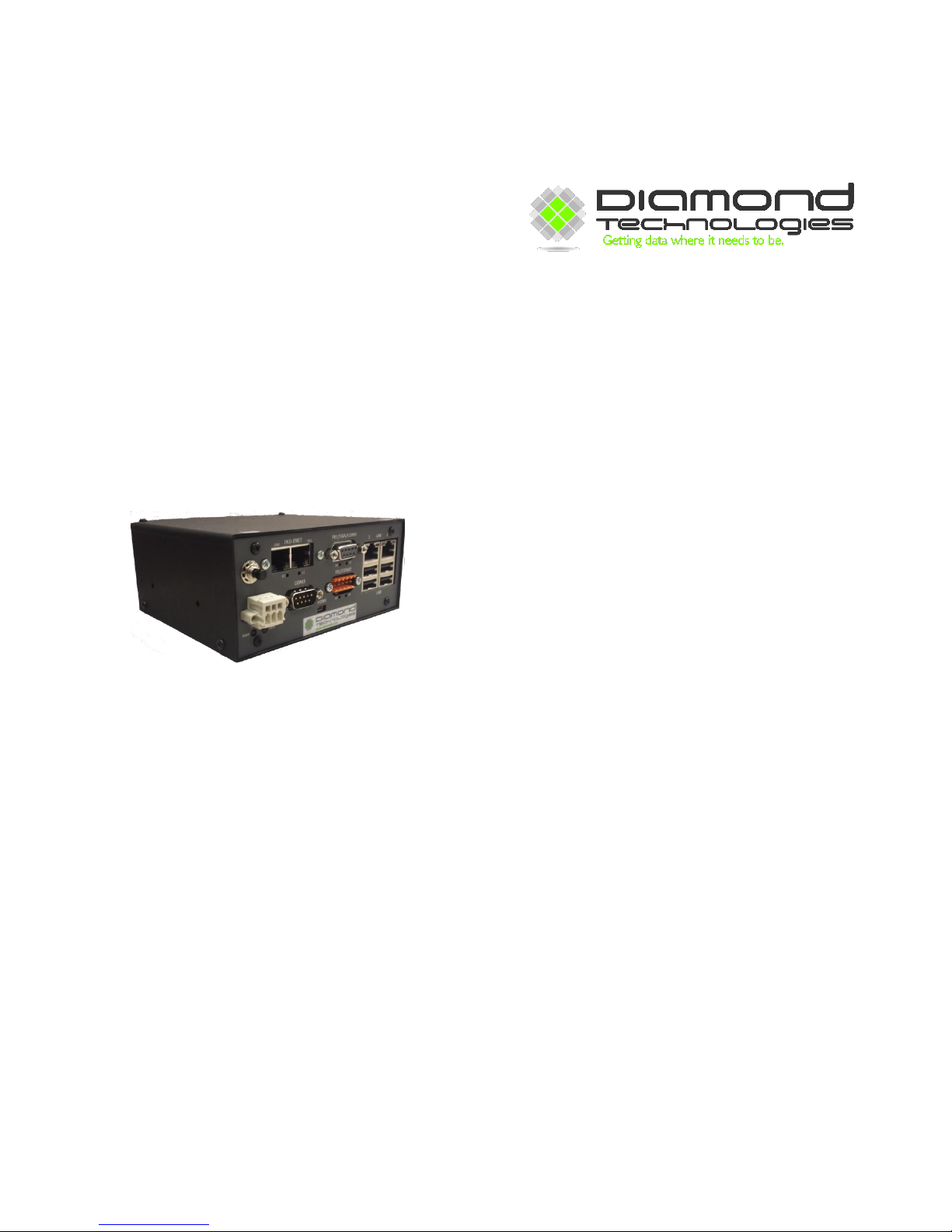
1.1 Front View..........................................................................................................................................................................4
1.2 Power..................................................................................................................................................................................5
1.2 Industrial Ethernet Port.......................................................................................................................................................5
1.4 FB1/VGA/COM4 Port........................................................................................................................................................5
1.5 FB2/COM2 Port .................................................................................................................................................................5
1.6 LAN Port ............................................................................................................................................................................5
1.7 COM Ports..........................................................................................................................................................................6
1.8 HDMI Connector................................................................................................................................................................6
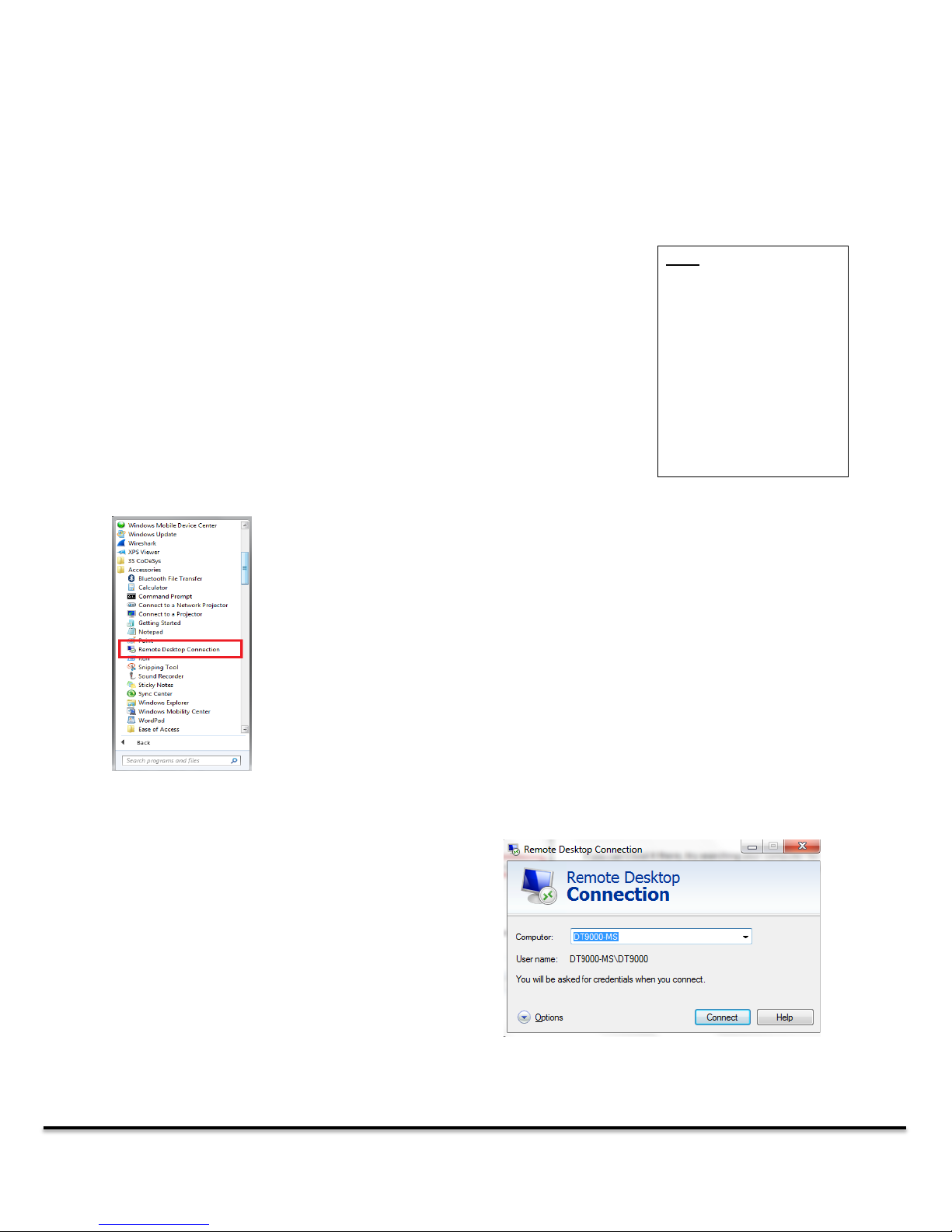
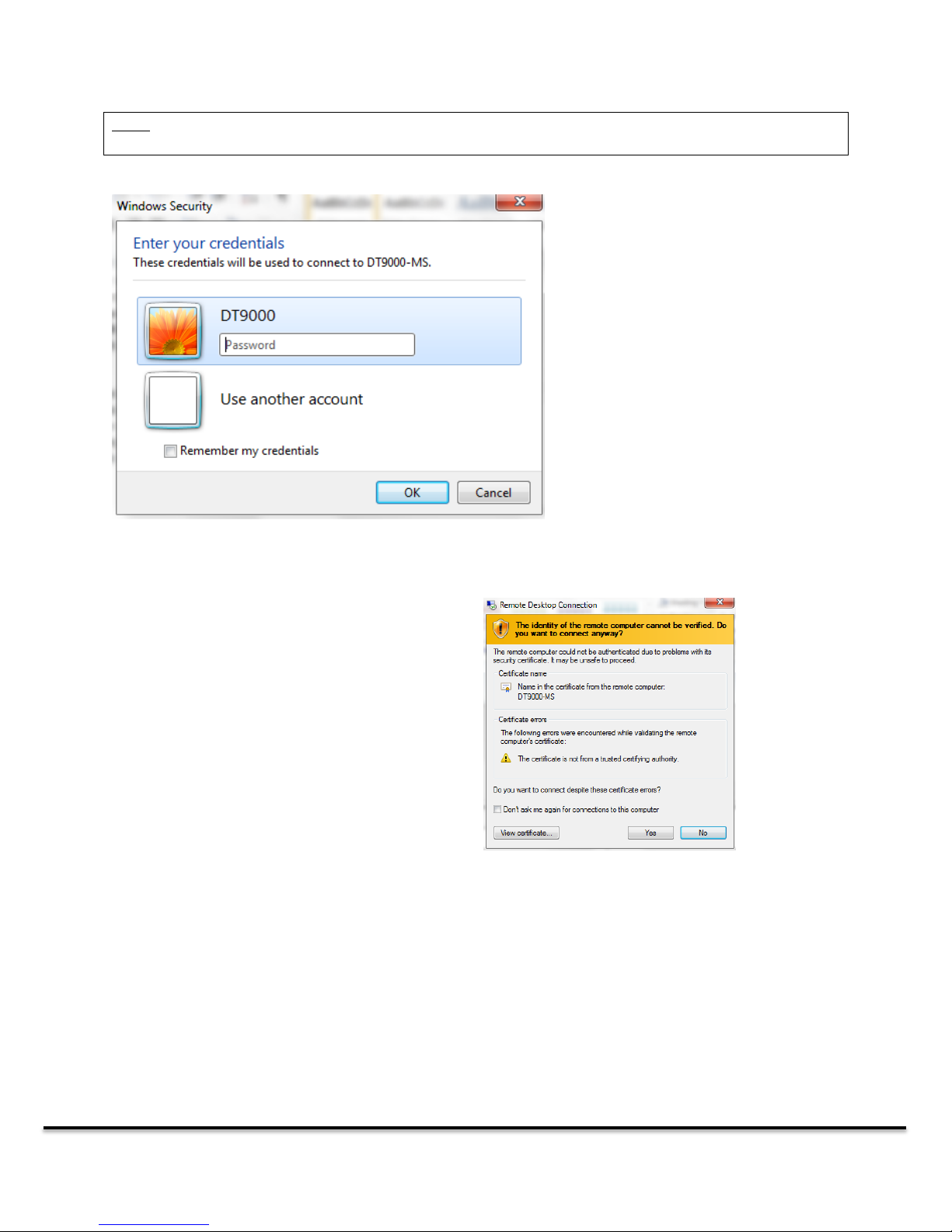
2.0 Getting Connected.......................................................................................................................................................7
2.1 Troubleshooting Remote Desktop Connections .................................................................................................................8
2.1.1 Ensure that the DT9000 is on......................................................................................................................................8
2.1.2 Ensure that you are connected to the proper LAN port...............................................................................................9
2.1.3 Ensure that you have a direct connection to the device ..............................................................................................9
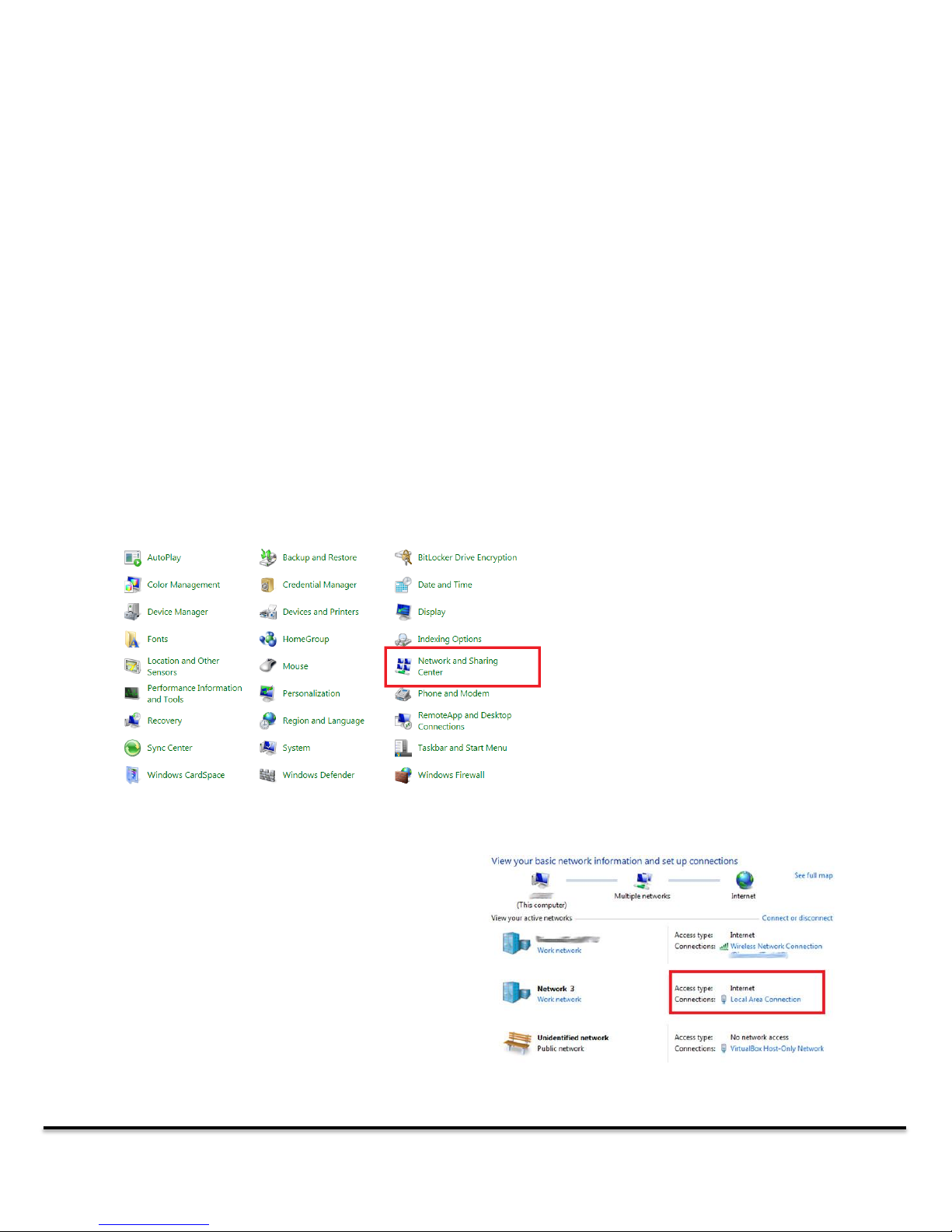
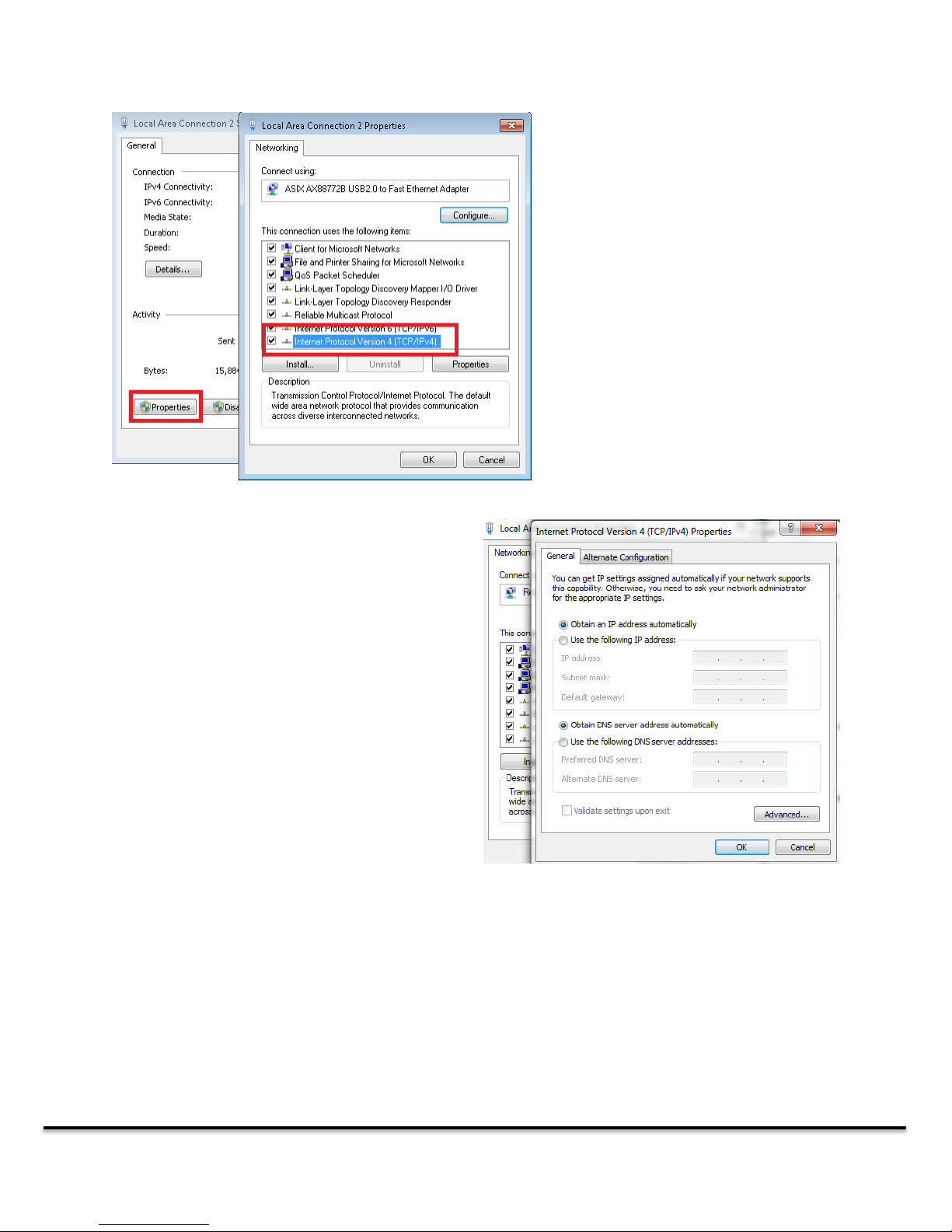
2.1.4 Ensure that your Ethernet port is being assigned a dynamic IP address .....................................................................9
3.0 Master Setup and Configuration................................................................................................................................10
3.1 Master Devices and Firmware..........................................................................................................................................11
3.2 Master Configuration........................................................................................................................................................11
4.0 Creating a Master Configuration ......................................................................................................................................12
4.1 Configuring a Modbus RTU Master.................................................................................................................................12
4.2 Configuring Network Masters with SYCON.NET....................................................................................................14
5.0 Network IO Monitor.........................................................................................................................................................19
5.1 Troubleshooting Network Data ........................................................................................................................................20
6.0 OPC Server.......................................................................................................................................................................21