2
Installing the Mounting Base
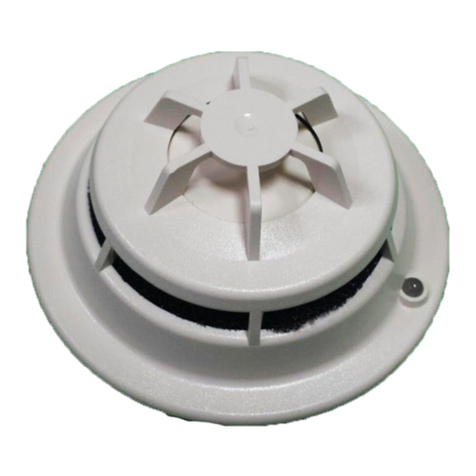
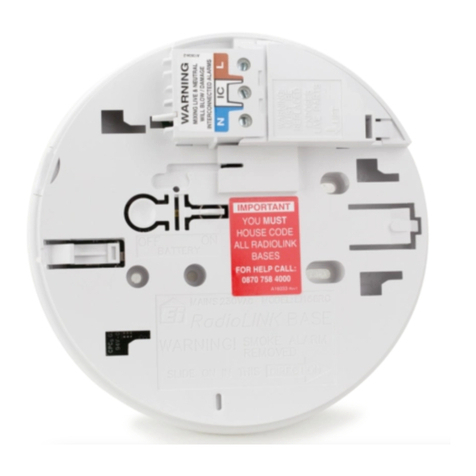
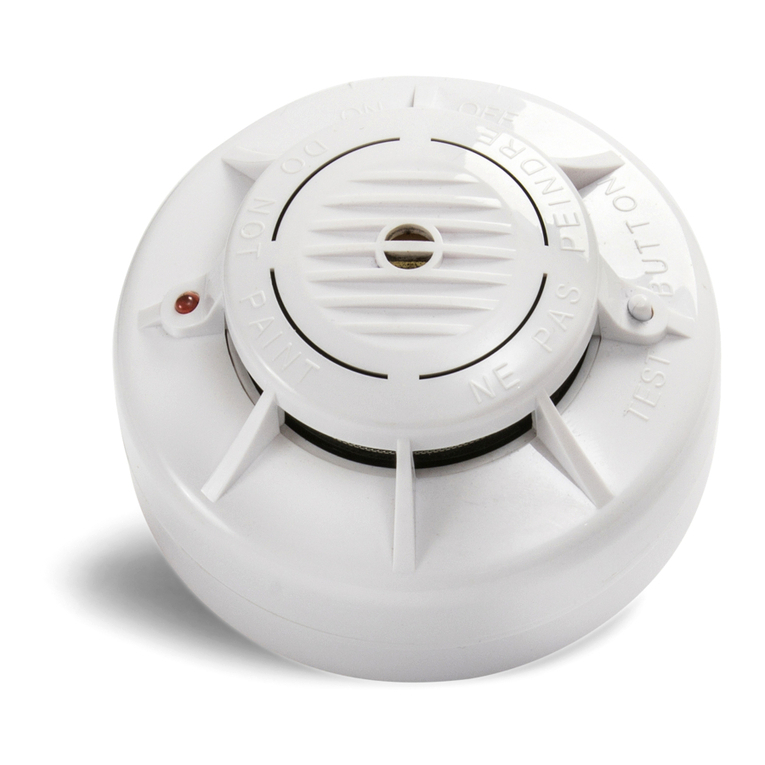
The mounting base included with each 521 makes the
smoke detector easy to install and remove if necessary.
The detector head simply twists off of its 4.75" mounting
base.
The mounting base connects directly to standard single-
gang electrical boxes, three-inch round, or four-inch
octagonal boxes. The base may also be mounted without
electrical boxes if approved by the AHJ or if codes allow.
Installing the Detector Head to Mounting Base
Toinstalladetectorhead,simplylineuptheraisedmarking
on the side of the detector with the arrow on the mounting
base.Inserttheheadandrotateitclockwiseapproximately
15 degrees to snap into place (see Figure 3).
Removing the Detector Head
Toremovethedetectorhead,simplyturncounterclockwise.
However,ifthelockingtabslothasbeenremoved,inserta
smallscrewdriver intothelockingtab slotonthe side ofthe
baseandpressinwhilesimultaneouslyturningthedetector
head counterclockwise (see Figure 4).
Wiring
First, pull wire through electrical box, then through center
opening of the 521 mounting base. Connect the 4-wire
harness to the J1 terminal according to the wiring diagram
in Figure 1.
Follow the wiring in Figure 1 when connecting the 521
detector to the XR200 LX-Bus. The maximum distance for
anyoneLX-Buscircuitis2,500feet.Themaximumnumber
of LX-Bus devices on any one 2,500 foot circuit is 40. To
increasethewiringdistanceand/ornumberofdevices,you
must install a DMP 710 Bus Splitter/Repeater Module.
Refer to page 4 for more information about the Model 710.
Addressing the 521LX and LXT
Addressing the 521 requires setting two on-board rotary
switches to match the address of the XR200 LX-Bus zone
number. For zone numbers 100 to 199, set the switches to
matchthelasttwodigitsofthezonenumber.Forexample,
to assign the 521 detector to zone number 120, you would
setthe leftrotaryswitch(labeled "TENS") to2andthe right
rotary switch (labeled "ONES") to 0.
Testing Each Detector
All 521 smoke detectors are shipped with a plastic dust
cover for use in areas where construction is continuous.
Smoke detectors will not work with the dust cover in place.
Remove the dust cover when installation is completed,
prior to testing. Also, disconnect alarm notification
appliances, releasing service devices, and extinguishing
systems prior to detector tests. Be sure to reconnect all
devices at the conclusion of testing.
Per NFPA 72, “all smoke detectors shall be tested in place
annually, to ensure smoke entry into the sensing chamber
and alarm response. Testing with smoke or listed aerosol
acceptabletothemanufacturer,shallbepermitted.”Annual
functional testing is best accomplished using Smoke! In a
can, Model 526, available from DMP. Carefully follow the
directions on the can.
Thedetectorperforms a smoke test every 9 secondswhile
flashing its LED. If smoke is detected, the rate of sampling
increasestoevery4.5seconds.Excessivesmokemustbe
detected in three consecutive tests for the alarm to sound.
Therefore,whentestingthedetectorwithsmolderingpunks
orcottonwicks,holdthesmokesourceneartheopeningfor
smokeentryandgentlydirectsmokeintothedetectorfor20
seconds or until an alarm is indicated.
BE SURE TO
PROPERLYEXTINGUISHTHESMOKESOURCEAFTER
TESTING!
Thisisagross,go/no-gotestandisnotareliableindication
ofdetectorsensitivity.Ifitissuccessful,theLEDwillremain
lit. For in-depth sensitivity testing, see Sensitivity Level
TestModebelow.Resetthedetector,thenbloworbrushoff
the optical block base and snap a new optical block
chamber (see Figure 8) back in place, replace the cap and
verify sensitivity with the Sensitivity Level Test.
Figure 5: Address switches
Example:
Rotary switches on the
521 module set for zone
address 120.
ONES
0
1
2
3
4
5
6
7
8
9
0
1
2
3
4
5
6
7
8
9
TENS
2841 E. Industrial Drive Springfield, MO 65802-6310 800-641-4282
521LX and LXT Installation
Figure 3
Figure 4