manuals.online logo
Brands
  1. Home
  2. •
  3. Brands
  4. •
  5. DoorBird
  6. •
  7. Intercom System
  8. •
  9. DoorBird D10 Series User manual

DoorBird D10 Series User manual

Other manuals for D10 Series

3

This manual suits for next models

1

Other DoorBird Intercom System manuals
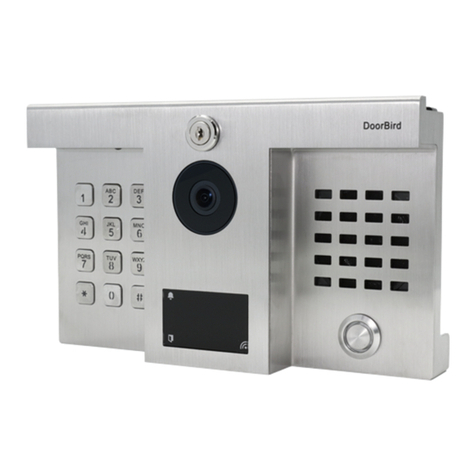
DoorBird D1812 Series User manual

DoorBird

DoorBird D1812 Series User manual
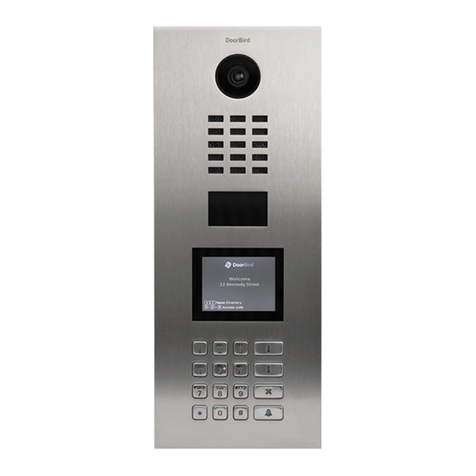
DoorBird D21DKV User manual

DoorBird

DoorBird D21DKV User manual

DoorBird D210 V Series User manual

DoorBird

DoorBird D210 V Series User manual
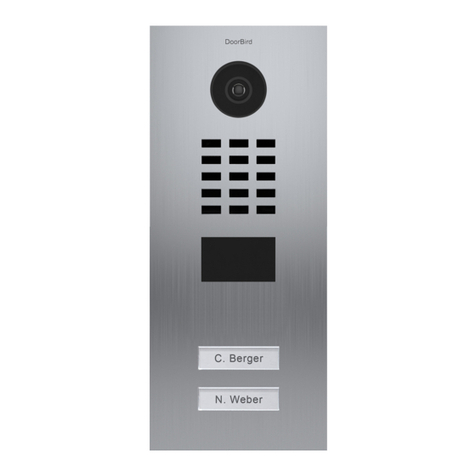
DoorBird D21 Series User manual

DoorBird

DoorBird D21 Series User manual
DoorBird D21 Series User manual

DoorBird

DoorBird D21 Series User manual
DoorBird D11 Series User manual

DoorBird

DoorBird D11 Series User manual
DoorBird D10x Series User manual

DoorBird

DoorBird D10x Series User manual
DoorBird D21 Series User manual

DoorBird

DoorBird D21 Series User manual
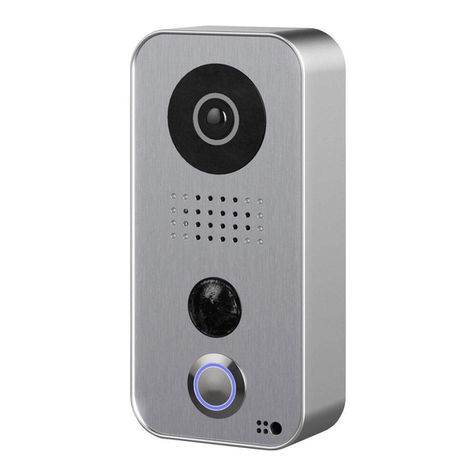
DoorBird D10x Series User manual

DoorBird

DoorBird D10x Series User manual
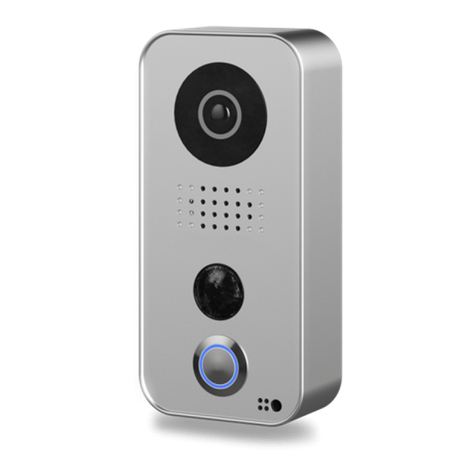
DoorBird D10 Series User manual

DoorBird

DoorBird D10 Series User manual
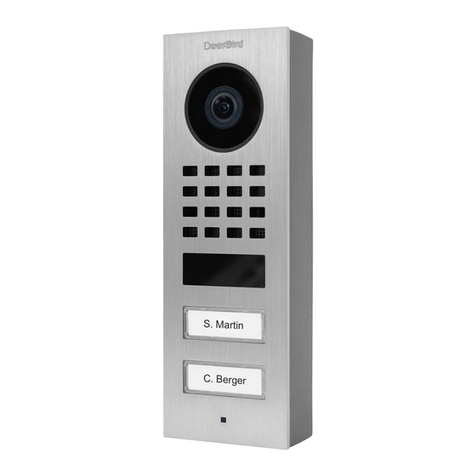
DoorBird D11 Series User manual

DoorBird

DoorBird D11 Series User manual

DoorBird D11 Series User manual

DoorBird

DoorBird D11 Series User manual
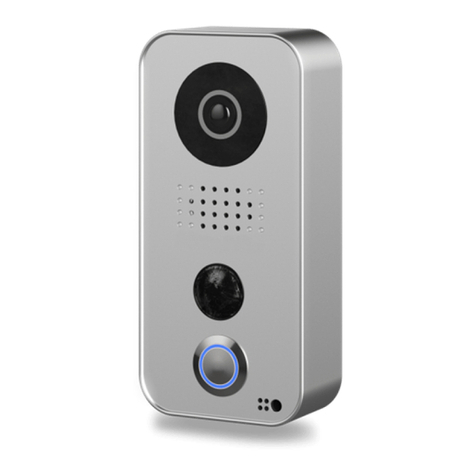
DoorBird D10 Series User manual

DoorBird

DoorBird D10 Series User manual
DoorBird D10 Series Instruction Manual
DoorBird

DoorBird D10 Series Instruction Manual

DoorBird D301 Series User manual

DoorBird

DoorBird D301 Series User manual
DoorBird A1061 Series User manual

DoorBird

DoorBird A1061 Series User manual
DoorBird D21x Series User manual

DoorBird

DoorBird D21x Series User manual
DoorBird D11x Series User manual

DoorBird

DoorBird D11x Series User manual
DoorBird BirdGuard B10x Series User manual
DoorBird

DoorBird BirdGuard B10x Series User manual

DoorBird D21 Series User manual

DoorBird

DoorBird D21 Series User manual
DoorBird D11 Series User manual

DoorBird

DoorBird D11 Series User manual

DoorBird A1101 Series User manual

DoorBird

DoorBird A1101 Series User manual

DoorBird D1102KV User manual

DoorBird

DoorBird D1102KV User manual

DoorBird D1101KH User manual

DoorBird

DoorBird D1101KH User manual

Popular Intercom System manuals by other brands
Videx VRDK1 (25H) Technical manual

Videx

Videx VRDK1 (25H) Technical manual

Auta COMPACT VISUALTECH manual

Auta

Auta COMPACT VISUALTECH manual

Aiphone LC-10S instructions

Aiphone

Aiphone LC-10S instructions

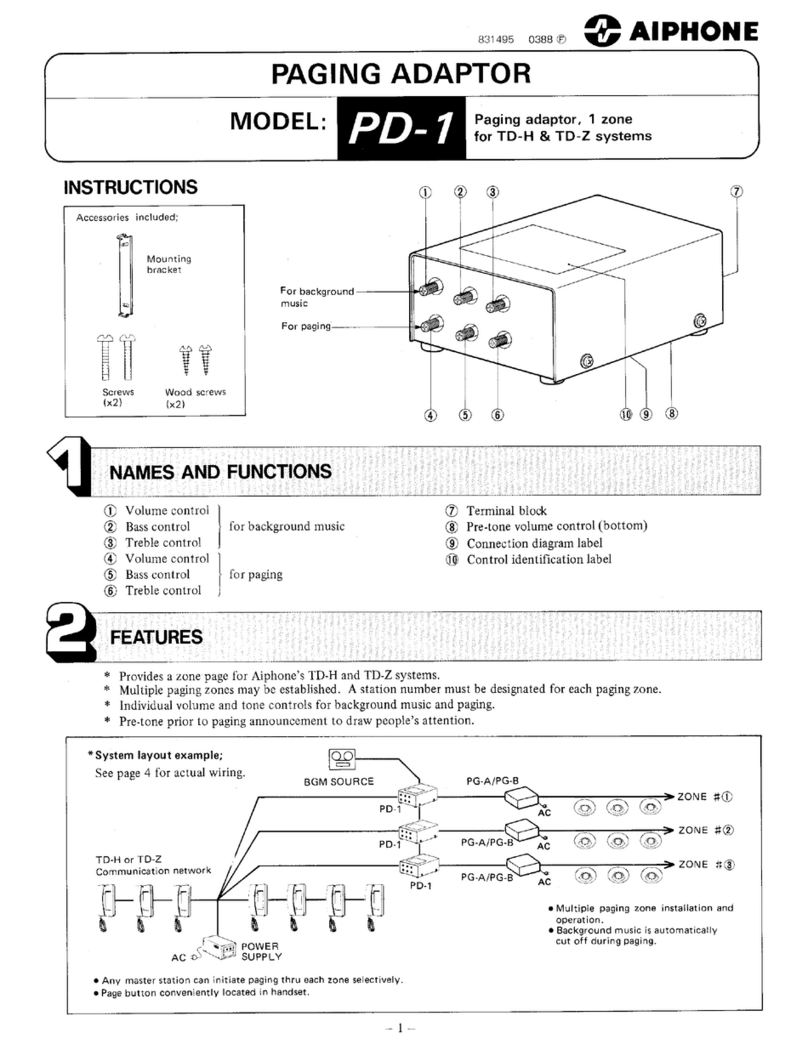
Aiphone PD-1 instructions

Aiphone

Aiphone PD-1 instructions

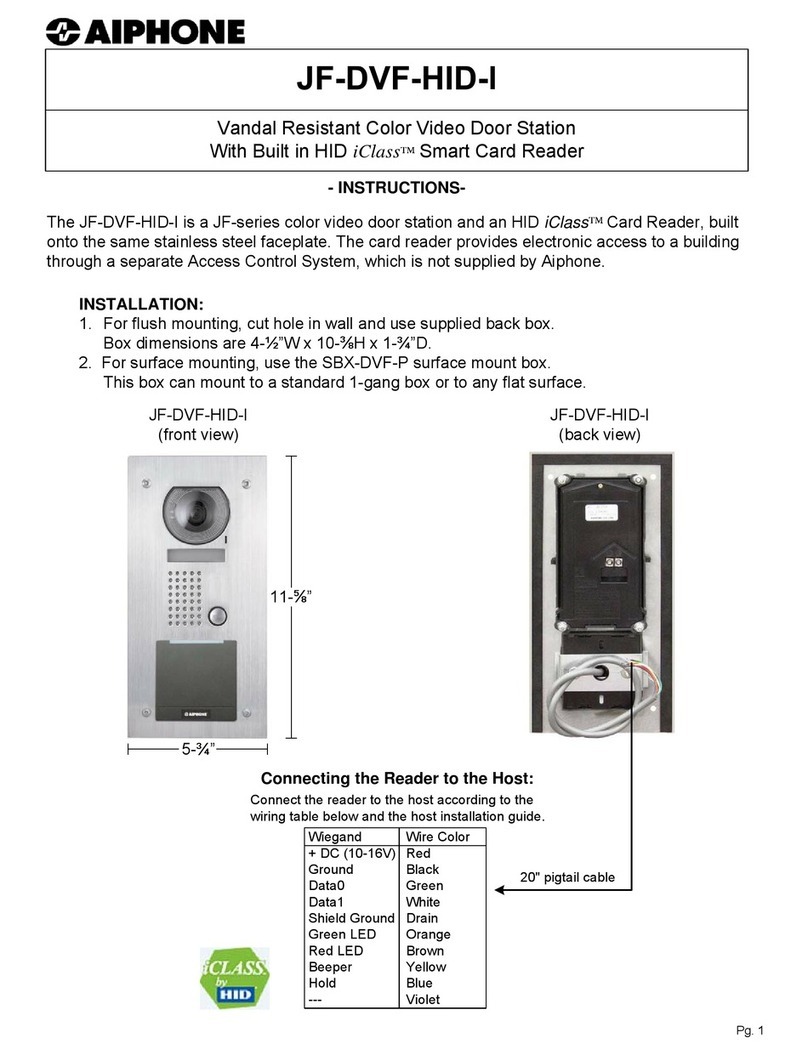
Aiphone JF-DVF-HID-I instructions

Aiphone

Aiphone JF-DVF-HID-I instructions

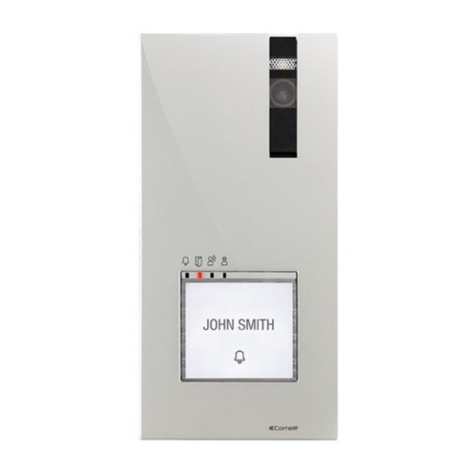
Comelit 4893M Technical manual

Comelit

Comelit 4893M Technical manual

MGL Avionics V16 manual

MGL Avionics

MGL Avionics V16 manual

SSS Siedle BVI 750-0 Installation & programming
SSS Siedle

SSS Siedle BVI 750-0 Installation & programming

urmet domus AIKO 1716/1 quick start guide

urmet domus

urmet domus AIKO 1716/1 quick start guide

urmet domus IPerVoice 1039 Installation
urmet domus

urmet domus IPerVoice 1039 Installation

Alpha Communications STR QwikBus TT33-2 Installation, programming, and  user's manual

Alpha Communications

Alpha Communications STR QwikBus TT33-2 Installation, programming, and user's manual

Monacor ICM-20H instruction manual

Monacor

Monacor ICM-20H instruction manual

Logenex A202CR Installation & programming

Logenex

Logenex A202CR Installation & programming

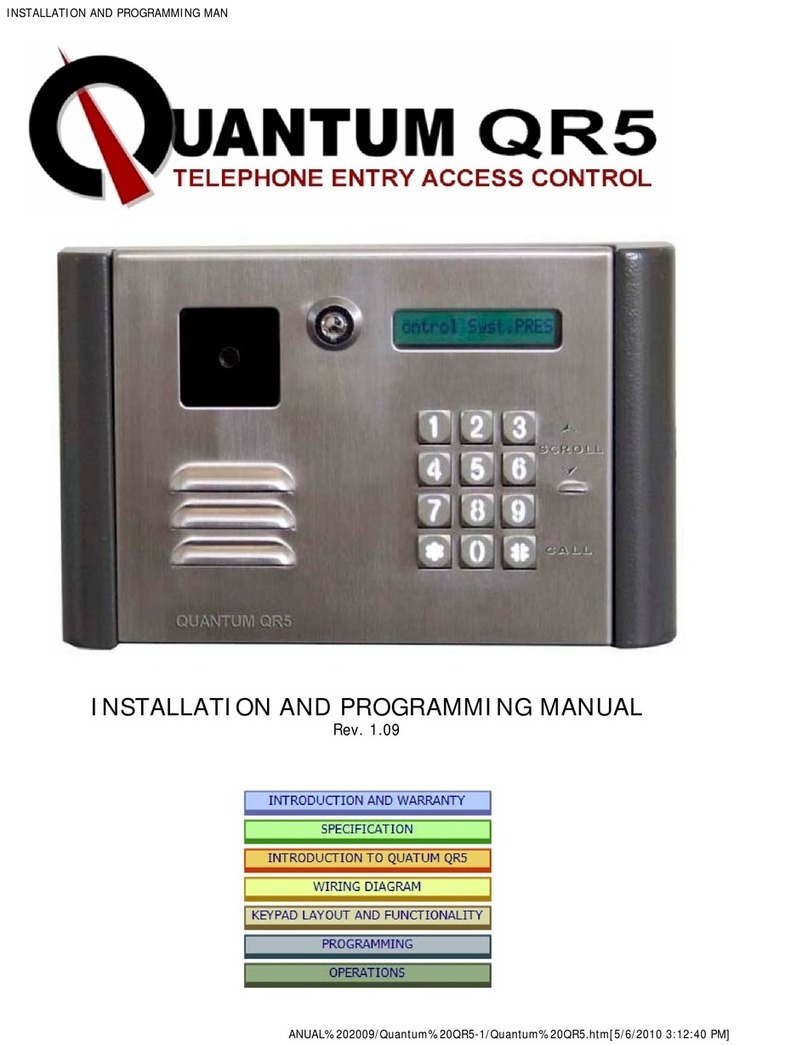
Quantum QR5 Installation and programming manual

Quantum

Quantum QR5 Installation and programming manual

EVGA XR1 quick guide

EVGA

EVGA XR1 quick guide

CyberData 011211 series Installation quick reference

CyberData

CyberData 011211 series Installation quick reference

Vidos duo M1021 user manual

Vidos

Vidos duo M1021 user manual

Savant DOR-SMS-00 Deployment guide

Savant

Savant DOR-SMS-00 Deployment guide

manuals.online logo
manuals.online logoBrands
  • About & Mission
  • Contact us
  • Privacy Policy
  • Terms and Conditions

Copyright 2025 Manuals.Online. All Rights Reserved.

VERSION ., MIN. HW .
Page 1-19
Installation Manual
IP Video Door Station
D10x Series
Seite 20-39
Installationsanleitung
IP Video Türstation
D10x Serie
Page 40-58
Manuel d´installation
Interphone vidéo IP
Série D10x
Página 59-77
Manual de Instalación
Videoportero IP
Serie D10x
Pagina 78-88
Manuale di installazione
Videocitofono IP
Serie D10x
D10X
All manuals and user guides at all-guides.com
2
INSTALLATION MANUAL
Read these instructions carefully before starting to use any components.
Keep the manual so you can refer to it at a later date if required. If you hand
over the device to other persons for use, please hand over the operating
manual as well.
You can always find the most up-to-date version of the installation manual
on www.doorbird.com/support
To make things easier we use the term “device” for the product “IP Video
Door Station” and “mobile device” for a smartphone or tablet.
Liability
Every care has been taken in the preparation of this document.
Please inform Bird Home Automation GmbH of any inaccuracies or omissions.
Bird Home Automation GmbH cannot be held responsible for any technical
or typographical errors and reserves the right to make changes to the product
and manuals without prior notice. Bird Home Automation GmbH makes no
warranty of any kind with regard to the content of this document, including,
but not limited to, the implied warranties of merchantability and fitness for
a particular purpose. Bird Home Automation GmbH shall neither be liable
nor responsible for incidental or consequential damages in connection with
the furnishing, performance or use of this material. This product is only to
be used for its intended purpose.
Equipment Modifications
This equipment must be installed and used in strict accordance with the
instructions given in the user documentation. This equipment contains no
components that require service by the user. Unauthorized equipment
changes or modifications will invalidate all applicable regulatory certifications
and approvals.
Symbols used
Caution: Indicates a hazardous situation which, if not avoided,
could result in minor or moderate injury.
Danger: Indicates a hazardous situation which, if not avoided,
will result in death or serious injury.
Warning: Indicates a hazardous situation which, if not avoided,
could result in death or serious injury.
All manuals and user guides at all-guides.com
3
ENGLISHENGLISH
Notice: Indicates a situation which, if not avoided, could result
in damage to property.
Note: Indicates useful information which helps in getting the
most out of the product.
NOTICE
Hazard information
 Mounting, installation and servicing work on electrical devices may
only be performed by a qualified eletrician. Failure to observe this
regulation could result in the risk of serious damage to health or fatal
injury due to electric shocks.
 Devices with 110-240 V connection: The device may only be connected
to an easily accessible power socket outlet. The mains adapter must
be pulled out if a hazard occurs.
 For power supply, only use the original plug-in mains adapter
delivered with the device or a recommended PoE-Switch/PoE-Injector
as specified in this manual.
 Because of electrostatic charging, direct contact with the circuit
board can result in destruction of the device. Direct contact with the
circuit board must therefore be avoided at any time.
 Observe the EN 60065 resp. EN 60950 resp. EN 62368 standard.
 Do not use the device if there are signs of damage to the housing,
control elements or connecting sockets, for example, or if it
demonstrates a malfunction. If you have any doubts, please have
the device checked by an authorized expert.
 Do not open the device. This voids the warranty of the device.
The device does not contain any parts that can be maintained by the
user. In the event of an error, please have the device checked by an
authorized expert.
WARNING
Important: Indicates significant information which is essential
for the product to function correctly.
All manuals and user guides at all-guides.com
4
 For safety, approval and licensing reasons (CE/FCC/IC etc.), unauthorized
change and/or modification of the device is not permitted.
 The device is not a toy; do not allow children to play with it. Do not
leave packaging material lying around. Plastic films/bags, pieces of
polystyrene, etc. can be dangerous in the hands of a child.
 Always lay cables in such a way that they do not become a risk to
people and domestic animals.
 Voltage is applied to parts within the equipment. Do not touch any
parts that are not associated with the installation, wiring, or connection.
Electric shock could result.
 On devices which are not marked as weather-proof: Keep the device
away from water or any other liquid.
 Do not install or make any wire terminations while power supply is
plugged in. It can cause eletric shock or damage to the device.
 Before turning on power, make sure wires are not crossed or shorted.
If not, fire or eletric shock could result.
 High voltage may be present internally. Do not open the device.
Electric shock could result.
 The device is not of explosion-proof. Do not install or use near gases
or flammable materials. Fire or explosion could result.
 Do not install two power supplies in parallel to a single input. Fire or
damage to the device could result. Be sure to connect a single power
supply to the device.
 Do not connect any terminal on the device to an AC power line. Fire
or electric shock could result.
 Keep AC cord from being marred or crushed. If the AC cord is fractured,
fire or electric shock could result.
 Do not plug or unplug with wet hands. Electric shock could result.
WARNING
All manuals and user guides at all-guides.com
5
ENGLISHENGLISH
 Do not put any metal or flammable material into the device.
Fire, electric shock, or device trouble could result.
 Existing wiring such as chime wiring, etc. may contain high voltage
AC electricity. Damage to the device or electric shock could result.
Wiring and installation must be done by a qualified eletrician.
 When mounting the device on a wall or ceiling, install the device in
a convenient location, but not where it could be jarred or bumped.
Injury could result.
 On devices with ground terminals, connect to an earth ground.
Otherwise fire or malfunction could result.
 On devices with plastic or real glass, do not put high pressure on
the glass. If fractured, injury could result.
 On devices with LCD, if LCD is punctured, do not allow contact
with the liquid crystal inside. Injury could result. If necessary, gargle
your mouth and clean your eyes or skin with clear water for at least
15 minutes and consult your doctor.
 Do not put anything on the device or cover the device with cloth,
silicone, glue, coating, separate covering etc. Fire or device issues
could result.
 Do not install the device in any of the following locations. Fire, electric
shock, or device trouble could result.
- Places under direct sunlight or places near heating equipment that
varies in temperature.
- Places subject to dust, oil, chemicals, hydrogen sulfide (hot spring).
- Places subject to moisture and humidity extremes, such as bathrooms,
cellars, greenhouses, etc.
- Places where the temperature is very low, such as inside a refrigerated
area or in front of an air conditioner.
- Places subject to steam or smoke (e.g. near heating or cooking surfaces).
- Where noise generating devices such as dimmer switches or inverter
electrical appliances are closeby.
- Locations subject to frequent vibration or impact.
All manuals and user guides at all-guides.com
6
 On devices with intercom, be sure to perform a call test with low
audio volume on both intercom devices. A sudden call etc. may arrive
causing for example damage to your ear.
 If the device does not operate properly, unplug the power supply.
 All devices which are not marked as weather-proof are designed for
indoor use only. Do not use outdoor.
 On devices which are marked weather-proof: Do not spray with
high-pressure water. Device issues could result.
 We do not assume any liability for damage to property or personal
injury caused by improper use or the failure to observe the hazard
information. In such cases, any claim under warranty ceases.
For consequential damages, we assume no liability!
WARNING
Safety instructions
 The device shall be used in compliance with local laws and regulations.
 Store the device in a dry and ventilated environment.
 Avoid exposing the device to shocks or heavy pressure.
 Do not install the device on unstable brackets, surfaces or walls.
Make sure the material is strong enough to support the weight of
the device.
 Use only applicable tools when installing the device. Using excessive
force with tools could cause damage to the device.
 Do not use chemicals, caustic agents, or aerosol cleaners.
 Use a clean dry cloth for cleaning.
 Use only accessories that comply with technical specification of the
device. These can be provided by Bird Home Automation GmbH.
 Use only spare parts provided by or recommended by Bird Home
Automation GmbH.
 Do not attempt to repair the device by yourself. Contact Bird Home
Automation GmbH for service matters.
NOTICE
All manuals and user guides at all-guides.com
7
ENGLISHENGLISH
 Keep the device more than 1 m (3.3') away from microwave, radio, TV,
wireless router and any other wireless devices.
 On devices with intercom or built-in speaker or built-in microphone
or signal transmission functions, keep the wires more than 30 cm (12'')
away from AC 100-240 V wiring. AC induced noise and/or device
malfunction could result.
 Install the device in an area that will be accessible for future inspections,
repairs and maintenance.
 If the device is used close to a cellular phone, the device may malfunction.
 The device can be damaged if dropped. Handle with care.
 The device turns inoperative during power failure.
 On devices with intercom or built-in speaker or built-in microphone,
in areas where cellular or Radio / TV broadcasting station antennas are
closeby, the device may be affected by radio frequency interference.
 On devices with LCD screen, it must be noted in advance that the LCD
panel, though manufactured with very high precision techniques,
inevitably will have a very small portion of its picture elements always lit
or not lit at all. This is not considered a device malfunction.
 On devices with intercom, due to the environmental sound around
the device, it may hinder smooth communication, but this is not a
malfunction.
 On devices with Username/Password, the Username/Password to
access the device is the customer's responsibility. Make sure to use
password that cannot be easily guessed by a third party.
We recommend that you change the Password on a regular basis.
 We will, under no circumstances, be liable for damage that occurs due
to failures in power supply, network equipment or terminal devices;
failures due to Internet providers and cellular network providers;
failures such as disconnected lines and other losses in communication,
which makes it impossible to provide this service as well as in any way
delay this service due to any other causes outside of our responsibility;
or if an error or missing data occurs during transmission.
All manuals and user guides at all-guides.com
8
COMPONENTS
Contents
 1x DoorBird Video Door Station
 1x Power supply unit (mains adaptor) with four country-specific adaptors
 1x Cable with plug for the power supply (black, red)
 1x Cable with plug and RJ45 jack for the network cable (white-orange,
orange, white-green, green)
 1x Cable with plug for the network cable (white-orange, orange,
white-green, green), alternatively to the cable with plug and RJ45 jack
 1x Cable with plug for the electric door opener (purple, purple)
 1x Cable with plug for the electric door chime (blue, blue)
 1x Cable with plug for the door-opening button (yellow, yellow)
 Several crimp connectors
 4x Phillips countersunk head screws for the wall mounting plate, long
 4x Phillips countersunk head screws for the wall mounting plate, short
 4x Dowels
 1x Safety screw
 1x Screwing-tool for the safety screw
 1x Wall mounting plate with sealing ring (installation on wall surface)
 1x Installation manual
 1x Quickstart guide
Warranty Information
For information about the device warranty, see www.doorbird.com/warranty
Transportation
When transporting the device, use the original packaging or
equivalent to prevent damage to the device.
NOTICE
All manuals and user guides at all-guides.com
9
ENGLISHENGLISH
VIDEOS
Need help with the installation? Be sure to watch our installation videos
which can be found on http://www.doorbird.com/support
Each individual step of the installation is clearly documented in the videos.
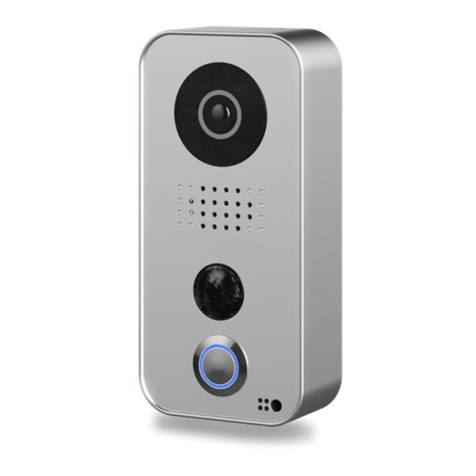
Video door station
1) Night vision
Extra bright infra-red LEDs, effective
during the hours of darkness
(infra-red light invisible to the
human eye, 850nm)
2) HDTV video
Ultra wide-angle hemispheric
lens, 180°
3) Loudspeaker
Large-sized and speech enhanced
broadband speaker
4) Motion sensor
180° Infrared motion sensor
for alarms
5) Stainless-Steel Button
With illuminated LED ring (at night),
also acts as Diagnostic-LED
6) Microphone
With active noise cancellation
7) Light sensor
For the night-vision mode
8) Locking positions
For the mounting plate
9) Connection terminal
For the power supply,
door chime, etc.
10) Screw opening
For the safety screw
Night vision
HDTV video
Loudspeaker
Motion sensor
Stainless-Steel
Button
Microphone
Light sensor
backfront
1 8
9
10
2
3
4
5
6
7
All manuals and user guides at all-guides.com
10
INSTALLATION
All steps below should be carried out carefully by a competent adult, taking
into consideration any applicable safety regulations. Should you have any
questions, please contact us or a competent specialist directly. Please ensure
that all wires used for the installation are undamaged along their entire
length and approved for this type of use.
Network speed and network components
Please ensure that the upload speed of your Internet connection is at least
0.5 Mbps. You can also carry out a speed test at any time via the DoorBird
app. The user experience is only as good as your network speed, network sta-
bility and quality of your network components, such as your Internet router
and WiFi access points or WiFi repeaters. Please also make sure that your net-
work components are no older than two years old, have been manufactured
by a well-known manufacturer, and have the latest firmware installed.
Should these requirements not be fulfilled, it may happen, for example that
the performance of audio and video is poor or push notifications are delayed
or do not arrive on your smartphone or tablet at all.
High-speed Internet (via landline): DSL, cable or optical fibre
Network: 802.11b/g/n 2.4 GHz or Ethernet, with DHCP
STEP 1: SWITCHING OFF POWER
Switch off the power to all wires leading to the assembly location, i.e. the
door chime, electric door opener, power supply unit for the video door
station etc..
STEP 2: DISMANTLING THE EXISTING DOORBELL
Should there already be a doorbell on the exterior wall of the house, please
dismantle it.
STEP 3: DETERMINING THE ASSEMBLY LOCATION
The video door station uses an ultra wide-angle hemispheric lens so that
even when the person is a minimum distance of 50 cm (19.68 inches) away
from the video door station, a low installation height is sufficient. The lens is
therefore not mechanically adjustable. The camera lens should be located
at an altitude of at least 145 cm (57 inches). You may check this prior to the
final mounting. Press the mounting plate against the wall at the desired
installation site and mark the boreholes with a pencil. Remove the mounting
plate again. Ensure that no cables are to be found in the wall behind
the boreholes.
All manuals and user guides at all-guides.com