manuals.online logo
Brands
  1. Home
  2. •
  3. Brands
  4. •
  5. Durabrand
  6. •
  7. Cassette Player
  8. •
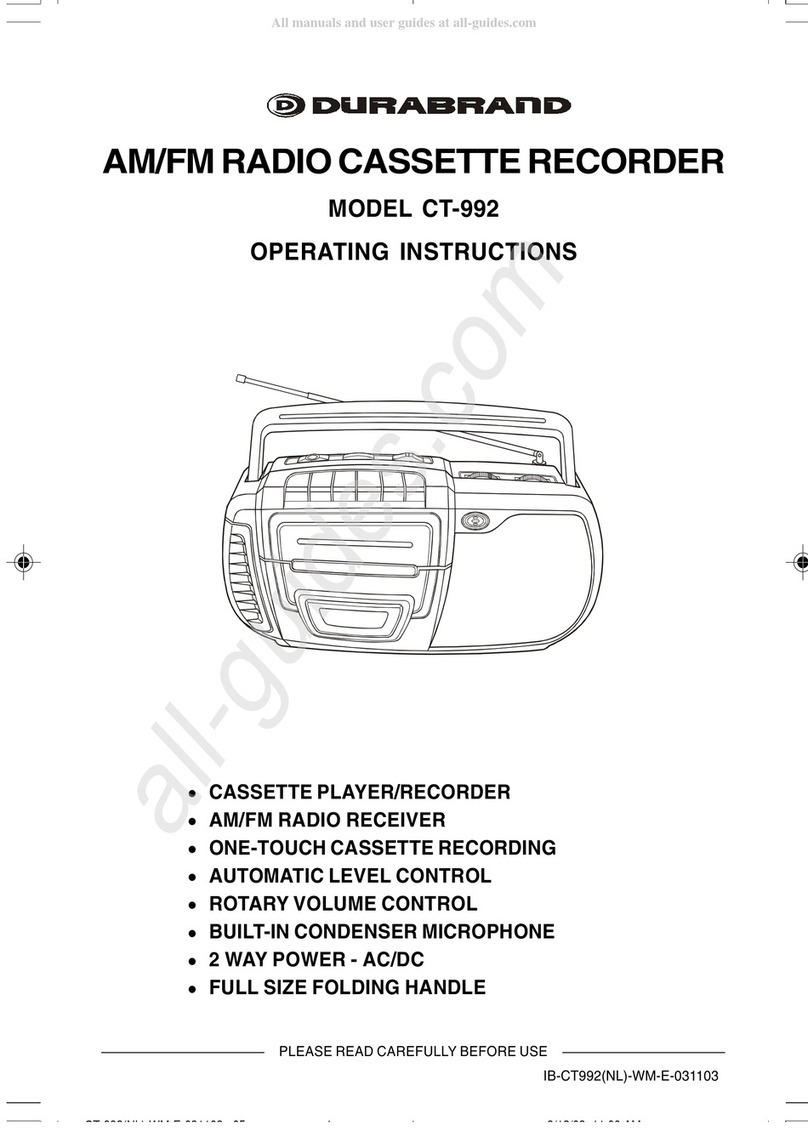
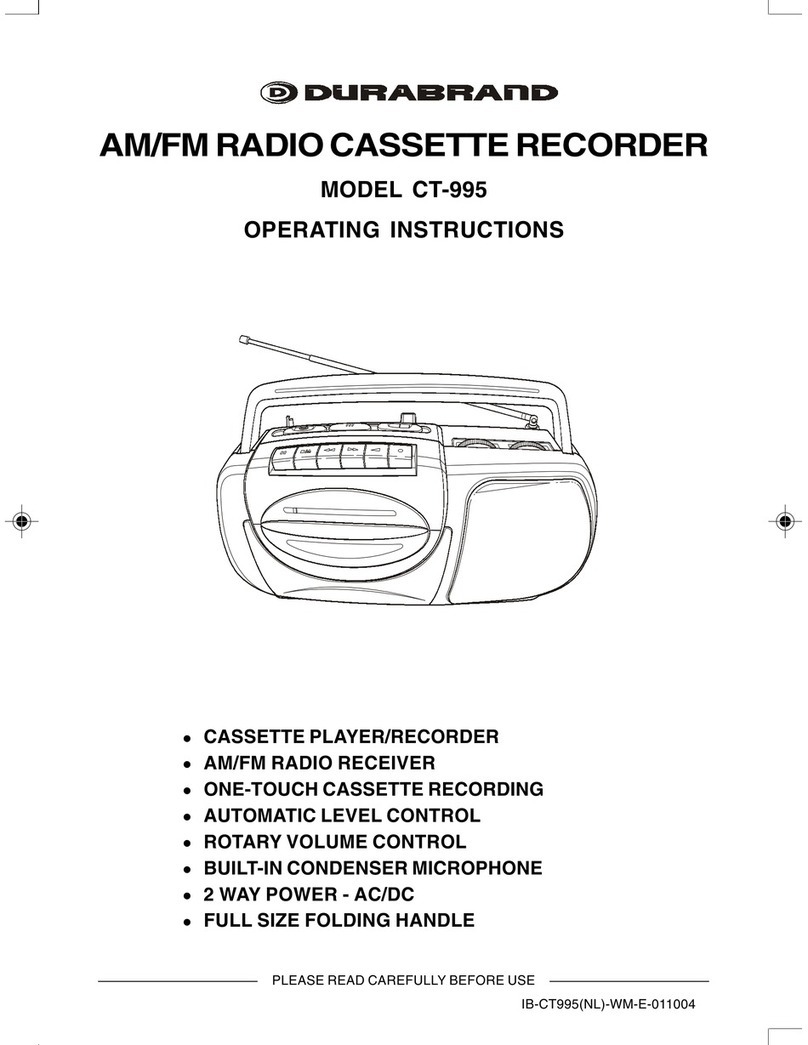
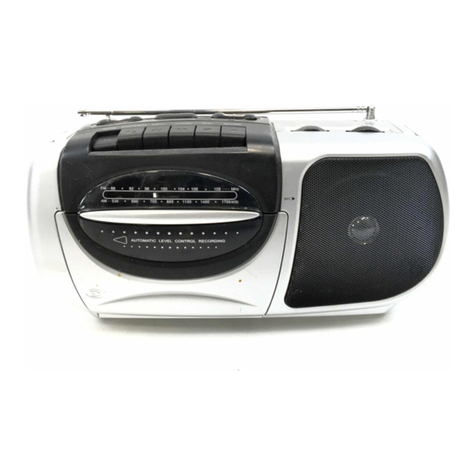
  9. Durabrand CT-992 User manual

Durabrand CT-992 User manual

Other manuals for CT-992

2

Other Durabrand Cassette Player manuals

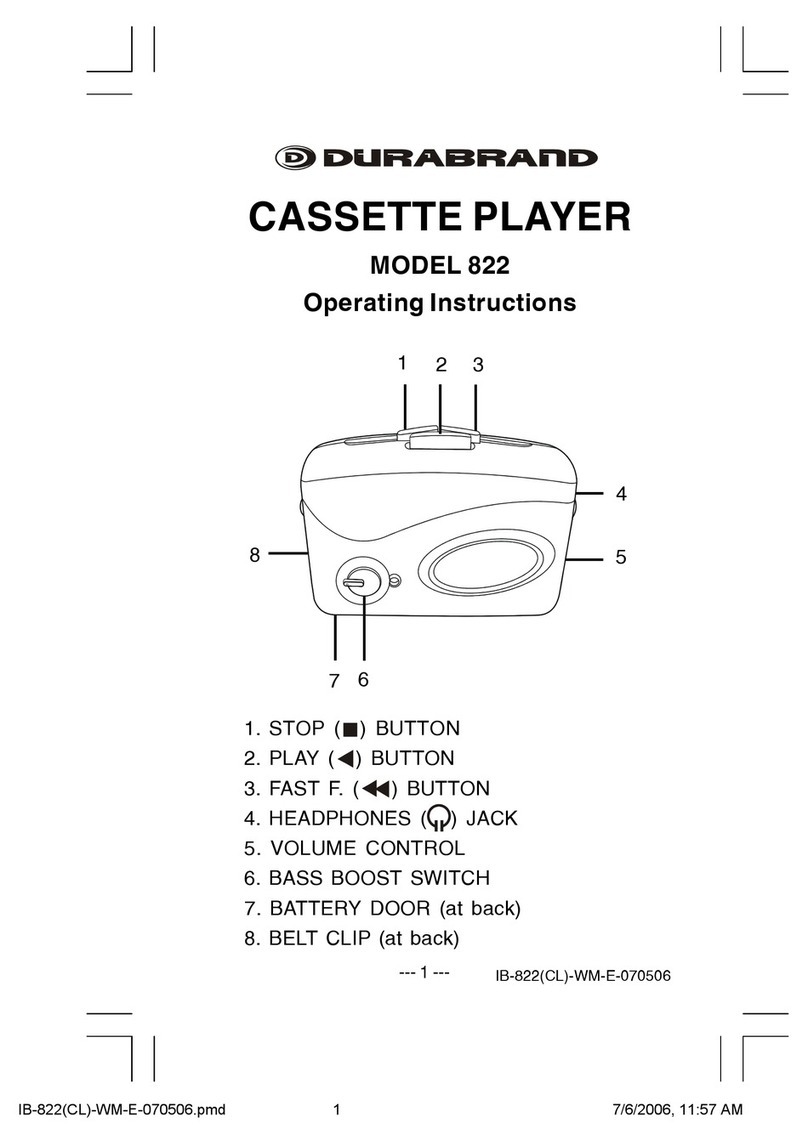
Durabrand 822 User manual

Durabrand

Durabrand 822 User manual

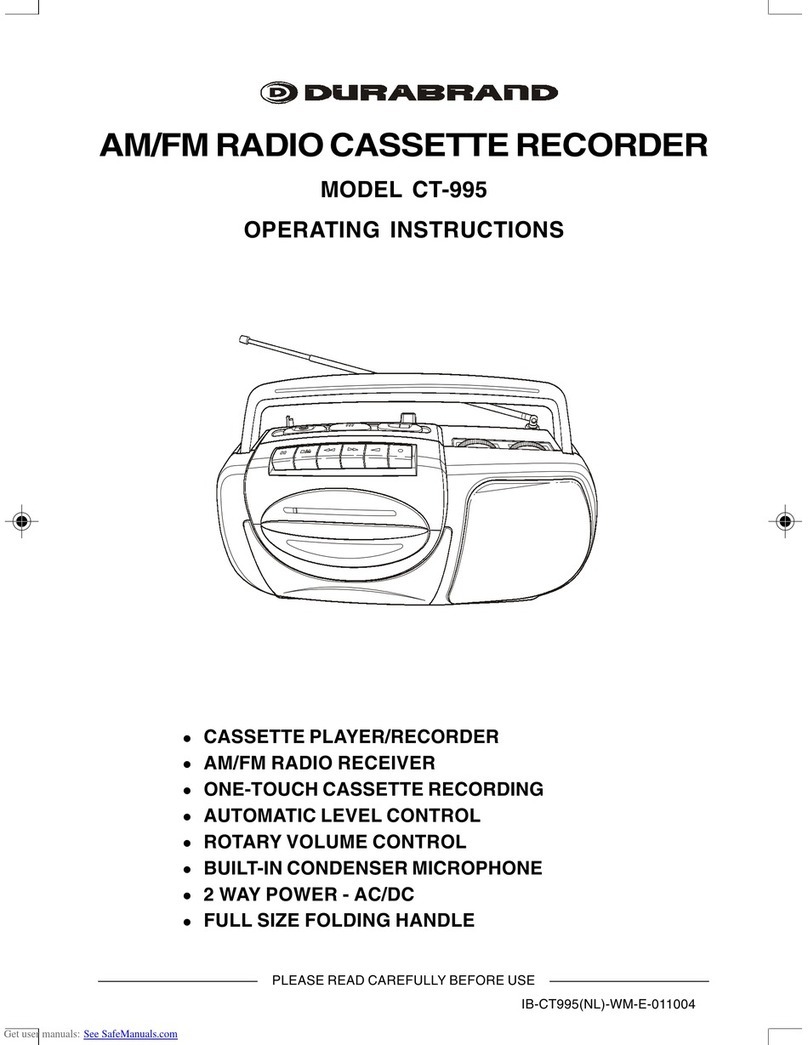
Durabrand CT-995 User manual

Durabrand

Durabrand CT-995 User manual

Durabrand AD980BD User manual

Durabrand

Durabrand AD980BD User manual

Durabrand CT-992 User manual

Durabrand

Durabrand CT-992 User manual

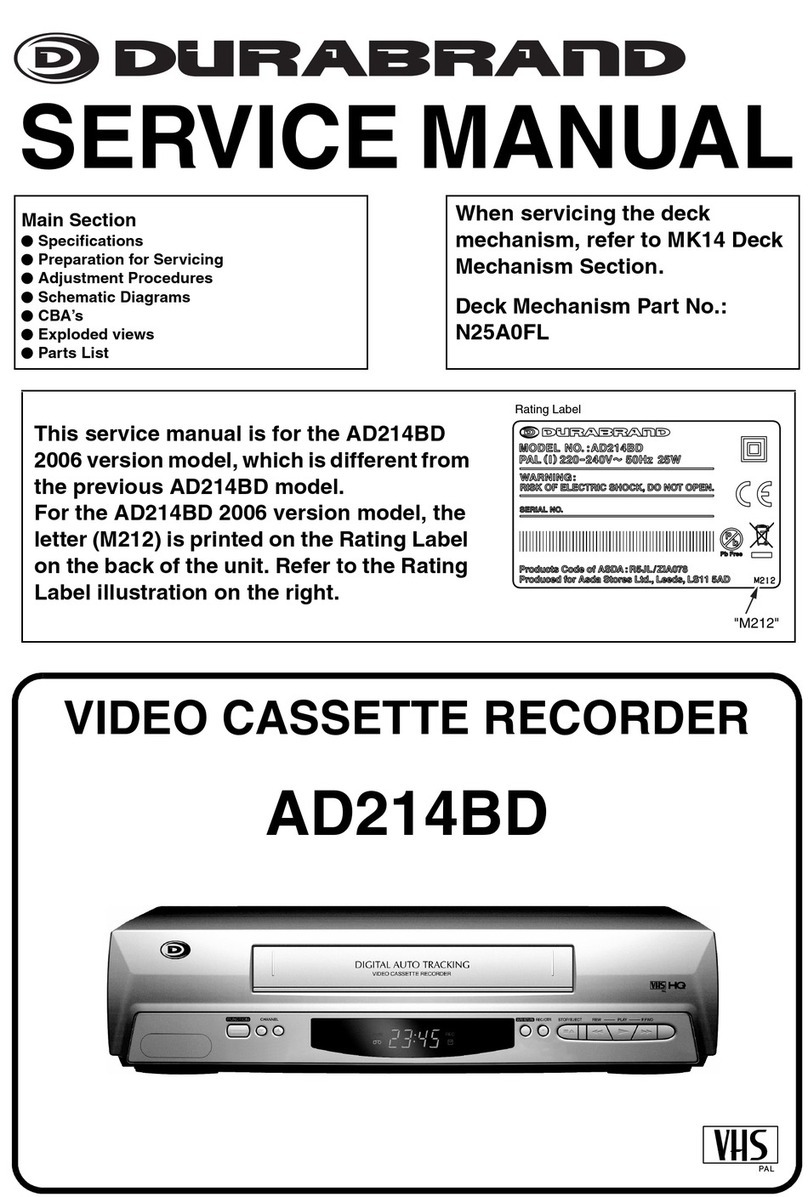
Durabrand AD214BD User manual

Durabrand

Durabrand AD214BD User manual

Durabrand 820M User manual

Durabrand

Durabrand 820M User manual

Durabrand 1129 User manual

Durabrand

Durabrand 1129 User manual

Durabrand CT-995 User manual

Durabrand

Durabrand CT-995 User manual

Durabrand CT-995 User manual

Durabrand

Durabrand CT-995 User manual

Durabrand CT-995 User manual

Durabrand

Durabrand CT-995 User manual

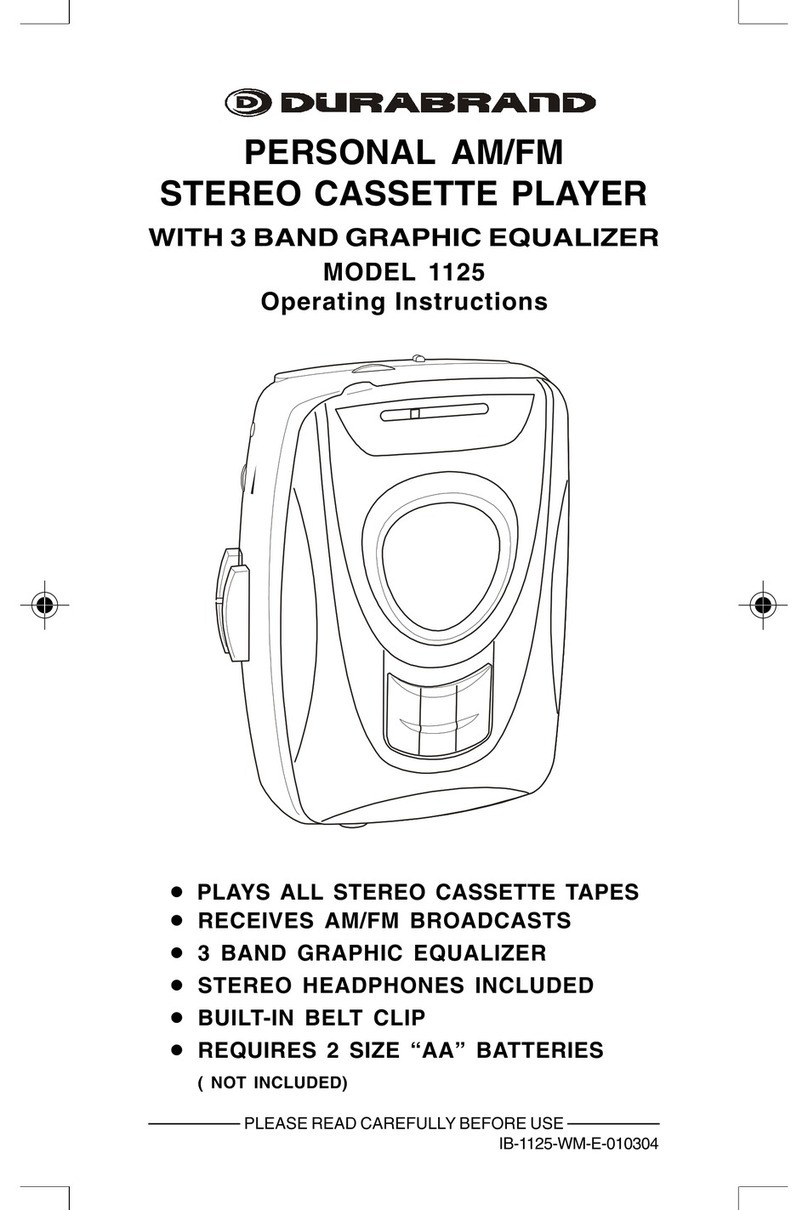
Durabrand 1125 User manual

Durabrand

Durabrand 1125 User manual

Popular Cassette Player manuals by other brands

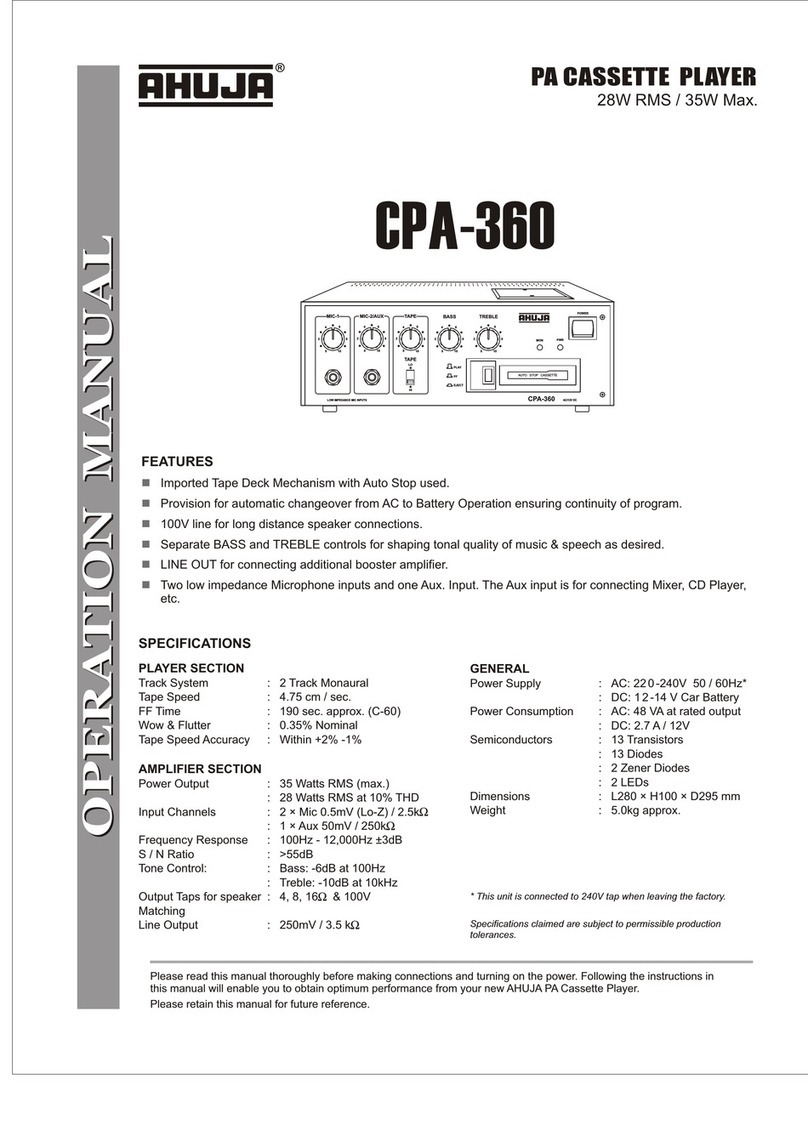
Ahuja CPA-360 Operation manual

Ahuja

Ahuja CPA-360 Operation manual

Sony Pressman TCS-60DV Specifications

Sony

Sony Pressman TCS-60DV Specifications

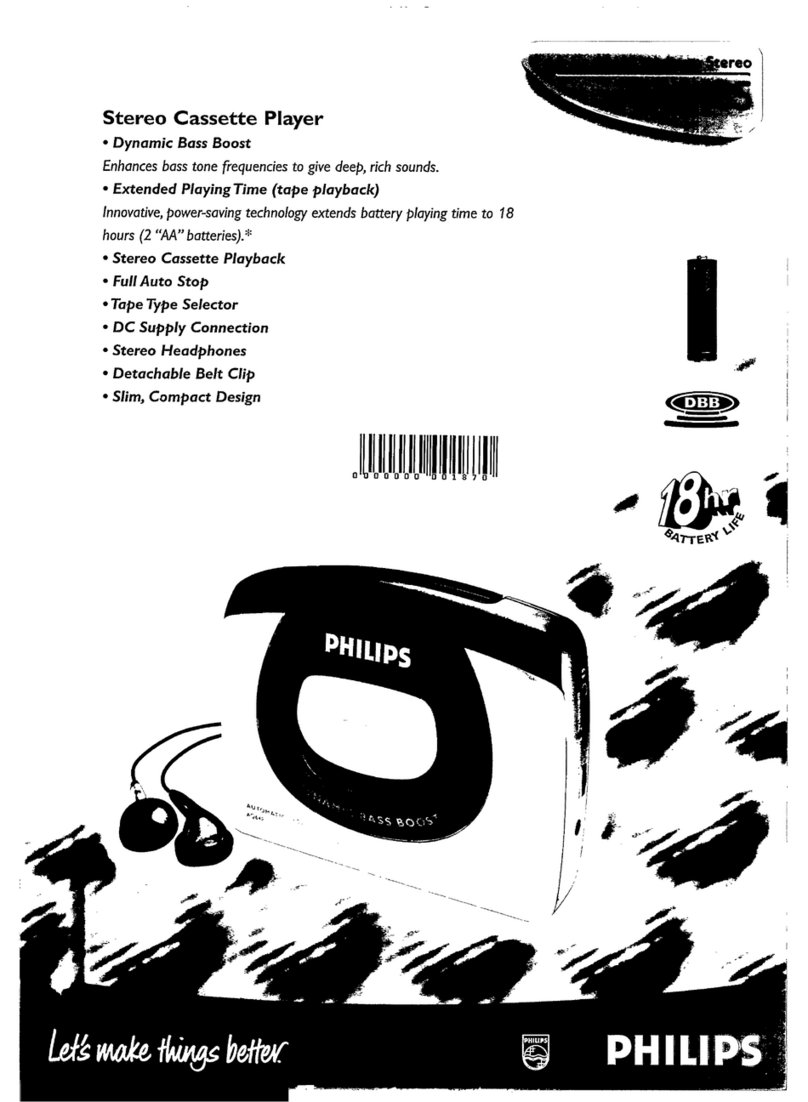
Philips AQ6485/14 Product information

Philips

Philips AQ6485/14 Product information

Sony TCM-200DV - Cassette Recorder operating instructions

Sony

Sony TCM-200DV - Cassette Recorder operating instructions

Nakamichi BX-300 Service manual

Nakamichi

Nakamichi BX-300 Service manual

Panasonic RQ-E25V operating instructions

Panasonic

Panasonic RQ-E25V operating instructions

Aiwa TP-VS535 operating instructions

Aiwa

Aiwa TP-VS535 operating instructions

Yamaha MT8X Operation manual

Yamaha

Yamaha MT8X Operation manual

Sherwood Newcastle D-480 operating instructions

Sherwood

Sherwood Newcastle D-480 operating instructions

Manta MA408 user manual

Manta

Manta MA408 user manual

GPO W0162B user guide

GPO

GPO W0162B user guide

Marantz CP230 Service manual

Marantz

Marantz CP230 Service manual

Sony HST-471 Service manual

Sony

Sony HST-471 Service manual

Sharp JC-AV1 Operation manual

Sharp

Sharp JC-AV1 Operation manual

Pioneer CT-W103 Service manual

Pioneer

Pioneer CT-W103 Service manual

Sony CFS-B15 - Am/fm Stereo Cassette Recorder operating instructions

Sony

Sony CFS-B15 - Am/fm Stereo Cassette Recorder operating instructions

Sony WMFS220 - Portable Sports AM/FM Cassette... operating instructions

Sony

Sony WMFS220 - Portable Sports AM/FM Cassette... operating instructions

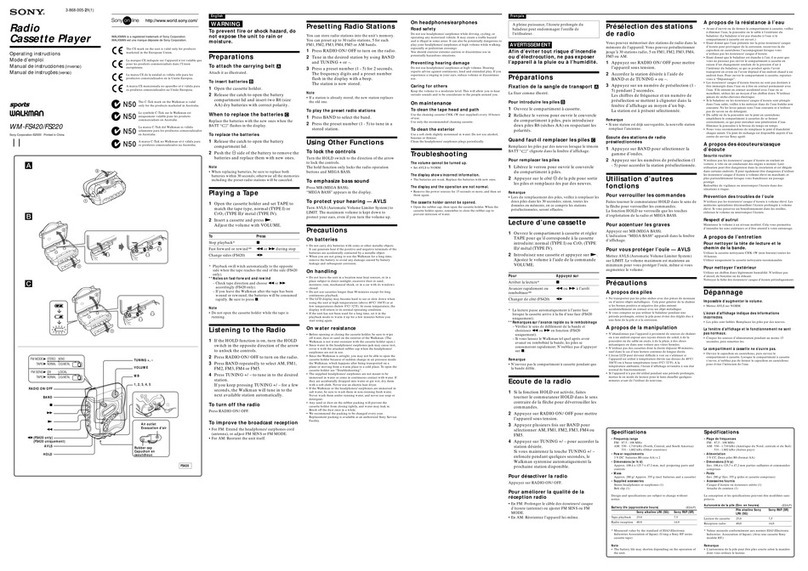
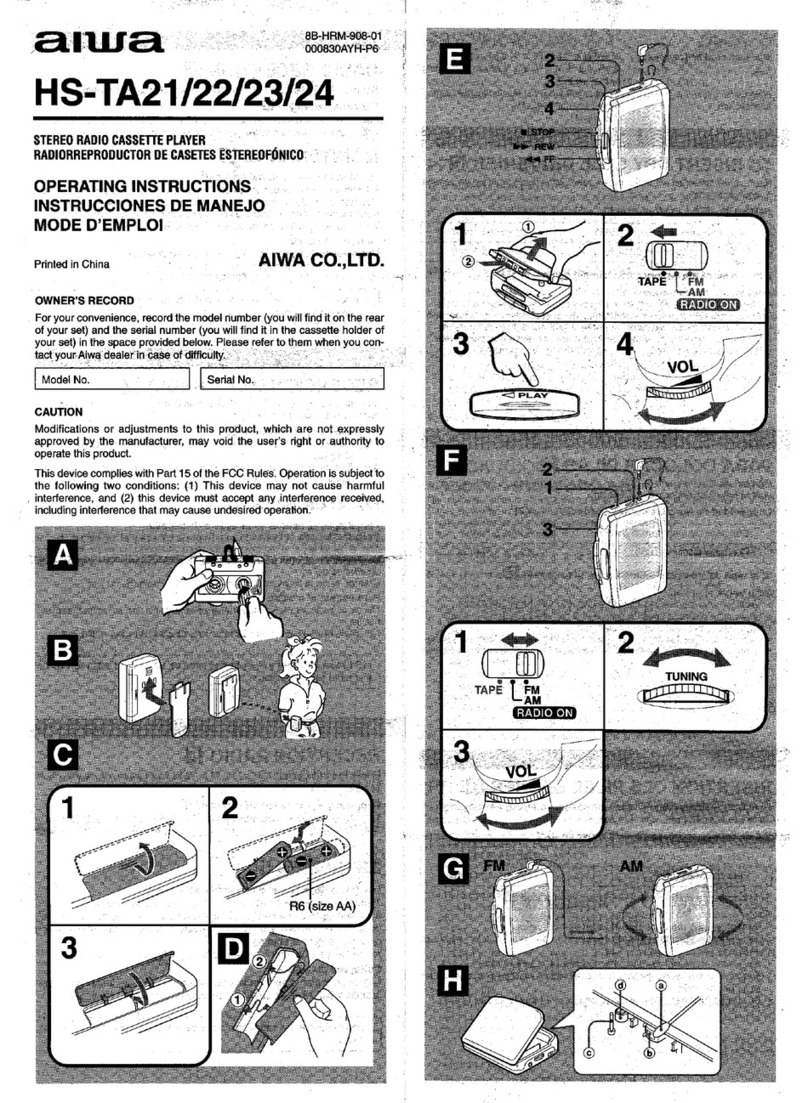
Aiwa HS-TA21 operating instructions

Aiwa

Aiwa HS-TA21 operating instructions

manuals.online logo
manuals.online logoBrands
  • About & Mission
  • Contact us
  • Privacy Policy
  • Terms and Conditions

Copyright 2025 Manuals.Online. All Rights Reserved.

IB-CT992(NL)-WM-E-031103
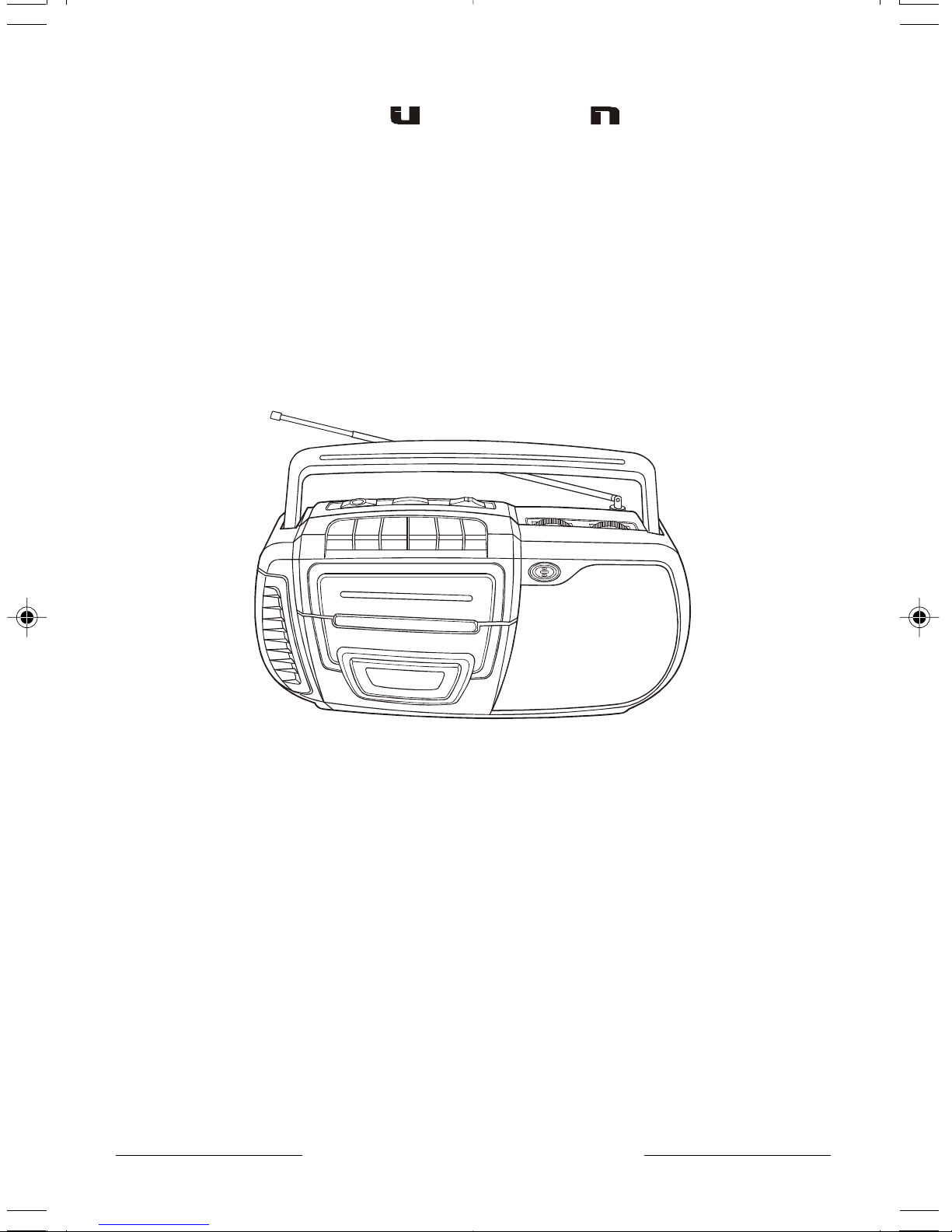
PLEASE READ CAREFULLY BEFORE USE
AM/FM RADIO CASSETTE RECORDER
MODEL CT-992
OPERATING INSTRUCTIONS
CASSETTE PLAYER/RECORDER
AM/FM RADIO RECEIVER
ONE-TOUCH CASSETTE RECORDING
AUTOMATIC LEVEL CONTROL
ROTARY VOLUME CONTROL
BUILT-IN CONDENSER MICROPHONE
2 WAY POWER - AC/DC
FULL SIZE FOLDING HANDLE
CT-992(NL)-WM-E-031103.p65 3/12/03, 11:00 AM1
IB-CT992(NL)-WM-E-031103
TO PREVENT FIRE OR SHOCK HAZARD, DO NOT USE THE PLUG WITH AN
EXTENSION CORD, RECEPTACLE OR OTHER OUTLET UNLESS THE BLADES CAN
BE FULLY INSERTED TO PREVENT BLADE EXPOSURE. TO PREVENT FIRE OR SHOCK
HAZARD, DO NOT EXPOSE THIS APPLIANCE TO RAIN OR MOISTURE.
1
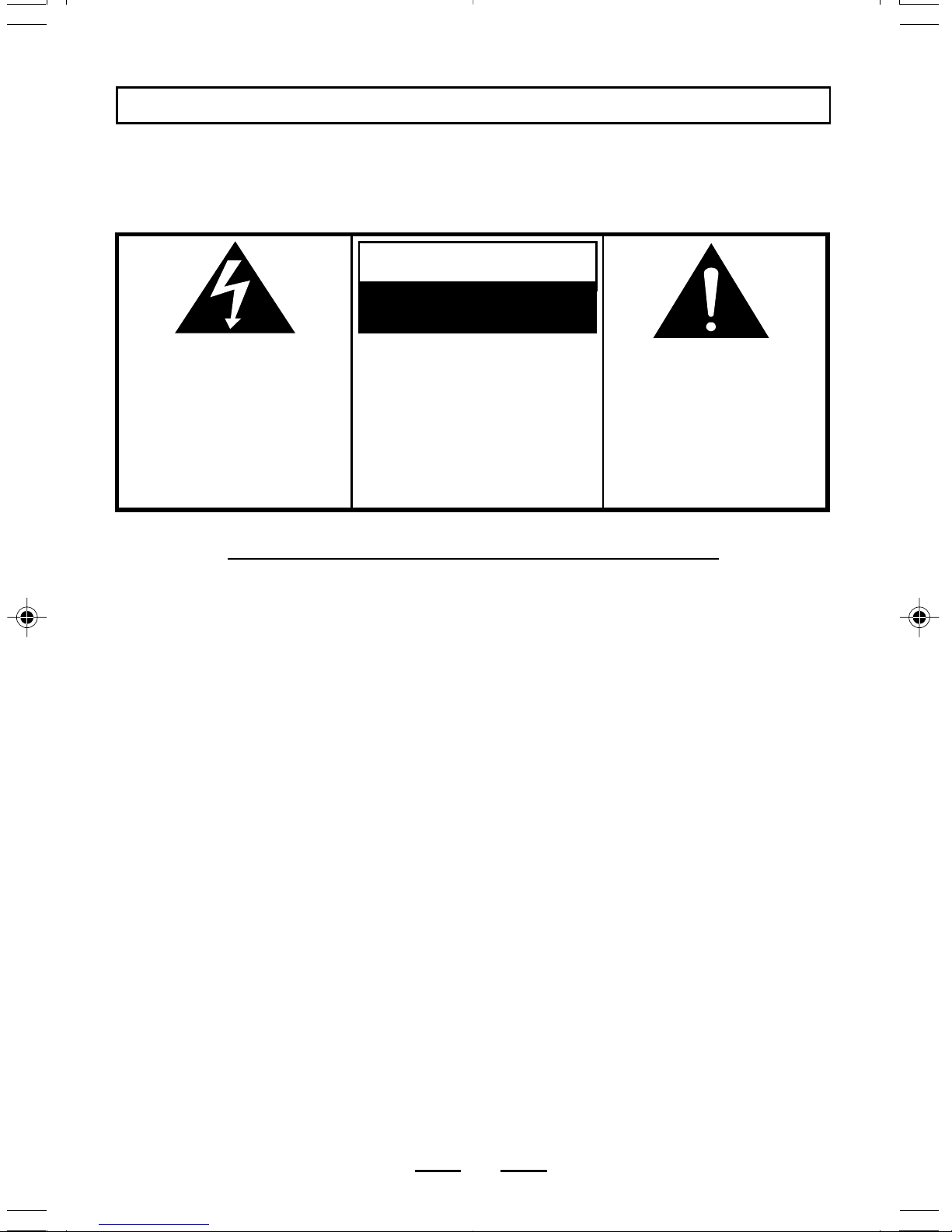
The lightning flash with
arrowhead symbol, within an
equilateral triangle, is intended
to alert the user to the presence
of uninsulated dangerous
voltage within the products
enclosure that may be of
sufficient magnitude to
constitute a risk of electric
shock to persons.
WARNING
RISK OF ELECTRIC SHOCK
DO NOT OPEN
WARNING: TO REDUCE THE
RISK OF ELECTRIC SHOCK,
DO NOT REMOVE COVER (OR
BACK). NO USER SERVICEABLE
PARTS INSIDE. REFER
SERVICING TO QUALIFIED
SERVICE PERSONNEL.
The exclamation point within an
equilateral triangle is intended
to alert the user to the presence
of important operating and
maintenance (servicing)
instructions in the literature
accompanying the appliance.
1. Read these instructions.
2. Keep these instructions.
3. Heed all warnings.
4. Follow all instructions.
5. Do not use this apparatus near water.
6. Clean only with dry cloth.
7. Do not block any ventilation openings, install in accordance with the manufacturers
instructions.
8. Do not install near any heat sources such as radiators, heat registers, stoves, or
other apparatus (including amplifiers) that produce heat.
9. Do not defeat the safety purpose of the polarized or grounding-type plug. A polarized
plug has two blades with one wider than the other. A grounding type plug has two
blades and a third grounding prong. The wide blade or the third prong are provided for
your safety. If the provided plug does not fit into your outlet, consult an electrician for
replacement of the obsolete outlet.
10. Protect the power cord from being walked on or pinched particularly at plugs,
convenience receptacles, and the point where they exit from the apparatus.
11. Only use attachments/accessories specified by the manufacturer.
12. Unplug this apparatus during lightning storms or when unused for long periods of time.
13. Refer all servicing to qualified service personnel. Servicing is required when the
apparatus has been damaged in any way, such as power-supply cord or plug is
damaged, liquid has been spilled or objects have fallen into the apparatus, the apparatus
has been exposed to rain or moisture, does not operate normally or has been dropped.
14. This appliance shall not be exposed to dripping or splashing water and that no object
filled with liquid such as vases shall be placed on the apparatus.
IMPORTANT SAFETY INSTRUCTIONS
WARNING
CT-992(NL)-WM-E-031103.p65 3/12/03, 11:00 AM2
IB-CT992(NL)-WM-E-031103
ADDITIONAL SAFETY INSTRUCTIONS
1. Power Sources - The appliance should be connected to a power supply only of the type
described in the operating instructions or as marked on the appliance.
2. Wall or Ceiling Mounting - The appliance should not be mounted to a wall or ceiling.
3. Object and Liquid Entry - Care should be taken so that objects do not fall and liquids
are not spilled into the enclosure through openings.
4. Servicing - The user should not attempt to service the appliance beyond that described
in the operating instructions. All other servicing should be referred to qualified service
personnel.
2
Do not apply oil or petroleum products or solvents to any part of this set.
It is the intent of Lenoxx that this product be used in full compliance with the
copyright laws of the United States and that prior permission be obtained from
copyright owners whenever recording songs from the RADIO.
CT-992(NL)-WM-E-031103.p65 3/12/03, 11:00 AM3
IB-CT992(NL)-WM-E-031103
SAVE THESE INSTRUCTIONS
CAUTION: TO REDUCE THE RISK OF FIRE OR PERSONAL INJURY OR DAMAGE TO YOUR
SET, READ AND FOLLOW THESE INSTRUCTIONS.
3
1. Use only the type and size of batteries mentioned in the operating instructions
booklet (batteries are not included with this set, please buy the proper batteries).
2. Do not dispose the batteries into a fire. The cells may explode. Check with local
codes for possible special disposal instructions.
3. Do not open or mutilate the batteries. Released electrolyte is corrosive and may
cause damage to the eyes or skin. It may be toxic if swallowed.
4. Be careful when handling batteries in order not to short the battery with conducting
materials such as rings, bracelets and keys. The battery or conductor may over
heat and cause burns.
5. Do not attempt to recharge non-rechargeable batteries. The batteries may leak
corrosive electrolyte or explode.
6. Do not attempt to rejuvenate the batteries identified for use with this product by
heating them. Sudden release of the battery electrolyte may cause burns or
irritation to eyes or skin.
7. All batteries should be replaced at the same time. Mixing fresh and discharged
batteries could increase internal cell pressure and rupture the batteries.
8. When inserting batteries into this product, the proper polarity ( and ) or
direction must be observed. Reverse insertion of some or all of the batteries may
result in battery electrolyte leakage or explosion.
9. Remove the batteries from this product if the product will not be used for a long
period of time (several months or more) since during the period the batteries could
leak, damaging the product.
10. Discard weak or dead batteries as soon as possible since they are more likely to
leak in the product. Batteries should be replaced (depending on the product) when
the display gets dim or if the Low Battery Indicator shows or if the sound gets
distorted.
11. Do not store this product in high temperature areas. Batteries that are stored in a
freezer or refrigerator for the purpose of extending shelf life should be protected
from condensation during storage and defrosting. Batteries should be stabilized at
room temperature prior to use after cold storage.
12. If this product does not operate normally, see TROUBLE SHOOTING in this manual.
If you cant resolve the problem, or if the product is damaged, refer to the LENOXX
WARRANTY INFORMATION. Opening or removing covers may expose you to
dangerous voltages or other risks. Incorrect reassembly can cause electric shock
when the appliance is subsequently used.
13. If liquid leaks from the batteries, carefully wipe this liquid. Do not allow it to touch your
skin, and discard the leaking batteries.
14. Do not mix batteries (OLD and NEW or CARBON and ALKALINE, etc.).
15. The use of rechargeable batteries is not recommended for this set because their
voltage and life is lower than standard batteries.
16. Installation of batteries should be done by an adult only.
BATTERY SAFETY INSTRUCTIONS
CT-992(NL)-WM-E-031103.p65 3/12/03, 11:00 AM4

IB-CT992(NL)-WM-E-031103
CHOOSING THE POWER SOURCES
You can use the AC power or batteries as a power source.
4
To a wall outlet
NOTE: One blade of plug
& outlet is wider.
NOTE
To install the batteries properly
into the compartment, first place
the AC plug into the slot, then fold
the excess cord carefully into the
battery compartment. Then
install batteries.
C C C C
TIP
The plug of the AC power cord
is polarized and only fits one
way into the wall outlet. If this
plug does not match your
outlet, do not force it. Reverse
it and try again.
1. Connecting the AC Power Cord
Open the BATTERY COMPARTMENT DOOR, stretch the
AC power cord out, and insert the AC PLUG into the wall
outlet.
2. Operate the Set on Batteries
Insert 4 size C batteries (not included) into the battery
compartment.
BATTERY DOOR
Battery compartment
CT-992(NL)-WM-E-031103.p65 3/12/03, 11:00 AM5
IB-CT992(NL)-WM-E-031103
LISTENING TO THE RADIO
Connect the supplied AC power cord or batteries (see page 4).
Slide the FUNCTION SWITCH to AM
or FM position.
1&4 2
3
1
2Tune into the station you prefer using
the TUNING control. Adjust for the
clearest sound.
5
3Adjust the volume level by rotating the
VOLUME control.
To turn off the Radio, slide the
FUNCTION switch to TAPE (RADIO
OFF) position.
4
TUNING
AM
FM
TAPE
RADIO OFF
AM
FM
TAPE
RADIO OFF
TIP: To improve broadcast reception, change position of the
antenna for FM and rotate the player itself for AM.
CT-992(NL)-WM-E-031103.p65 3/12/03, 11:00 AM6
IB-CT992(NL)-WM-E-031103
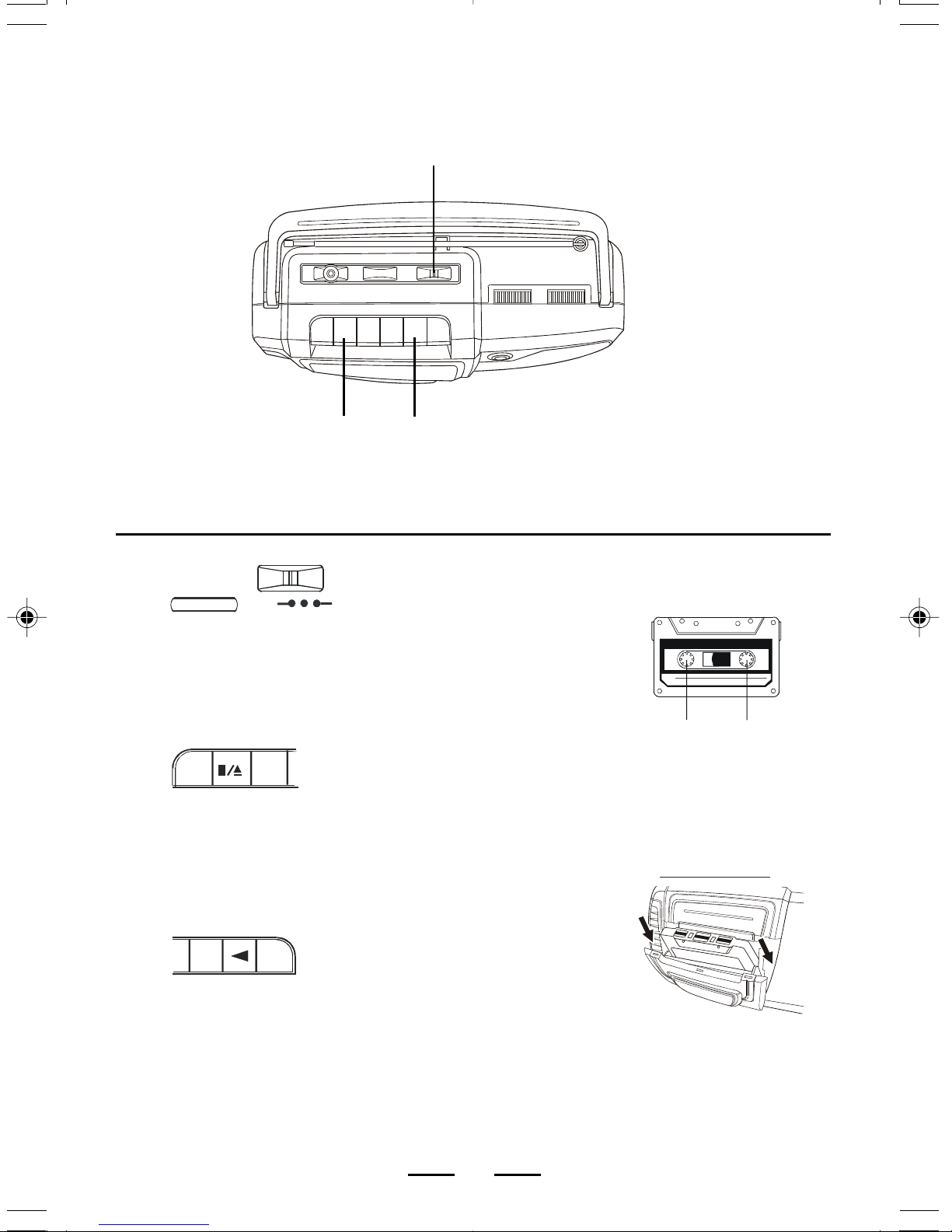
PLAYING A TAPE
Connect the supplied AC power cord or batteries (see page 4).
Press the STOP/EJECT
button to open the tape
compartment and insert
a recorded tape. Close
the door.
3
2
2
3Press the PLAY button.
The player turns on and
starts playing.
STOP/EJECT
PLAY
Slide the FUNCTION
switch to TAPE (RADIO
OFF) position.
1
6
FULL
REEL
EMPTY
REEL
1
INSERT TAPE THIS WAY
FULL REEL ON RIGHT
AM
FM
TAPE
RADIO OFF
CT-992(NL)-WM-E-031103.p65 3/12/03, 11:00 AM7
IB-CT992(NL)-WM-E-031103
To
TIP Press or Adjust
Adjust the volume VOLUME control
Fast forward or rewind
the tape
FAST FORWARD button
or REWIND button
Pause playback
PAUSE button
Press again to resume
play after pause.
STOP/EJECT button
STOP/EJECT button
7
VOLUME
CONTROL
STOP/
EJECT
FAST FORWARD
& REWIND
PLAY
To enjoy the music without
disturbing others
Insert your headphone
plug into the HEADPHONE
jack
When the tape finishes playing
that side of the tape, the set will
stop and the PLAY button will
pop up. To hear the other side,
flip the tape over, then insert and
press PLAY, or press REWIND
then PLAY to hear the same
song again.
PAUSE
HEADPHONE JACK
L
NOTE: Headphones are not included with this set.
USE THESE BUTTONS FOR
ADDITIONAL OPERATIONS
Stop playback
Eject the cassette
CT-992(NL)-WM-E-031103.p65 3/12/03, 11:00 AM8
IB-CT992(NL)-WM-E-031103
STOP/EJECT
RECORDING ON A TAPE
Connect the supplied AC power cord or batteries (see page 4).
13
1
2To record from radio, slide the
FUNCTION switch to AM or FM
position, and tune into the station
you want.
To record from the built-in
microphone, leave the FUNCTION
switch at TAPE position, and speak
in front of the set.
3
8
Press the RECORD button to start
recording. (The PLAY button is
depressed automatically.)
2
RECORD
MICROPHONE
INSERT TAPE THIS WAY
FULL REEL ON RIGHT
AM
FM
TAPE
RADIO OFF
AM
FM
TAPE
RADIO OFF
Press the STOP/EJECT button to
open the tape compartment and
insert a blank tape. Select the
program source (AM, FM or built-in
microphone) you want to record.
CT-992(NL)-WM-E-031103.p65 3/12/03, 11:00 AM9
IB-CT992(NL)-WM-E-031103
To
Turn off the power
Press the STOP/EJECT button
and slide the FUNCTION
switch to TAPE (RADIO OFF)
position.
TIP Press or Adjust
Stop recording STOP/EJECT button
Pause recording
9
FUNCTION
SWITCH
PAUSE STOP/
EJECT
Adjusting the VOLUME
control will not affect the
recording level.
For best recording effect, use
AC power instead of
batteries.
To erase a recording,
just start a new one,
and the old recording
is automatically replaced.
USE THESE BUTTONS FOR
ADDITIONAL OPERATIONS
PAUSE button
Press the button again to
resume recording.
CT-992(NL)-WM-E-031103.p65 3/12/03, 11:00 AM10