manuals.online logo
Brands
  1. Home
  2. •
  3. Brands
  4. •
  5. dynabook
  6. •
  7. Laptop
  8. •
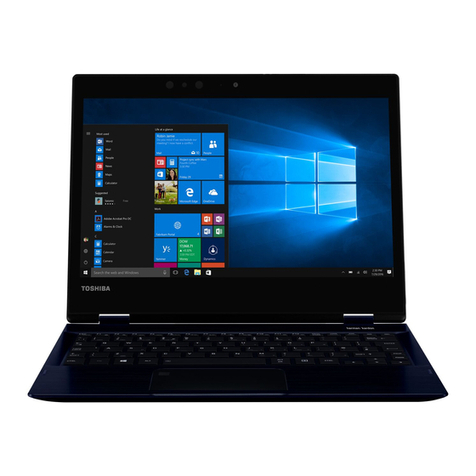
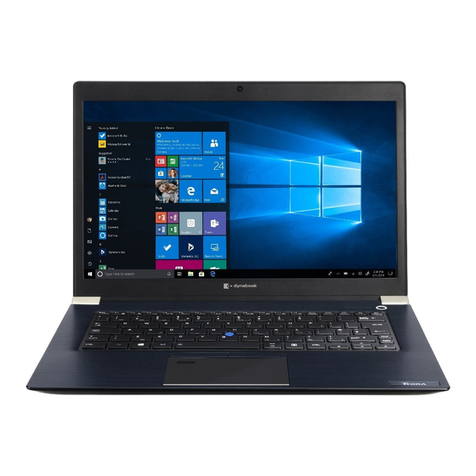
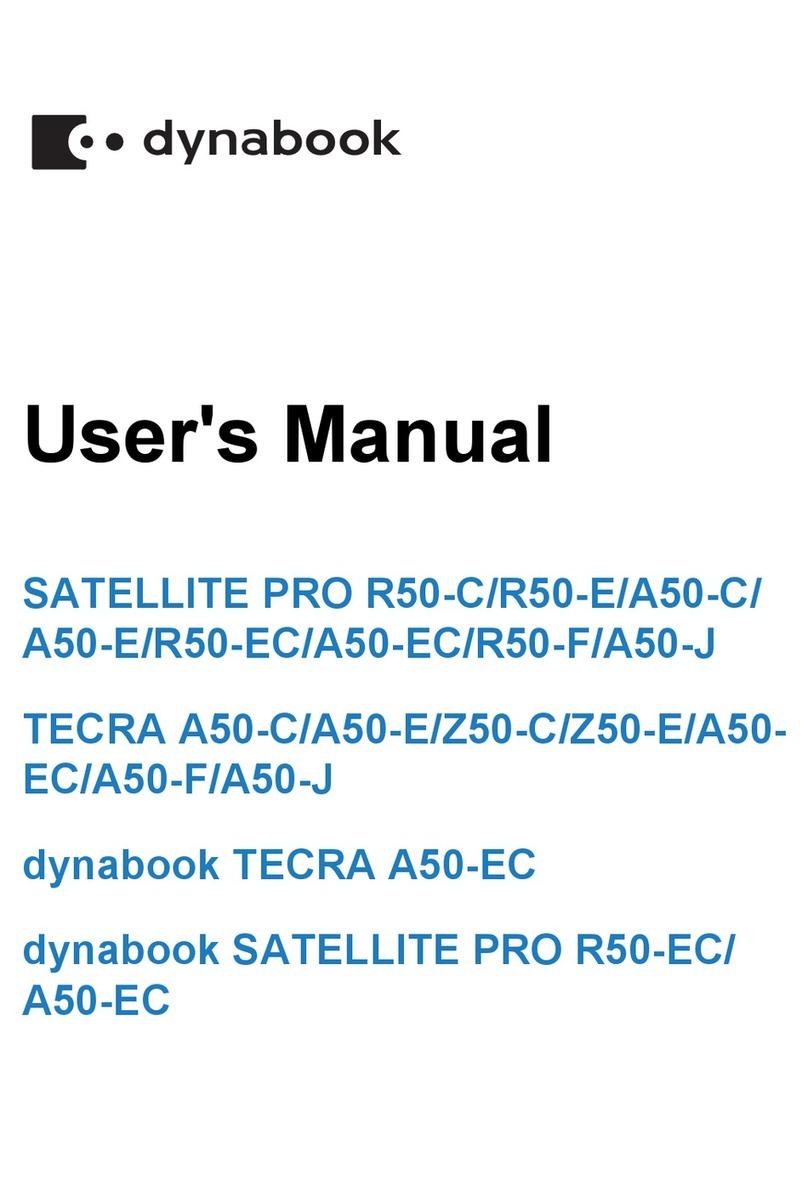
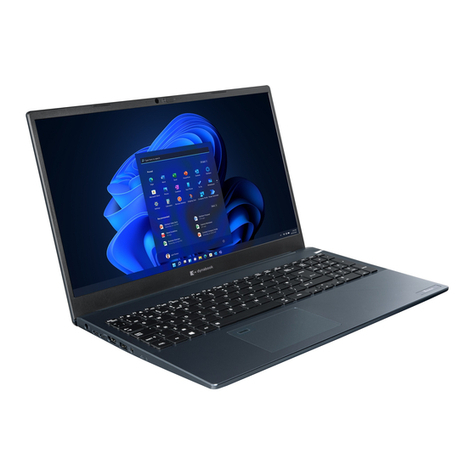
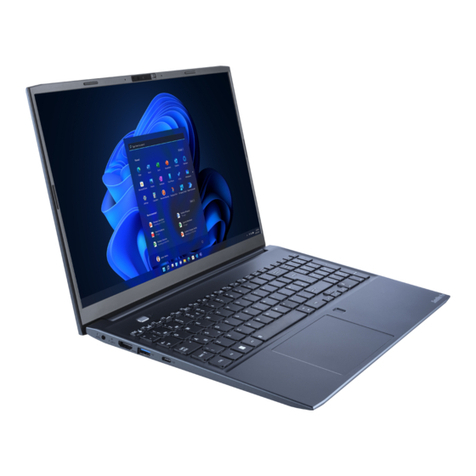
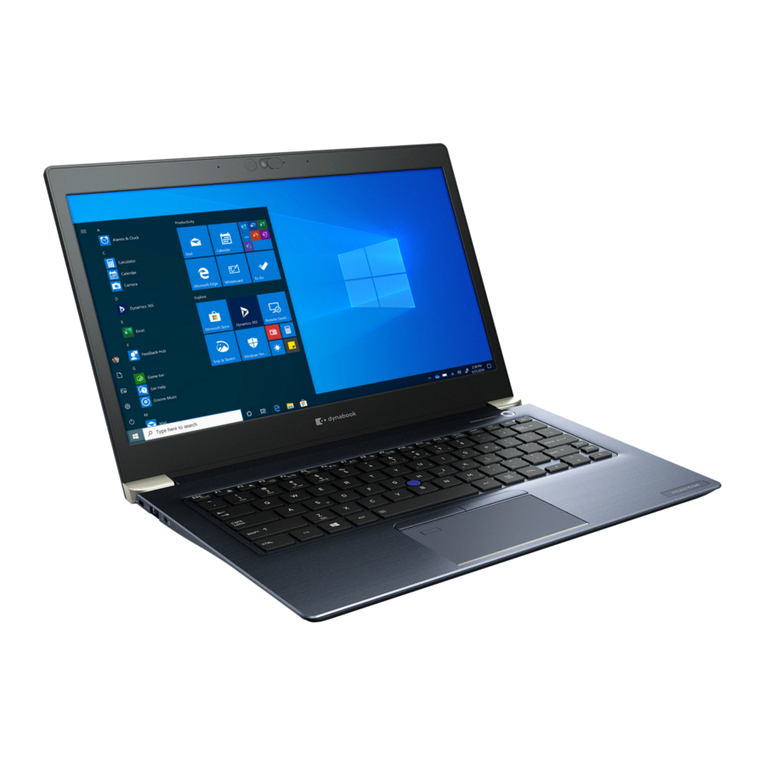
  9. dynabook PORTEGE X30-E Series User manual

dynabook PORTEGE X30-E Series User manual

This manual suits for next models

3

Other dynabook Laptop manuals

dynabook TECRA A40-J Series User manual

dynabook

dynabook TECRA A40-J Series User manual

dynabook CS4 Series User manual

dynabook

dynabook CS4 Series User manual

dynabook SATELLITE PRO C50-G User manual

dynabook

dynabook SATELLITE PRO C50-G User manual

dynabook PORTEGE X30L-J Series User manual

dynabook

dynabook PORTEGE X30L-J Series User manual

dynabook Satellite Pro R50-D User manual

dynabook

dynabook Satellite Pro R50-D User manual

dynabook PORTEGE Z30-C User manual

dynabook

dynabook PORTEGE Z30-C User manual

dynabook Portege X30L-G User manual

dynabook

dynabook Portege X30L-G User manual

dynabook PORTEGE X40-J-12Z User manual

dynabook

dynabook PORTEGE X40-J-12Z User manual

dynabook SATELLITE PRO C50-K User manual

dynabook

dynabook SATELLITE PRO C50-K User manual

dynabook TECRA A40-J Series User manual

dynabook

dynabook TECRA A40-J Series User manual

dynabook PORTEGE X30L-J Series User manual

dynabook

dynabook PORTEGE X30L-J Series User manual

dynabook TECRA A40-G User manual

dynabook

dynabook TECRA A40-G User manual

dynabook Satellite C50-J User manual

dynabook

dynabook Satellite C50-J User manual

dynabook Satellite C50-K User manual

dynabook

dynabook Satellite C50-K User manual

dynabook EX3 L-K Series User manual

dynabook

dynabook EX3 L-K Series User manual

dynabook Portege X40L-K Series User manual

dynabook

dynabook Portege X40L-K Series User manual

dynabook PORTEGE X30T-E Series User manual

dynabook

dynabook PORTEGE X30T-E Series User manual

dynabook PORTEGE X30-F User manual

dynabook

dynabook PORTEGE X30-F User manual

dynabook Satellite C40-G User manual

dynabook

dynabook Satellite C40-G User manual

dynabook TECRA A30-J User manual

dynabook

dynabook TECRA A30-J User manual

dynabook Satellite Pro L40-G User manual

dynabook

dynabook Satellite Pro L40-G User manual

dynabook PORTEGE X40-G User manual

dynabook

dynabook PORTEGE X40-G User manual

dynabook Satellite C40-J User manual

dynabook

dynabook Satellite C40-J User manual

dynabook Satellite C30-K User manual

dynabook

dynabook Satellite C30-K User manual

Popular Laptop manuals by other brands

EUROCOM ARMADILLO 2 W840AU Service manual

EUROCOM

EUROCOM ARMADILLO 2 W840AU Service manual

HP EliteBook 8570p Maintenance and service guide

HP

HP EliteBook 8570p Maintenance and service guide

Toshiba L300-EZ1522 Specifications

Toshiba

Toshiba L300-EZ1522 Specifications

HP Compaq 6520s Maintenance and service guide

HP

HP Compaq 6520s Maintenance and service guide

Lenovo ThinkPad T530 null

Lenovo

Lenovo ThinkPad T530 null

IBM THINKPAD T41 - Warranty user manual

IBM

IBM THINKPAD T41 - Warranty user manual

Lenovo ThinkPad X1 Carbon user guide

Lenovo

Lenovo ThinkPad X1 Carbon user guide

Lenovo ThinkPad T400s Ghid de service şi depanare

Lenovo

Lenovo ThinkPad T400s Ghid de service şi depanare

Toshiba TE2000 user manual

Toshiba

Toshiba TE2000 user manual

Acer SP514-51N user manual

Acer

Acer SP514-51N user manual

Fujitsu P1620 - LifeBook - Core 2 Duo 1.2 GHz Getting started

Fujitsu

Fujitsu P1620 - LifeBook - Core 2 Duo 1.2 GHz Getting started

IBM ThinkPad 240 Quick reference guide

IBM

IBM ThinkPad 240 Quick reference guide

Dell G3 15 Setup and specifications

Dell

Dell G3 15 Setup and specifications

Clevo D400P Service manual

Clevo

Clevo D400P Service manual

HP EliteBook 840r G4 Maintenance and service guide

HP

HP EliteBook 840r G4 Maintenance and service guide

Clevo NL51CU Service manual

Clevo

Clevo NL51CU Service manual

Dell Inspiron 3700 Get started

Dell

Dell Inspiron 3700 Get started

Toshiba R700-S1320 Specifications

Toshiba

Toshiba R700-S1320 Specifications

manuals.online logo
manuals.online logoBrands
  • About & Mission
  • Contact us
  • Privacy Policy
  • Terms and Conditions

Copyright 2025 Manuals.Online. All Rights Reserved.

User's Manual
PORTEGE X30-E
TECRA X40-E
Satellite X30-E/X40-E
Series
Table of Contents
Chapter 1 Legal, Regulatory, and Safety
Copyright, Disclaimer and Trademarks .............................................. 1-1
Regulatory Information ......................................................................... 1-2
Video Standard Notice ........................................................................ 1-10
OpenSSL Toolkit License Issues ....................................................... 1-10
FreeType License Issues .................................................................... 1-12
ENERGY STAR® Program .................................................................. 1-16
Disposing of the computer and the computer's battery .................. 1-16
General Precautions ........................................................................... 1-16
Safety Icons ......................................................................................... 1-19
Chapter 2 Getting Started
Equipment checklist ............................................................................. 2-1
Conventions ........................................................................................... 2-1
Using your computer for the first time ................................................ 2-2
Getting to know Windows ..................................................................... 2-7
Turning off the power ............................................................................ 2-9
System Recovery ................................................................................ 2-13
Chapter 3 The Grand Tour
Front with the display closed ............................................................... 3-1
Left side .................................................................................................. 3-2
Right side ............................................................................................... 3-3
Back ........................................................................................................ 3-4
Underside ............................................................................................... 3-5
Front with the display open .................................................................. 3-6
Internal Hardware Components ......................................................... 3-10
Power Condition Descriptions ........................................................... 3-12
Chapter 4 Operating Basics
Using the Touch Screen ....................................................................... 4-1
Using the Touch Pad ............................................................................. 4-2
TOSHIBA Pointing Device .................................................................... 4-3
The Keyboard ......................................................................................... 4-5
Using the Fingerprint Sensor ............................................................... 4-8
Battery .................................................................................................. 4-10
Memory media ..................................................................................... 4-13
Smart Card ........................................................................................... 4-16
User's Manual ii
Wireless WAN device .......................................................................... 4-17
GPS Function ....................................................................................... 4-18
HDMI™ out port ................................................................................... 4-19
USB Type-C™ Adapters ...................................................................... 4-20
Wireless display .................................................................................. 4-27
Security lock ........................................................................................ 4-27
Optional TOSHIBA Accessories ........................................................ 4-28
Sound System and Video mode ......................................................... 4-28
Chapter 5 Utilities and Advanced Usage
Utilities and Applications ...................................................................... 5-1
Special features ..................................................................................... 5-8
Chapter 6 Troubleshooting
Problem-solving process ..................................................................... 6-1
Hardware and system checklist ........................................................... 6-4
TOSHIBA support ................................................................................ 6-16
Chapter 7 Appendix
Specifications ........................................................................................ 7-1
AC Power Cord and Connectors .......................................................... 7-2
Information for Wireless Devices ........................................................ 7-4
Information about Intel® AMT ............................................................ 7-15
Information about Intel® Authenticate .............................................. 7-18
Legal Footnotes ................................................................................... 7-18
Glossary ............................................................................................... 7-20
Index
User's Manual iii
Chapter 1
Legal, Regulatory, and Safety
This chapter states the legal, regulatory, and safety information applicable
to TOSHIBA computers.
TOSHIBA means Toshiba Corporation and/or its affiliates such as Toshiba
Client Solutions Co., Ltd. where applicable.
Copyright, Disclaimer and Trademarks
Copyright
© 2017 Toshiba Client Solutions Co., Ltd. All Rights Reserved. Under the
copyright laws, this manual cannot be reproduced in any form without the
prior written permission of TOSHIBA. No patent liability is assumed, with
respect to the use of the information contained herein.
First edition December 2017
Copyright authority for music, movies, computer programs, databases and
other intellectual property covered by copyright laws belongs to the author
or to the copyright owner. Copyrighted material can be reproduced only for
personal use or use within the home. Any other use beyond that stipulated
above (including conversion to digital format, alteration, transfer of copied
material and distribution on a network) without the permission of the
copyright owner is a violation of copyright or author's rights and is subject
to civil damages or criminal action. Comply with copyright laws in making
any reproduction from this manual.
Disclaimer
This manual has been validated and reviewed for accuracy. The
instructions and descriptions it contains are accurate for your computer at
the time of this manual’s production. However, succeeding computers and
manuals are subject to change without notice. TOSHIBA assumes no
liability for damages incurred directly or indirectly from errors, omissions or
discrepancies between the computer and the manual.
Trademarks
Intel, Intel logo, Thunderbolt, Thunderbolt logo are trademarks of Intel
Corporation or its subsidiaries in the United States and/or other countries.
Microsoft, Windows are either registered trademarks or trademarks of
Microsoft Corporation in the United States and/or other countries.
User's Manual 1-1
The Bluetooth® word mark is a registered trademark owned by Bluetooth
SIG, Inc.
The terms HDMI and HDMI High-Definition Multimedia Interface, and the
HDMI Logo are registered trademarks or trademarks of HDMI Licensing
LLC in the United States and other countries.
DTS, the Symbol, & DTS and the Symbol together are registered
trademarks and DTS Studio Sound is a trademark of DTS, Inc.
Wi-Fi is a registered trademark of Wi-Fi Alliance.
USB Type-C™ and USB-C™ are trademarks of USB Implementers Forum.
All other company names, product names, and service names mentioned
herein may be trademarks of their respective companies.
Regulatory Information
The regulatory information herein might vary. Check the ID information on
the bottom of the device or box for specific information applicable to the
model you purchased.
FCC information
This device complies with FCC RF exposure requirements
This equipment has been tested and found to comply with the limits for a
Class B digital device, pursuant to part 15 of the FCC rules. These limits
are designed to provide reasonable protection against harmful interference
in a residential installation. This equipment generates, uses and can
radiate radio frequency energy and, if not installed and used in accordance
with the instructions, may cause harmful interference to radio
communications. However, there is no guarantee that interference will not
occur in a particular installation. If this equipment does cause harmful
interference to radio or television reception, which can be determined by
turning the equipment off and on, the user is encouraged to try to correct
the interference by one or more of the following measures:
Reorient or relocate the receiving antenna.
Increase the separation between the equipment and receiver.
Connect the equipment into an outlet on a circuit different from that to
which the receiver is connected.
Consult the dealer or an experienced radio/TV technician for help.
Only peripherals complying with the FCC class B limits can be attached to
this equipment. Operation with non-compliant peripherals or peripherals not
recommended by TOSHIBA is likely to result in interference to radio and
TV reception. Shielded cables must be used between the external devices
and the computer’s Universal Serial Bus (USB 3.0) port, Thunderbolt™ 3/
User's Manual 1-2

USB Type-C™ port, HDMI™ out port and Headphone/Microphone jack.
Changes or modifications made to this equipment, not expressly approved
by TOSHIBA or parties authorized by TOSHIBA could void the user’s
authority to operate the equipment.
FCC conditions
This device complies with part 15 of the FCC Rules. Operation is subject to
the following two conditions:
1. This device may not cause harmful interference.
2. This device must accept any interference received, including
interference that may cause undesired operation.
Contact
Address: Toshiba America Information Systems Inc.
5241 California Avenue, Suite 100
Irvine, California, USA, 92617
Telephone: (949) 583-3000
This information is only applicable for the countries/regions where it is
required.
California Prop 65 Warning
This product contains chemicals, including lead, known to the State of
California to cause cancer and birth defects or other reproductive harm.
Wash hands after handling.
For the state of California only.
Export Administration Regulation
This document contains technical data that may be controlled under the
U.S. Export Administration Regulations, and may be subject to the
approval of the U.S. Department of Commerce prior to export. Any export,
directly or indirectly, in contravention of the U.S. Export Administration
Regulations is prohibited.
User's Manual 1-3
EU Declaration of Conformity
This product is carrying the CE-Mark in
accordance with the related European Directives.
Responsible for CE-Marking is TOSHIBA EUROPE
GMBH, Hammfelddamm 8, 41460 Neuss,
Germany. The complete and official EU
Declaration of Conformity can be found on
TOSHIBA’s web site
http://epps.toshiba-teg.com on the Internet.
CE compliance
Hereby, Toshiba Europe GmbH declares that the model(s) described in this
manual is/are in compliance with Directive 2014/53/EU.
The full text of the EU declaration of conformity is available at the following
internet address:
https://epps.toshiba-teg.com/
This product is labeled with the CE Mark in accordance with the essential
requirements and other relevant provisions of the applicable European
Directives, notably Radio Equipment Directive (2014/53/EU), RoHS
Directive 2011/65/EU, Ecodesign Directive 2009/125/EC (ErP) and the
related implementing measures.
This product and the original options are designed to observe the
applicable EMC (Electromagnetic Compatibility) standards. However,
TOSHIBA cannot guarantee that this product still observes these EMC
standards if options or cables not produced by TOSHIBA are connected or
implemented. In this case the persons who have connected/implemented
those options/cables have to provide assurance that the system (PC plus
options/cables) still fulfils the required standards. To avoid in general EMC
problems, the following guidance should be noted:
Only CE marked options should be connected/implemented
Only best shielded cables should be connected
Working environment
This product was designed to fulfil the EMC (Electromagnetic Compatibility)
requirements to be observed for so-called “Residential, commercial and
light industry environments”. TOSHIBA do not recommend the use of this
product in working environments other than the above listed working
environment.
For example, the following environments are not verified:
Industrial Environments (e.g. environments where a mains voltage of
380 V three-phase is used)
Medical Environments (according to Medical Device Directive)
Automotive Environments
User's Manual 1-4
Aircraft Environments
Any consequences resulting from the use of this product in working
environments that are not verified/recommended are not the responsibility
of TOSHIBA.
The consequences of the use of this product in non-verified working
environments may be:
Interference with other devices or machines in the near surrounding
area.
Malfunction of, or data loss from, this product caused by disturbances
generated by other devices or machines in the near surrounding area.
Therefore TOSHIBA strongly recommend that the electromagnetic
compatibility of this product should be suitably tested in all non-verified
working environments before use. In the case of vehicles or aircraft, the
manufacturer or airline operator respectively should be asked for
permission before use of this product.
Furthermore, for general safety reasons, the use of this product in
environments with explosive atmospheres is not permitted.
VCCI Class B Information (Japan Only)
この装置は、クラスB情報技術装置です。この装置は、家庭環境で使
用することを目的としていますが、この装置がラジオやテレビジョン
受信機に近接して使用されると、受信障害を引き起こすことがあります。
取扱説明書に従って正しい取り扱いをしてください。
VCCI-B
Canadian regulatory information (Canada only)
This digital apparatus does not exceed the Class B limits for radio noise
emissions from digital apparatus as set out in the Radio Interference
Regulation of the Canadian Department of Communications.
Note that Canadian Department of Communications (DOC) regulations
provide, that changes or modifications not expressly approved by
TOSHIBA could void your authority to operate this equipment.
This Class B digital apparatus meets all requirements of the Canadian
Interference-Causing Equipment Regulations.
Cet appareil numérique de la classe B respecte toutes les exigences du
Règlement sur le matériel brouilleur du Canada.
Canadian Notice
This device complies with ISED (formerly Industry Canada) license-exempt
RSS standard(s).
User's Manual 1-5
Operation is subject to the following two conditions: (1) this device may not
cause interference, and (2) this device must accept any interference,
including interference that may cause undesired operation of the device.
Le présent appareil est conforme aux CNR d'Industrie Canada applicables
aux appareils radio exempts de licence. L'exploitation est autorisée aux
deux conditions suivantes : (1) l'appareil ne doit pas produire de brouillage,
et (2) l'appareil doit accepter tout brouillage radioélectrique subi, même si
le brouillage est susceptible d'en compromettre le fonctionnement.
To comply with the Canadian RF exposure compliance requirements,
this device and its antenna must not be co-located or operating in
conjunction with any other antenna or transmitter. When operating this
computer, minimum distance of 13 mm from the antenna must be
maintained.
Pour être conforme aux exigences canadiennes en matière
d'exposition aux fréquences radio, l'appareil et son antenne ne doivent
pas être situés au même endroit qu'une autre antenne ou un autre
émetteur ni fonctionner en même temps. Une distance minimale de 13
mm de l'antenne doit être maintenue durant l'utilisation de cet
ordinateur.
This device is restricted to indoor use due to its operation in the 5.15
GHz to 5.25 GHz frequency range. FCC requires this product to be
used indoors for frequency range 5.15 GHz to 5.25 GHz to reduce the
potential for harmful interference to co-channel Mobile Satellite
systems.
High power radars are allocated as primary users of the 5.25 GHz to
5.35 GHz and 5.65 GHz to 5.85 GHz bands. These radar stations can
cause interference with and/or damage this device.
Les dispositifs fonctionnant dans la bande 5150-5250 MHz sont
réservés uniquement pour une utilisation à l’intérieur afin de réduire
les risques de brouillage préjudiciable aux systèmes de satellites
mobiles utilisant les mêmes canaux.
Veuillez noter que les utilisateurs de radars de haute puissance sont
désignés utilisateurs principaux (c.-à-d., qu’ils ont la priorité) pour les
bandes 5250-5350 MHz et 5650-5850 MHz et que ces radars
pourraient causer du brouillage et/ou des dommages aux dispositifs
LAN-EL.
The above caution applies to products that operate with an 802.11a radio
device.
La mise en garde ci-dessus ne s’applique qu’aux appareils ayant un
transmetteur opérant en mode 802.11 a.
User's Manual 1-6
Following information is only valid for EU-member
States:
Information requirements Regulation EC 1275/2008
Additional information as required by Regulation (EC)
1275/2008 amended by Regulation (EU) 801/2013
implementing European Eco-Design Directive with regard
to requirements for standby, off mode and networked
standby electric power consumption of electrical and
electronic household and office equipment can be found
here:
http://www.toshiba.eu/Eco-Design
Disposal of products
The crossed out wheeled dust bin symbol indicates that
products must be collected and disposed of separately
from household waste. Integrated batteries and
accumulators can be disposed of with the product. They
will be separated at the recycling centres.
The black bar indicates that the product was placed on the
market after August 13, 2005.
By participating in the separate collection of products and
batteries, you will help to assure the proper disposal of
products and batteries and thus help to prevent potential
negative consequences for the environment and human
health.
For more detailed information about the collection and
recycling programmes available in your country, please
visit our website
( www.toshiba.eu/recycling ) or contact your local council
office or the retail outlet where you purchased the product.
User's Manual 1-7