V2 ENGLISH 19-0383
TIPS FOR BETTER RECEPTION
For the best reception:
• Install the antenna as high as possible to avoid possible obstacles
between the antenna and the transmission tower.
• If possible, place the antenna near windows.
• Keep the antenna away from sources of interference such as air
conditioners, hair dryers, and microwave ovens.
• Run a channel scan every time you move your antenna.
• If possible, position your antenna toward the transmission tower. To
determine which channels are available in your area, visit
www.antennaweb.org. Type in your zip code to get help with antenna
placement.
• Test the antenna in multiple locations to nd the strongest signal.
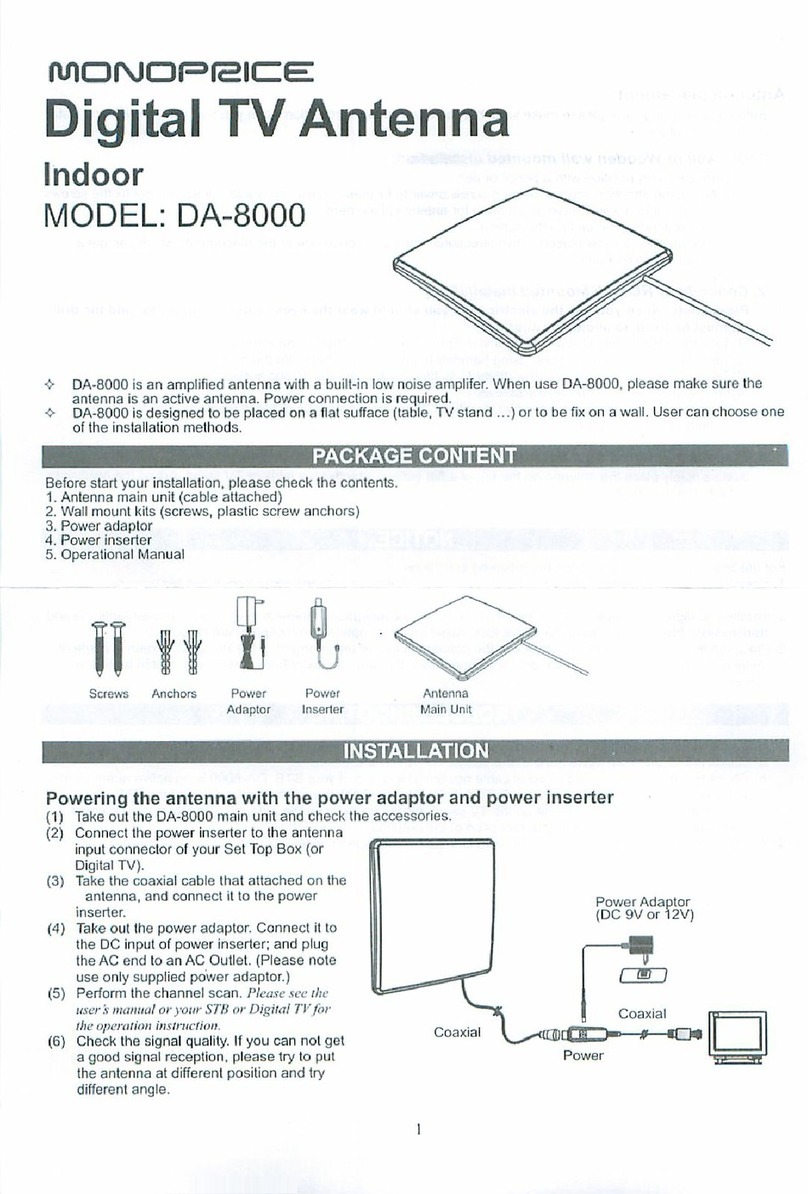
• This antenna is an indoor antenna. Do not place it outside.
• Run a channel scan monthly to make sure that you are receiving all
possible channels.
• Some TVs have a signal strength indicator that can help with antenna
placement. Check your TV manual to see if your TV has this feature.
• This antenna works with any TV or device with an ATSC tuner. See your
device's manual to check compatibility.
PROBLEM
I have more than one TV
on which I want to view
over-the-air TV
I am not receiving cable
and streaming channels
after a channel scan
I want HD channels, but I
do not have an HDTV
SOLUTION
• You will need to purchase an antenna for each TV that you would like to
view over-the-air TV.
OR
• If the signal is strong enough, you can purchase a coaxial splitter to allow
for one antenna to provide channels to more than one TV.
• Your antenna is capable of receiving local channels that are dependent
on the broadcasters in your area.
• You can use the antenna alongside cable boxes and streaming devices,
but it will not provide all of the same content oered by those devices.
• Your digital antenna will not upscale to HD if theTV is not HD. You will
need to purchase an HDTV.
SPECIFICATIONS
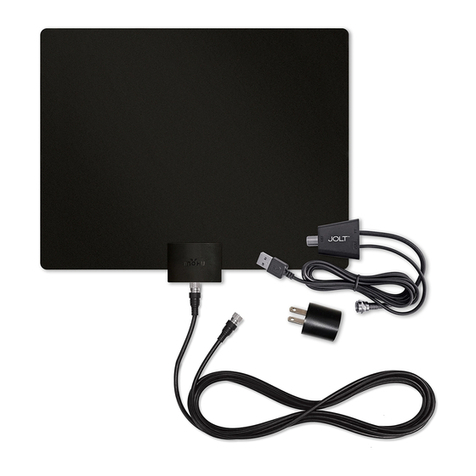
• Dimensions (H×W×D): 8.3 × 11.7 × .5 in.
(21 × 29.8 × 1.3 cm)
• Antenna weight: .25 lbs. (.12 kg)
• Cable length: 6 feet (1.8 m)
• Range: 35 miles*
*Note: Mile range will vary depending on a wide range of environmental and
geographic factors
• VHF range: 174~230 MHz
• UHF range: 470~700 MHz
• Frequency range: Output return loss<-6dB
• Impedance: 75
Ʊ
• Antenna element average gain:
• High VHF: >-12dBi
• UHF: >-2dBi
PROBLEM
Cannot nd any channels
Picture quality is good on
some channels and poor
or no reception on others
I don’t know what digital
TV reception I get in my
area
Not all channels are
available after
performing a channel
scan
SOLUTION
• Make sure that you have selected the correct input on your TV.
• Make sure that all your connections are correct and secure.
• Move your antenna, then rescan for available channels on your TV or
set-top box.
• Make sure that you are connected to aTV or set-top box with an ATSC
tuner.
• Move your antenna, then scan for available channels on yourTV or set-top
box.
• Keep the antenna away from sources of interference, such as air
conditioners, hair dryers, and microwave ovens.
• Your antenna may be too far from the broadcast antenna to receive an
adequate signal. The signal may also be aected by obstructions between
the broadcast antenna and your antenna.
• Make sure that the signal strength from the antenna is adequate. Some
TVs have a signal strength indicator. Check your TV manual to see if your
TV has this feature.
• To determine which channels are available in your area, visit
www.antennaweb.org. Type in your zip code to get help with antenna
placement.
• Adjust your antenna, then scan for available channels on your TV or
set-top box.
• Make sure that the signal strength from the antenna is adequate. Some
TVs have a signal strength indicator. See your TV manual to see if your TV
has this feature.
THREE MONTHS LIMITED WARRANTY
Visit www.dynexproducts.com for details.
CONTACT DYNEX:
For customer service call 1-800-926-3020
www.dynexproducts.com
DYNEX is a trademark of Best Buy and its aliated companies
Distributed by Best Buy Purchasing, LLC
7601 Penn Ave South, Richeld, MN 55423 U.S.A.
©2019 Best Buy. All rights reserved.
Made in China
TROUBLESHOOTING