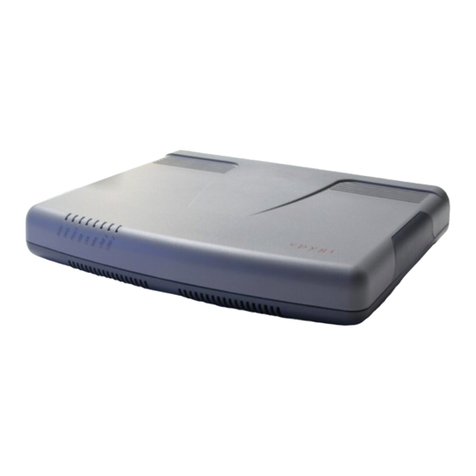
Epygi QuadroCS User manual

Technical Data: QuadroCS Version 3.0.x
Redening the Chat Room
The QuadroCS is the complete low-costVoice over IP
conference server for small and growing businesses.
Connected over 10Base-T Ethernet to the Internet,
the QuadroCS allows voice conferencing of up to
25 participants in one or more simultaneous call
clusters. Everyone can be reached inbound and out-
bound. It‘s like having your own global chat room
Fully-Featured Conference Server
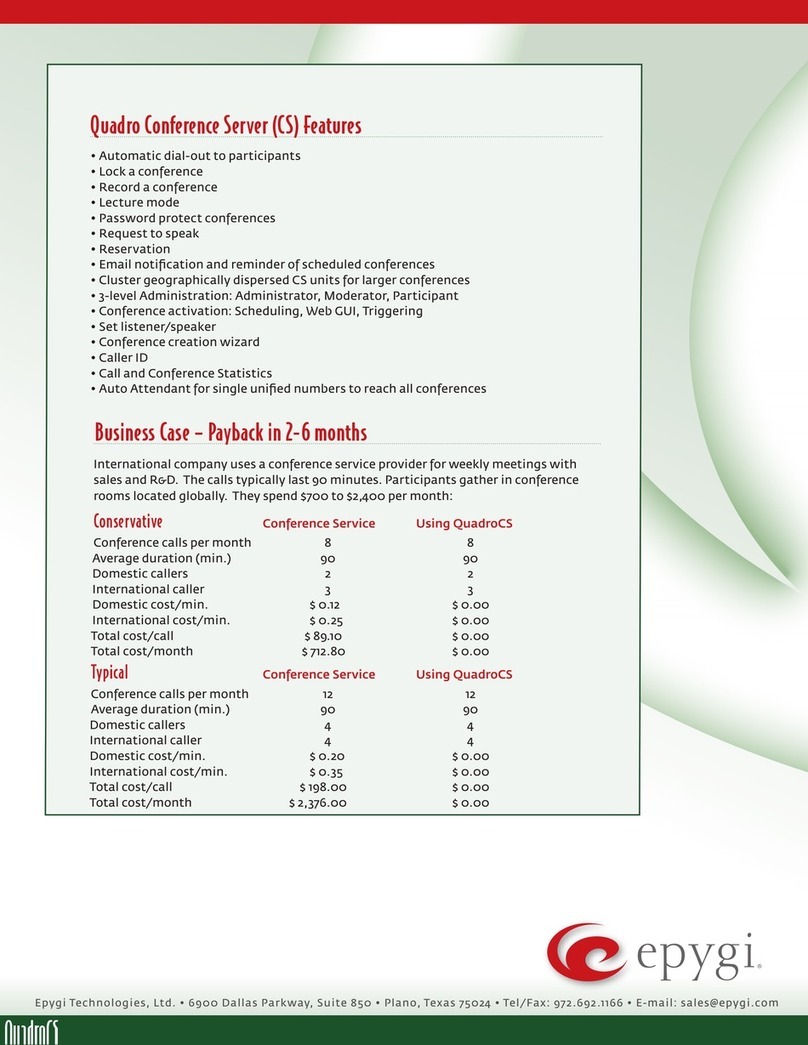
The QuadroCS offers a multitude of features includ-
ing automatic dial-out to participants, meet-me con-
ferences, locking/recording a conference, email noti-
cation and reminder of scheduled conferences as
well as a conference creation wizard to mention only
a few. For larger conferences, clusters of geographi-
cally dispersed QuadroCS units may be dened.
Integrated Internet Access
The QuadroCS conference server allows
voice Internet access with rewall security,
including NAT.
Lowering Costs
Monthly recurring costs for expensive conference
services are eliminated with the low-cost system
QuadroCS that practically manages itself.
QuadroCS: The Quadro VoIP Conference Server Redenes the Chat Room
ETHERNET
LAN
PSTN
ITSP
PSTN
SIP SIP
SIP
SIP
INTERNET
QuadroE1/T1
Quadro4x
QuadroCS
Admin
PC

Epygi Technologies, Ltd. • 6900 Dallas Parkway, Suite 850 • Plano, Texas 75024 • Tel/Fax: (+1)972.692.1166 • E-mail: [email protected]
Technical Data: QuadroCS, Version3.0.x
TDCS-Let-20-03
Telephony
Voice Features
Voice Coding G.711, G.723 (5.3, 6.3 kbit/s), G.726 (16,
24, 32, 40 Kbps),
G.729, iLBC (13,33 kbit/s , 15,2 kbit/s);
(RFC 3951, ITU-T: G711, G.723.1Annex A, G.726,
G729Annex A; IETF;
ITU-T Q.23, Q.24, Bellcore GR.506, GR.181;
2000, 2002; ETS_300659_1,2,3)
NAT traversal (both manually and STUN)
VAD, CNG,Reduced simultaneous channel
capacity
Bandwidth Requirements
Per callWAN bandwidth requirements for the
following codecs (non-encrypted):
G.711a/G.711u 20 msec 84 kbps
G.726-16 20 msec 37 kbps
G.726-24 20 msec 45 kbps
G.726-32 20 msec 52 kbps
G.726-40 20 msec 60 kbps
G.729a 20 msec 29 kbps
G.723 30 msec 21 kbps
iLBC 30 msec 27 kbp
Conference Features
Automatic dial-out to participants
Lock a conference
Record a conference
Password protect conferences
Email notication and reminder of scheduled
conferences
Lecture Mode
Conference activation via:
Scheduling
Web GUI
Triggering
Request to speak
Reservation
Set listener/speaker
Caller ID
Cluster geographically dispersed CS units for
larger conferences
Conference Creation Wizard
Call and Conference Statistics
Auto Attendant for single unied numbers to
reach all conferences
Call Signaling
SIP (RFCs: 3261, 3263, 3265, 3311, 3323, 3324, 3325,
3428, 3515, 3578, 3581, 3725, 3891, 3892, 3842,
3856, 3863, 4028, 4235)
SDP (RFC 2327)
RTP (RFCs: 1889, 1890, 2833, 3389, 3550, 3551,
3555, draft-ietf-avt-rfc2833bis-05, draft-ietf-
avt-rtp-ilbc-o5),
in band and out of band signaling support
System
Management
MultilingualWEB interface accessible from LAN
andWAN (HTTP/HTTPS), the WAN management
access can be switched off
3- level Administration
Administrator
Moderator
Participant
Password control
Remote diagnostics and software upgrade
Auto-provisioning
SMTP Monitoring
Download/restore conguration
Reset button with factory reset option
Custom Language Pack
Diagnostics/Testing
LEDs: Busy, Info, Fault, USB, LAN, WAN,
Power-up diagnostics
Environmental
Physical Dimensions
Desktop devices, wall-mountable:
Measurements: 10.04” x 8.27” x 1.77”
(25.5 x 21.0 x 4.5 cm)
Weight: 22.6 ounces (640 g)
Rack-mountable devices:
Measurements: 19” x 7.56” x 1.77”
(48.0 x 19.2 x 4.5 cm)
Weight: 2.47 lbs. (1060 g)
Conditions
41°F - 104°F (5°C - 40°C) operating temperature
41°F - 140°F (5°C - 60°C) storage temperature
5% - 90% non-condensing humidity
Power Supply
Input 100 - 240 VAC; 50/60 Hz; 0.5A
Output 12.0 VDC; 1.5 A
Regulatory Compliance
Safety: UL 60950; CSA 22;
EMC: FCC Part 15 Class B;
EN55022 Class B, EN55024;
Telecom: CTR21/TBR21
Connectivity
Premise Connections
1 Ethernet 10/100BASET port (RJ45)
1 USB master connection
Uplink Connection
1 Ethernet 10BASET port (RJ45)
System Capacity
25 participants in one or more simultaneous
conferences
USB Expansion
USB memory sticks for conference recording
storage
Internet
STUN/NAT traversal (RFC 3489)
Firewall security via:
NAT (Network Address Translation)
DHCP server on the LAN side
DHCP client on theWAN side
DNS server with forwarding functionality
SNTP (Simple NetworkTime Protocol) server/cli-
ent for computer clock synchronization
IP DIFFSERV for QoS
PPPoE connection to the ISP with PAP/(MS)CHAP
authentication
DNS (DYNDNS) support with third party
Port forwarding
Port translation
Other manuals for QuadroCS
2
Other Epygi Server manuals