should hear two beeps indicating
the TIME ZONE has been set.
Setting the Time and Date
To set the time, press and hold
the CLOCK button for two seconds
until the display flashes. Turn the
SETTING knob (located on the
right side of the unit) until the cor-
rect time is shown on the display.
Press the CLOCK button again to
confirm the time. You should hear
one beep indicating that the
CLOCK time is set.
The year at the top right corner
of the display will flash. Turn the
SETTING knob to change it or press
the CLOCK button again to confirm
the year. You should hear one
beep indicating that the year is set.
The date at the top right corner
will flash. Turn the SETTING knob
to change it or press the CLOCK
button again to confirm the date.
You should hear two beeps indi-
cating that the date is set.
Setting the Alarm
To set the alarm, press and hold
the ALARM SET button for two sec-
onds until the display flashes.
Turn the SETTING knob until the
desired alarm is shown on the dis-
play. Be sure to set your alarm
correctly to the AM or PM time. A
PM icon will be shown on the right
of the time display. There is no AM
icon. Now, when the alarm vol-
ume flashes at the right top corner
of the display turn the SETTING
knob to set the ALARM volume.
When finished, press ALARM SET
button again. You should hear two
beeps indicating that the ALARM is
set.
Press the WAKE TO button to
select your iPod, the radio or the
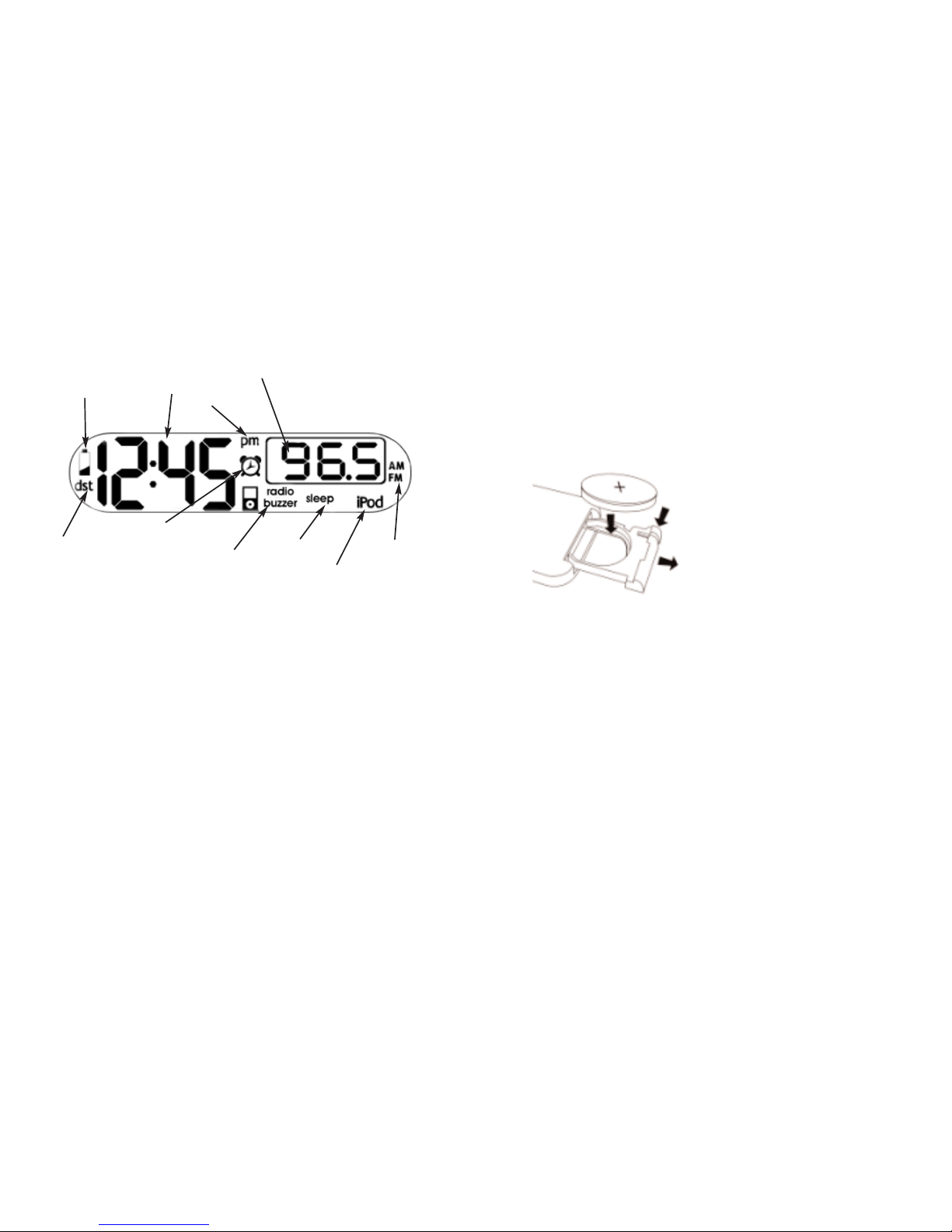
buzzer. A corresponding icon will
show on the top of the display.
Press the ALARM SET button to
confirm your settings. You should
hear two beeps indicating the
alarm is set.
Alarm Functions
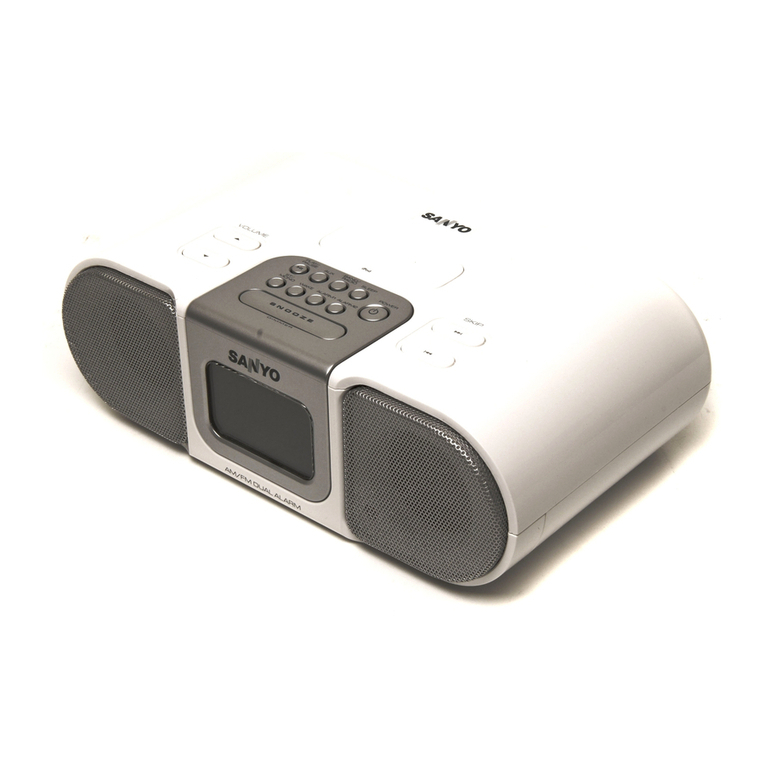
The iBlaster Clock Radio fea-
tures a “SURE ALARM” func-
tion. If the power failure occurs or
the AC cord is accidentally dis-
connected, your alarm will not be
affected (if you have your back-
up batteries installed). However,
if back-up power is used in the
event of a power failure, the
iBlaster Clock Radio will default
to the buzzer setting.
This unit also features a
“GENTLE WAKING” function.
This means that when the alarm is
going off, it will gradually
increase in volume.
NOTE: To wake to your iPod,
your iPod must be properly
docked and off or the alarm will
not work.
First, set the alarm time as
described in the “Setting the
Alarm” section of this manual.
You can change the sound you
want to wake to by pressing the
WAKE TO button.
Press the ALARM ON/OFF button
to arm or disarm the alarm.
When the alarm is going off,
press the POWER OFF/ALARM
/RESET button on the iBlaster
Clock Radio or the POWER
ON/OFF button on the remote con-
trol to turn the alarm off. The
alarm will go off again the next
day at the same time.
To stop the alarm from going
off the next day, press the ALARM
ON/OFF button to turn the alarm
function off. The ALARM icon and
the WAKE icon will disappear from
the display.
If the ALARM is not turned off
after it goes off, it will continue to
go off for approximately one hour
and then it will turn itself off. This
cycle will repeat every 24 hours
unless the settings are altered.
If you are waking up to an iPod,
make sure your iPod has an hour’s
worth of songs. If not, set your
iPod to REPEAT mode.
If you choose to wake to an
iPod but there is no iPod installed,
your iBlaster Clock Radio will
default to the buzzer.
Sleep Mode
To enter SLEEP mode, press the
SLEEP button on the iBlaster
Clock Radio. The unit will turn
off after the selected time. SLEEP
mode also features a “GENTLE
SLEEP” function, which will
gradually decrease the volume if
you are listening to your iPod or
the radio.
You can adjust the sleep time
from 120, 90, 60, 30 or 15 min-
utes by pressing the SLEEP button
again. Pressing the SLEEP button
during the SLEEP mode will reset
the SLEEP time to 15 minutes.
Once the display changes back
to the current time, press the
SLEEP button to view the amount
89