iv
Table of Contents
Introduction........................................................................................................................................1
Quick Start .........................................................................................................................................2
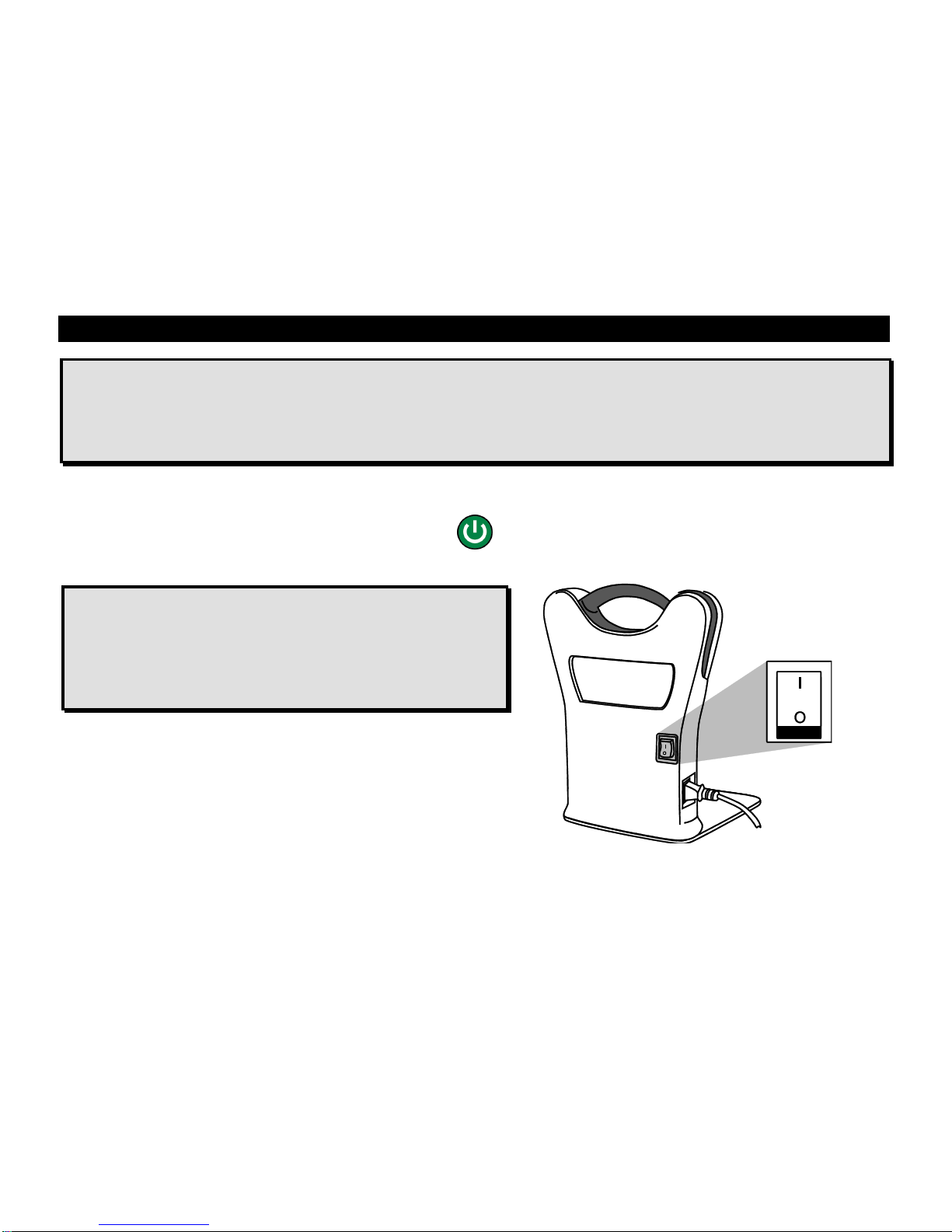
Powering On the Unit......................................................................................................................2
Tap and Go.....................................................................................................................................3
Changing Text and Background Colors...........................................................................................7
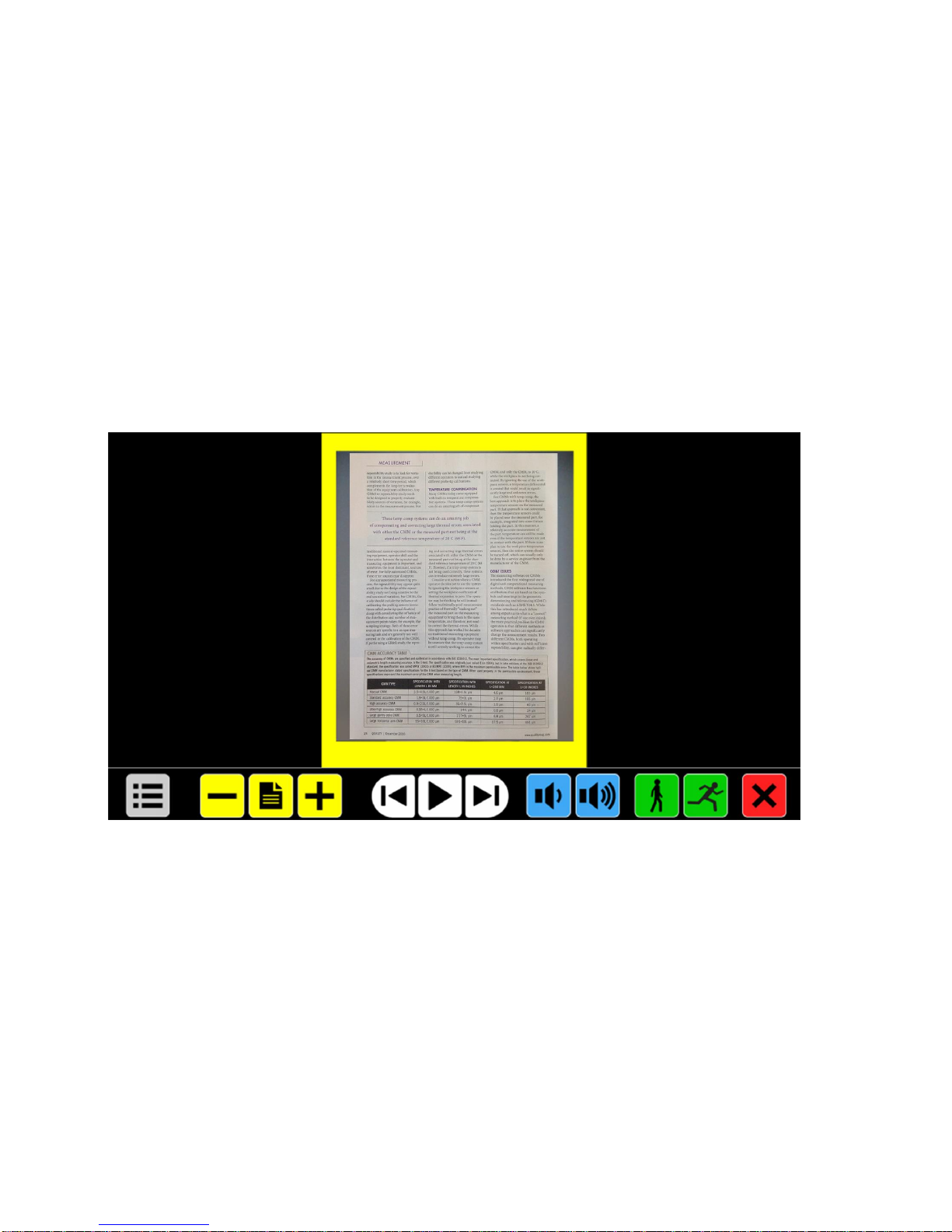
Button Bar..........................................................................................................................................8
Menu (Gray)....................................................................................................................................8
Magnification (Yellow).....................................................................................................................8
Play / Pause Speech (White) ..........................................................................................................8
Speech Volume (Blue)....................................................................................................................9
Reading Speed (Green)..................................................................................................................9
Close (Red).....................................................................................................................................9
General Operation ...........................................................................................................................10
Magnifying a Document ................................................................................................................10
Reading a Document ....................................................................................................................10
ONYX OCR Main Menu....................................................................................................................11
Opening and Closing the Main Menu............................................................................................11
Using the Main Menu....................................................................................................................12
Save..............................................................................................................................................12
Open.............................................................................................................................................16