GENERAL OPERATING INSTRUCTIONS
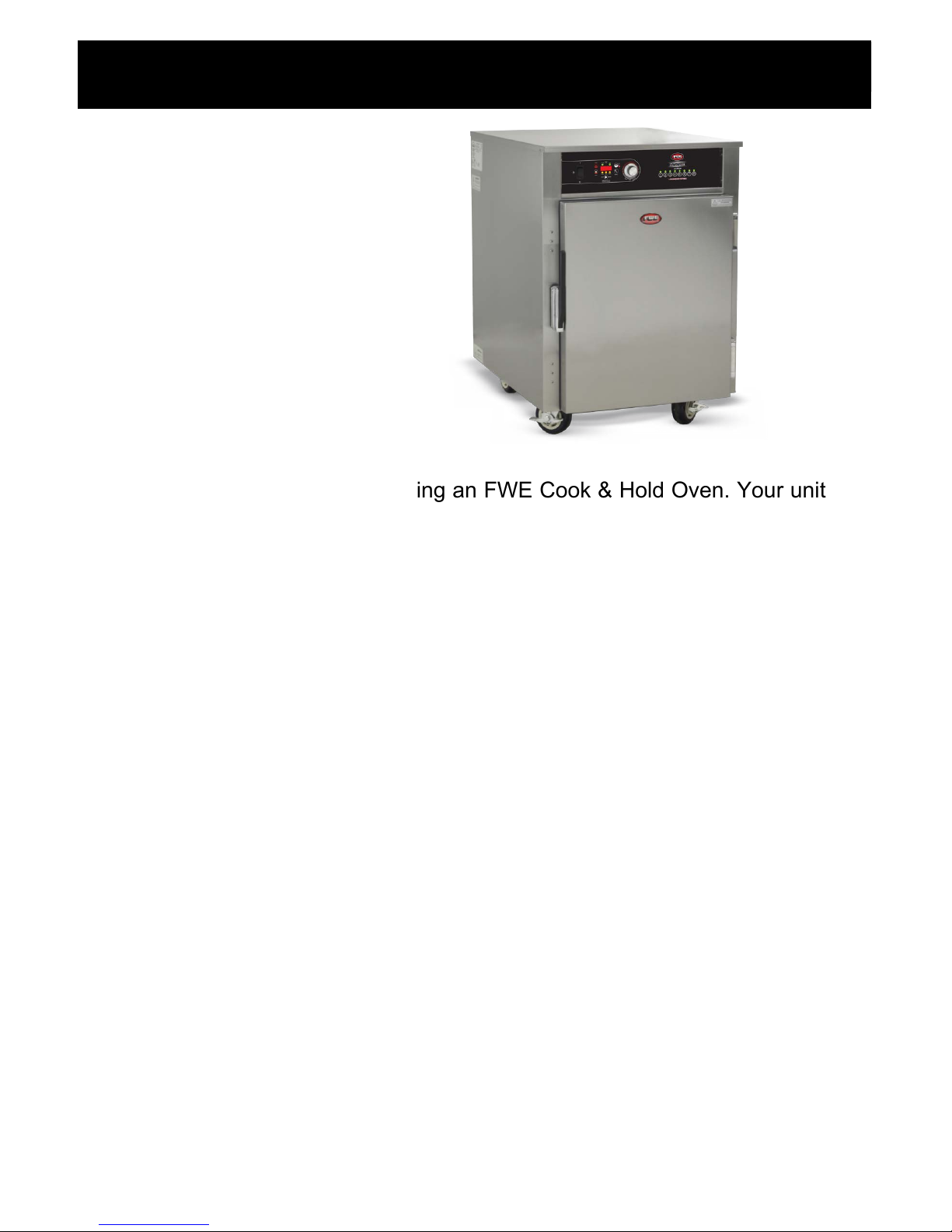
FWE COOK & HOLD OVEN
7
• Press COOK
• Rotate Dial to Cook Temp Set Point
• Press START/CANCEL to begin cooking cycle - display shows oven set temp.
NOTE: Unit must manually be canceled or shut off to end cook cycle.
TO COOK MANUALLY WITH NO TIME OR PROBE CONTROL
• Display will alternate between ‘PrHE’ and ‘Actual Temp’ until ‘rdY’ is displayed
• To display Set and Actual temperatures, Press COOK The display shows
“Set” for 1 second, then the oven set temp for 2 seconds, followed by “Act” for
1 second, then the actual oven temp for 2 seconds, then return to the original
display. If there is no set point, the display will show “ - ˮ in place of the set
temperature.
• To display Set and Actual Probe temperatures during preheat, ready and cook
states, press PROBE The display shows “Set” for 1 second, then the set
probe temp for 2 seconds, then returns to the original display.
• To display Set Cook Time during preheat, ready and cook states, press PROBE
The display shows “Set” for 1 second, then the set cook time for 2 seconds,
then returns to the original display.
• To display Set Hold Temp, press HOLD The display shows “Set” for 1
second, then the hold set temp for 2 seconds. If hold was not programmed, the
default hold set temp of 160°F (71°C) will be shown.
NOTE (applies to all cooking modes):
• Power on while pressing START/CANCEL
• Turn dial clockwise to select °F or counterclockwise to select °C
TO SET °F/°C UNITS
• Manual Cook - Press and hold START/CANCEL for 3 seconds, control beeps 3x displays
“----”
• Preset Cook - Press and hold START/CANCEL for 3 seconds, control beeps 3x and
displays the selected “Pr#”. After 5 seconds without a key press, the control returns to idle mode
and displays “----”. All LED’s turn OFF.
TO CANCEL ANY COOK CYCLE
TO VIEW HOLD TIME
• Press and hold the HOLD , hold time will be displayed in a count up timer until released.