EnglishDeutsch
 logo
Brands
  1. Home
  2. •
  3. Brands
  4. •
  5. GE
  6. •
  7. Microwave Oven
  8. •
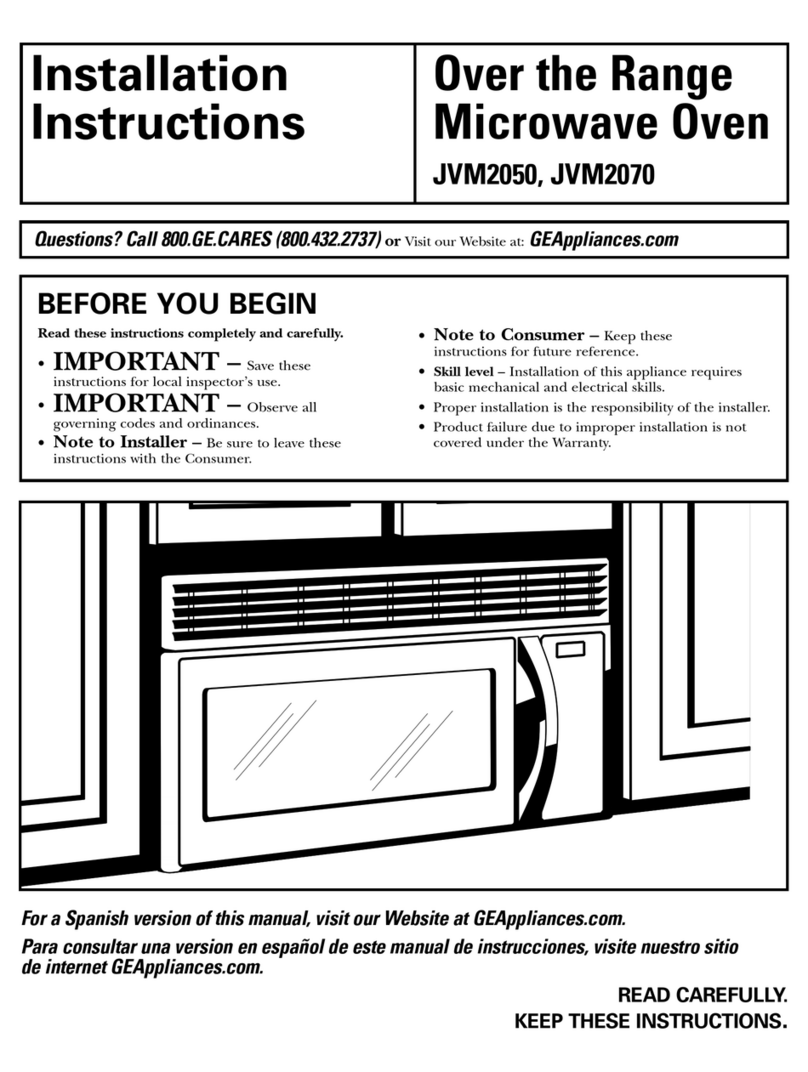
  9. GE Spacemaker JVM152J User manual

GE Spacemaker JVM152J User manual

Other manuals for Spacemaker JVM152J

1

Other GE Microwave Oven manuals

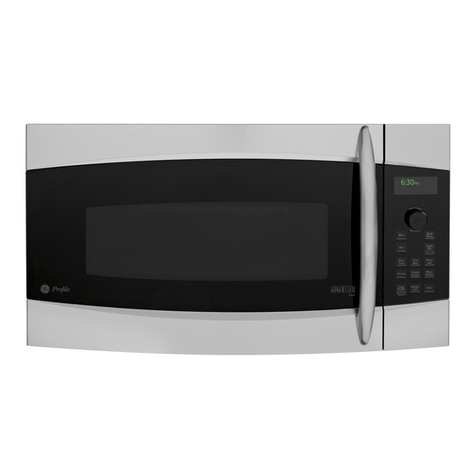
GE Profile Advantium PSA1200R How to use

GE

GE Profile Advantium PSA1200R How to use

GE JES1139 User manual

GE

GE JES1139 User manual

GE Spacemaker 164 D2092P126 User manual

GE

GE Spacemaker 164 D2092P126 User manual

GE Profile 164D3370P003 User manual

GE

GE Profile 164D3370P003 User manual

GE SpacemakerXL JVM1631 User manual

GE

GE SpacemakerXL JVM1631 User manual

GE Spacemaker JVM64 User manual

GE

GE Spacemaker JVM64 User manual

GE JES0736 User manual

GE

GE JES0736 User manual

GE JET209 User manual

GE

GE JET209 User manual

GE Spacemaker JVM1540DMBB User manual

GE

GE Spacemaker JVM1540DMBB User manual

GE Spacemaker XL JVM1851 User manual

GE

GE Spacemaker XL JVM1851 User manual

GE Profile Advantium SCA2001KSS User manual

GE

GE Profile Advantium SCA2001KSS User manual

GE JESO734PMRR User manual

GE

GE JESO734PMRR User manual

GE JEB1095 User manual

GE

GE JEB1095 User manual

GE Monogram ZMC1095 Series User manual

GE

GE Monogram ZMC1095 Series User manual

GE JES1142 User manual

GE

GE JES1142 User manual

GE JES737 User manual

GE

GE JES737 User manual

GE JES942 User manual

GE

GE JES942 User manual

GE JES1855 User manual

GE

GE JES1855 User manual

GE JNM3184 User manual

GE

GE JNM3184 User manual

GE Convection Grill Combination Microwave User manual

GE

GE Convection Grill Combination Microwave User manual

GE Spacemaker JVM1650 User manual

GE

GE Spacemaker JVM1650 User manual

GE Profile Spacemaker JVM2070BH User manual

GE

GE Profile Spacemaker JVM2070BH User manual

GE JKP78G Installation instructions

GE

GE JKP78G Installation instructions

GE Advantium SCA1000 User manual

GE

GE Advantium SCA1000 User manual

Popular Microwave Oven manuals by other brands

Samsung CE2815NR null

Samsung

Samsung CE2815NR null

Panasonic NN-S553WF null

Panasonic

Panasonic NN-S553WF null

Daewoo KOG-574R0S Service manual

Daewoo

Daewoo KOG-574R0S Service manual

LG MH7040SS instruction manual

LG

LG MH7040SS instruction manual

Sharp R-895(AL)M Service manual

Sharp

Sharp R-895(AL)M Service manual

Dometic DOTRM13W installation instructions

Dometic

Dometic DOTRM13W installation instructions

Sanyo EM-X680 instruction manual

Sanyo

Sanyo EM-X680 instruction manual

Sharp R-393M quick start guide

Sharp

Sharp R-393M quick start guide

KitchenAid KMCX4510 Use and care

KitchenAid

KitchenAid KMCX4510 Use and care

Smeg S45MCX1 Instructions for use

Smeg

Smeg S45MCX1 Instructions for use

Russell Hobbs RHM2044 user guide

Russell Hobbs

Russell Hobbs RHM2044 user guide

Sunbeam SMW759 owner's manual

Sunbeam

Sunbeam SMW759 owner's manual

Bosch CEG732X.1B User manual and installation instructions

Bosch

Bosch CEG732X.1B User manual and installation instructions

Dometic Roadmate 230 operating manual

Dometic

Dometic Roadmate 230 operating manual

Samsung SJ0396W Owner's instructions

Samsung

Samsung SJ0396W Owner's instructions

Sanyo EM-P494WS Supplement of service manual

Sanyo

Sanyo EM-P494WS Supplement of service manual

Sharp R-240 Operation manual

Sharp

Sharp R-240 Operation manual

Electrolux EMS2840 user manual

Electrolux

Electrolux EMS2840 user manual

https://manuals.online logo
https://manuals.online logoBrands
  • About & Mission
  • Contact us
  • Privacy Policy
  • Terms and Conditions

Copyright 2026 Manuals.Online. All Rights Reserved.

Spacemaker®MicrowaveOven
Contents
Adapter Plugs 29 Microwaving Tips 3
Aluminum Foil 4 Minute/Second Timer 9
Appliance Registration 2Model and Serial Numbers 2
Auto Cook 19-24 Oven Shelf 5,26,27
Auto Defrost 16_17 Power Levels 9-12
Auto Reheat 14, 15 Precautions 2-5
Auto Roast 12, 13 Problem Solver 3_
Auto Simmer 13 Recipes, Cooking Tips 21-24
Auto Start 1I Safety Instructions 2-5
(7are and Cleaning 2429 Temperature Cook 11
Consumer Services 31 Temperature Probe 11-13
Control Panel 6,7 Time Cook 10
Cook 'N Watch l0 Time Defrost 18
Cooking Complete Reminder 8 Warranty Back Cover
Delayed Cooking 9
Exhaust Fan 6,29
Extension Cords 29
Features 8
Grease Filter 29
Grounding Instructions 29
Hold Time 9 GEA_wo¢ Ce_
Light Bulb Replacement 28 0_._.2_
Model JVM152J
I*IEC-705 Test Procedure [
GEAppliances
Auto Roast Guide
.Place meats in a cooking bag in microwave-safe dish. (Refer to package
instructions for proper use of cooking bag. )
.Recommended codes are also shown on guide behind door, on front of oven.
.Insert probe as described on page 12.
Food
Beef (5 pound max.)
Tender Roast
Medium
Well
Pork (5 pound max.)
Loin Roast
Poultry (6 pound max.)
Turkey Breast
(Inselt plobe horizontally
into meatiest aIea. )
(?ode
I
2
2
3
Final
Temp.
160°F.
170_F.
170_'F.
185_F.
Approx. Time
(minutes per pound)
13-15
15-17
15-19
17-20
Hold* Doneness
Minutes Display
o MEd
5-1o WELL
I0 WELL
10-i5 WELL
*Recommended standing time before serving
Automatic Simmer Guide (Auto Roast (?ode 4)
Food
Beef
Pot Roast
Final
Temp.
180°F
Chili 180°F
Chicken
Smwing 180°F
Broiler,'Fwer 180°F
Ham or Pork
Roast i 80°F,
soup
Stock Vegetable 180°F
Split Pea 180°F
Approx. )onenesa
rime/Hours Display Comments
5-7
5-8
SIM Add enough liquid to just cover
meat. If adding vegetables make
sure they are completely covered
by liquid.
SIM Precook meat. Place plobe I inch
from top suiface. Stir after 3
hours, if possible.
4-6 SIM
3-4 S]_'l
4-6 S]_'l
7-1o S]_'l
5-7 SIM
Add 4 cups liquid Insert probe
into meatiest area of inner thigh
from below end and parallel to
leg. Turn over after F2 of time.
Same procedure as above
Add 4 cups liquid
Make sure that vegetables and
meat are covered by liquid. Stir
evely 3bores.
Add enough liquid to cover peas at
least 2 inches. Stir after 3 hours.
Automatic Simmer
(Auto Roast (?ode 4)
Your cookbook has intbmlation on
Automatic Sinmlering, including
guides and recipes.
Total time includes time to bring
food to 180°F., and hold at that
temperature until done.
Set Auto Sinmler like Auto Roast
as explained on page 12. Display
shows "SIM" and "CODE 4F
Oven switches to Hold at 180°F.,
and continnes holding at 180°F.
until you remove food and turn off
oven. If stirring is recommended,
you can restart oven by touching the
START pad again. Touch
CLEAR/OFF pad after cooking.
13
Automatic Cooking Control Guide
,,Do not open oven door during
Auto cycle. When oven signals and
time, counting down, is displayed,
door :nay be opened for stirring,
turning or rotating 1hod. To resume
cooking, close door and touch
START pad.
•Match the amount of food
to the size of the container. Fill
containers at least 1/2 full.
• Add 1/4 to 1/2 cup water to fresh
vegetables
• Foods should be covered with lid
to dish or vented plastic wrap to
prevent spattering and keep oven
clean• Spareribs, pot roasts and
:neat loaf should be covered tightly
to ensure even cooking.
• Be sure outside of container and
inside of oven are &y.
• After completion of Auto Cook
cycle, if food needs additional
cooking, return food to oven and
use Time Cook to finish cooking.
.To adjust cook time to suit
individual tastes, add a "1" or "9"
to code number when entering
Auto Cook code. See page 20 for
instructions.
•Use of Auto Cook feature with
oven shelf is not recommended.
Auto Cook
Food Code Container Approx. Time
Canned Foods
Thin water and
milk-based soups,
sa::ces, gravies
Thick_hili, beef
stew, ravioli,
spaghetti, chunky
soups
Vegetables 8 to 16
Ollnces
I Microwave-safe
container nmtched to
amount of tbod
2 Microwave-safe
container nmtched to
amount of tbod
3 to 4rain
per cup
3 to 4rain
per cup
Comments
Cove: with lid to disi: or plastic w:ap
Cover with lid to dish or plastic wrap.
2Microwave-safe 4 to 8 rain Cover witi: lid to dish or plastic wrap
container matched to
amount of food
Leftovers 2 Plate or microwave- 2 to 4 :::in per Cover wifl: lid to disi: or plastic wrap
safe container serving
matci:ed to amount of
food.
46to 10 min.
Convenience
Foods
Frozen dirmers
(wifl: entree and 2
vegetables or
vegetable and pasta)
Froze:: dinner
entree (individual)
Pouch
Tmy 3 Pouch
5 Tray
5 Tray
3
3
Froze:: dinner
entree
(2 to 3 servings)
Froze:: breakt:ast
entrees
Grocery-Shelf
dinner entrees
Package Pay or plate
Package wrap or_ay
Package
3 to 6 :::in
8 to 11 min.
18 to 22 :::in.
3 to 5 min
3 to 5 min
Cover with plastic lid to plate or leave
plastic covering in place on tray.
If tray ires foil cover, replace with
plastic wrap.
If tray Ires foil cover, replace with
plastic wrap
22
We'llBe There
With the purchase of your new GE appliance, receive the
assurance that if you ever need information or assistance
froln GE, we'll be there. All you have to do is cdt toll-free!
/n-HomeRepair
Service
888-GE.CARES
(800432-2737)
AGE Consumer Service professional

will provide expert repair service,
scheduled at a time that's convenient
for you Many GE Consunier Service
coinpany-operated locations offer you
se:',-ice today or tomorrow, or at your

convenience (7:(/(t am to 7.'00 pro.
weekdays, 9:00 am. to 2:00 pro. Satur-
days) Our factory-trained technicians
know your appliance inside and out--
so most repairs can be handled in just
one visit.
ServiceContracts
800-626-2224
You can have the secure feeling that
GE Consumer Se:',-ice will still be
fl:ere after your warranty expires. Pur-
chase a GE contract while your war-
ranty is still in effect and you'll receive
a substantial discount. Will: a multiple_
year contract, you're assured of fiiture
service at today's prices.
GEAnswerCenter®
800.626.2000
Whatever your question about any GE
major appliance, GE Answer Center*
intormation service is available to
help Your call--and your question--
will be answered promptly' and
courteously And you can call any
time GE Answer Center* service is
open 24 hours a day, 7 days a week.
_lecommunlcation Device for the Deaf
PartsandAccessories
800-626-2082
Individuals qualil_led to service their
own appliances can [:ave needed
parts or accessories sent directly to
lheir home, free of shipping charge!
The GE parts system provides access
to over 47,000 parts., and "all GE
Genuine Renewal Parts are fully
warranted. VISA, MasterCard and
Discover cards are accepted
User maintenance instructions
contained in this booklet cover ptoce-
d_ intended to be performed by
any user. Other servicing generally
should be referred to qualified ser-
vice personnel. Caution must be
exercised, since improper servicing
may cause unsafe operation.
ForCustomersW'rth
SpecialNeeds...
800.626.2000
Upon request, GE will provide Braille
controls for a variety of GE appliances,
and a brochure to assist in planning a
barrier-free kitchen for persons with
limited mobility To obtain these itcms,
free of charge, call 800.626.2000
Consumers with inlpaired hearing
or speech who have access to a TDD
or a conventional teletypewriter may
call 800-TDD-GEAC (800-833-4322)
to request information or service