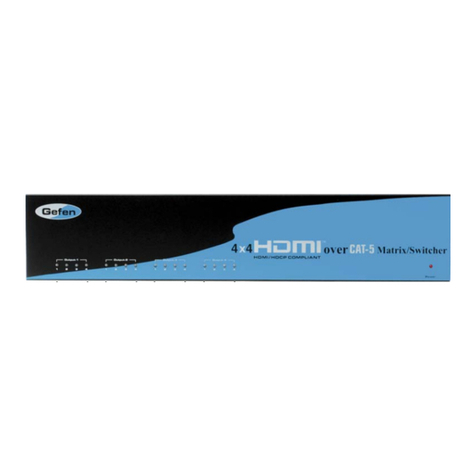
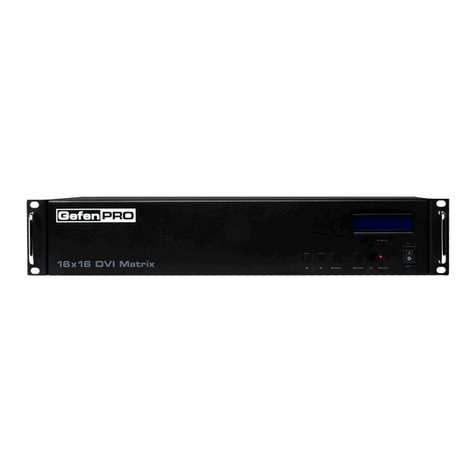
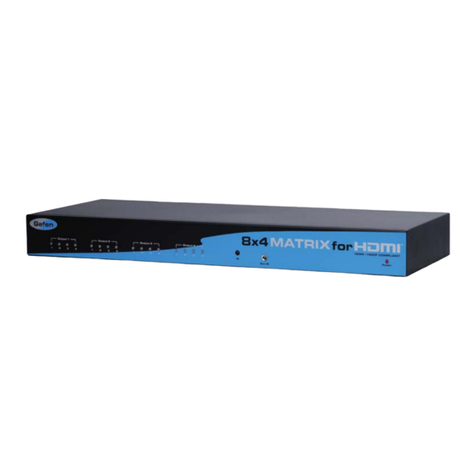
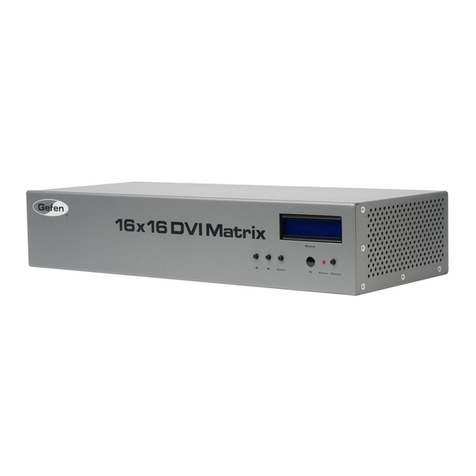
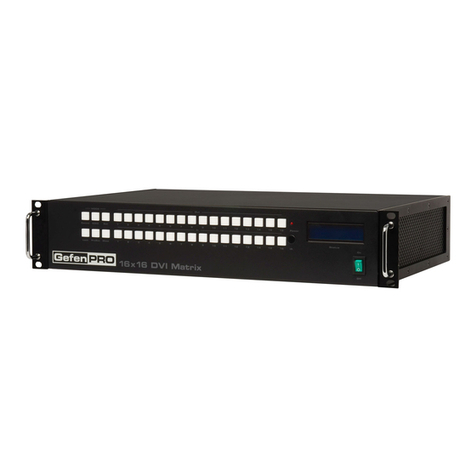
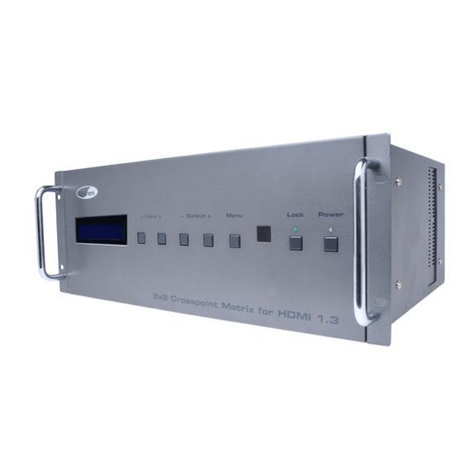
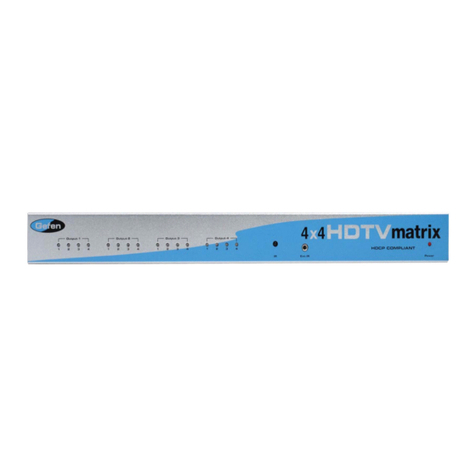
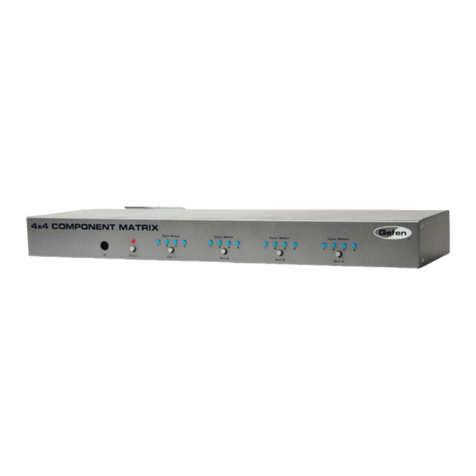
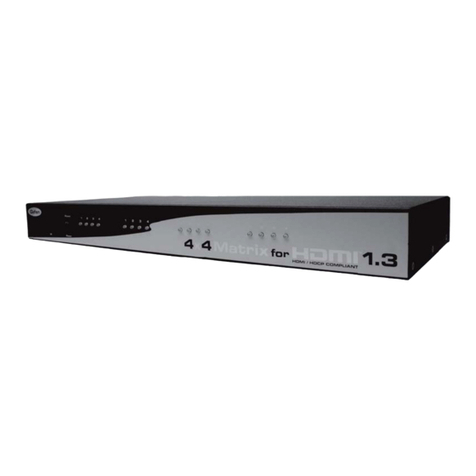
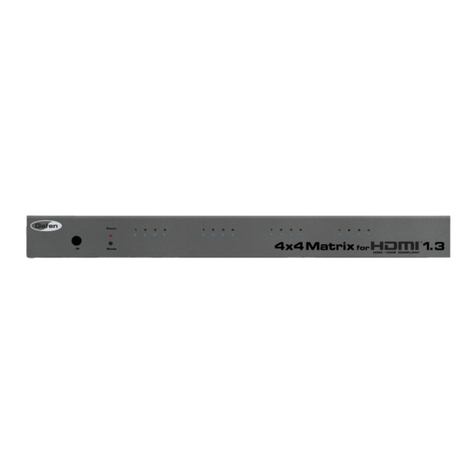
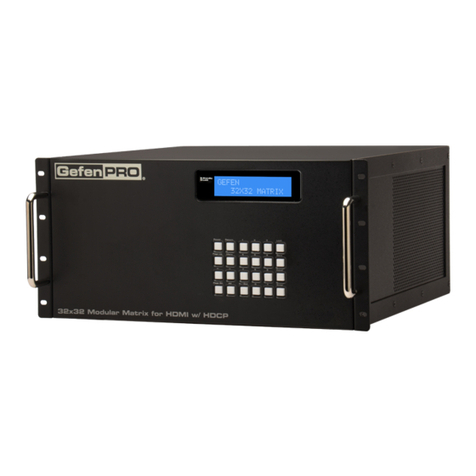
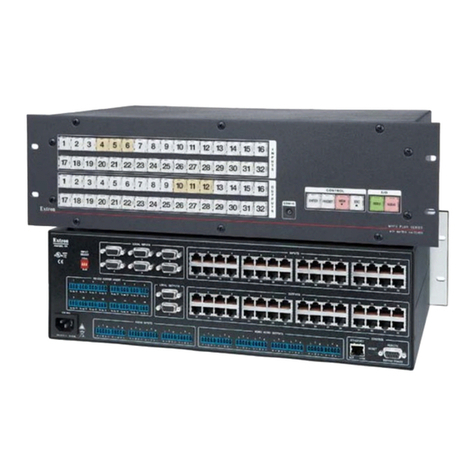
Congratulations on your purchase of the GefenToolBox 4x4 Matrix for HDMI 1.3.
Your complete satisfaction is very important to us.
About Gefen
We specialize in total integration for your home theater, while also focusing on
going above and beyond customer expectations to ensure you get the most from
your hardware. We invite you to explore our distinct product line. Please visit
http://www.gefen.com for the latest offerings in High-Definition signal solutions
or call us between the hours of 8:00 am and 5:00 pm Monday-Friday, Pacific
Standard Time for assistance with your A/V needs. We’ll be happy to assist you.
Why Gefen ToolBox?
The Gefen Toolbox line offers portable and easy-to-install solutions for common
A/V system integration setups using HDMI connectivity. Gefen ToolBox products
are wall-mountable and small in size. Gefen ToolBox products are easily
transported in the field and are ready for immediate and simple installations in
working environments. These products come finished in a glossy color to blend in
with either a white wall or black cabinet.
The GefenToolBox 4x4 Matrix for HDMI 1.3
The GefenToolBox 4x4 Matrix for HDMI 1.3 routes HDMI at resolutions up to
1080p@60Hz and 1920x1200@60Hz supporting multichannel digital audio
from any four Hi-Def sources to any four HDTV displays. The GefenToolBox
4x4 Matrix eliminates the need to disconnect and reconnect HDMI sources. It
works with any HDMI source that needs to be connected to an HDTV display,
supporting digital audio formats such as Dolby TrueHD and DTS HD Master
Audio. Each source is accessible at all times from any display by selecting it with
the included IR remote, the RS-232 port, or using the front-panel push buttons.
How It Works
Connect your Hi-Def A/V sources to the GefenToolBox 4x4 Matrix’s inputs using
the supplied HDMI cable. Connect up to 4 HDTV displays to the Matrix’s four
HDMI outputs also using the provided HDMI cables. Apply power to sources and
to the displays. A/V Sources may now be routed to display devices by using the
front panel buttons or the included IR remote control.
INTRODUCTION
1