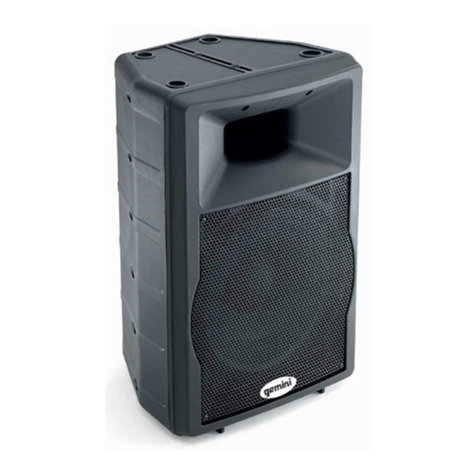
GD PRO Series
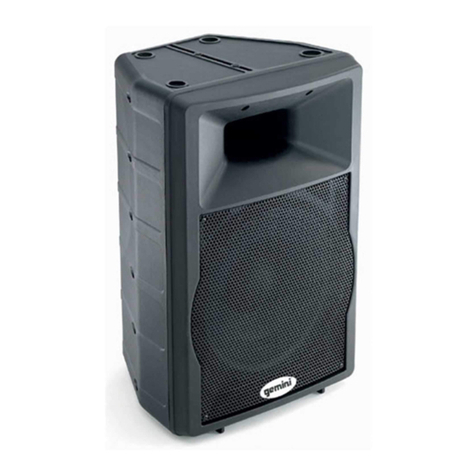
GD-L2115PRO
MASTER VOLUME
When LE D is flashing ,
speaker is searching. for
conne ction. Whe n LED is
solid , spe aker is pair ed or
linke d. Initial p airing may
require 60+second s. To
reset p airing or li nk, press
and hol d button for 3
seconds.
Press PAI R button onc e and
selec t GEMINI GD SE RIES
on your device toconnect.
ON OFF
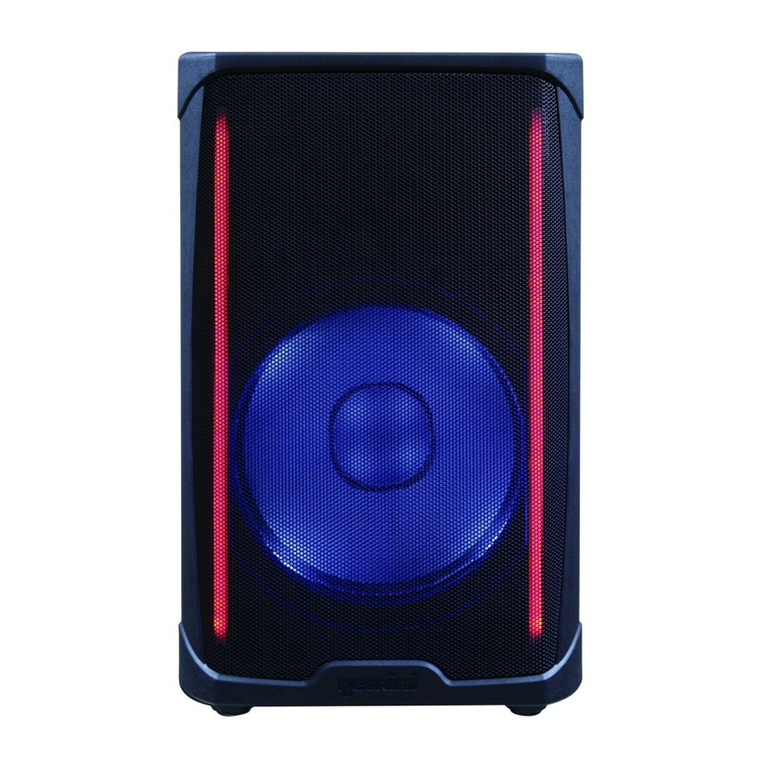
LIGHT
COLOR
ON/OFF MODE
Mod e 1
Mod e 2
Mod e 3
Sound Activated
No
Yes
Yes
Side Lights
Flashing
Pulsating
VU St yle
Woofer Lights
Flashing
Pulsating
Pulsating
Col or
Ran dom
Beat Triggered
Bea t Triggered
Color Press color buttonfor custom color controlwithin each mode. Oncecolor is
selected it willno longer be randomized.Check Manual for colorsequence
Mod e 4 No Solid Solid Beat Triggered
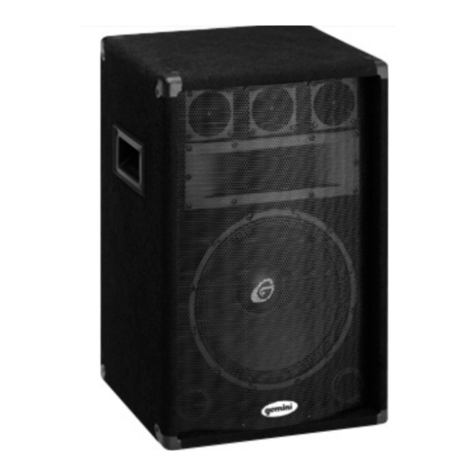
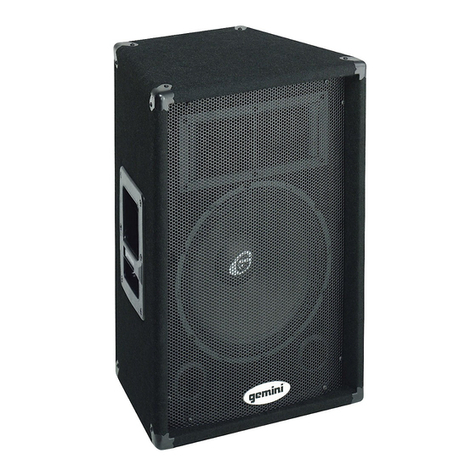
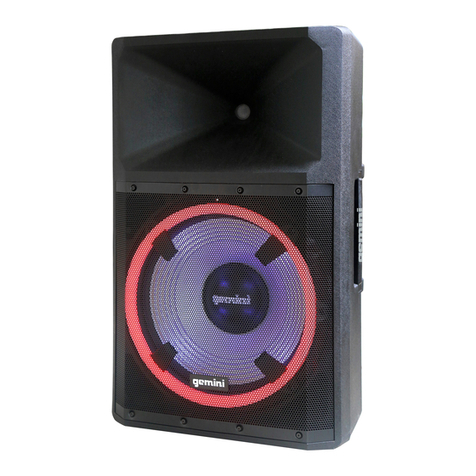
GD-L215 PRO
15" 1300W POWERED LOUDSPEAKER
2AE6G-GD215PRO
22: Light Power ON/OFF button: Turns the light
system on or off.
23: Light Mode: Changes the lighting modes for the
front mounted speaker lighting.
24: Light Color: Cycles the color of the front mounted
speaker lighting.
1.Channel 1 volume : Adjusts the loudness of the source
connected to CH1
2. BT Pair : Activates pairing mode to connect a phone,
tablet, or other external media source.
3. BT Link: Allows user to link another GD series
speaker via bluetooth to create a stereo pair.
4. Channel 2 volume : Adjusts the loudness of the source
connected to CH2
5. Clip LED: Indicates audio clipping.
6. AUX input(TRS): Connect a digital media player,
etc. to this 1/8" stereo input.
7/12. Mic/Line input switch: Allows user to choose
the MIC or Line signal input.
8/13. Mic/Line input: Connect a microphone or line
signal to this 1/4" TRS input
9/14: Mic/Line input: Connect a microphone or line
signal to this XLR input
10: Channel 3 volume : Adjusts the loudness of the
source connected to CH3
11: AUX Input (RCA): Connect a CD player, mixer, or
other media source to this line level RCA input.
15: Master volume : Adjust the loudness of the whole
system.
16: Bass EQ: Controls the bass(low) frequencies of
speaker at a range between -12dB to + 12dB.
17: Treble EQ: Controls the treble(high) frequencies of
speaker at a range between -12dB to + 12dB.
18: Mix Out: Use this XLR output to create a wired
connection to another powered speaker, etc.
19: Power ON/OFF Switch: Turns unit on or off.
20: Voltage Switch : Allows user to change the AC
voltage input.
21:AC Power Input: Mains power supply(supplied
with speaker) plugs in here.
AC115V/230V 50HZ-60HZ
WATT:400W FUSE 250V/5A