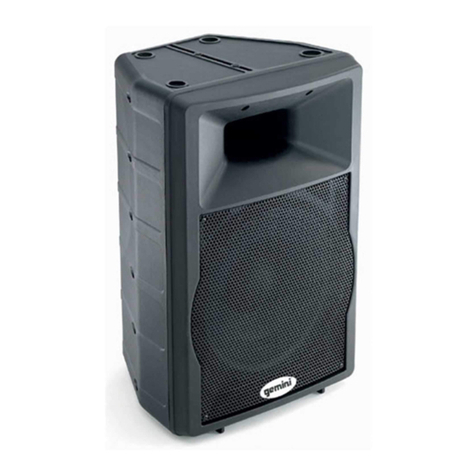
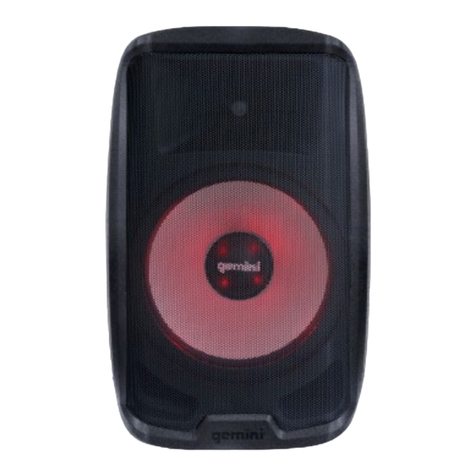
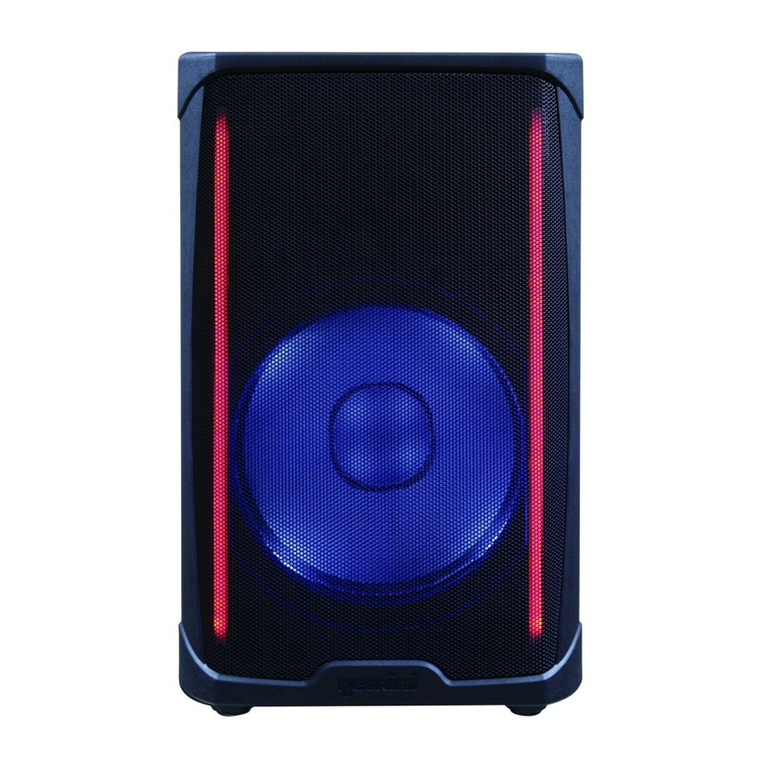
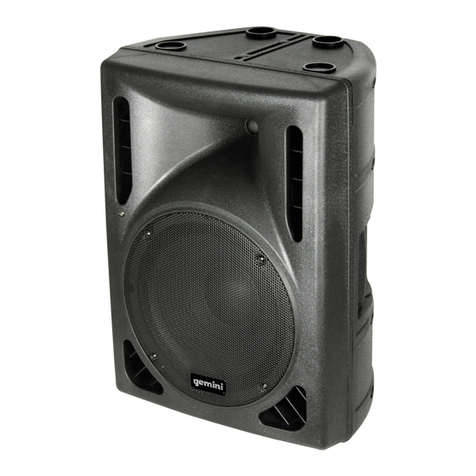
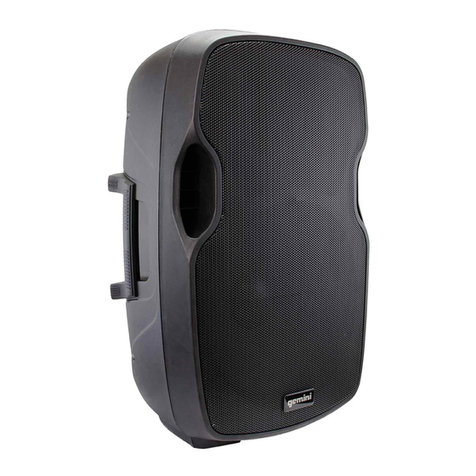
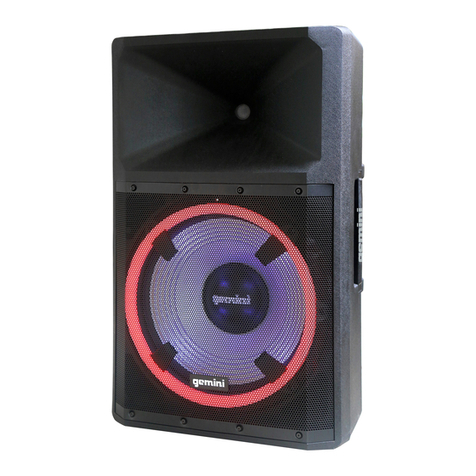
7GPSS-650DescriptionThe GPSS-650 is a Professional Grade, Ultra-Portable Personal PA System that delivers huge room lling sound from a compact speaker. With a 200 Watt Class D Amplier driving a 6.5” Woofer and a 1” NEO High Frequency Driver, plus an onboard 3 Channel Mixer with effects and LED Clip indicators, the GPSS-650 packs an entire Professional PA System into a condensed package that you can carry with ease in one hand! This all-in-one PA system is ideal for Busking, Karaoke, Conferences, Weddings, Parties and so much more; wherever clean high-quality sound is needed, the GPSS-650 will meet your every demand. Bluetooth™ streaming with TWS Link, allows you to link 2 GPSS-650s for true wireless stereo sound or use the Balanced XLR line output to expand your sound system. The 11 Hour Battery with LED charge indicator ensures the music can go all night, you can even keep your personal devices charged via the USB charging port! The GPSS-650 is built to adapt to several applications, whether tilted-back as a oor monitor or mounted on a speaker stand, you will have no trouble nding the perfect setup for your audio needs.
6.5“ Woofer1” High Frequency Tweeter
2 x Dual XLR/¼” inputsRCA input1/8” Aux inputBalanced XLR Line output
Bluetooth Streaming with TWS Link
On the back of the GPSS-650, you’ll nd a button labeled “BT PAIR” (17). Press this button and the speaker will enter search mode and begin looking for your portable device. To indicate the GPSS-650 is in pairing mode. The BT Status LED (17) will blink.BT Linking - If you purchased 2 GPSS-650 speakers, you can connect them wirelessly using Bluetooth to create a stereo pair. This is done via the BT LINK feature. Please note that BT LINK will ONLY work if you have 2 GPSS-650 speakers.BluetoothBT Pairing - Pairing your portable device to the GPSS-650 is easy. First, make sure your device has Bluetooth turned on, and that the GPSS-650 is turned on.On your portable device, look for a new Bluetooth speaker named “GEMINI GPSS-650" and connect to it. No PIN code will be necessary. The BT Status LED will light solid red to indicate there is now a device connected. You are now able to stream music to your GPSS-650.To link 2 GPSS-650 speakers, rst make sure that both speakers are turned on.If you would like to disconnect your portable device from the GPSS-650, simple press the BT PAIR button again. The BT Status LED will turn off to tell you there are no portable devices connected.On the speaker you intend to use as your “master” speaker, press the button labeled “BT LINK” (18). The BT Status LED (18) will begin blinking. This is to tell you the speaker is in search mode.Now, go to the other speaker and press the BT LINK button. The 2 GPSS-650 speakers will nd each other and you’ll hear a voice conrmation that the speakers are now linked.If you accidentally hit the BT LINK button, don’t worry. The GPSS-650 will exit search mode automatically in 60 seconds.