manuals.online logo
Brands
  1. Home
  2. •
  3. Brands
  4. •
  5. Genius
  6. •
  7. Keyboard
  8. •
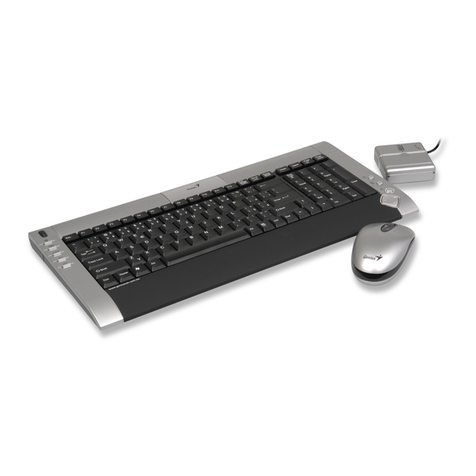
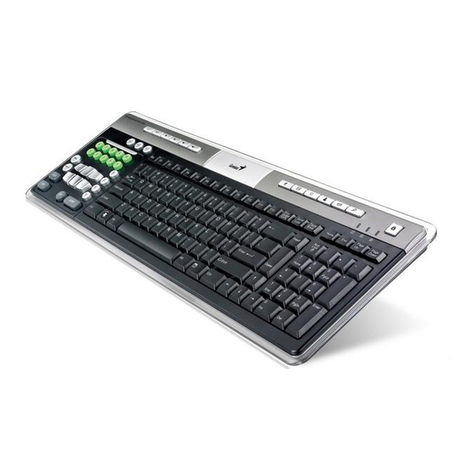
  9. Genius LuxeMate i200 User manual

Genius LuxeMate i200 User manual

Other Genius Keyboard manuals
Genius KB 600 V2 User manual

Genius

Genius KB 600 V2 User manual

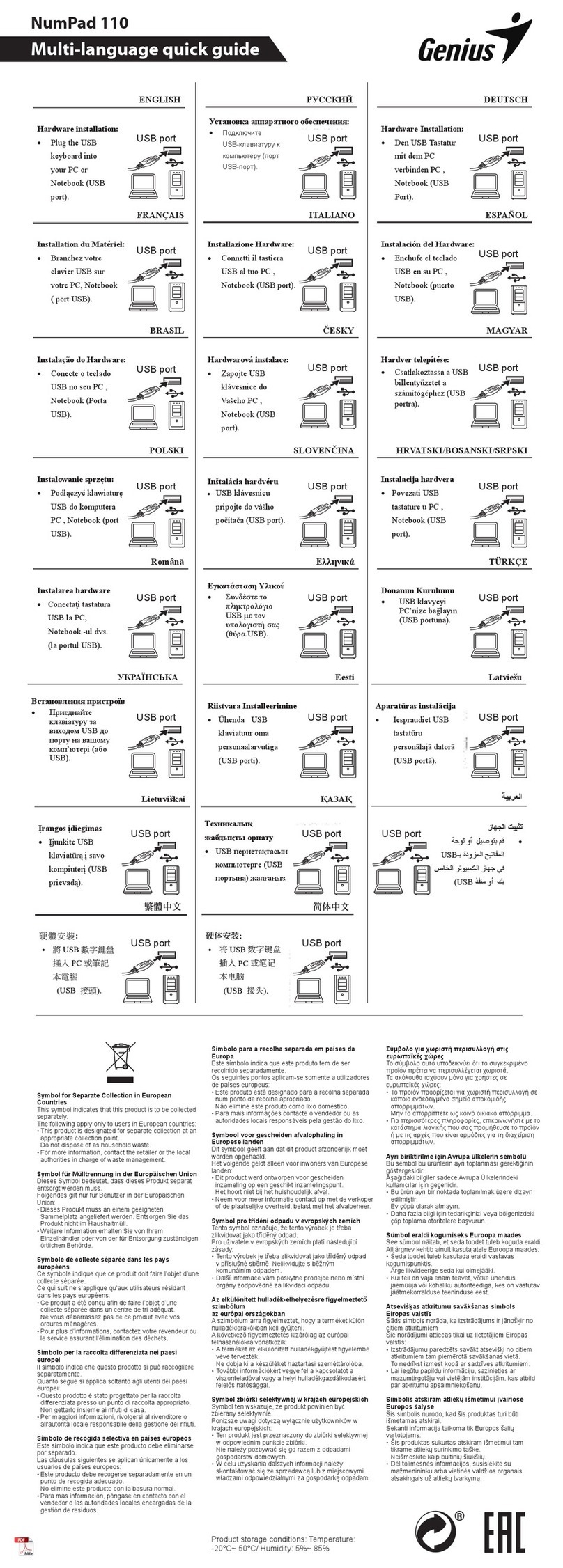
Genius NumPad 110 User manual

Genius

Genius NumPad 110 User manual

Genius Kye SlimStar Q200 User manual

Genius

Genius Kye SlimStar Q200 User manual

Genius THOR 303 User manual

Genius

Genius THOR 303 User manual
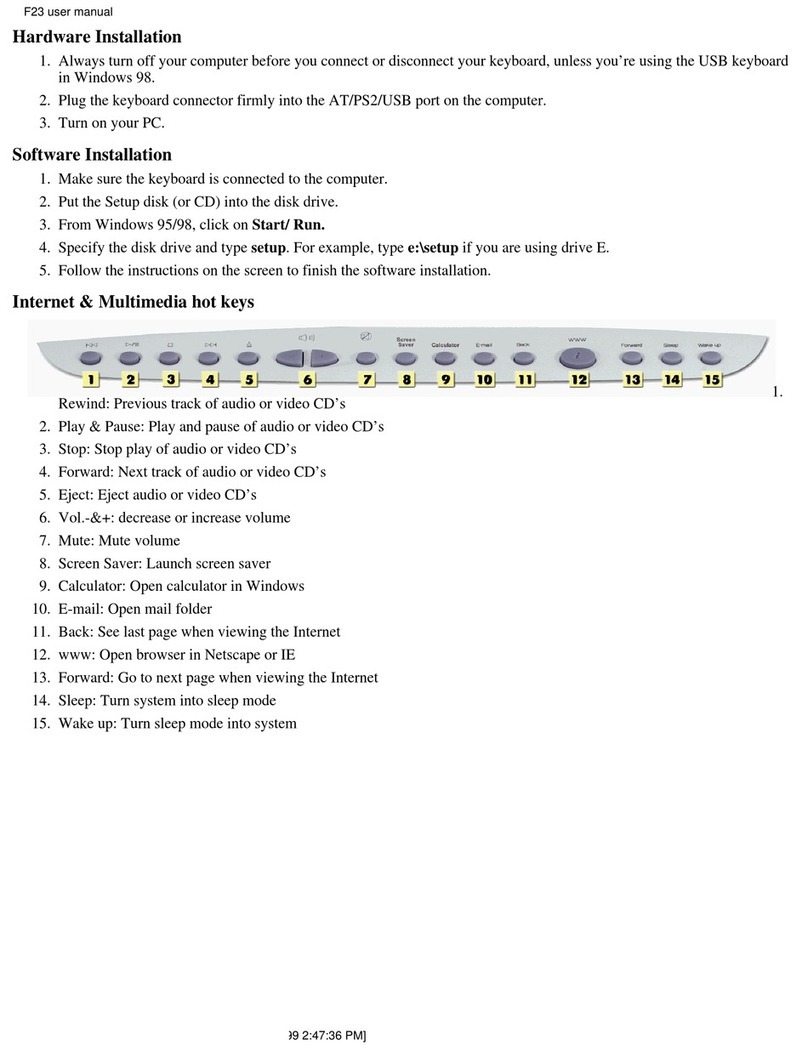
Genius F23 User manual

Genius

Genius F23 User manual

Genius GK-100012/T User manual

Genius

Genius GK-100012/T User manual

Genius SlimStar Series User manual

Genius

Genius SlimStar Series User manual

Genius Comfy KB-21e Scroll User manual

Genius

Genius Comfy KB-21e Scroll User manual

Genius LuxeMate Q8000 Stylish Wireless User manual

Genius

Genius LuxeMate Q8000 Stylish Wireless User manual

Genius SlimStar R610 User manual

Genius

Genius SlimStar R610 User manual
Genius NumPad 110 User manual

Genius

Genius NumPad 110 User manual

Genius KB-350e User manual

Genius

Genius KB-350e User manual

Genius KM-8200 User manual

Genius

Genius KM-8200 User manual

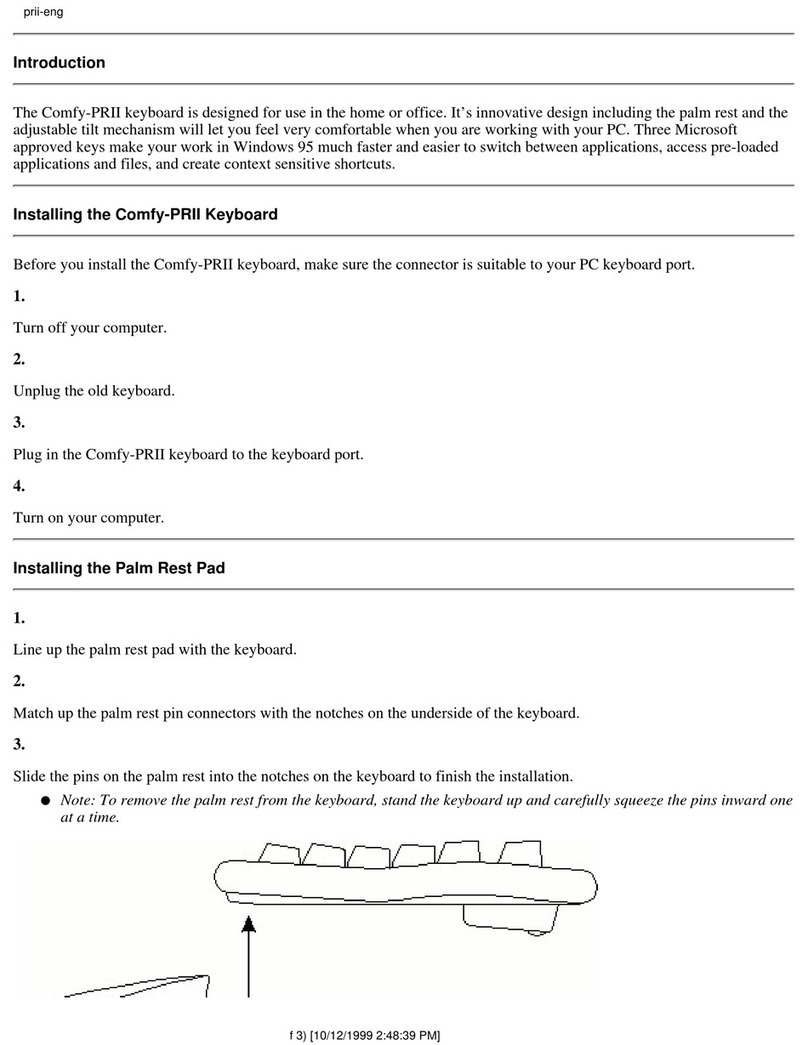
Genius COMFY-PR2 Reference manual

Genius

Genius COMFY-PR2 Reference manual
Genius LuxeMate 810 Media Cruiser Installation guide

Genius

Genius LuxeMate 810 Media Cruiser Installation guide

Genius LM525 Assembly Instructions

Genius

Genius LM525 Assembly Instructions

Genius KB-220 User manual

Genius

Genius KB-220 User manual

Genius SlimStar 8000X User manual

Genius

Genius SlimStar 8000X User manual

Genius SlimStar 8230 User manual

Genius

Genius SlimStar 8230 User manual

Genius GX Series User manual

Genius

Genius GX Series User manual

Genius KB-380 User manual

Genius

Genius KB-380 User manual

Genius GX Gaming Scorpion K8 User manual

Genius

Genius GX Gaming Scorpion K8 User manual

Genius KB 600 V2 User manual

Genius

Genius KB 600 V2 User manual

Genius TwinTouch LuxeMate Pro User manual
Genius

Genius TwinTouch LuxeMate Pro User manual

Popular Keyboard manuals by other brands

Gembird KB-314M null

Gembird

Gembird KB-314M null

Vortexgear POK3R user manual

Vortexgear

Vortexgear POK3R user manual

Razer RZ03-0188 user manual

Razer

Razer RZ03-0188 user manual

Logitech RUGGED LITE quick start guide

Logitech

Logitech RUGGED LITE quick start guide

Honeywell ADEMCO 5839 Installation and setup guide

Honeywell

Honeywell ADEMCO 5839 Installation and setup guide

Hama AK-120 Operating	 instruction

Hama

Hama AK-120 Operating instruction

Rodgers RK-76 owner's manual

Rodgers

Rodgers RK-76 owner's manual

Logic Controls KB5000 Series user manual

Logic Controls

Logic Controls KB5000 Series user manual

Rapoo E9270P quick start guide

Rapoo

Rapoo E9270P quick start guide

iKey DP-88 Specifications

iKey

iKey DP-88 Specifications

Logitech G413 TKL SE Complete Setup Guide

Logitech

Logitech G413 TKL SE Complete Setup Guide

Dahua NKB quick start guide

Dahua

Dahua NKB quick start guide

Ultimate Technology 500 POS user guide

Ultimate Technology

Ultimate Technology 500 POS user guide

Ducky Shine 5 user manual

Ducky

Ducky Shine 5 user manual

Mace MACALLY MERGOKEY user guide

Mace

Mace MACALLY MERGOKEY user guide

iKey KYB-42-KIOSK Specifications

iKey

iKey KYB-42-KIOSK Specifications

Akko MX108 user manual

Akko

Akko MX108 user manual

Viper V770 user manual

Viper

Viper V770 user manual

manuals.online logo
manuals.online logoBrands
  • About & Mission
  • Contact us
  • Privacy Policy
  • Terms and Conditions

Copyright 2025 Manuals.Online. All Rights Reserved.

ENGLISH
1
System Requirements:
Compatible with Windows 7/ Vista / XP /2000
Available USB Port
Hardware Installation:
Plug the USB keyboard into your PC USB port.
Keyboard hotkeys and Fn-Keys definition:
Fn Function keys:
+
Turn the system into sleep mode
+
Search for a file or folder.
+
Open mail folder.
ENGLISH
2
+
Open browser in Netscape or IE.
+
Remove the sound.
+
Turn down the volume.
+
Turn down the volume.
+
Go back to the previous track
+
Stop play of audio or video CD.
+
Play and pause the audio or video sources.
+
Skip to the next track