GOLDMUND METIS TALISMAN – WIRELESS HUB - 6
1 SETTING UP THE METIS TALISMAN (Ctd.)
1.5 FIRST INSTALLATION & CONNECTIONS
Wiring:
Connect the external power supply cord to the back of the METIS TALISMAN Hub and plug
it into the nearest wall plug. For safety reasons, use only a 3 lugs grounded plug. To get the
best sound from the METIS TALISMAN Hub, avoid any multi-way plugs or extension cords.
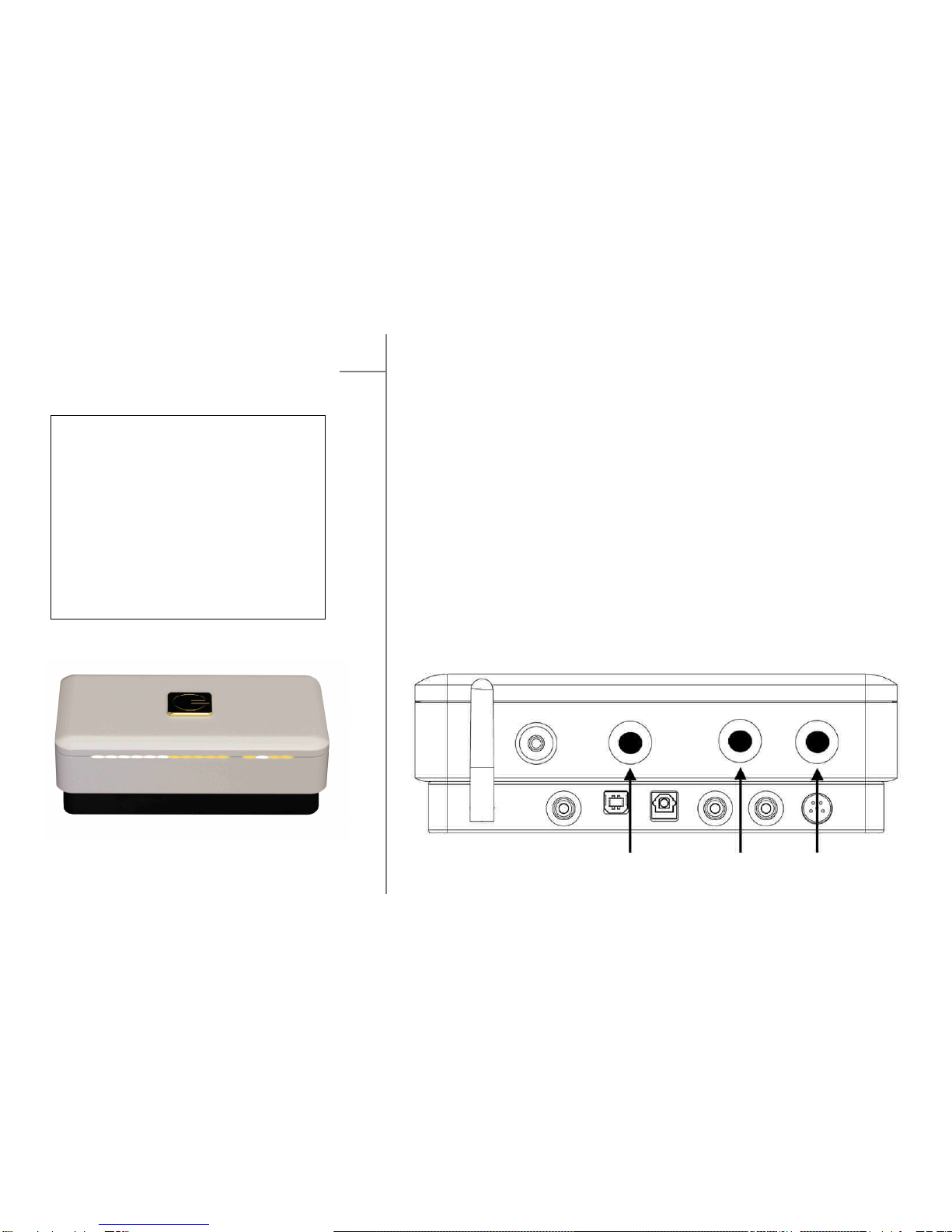
Connect a computer, CD/DVD, Blu-ray or any other source to the back panel of the
Goldmund METIS TALISMAN Hub, using either the RCA Digital, USB Audio, Toslink
Optical, or RCA Analog connector. Only one connection per input can be used at once.
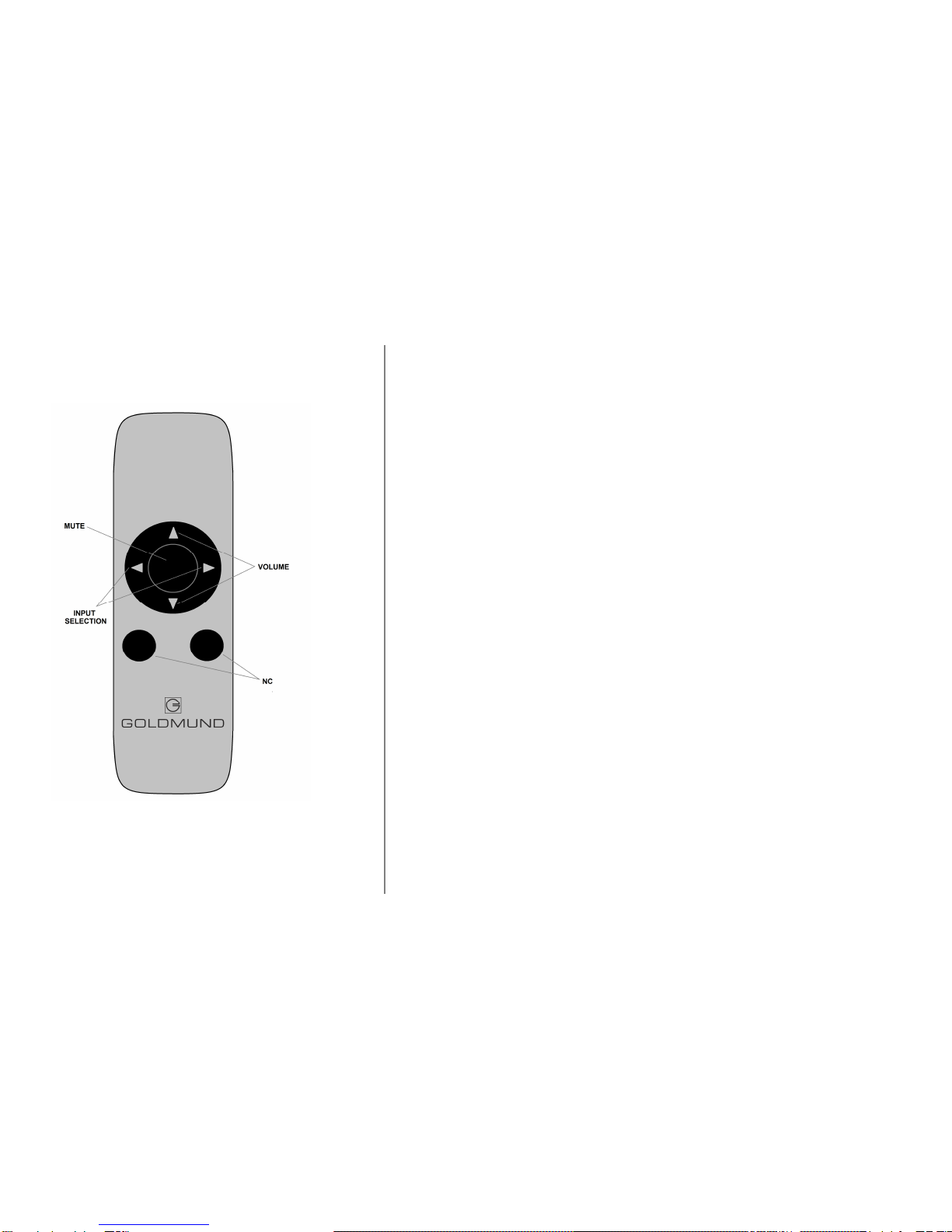
Select one of the 4 available inputs for listening using the rear button input selector or using
the remote control (see next chapter for more detail of the user interface).
Please contact your authorized Goldmund retailer to assist you to set up your computer for
use with the METIS TALISMAN Hub.
When the input source is selected, connect your METIS TALISMAN Hub output to your
headphone using the mini jack connector provided on the rear panel of the unit.
Wireless:
The METIS TALISMAN Hub and the associated wireless speakers must be paired. This
means that your Hub can only function with the speaker that is paired with it.
Please contact your official Goldmund representative where you purchased your unit to
install your METIS TALISMAN Hub in a Wireless system.
NOTE
A USB driver needs to be installed on
your computer before to use it as a
source with your unit. Mac and Linux
operating system do not need driver
to be used with the METIS
TALISMAN Hub.
ATTENTION
A residual high frequency noise may
remain audible in some
circumstances if an analog input is
left open and is selected. This
disturbance has no effect on the
amplifier but may be avoided easily
through the application of short-
circuit plugs on all unused inputs.