8 9
4. Charge the battery by connecting the camera to a computer or
other USB charging adapter using the included USB cable. The
camera status light turns on during charging and turns off when
charging is complete.
WARNING: Using a wall charger other than a GoPro Wall Charger
can damage the GoPro battery and could result in fire or leakage.
Only use chargers marked: output 5V 1A. If you do not know the
voltage and current of your charger, use the included USB cable
to charge the camera from your computer.
When charging with a computer, be sure that the computer is
connected to a power source. If the camera status light does not turn
on, use a different USB port.
The included lithium-ion battery comes partially charged. No damage
occurs to the camera or battery if used prior to a full charge.
For more battery information, see Battery.
WARNING: Use caution when using your GoPro as part of your
active lifestyle. Always be aware of your surroundings to avoid
injury to yourself and others.
Abide by all local laws when using your GoPro and related mounts
and accessories, including all privacy laws, which may restrict
recording in certain areas.
/ Getting Started/ Getting Started
CHARGING THE BATTERY
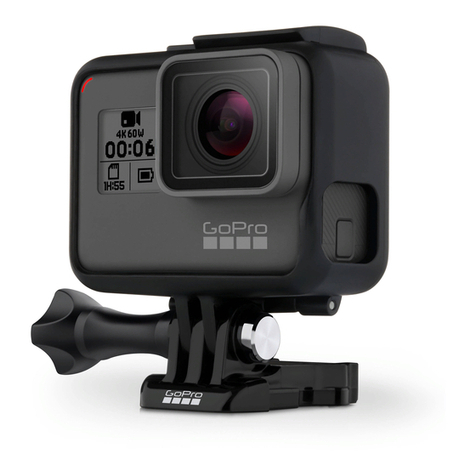
1. Remove the camera from The Frame.
2. Remove the camera side door and insert a microSD card (sold
separately). The card must have a minimum rating of Class 10 or
UHS-I, and a capacity up to 64GB. Visit gopro.com/support for
the list of GoPro-tested microSD cards.
3. Open the bottom door, insert the battery and then close the
bottom door.
The Frame 2.0 remove camera
The Frame 2.0 PROTIP
The Frame 2.0 insert camera
The Frame 2.0 with a BacPac
Removable instrument mount setting
Quick Release Buckle + Thumb Screw + The Frame = Complete Unit