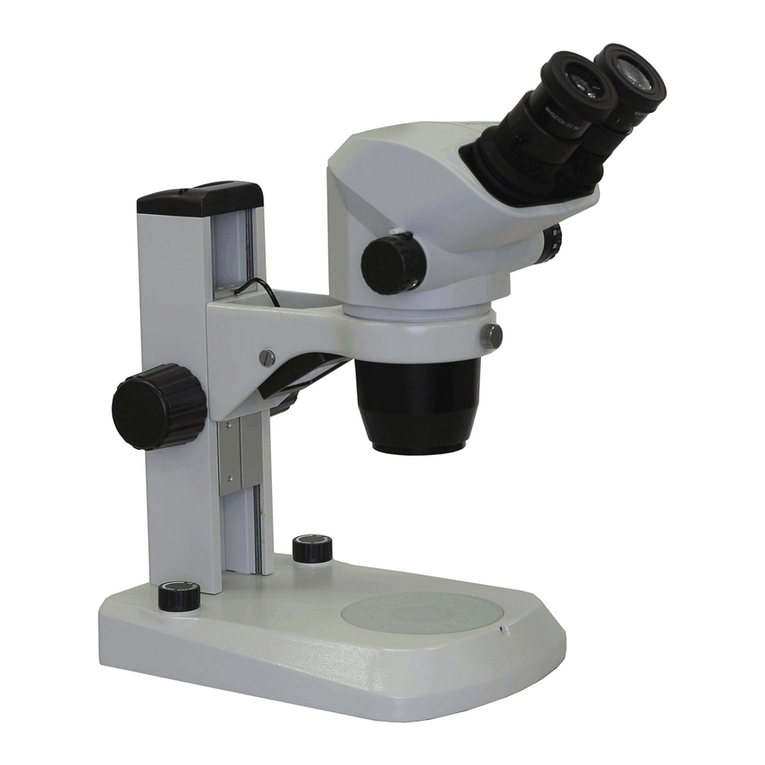
Luxxor®Video Microscope – Operation
Fine focus is achieved with the Focus Knob located on the side of
the Vertical Slide, at the base of the Boom. BE SURE TO
RELEASE THE BRAKE LEVER BEFORE TURNING THE FOCUS KNOB.
The brake lever flips UP to release. Push the lever DOWN to lock
the focus mechanism in place if desired.
Flip Brake Lever UP
Before Turning Focus Knob
Focus Knob
10
Luxxor®Video Microscope – Operation
Once a focused image of the workpiece is obtained with
the lens set to initial settings, further image modifications
may be made by adjusting the control rings on the Camera
Lens.
The top ring controls the aperture of the lens, thus
affecting the brightness, resolution, and depth of field.
The aperture set wide open, at f/4.5 yields a brighter, higher
resolution image with a very small depth of field. Closing
the aperture to f/22 yields a darker, slightly lower resolution
image, with a relatively large depth of field.
It is recommended to start with the lens at f/4.5 and obtain
a well-focused image. Then decrease the aperture (increase
the f-number) and observe the increase in the depth of field
until it is satisfactory. As the aperture closes and the image
gets darker, it may become necessary to provide more light
by turning on the LED lights or increasing their intensity with
the Illumination Control. The user must find the best
compromise between brightness and depth of field in a given
situation.
The middle ring controls the zoom (magnification).
The zoom range goes from 0.3X to 1X from the part to the
CCD Imager inside the camera. This corresponds to 15X to
51X when the focus setting is on “Far” and the image is
viewed on a 19” computer monitor with software Zoom set
to 1X. (Changing the monitor size or resolution changes the
magnification). The magnification can be increased by
setting the focus ring at the bottom of the lens to the “Near”
setting. Then the effective magnification range on a 19”
monitor is 25X to 83X.