GROM Audio Vline HON3 User manual

INSTALLATION
MANUAL
www.gromaudio.com
www.gromaudio.com/support.html
HON3

CONTENTS
Package contents......................................................................................................3
CHAPTER 1 — INSTALLATION. ........................................................................3
1.1 Before Installation 3
1.2 Tools 3
1.3 Vehicle Installation 3
1.4 Safety Guidelines & Appropriate Use 4
Connect supplied Display Harness Cable to factory Display. ...............5
Connect VLine Interface cable to Factory Head unit. .............................6
Connecting to VLine....................................................................................6
Routing the GPS Antenna....................................................................................7
Routing the Microphone..........................................................................................8
Mounting the VLine Module. .................................................................................. 9
Understanding VLine Ports....................................................................................10
CHAPTER 2— GETTING STARTED.................................................................. 11
SUPPORT. ........................................................................................................13
WARRANTY......................................................................................................13
EIGHTEEN MONTH (18) LIMITED WARRANTY
GRANT OF LICENSE. ........................................................................................14
OPERATIONAL WARNING AND SAFETY INSTRUCTIONS. ............................15

3
1.1 Before Installation
Before starting work with any wiring, please wait 90 seconds after turning the
Ignition to the OFF position and disconnecting the negative (-) terminal of the
battery. This is to ensure that no SRS airbags faults are triggered during the
installation when disassembling the vehicle’s panels and wiring connections
for the VLINE module installation.
Please review the entire manual to familiarize yourself of the VLINE module
and the installation requirements before installing the unit and using it.
1.2 Tools
Have Tools ready for disassembling the dashboard panels to remove the
stereo.
Some basic tools will be required for stereo removal and installation, Plastic
prying tools, Phillips head screwdriver,10mm socket and ratchet. Additional
tools may be required depending on vehicle and installation preference.
1.3 Vehicle Installation
Each model vehicle dissembles differently. The removal of the stereo and
CHAPTER 1 — INSTALLATION
PACKAGE CONTENTS
GROM-VLINE VL2 SYSTEM
VHON3D Video
Cable
Microphone
MCFHA3 Interface
Cable
USB Extension cable
VLine module
GPS Antenna
WLTOYUSB cable

wiring installation requires special technical skills and experience. If you do
not feel comfortable doing the installation please consult with your local
car audio shop or installation professional for instructions or assistance if
necessary.
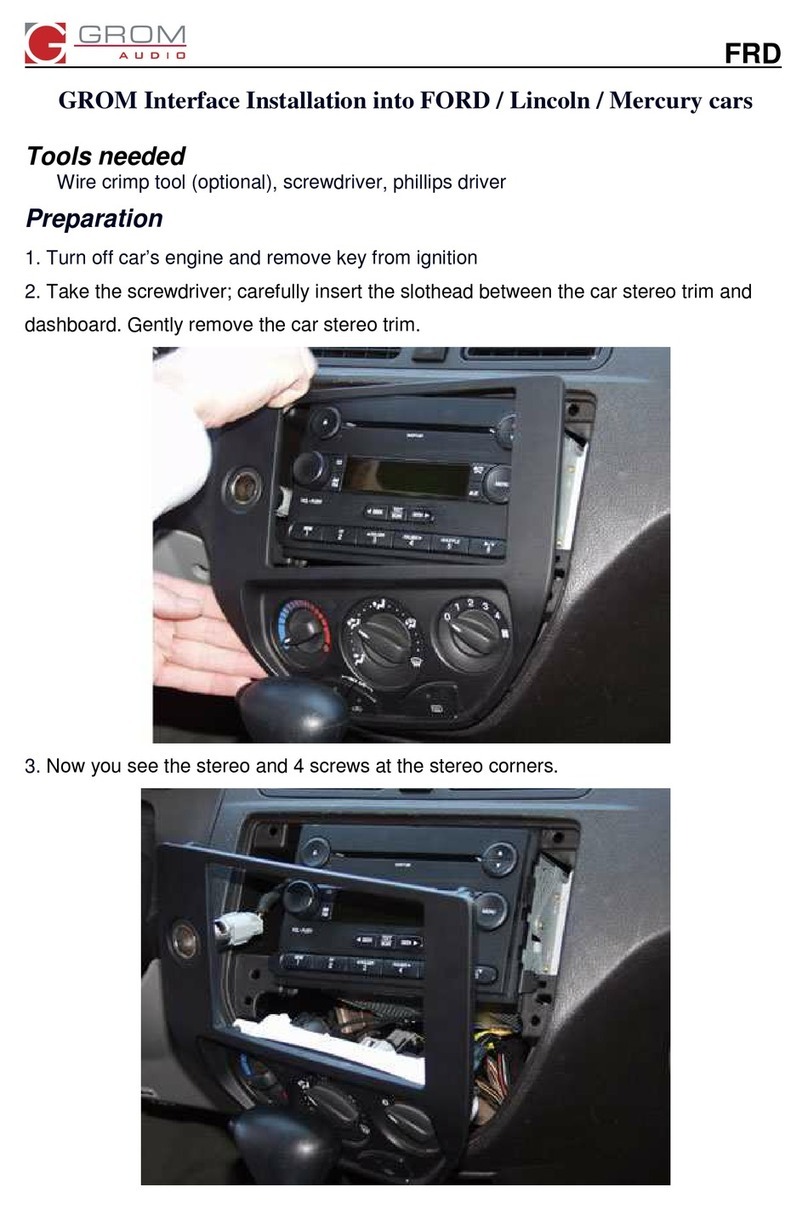
Carefully remove the factory Stereo and Display out of the dash cavity with
proper tools.
It may be necessary to disconnect items surrounding the stereo and display
to remove them and gain access to the back of the stereo to make your
connections.
1.4 Safety Guidelines & Appropriate Use
By using VLine you agree:
• to operate VLine only when there are safe driving conditions;
• to follow any applicable state and traffic laws;
• to keep an eye on the road at all time while driving;
• do not attempt to play video (such as YouTube) on a display while the
vehicle is in motion;
• do not use VLine without running the engine for the extended period of
time as it can drain the battery.
Do not use Vline in a manner that would distract the driver or that may
otherwise cause injury or death to vehicle occupants or bystanders.
IT IS ILLEGAL IN MOST STATES OF THE UNITED STATES AND MAY BE ILLEGAL
IN OTHER JURISDICTIONS FOR ANY TELEVISION OR OTHER VIDEO DISPLAY,
STREAM, TRANSMISSION OR BROADCAST TO BE VISIBLE TO THE DRIVER
WHILE THE VEHICLE IS IN MOTION. YOU AGREE NOT TO USE ANY VISUAL
COMPONENT OF VLine WHILE IN CONTROL OF A MOVING VEHICLE WHERE
DOING SO WOULD BE ILLEGAL OR DANGEROUS TO VEHICLE OCCUPANTS OR
BYSTANDERS. DOING OTHERWISE CAN LEAD TO SERIOUS INJURY OR DEATH
TO YOU AND OTHERS. PLEASE FIND A SAFE PLACE TO PARK AND ENGAGE
THE PARKING BRAKE BEFORE VIEWING ANY VIDEO DISPLAYS, STREAMS,
TRANSMISSION, OR BROADCAST AVAILABLE THROUGH VLINE.
4

5
Connect supplied Interface Cable MCFHA3, Video Cable
VHON3D, and USB cable WLTOYUSB to the back ot the
stereo
Locate GRAY video port at the back of the stereo, as shown below. Dis-
connect the cable that was previously connected, connect VHON3D cable.
Reconnect disconnected cable back to the VHON3D cable.
Locate 14-pin GRAY connectors at the back of the stereo. Disconnect what
was previously connected, and connect MCFHA3 cable to the back of the
stereo. Reconnect previously disconnected factory cables back to MCFHA3
cable.
Connect WLTOYUSB cable to the back ot the stereo, as shown below. If
there was something connected at the back of the stereo to the correspond-
ing port, disconnect it. This is the connection for factory USB that will be
disconnected upon the installation of VLine.

Connect VHON3D video cable, MCFHA3Interface cable,
and WLTOYUSB cable to VLine
Route the unused ends of VHON3D Video cable, MCFHA3 Interface cable,
and WLTOYUSB cable to the VLine module and connect them to the
corresponding ports.
6
Connect reverse wire on MCFHA3 interface to the main
stereo harness
Use supplied red posi-tap connector and refer to the separate manual to
locate reverse wire on the main stereo harness and tap the reverse wire on
VLine MCFHA3interface cable to it.
Refer to the separate manual.

7
Routing the GPS Antenna
The GPS Antenna module is magnetic as well as supplied with double sided
tape.
It can be mounted to the top of dashboard or to outside of vehicle whichever
you prefer. We recommend mounting it inside of vehicle on passenger side of
the dashboard as shown below. Make sure GPS antenna is facing up, and there
are no onstructions in front of it.
Plug VAUX cable into the CAMERA AV1 on VLine. Plug GPS (if unplugged)
into VAUX with the purple and green wires facing up. Note that there is
no GPS antenna for VLite (VLine Lite).

Routing the Microphone
Route microphone to a location where it will be able to pick up voice clearly.
We recommend to mount MIC nearby the rear view mirror but not directly
on windshield glass. Avoid sticking to the hard surface as it will pick up more
noise.
Plug the microphone into the MIC port of the VLine module
8
Testing VLine Operation
Test VLine Operation before mounting the dashboard back. WARNING:Make
sure to reconnect all unplugged connectors back to the vehicle before
cycling the ignition.
Cycle the ignition and press AUX to enter VLine mode. You might need to press
AUX few times.
If VLine appears on the screen, and all factory functions such as climate
controls, reverse camera, AF/FM stereo, are working, you can mount the dash-
board back.

9
Mounting the VLine Module
Mount module in the location free of any moving parts. We strongly
recommend mounting the module in an easily accessible location such as
the glove compartment for an easy access to the USB ports and in case of
needing to upgrade firmware on the VLine module.
Mounting Video Cable and Securing VLine
Important:Do not bend or pinchvideo cables,to avoid problems withvideo
signal. There should be no any bends of the video cable next to the con-
nectors that go to the back of the stereo or VLine, and no any sharp bends
anywhere else.
Secure VLine with zip ties, velcro or mounting brackets to make sure the
VLine does not bounce or move while the vehicle is in motion.
Install the interface in a location free from heat, humidity, moving parts, or
direct sunlight. Beware of hot-air flow from your vehicle’s climate control
system.
System’s operating temperature range is -30°C to +70°C (-24°F to +158°F)

10
USB1
iPhone
or Android
connection
Any other USB device (Keyboard / Mouse)
USB2
USB flash drive
Any USB device (Android, Keyboard /
Mouse)
, Android phone
MicroSD
Insert microSD card (*pin side up) to increase storage space for
Vline (up to 128GB supported). The microSD should be formatted
FAT32. File system format exFAT and NTFS are not supported.
HDMI IN
HDMI input connection to connect external video sources.
(add plugin to Dashlinq Launcher to use feature)
HDMI OUT
N/A, not used
MIC
Microphone input, Connect 3.5mm Mono Microphone
Understanding VLine Ports
HDMI IN
HDMI Input MicroSD Card
(Pin side up*)
Pin Side Up
N/A
Not Used
GPS / AV / Camera
Input
WiFi / Bluetooth
Antenna
Microphone
USB2
OTG/USB storage
MIC
CAMERA AV1
HDMI OUT
USB 2
USB 1
USB1
iPhone
Table of contents
Other GROM Audio Car Video System manuals
GROM Audio
GROM Audio VLINE HON2V User manual
GROM Audio
GROM Audio VLine LEX9 User manual
GROM Audio
GROM Audio VLine GM1C User manual
GROM Audio
GROM Audio vline HON2-A8 User manual
GROM Audio
GROM Audio Vline TENVL2 User manual
GROM Audio
GROM Audio VLine LEX5 User manual
GROM Audio
GROM Audio VLine NIS9 User manual
GROM Audio
GROM Audio VLINE HON2M User manual
GROM Audio
GROM Audio FRD User manual
GROM Audio
GROM Audio VLINE HON2 User manual