5.0 Troubleshooting
If you are experiencing problems getting the extender to work properly, please
use the following troubleshooting suggestions.
•Make sure that all of the connections on both the sender and the
receiver are solid.
•Try resetting the system by cycling power on the Splitter.
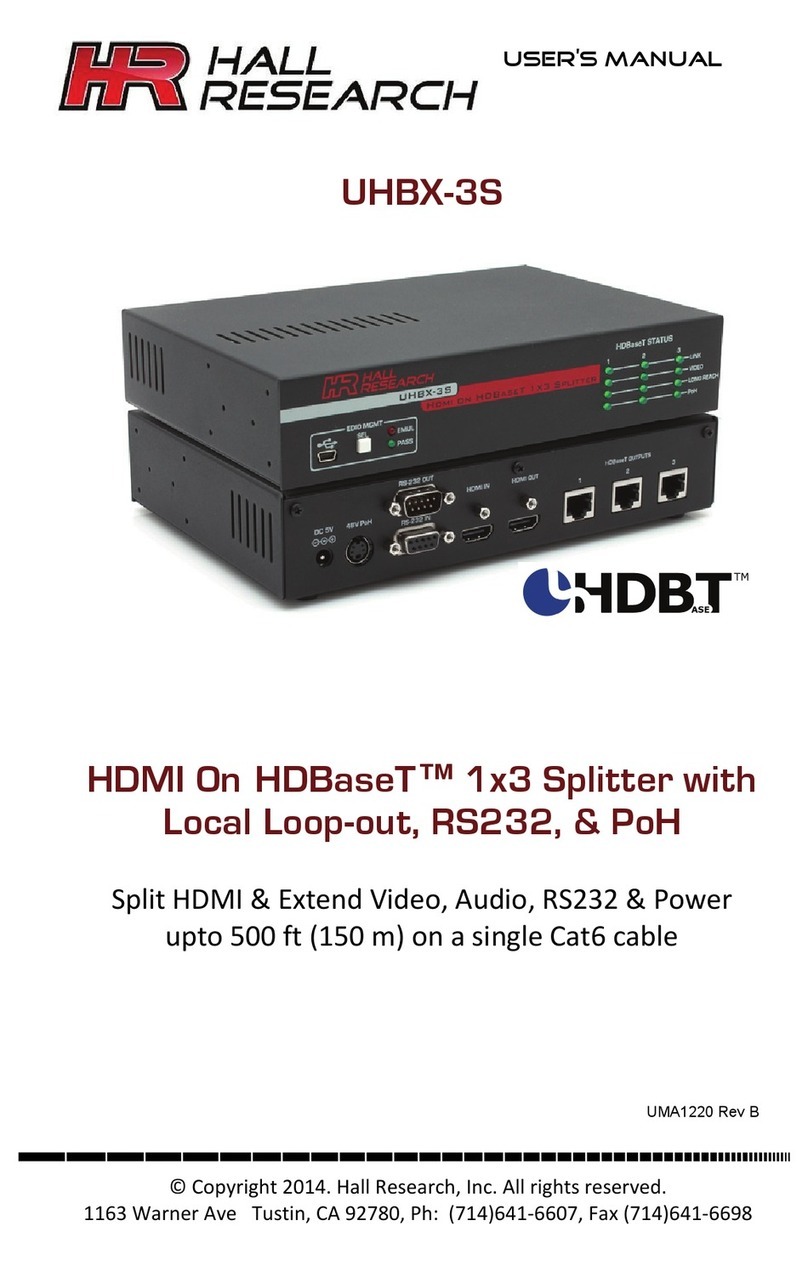
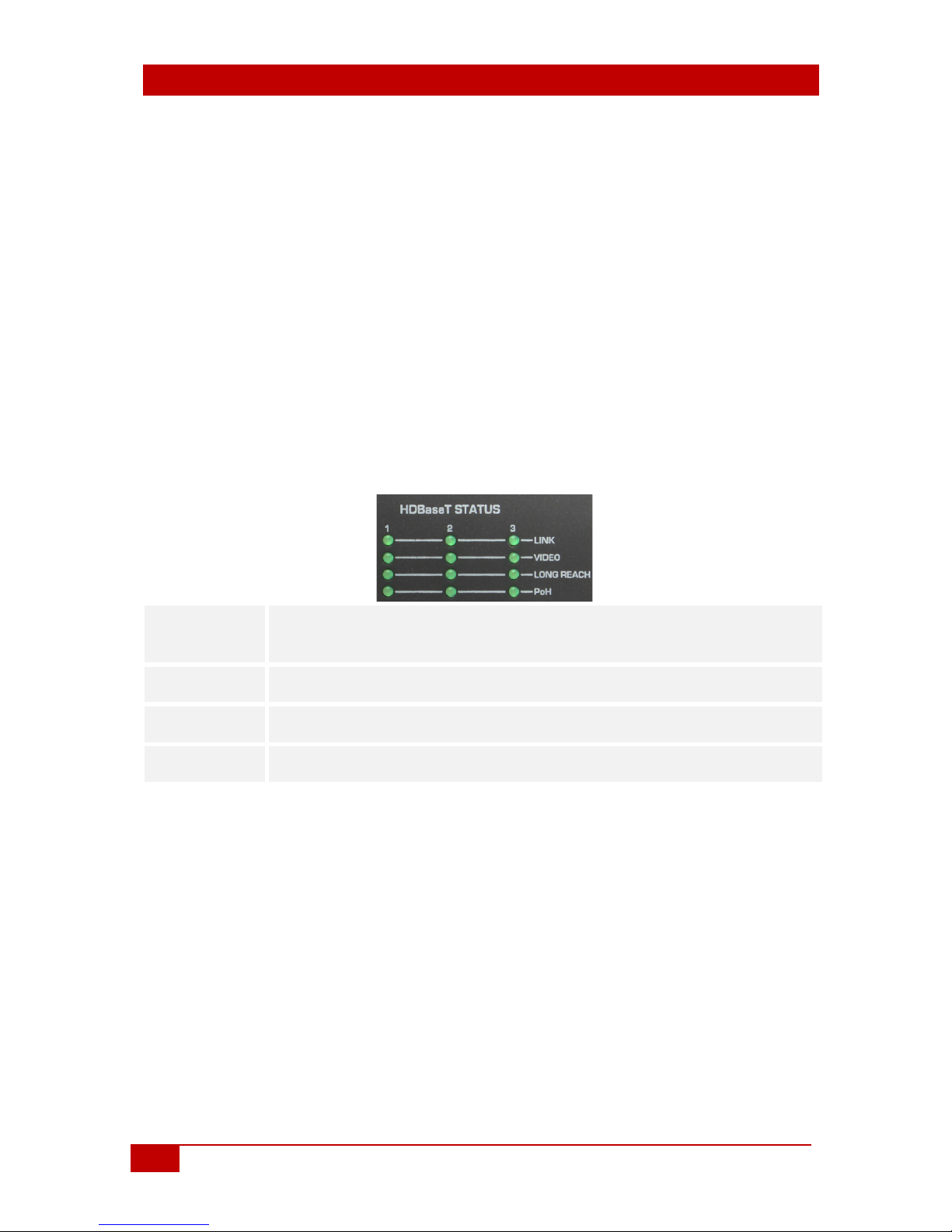
•Check the state of the LEDs on the front of both the sender and the
receiver. If the Link, Video, and Long Reach LED's are blinking together,
there has been a failure on the corresponding transmitter port.
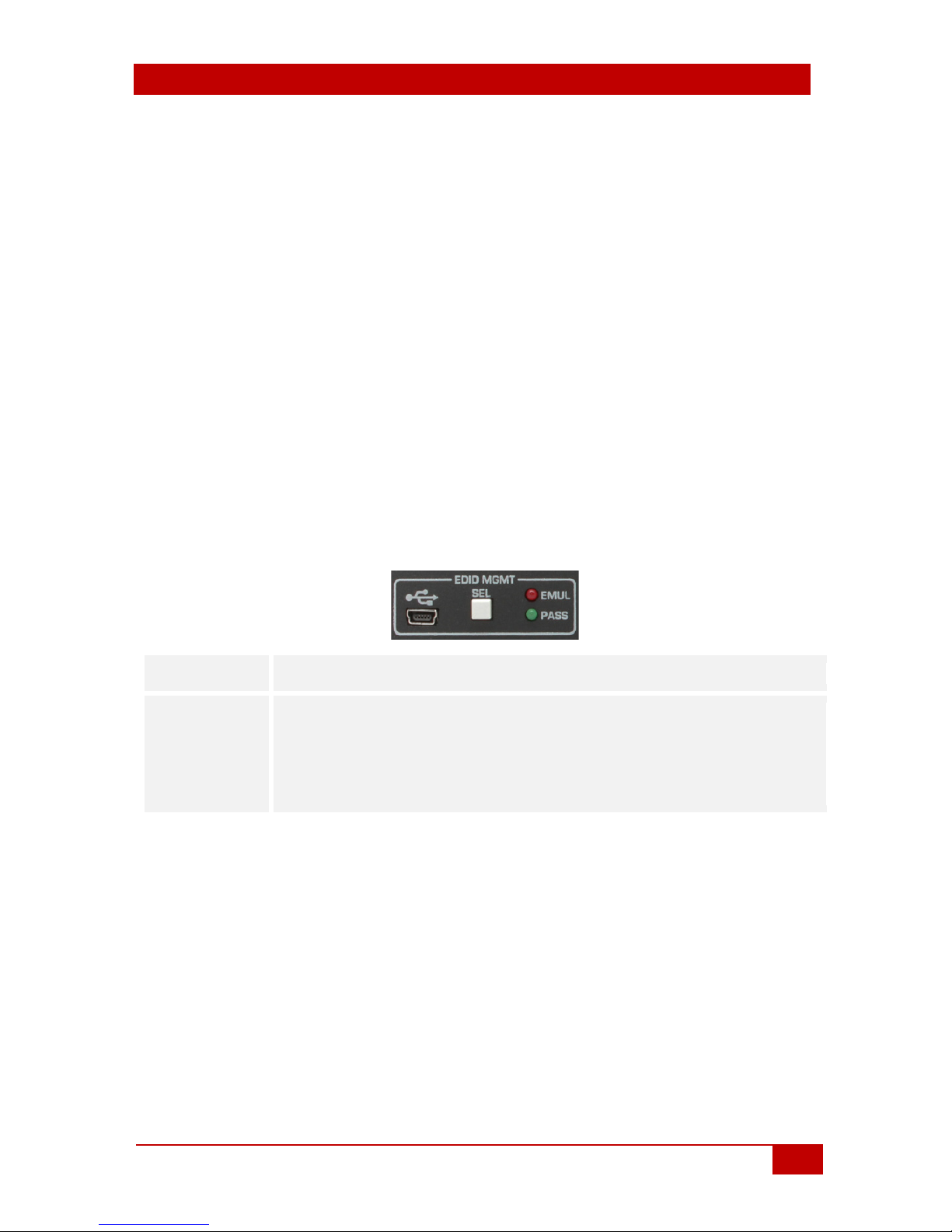
•Change the EDID mode using the front panel SEL button.
•Make sure the CAT6 cables are not in proximity to any power cables or
ballasts. Even if the length of the cable is less than 100 meters, if the
screen is periodically blanking or shows glitches, place the HDBaseT
link in Long Reach mode. In Long Reach mode, the signal is much
stronger, can go farther and offers extra immunity to interference and
electrostatic discharge (ESD). When using an UHBX-R-PD as receiver,
put the link into Long Reach mode using the small slide switch located
under the HDMI output connector.
•Update the firmware in the splitter if available (contact Hall Research
Support)
•Make sure, only high quality UTP or STP cables are used.
•If you still are unable to get the system working, contact Hall Research
support with a detailed description of the issue and the steps you have
taken.
Do not open or try to repair the unit yourself, as this will void your warranty. To
return the extender for repair, you must contact HR Support at 714-641-6607
or via email or web. To ship the unit back for repair, make sure to obtain a
Return Material Authorization (RMA)
number.