1) Upgrading to U-blox 1.30 Firmware
The default firmware version of the HERE + modules is ublox-1.10 firmware. The new
version of 1.30 firmware includes new feature of fusing other satellite systems (Glonass /
beidou) with GPS for RTK operations, effectively increasing the RTK positioning accuracy.
Therefore, it is recommended that all users upgrade to 1.30 firmware before using HERE+.
During the preparation of this guide, ublox-1.40 version of the firmware has also been
released. 1.40 version firmware introduced a new feature called the mobile base station,
that is, the base station need not be fixed in a location. For example, a base station may be
placed on a moving vehicle or boat. Upgrading to Ublox-1.40 version is similar to upgrading
to 1.30. For users who do not need to use the mobile baseline feature, upgrading to version
1.30 is sufficient.
a) Downloading U-centre UI and 1.30 Firmware
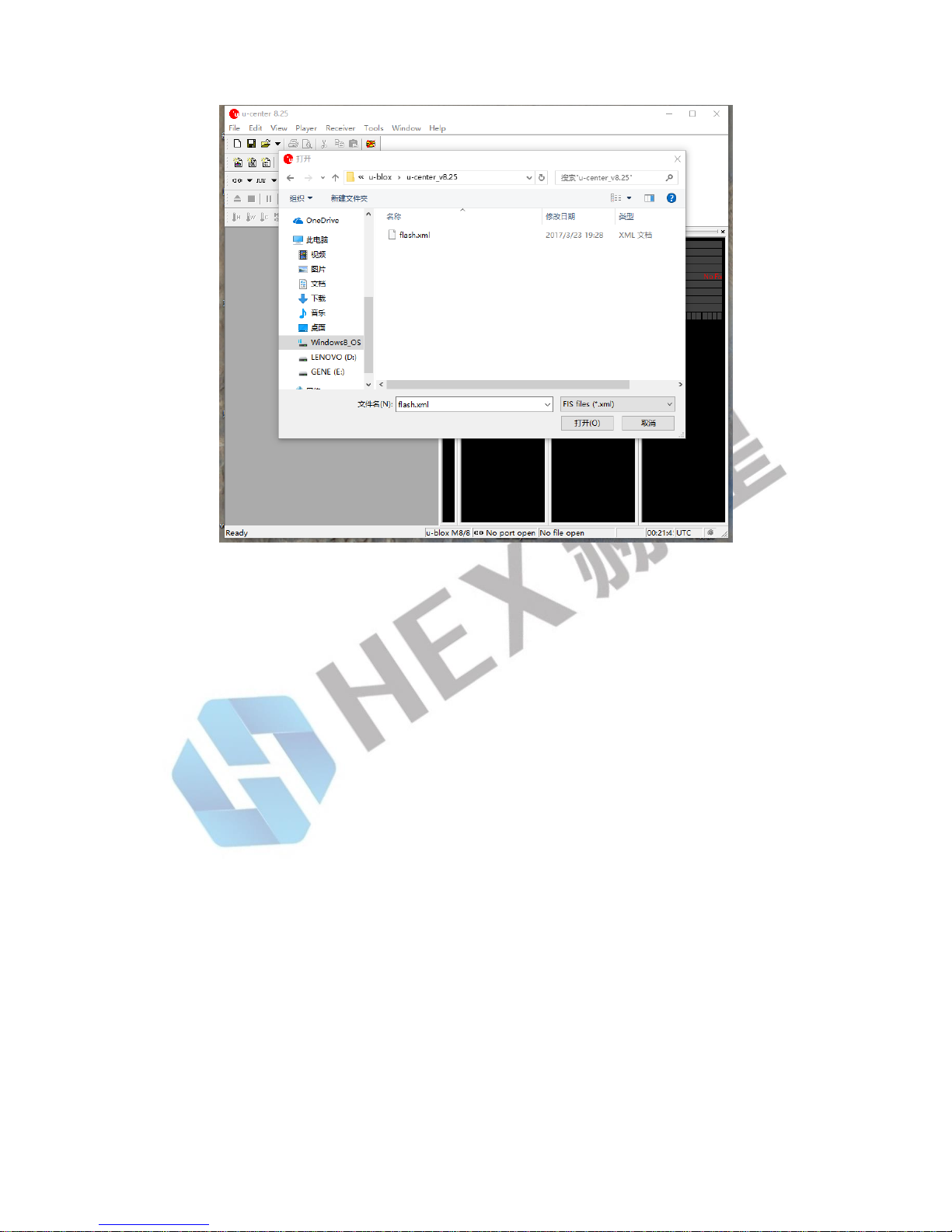
Upgrading firmware requires the use of Ublox's Windows software U-center. To download
U-center, please go to the official website link: https: //www.u-blox.com/en/product/u-
center-windows. Then follow the prompts to install U-cent software. During the installation
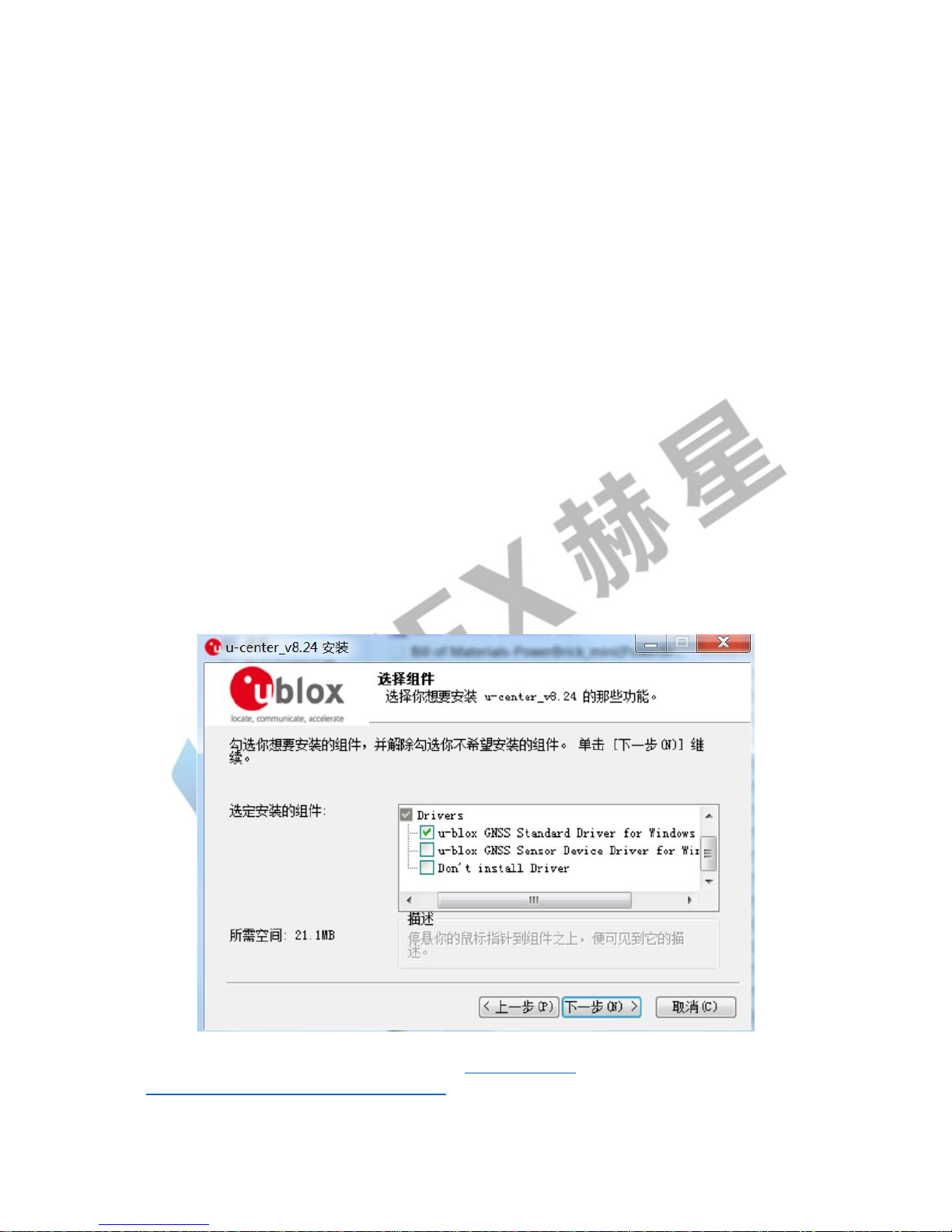
process, you will be prompted to install the device Driver, please ensure that only the
Standard Driver For Windows is checked, as shown below.
You will also need to download firmware at: https://www.u-
blox.com/en/search?keywords=HPG+1.30. Click the choice: u-blox M8 Flash Firmware 3.01
HPG 1.30 - ONLY for High Precision GNSS products.