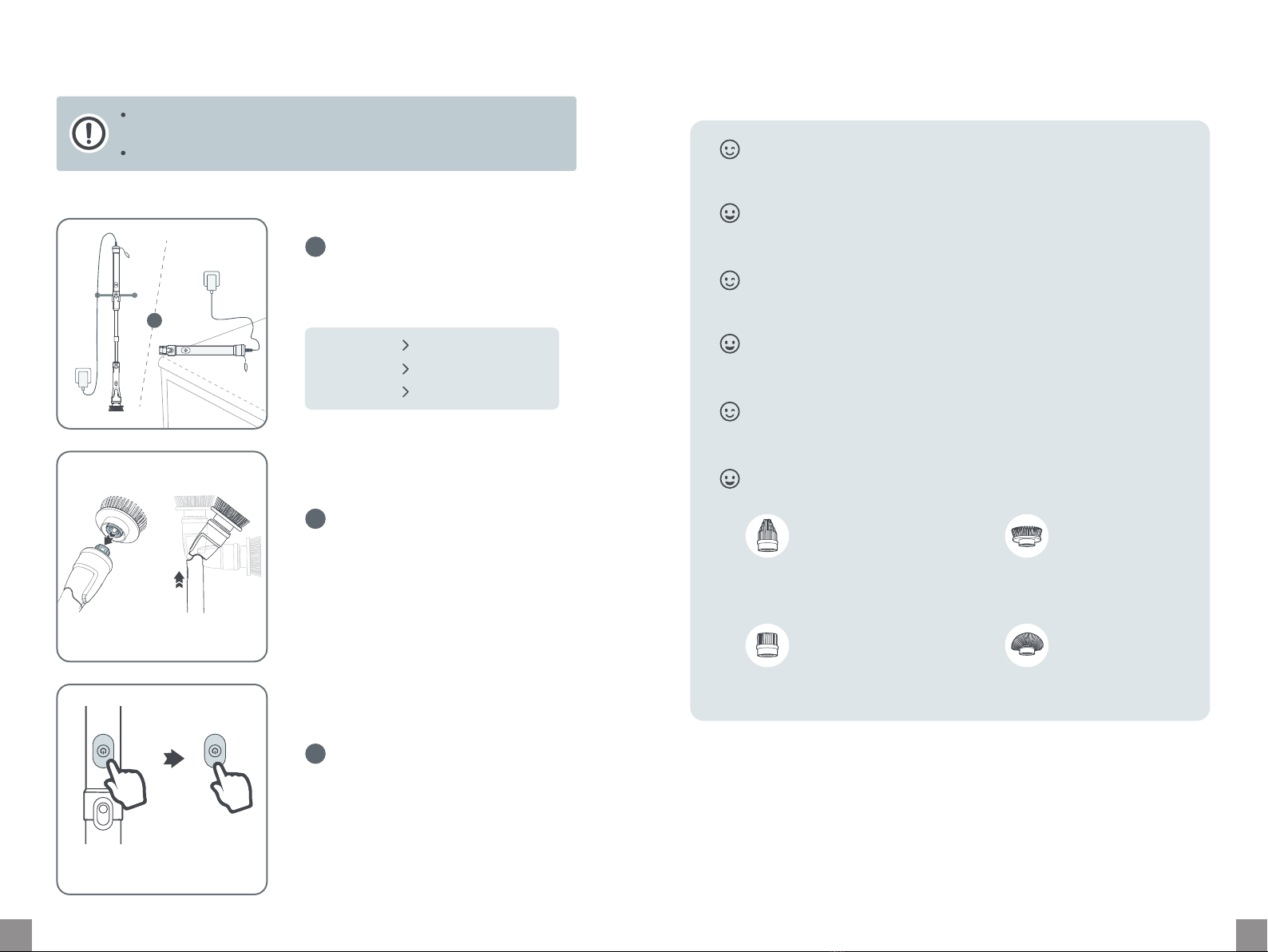
CARE AND CLEANING TROUBLESHOOTING
Never immerse the handle pa in water.
Store the scrubber in a ventilated and shady place. Avoid placing it in a damp place or
being exposed to strong sunlight.
If you are not going to use the scrubber for an extended period of time, fully charge it
and charge at least once eve three months.
The troubleshooting guide addresses the most common problems.
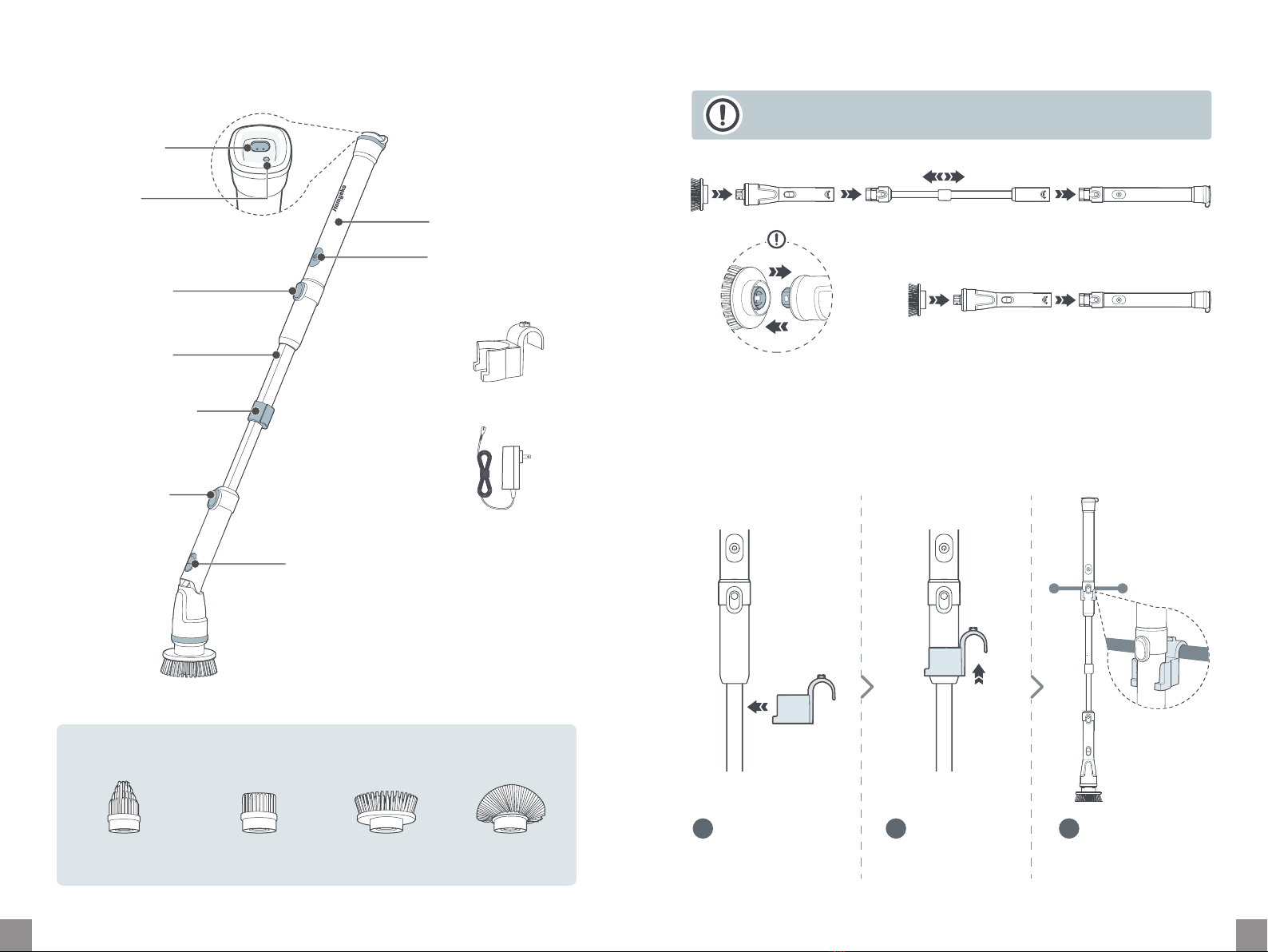
Unwashable Handle Pa
Gently wipe with a wrung soft cloth.
D all pas and reassemble for
next use.
Washable Brush Heads
Clean under tap water or soak
with neutral detergent for
easy cleaning.
Check if the spin scrubber is charging. It cannot work when charging.
If the indicator keeps ashing red, the spin scrubber may run out of batte or batte low.
Charge it promptly.
If the indicator keeps ashing green, the overload protection is triggered and the scrubber
stops spinning automatically. Hold the Power button to turn it back on.
You may press the brush head too hard and the scrubber stops spinning automatically. To
return to normal status, hold the Power button to turn it back on.
Q: My spin scrubber does not work or stops spinning suddenly.
A:
Make sure the spin scrubber is fully charged with the included power adapter.
Do not press the brush head too hard. It cannot last long when strong force is applied.
Select Low working mode for light-duty cleaning to save power.
Q: The batte of my spin scrubber is draining quickly.
A:
You may need to fully charge the spin scrubber.
Select High working mode by pressing the Power button.
Q: My spin scrubber seems less poweul.
A:
Make sure the spin scrubber is properly charged with the original power adapter.
Outlet is not working. T a dierent outlet to fully charge the spin scrubber.
Q: My spin scrubber does not charge.
A:
0706