Welcome!
Congratulations on your purchase of a new P SignagePlayer
featuring Scala QuickStart. This document will guide you through
the process of getting your Player connected to the Scala
QuickStart service.
Carefully unpack your new P SignagePlayer from the carton.
You should find the following contents:
•Player PC
•Power Cord
•Mouse
•Keyboard
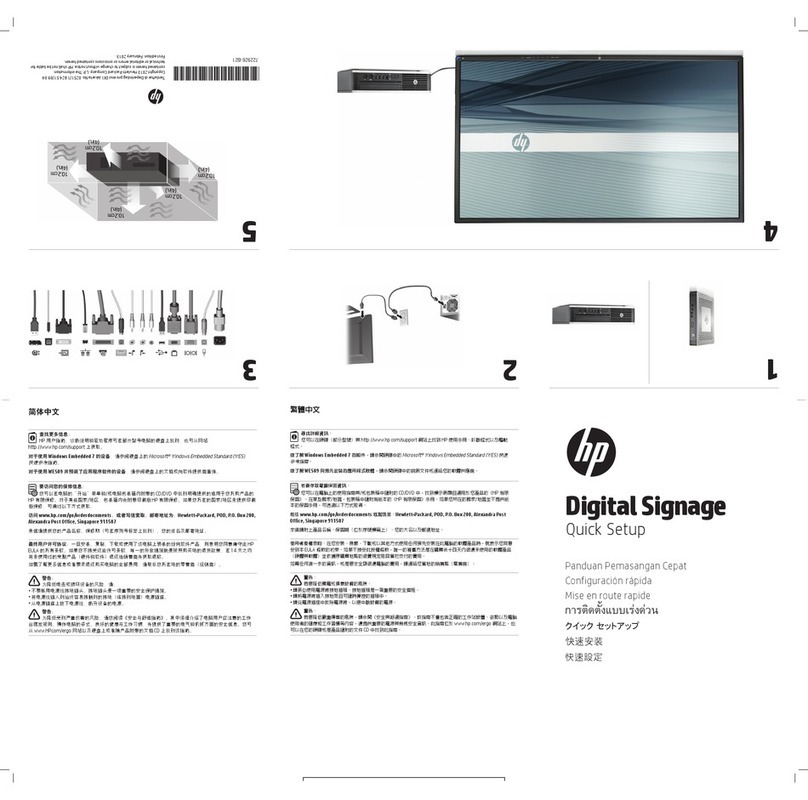
Step1: Connect your Player to your Screen
This may be a VGA, DVI, DMI or DisplayPort connection depending on model.
NOTE: For models with an optional video card, please use the video
connectors on the expansion card. The motherboard video connectors
are disabled in this configuration.
Step 2: Connect an Internet Ethernet cable to your
Player
NOTE: If ou would like to connect to the Internet via Wi-Fi or if ou
have an advanced network setting such as a prox server, ou will
need to first configure that in Windows appropriatel . If so, please
connect the Ke board and Mouse to our Pla er at this time.
Step 3: Connect the power cords to the Player and
Screen and switch both devices on