PN-20-09208-00 F © Hydro Systems Company, Inc. 2015 HydroSystemsCo.com Toll Free: 1.800.543.7184 7
Programming
Programming User Prime
1. Once the Pump Lockout Period has been programmed, press the
PROG SELECT button again.
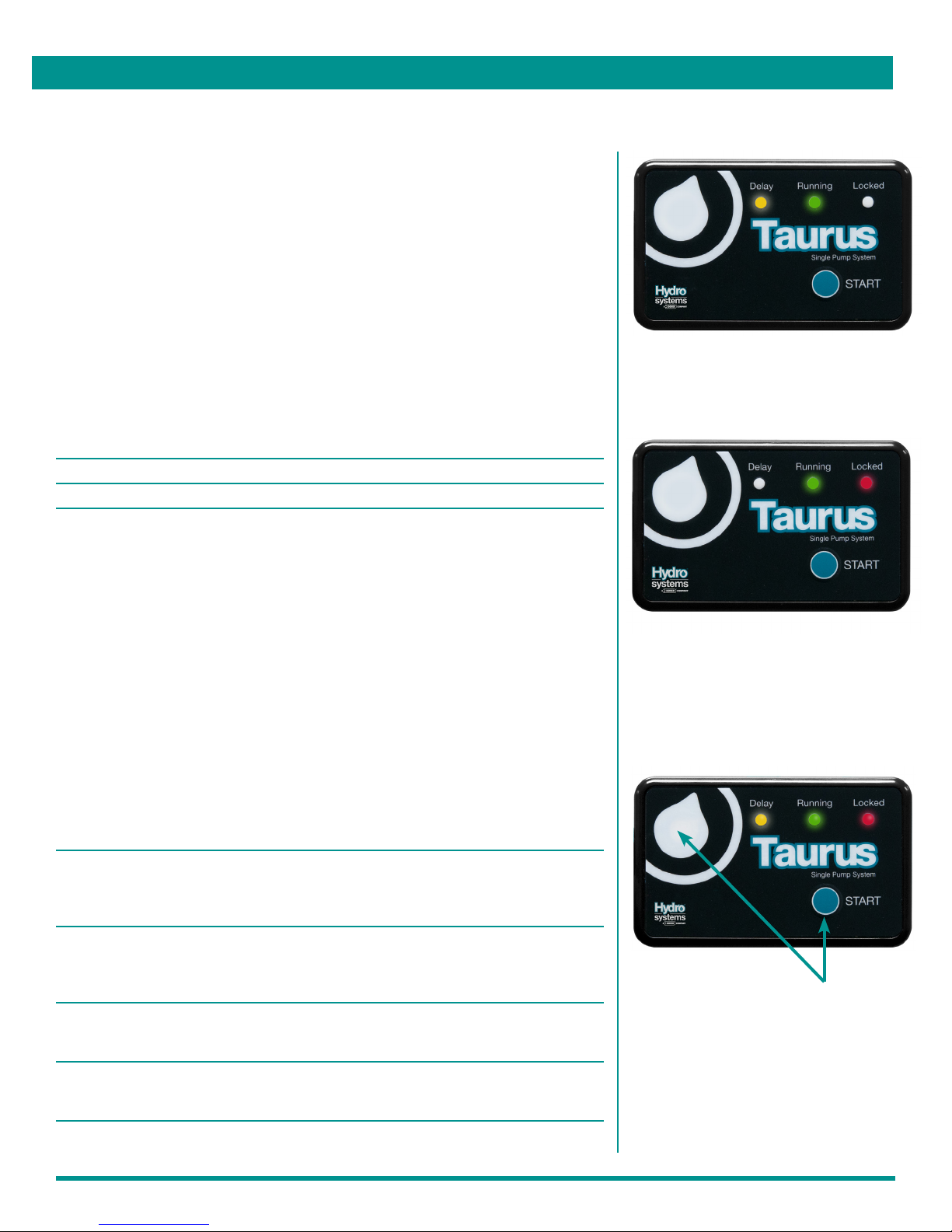
The green and yellow LED indicators will illuminate to indicate the
User Prime is enabled.
2. Press the START button again to disable the User Prime. The green
and red LED indicators will illuminate.
NOTE: In other words, the green LED indicator stays on, while the
yellow and red LED indicators toggle with each press of the START
button to indicate whether the User Prime is enabled or disabled.
The effects of User Prime during normal operation are as follows:
User Prime state Green LED indicator during START button press
Enabled Turns on and flashes off quickly
Disabled Stays off but flashes on quickly
Saving the Programmed Settings
1. To save the programmed settings, press and hold the PROG
SELECT button first, then press and hold the START button for
2 seconds.
• All three LED indicators will illuminate to indicate the
programmed settings have been saved
• A program review will be conducted as follows:
Program Feature Review Indicator
Start Delay Time The yellow LED will turn on and flash for each five-
minute increment for which the Start Delay Time was
programmed; no flash indicates 0 pump Start
Delay Time.
Run time The green LED will generate a long flash for each
number of minutes, followed by quick flashes for
each remaining second for which the Run Time
was programmed
Lockout Period The red LED will turn on and flash for each five-
minute increment for which the Lockout Period was
programmed. No flash indicates 0 Lockout Period.
User Prime The green and yellow LED indicators will illuminate if
the User Prime is enabled; the green and red LED
indicators will illuminate if the User Prime is disabled
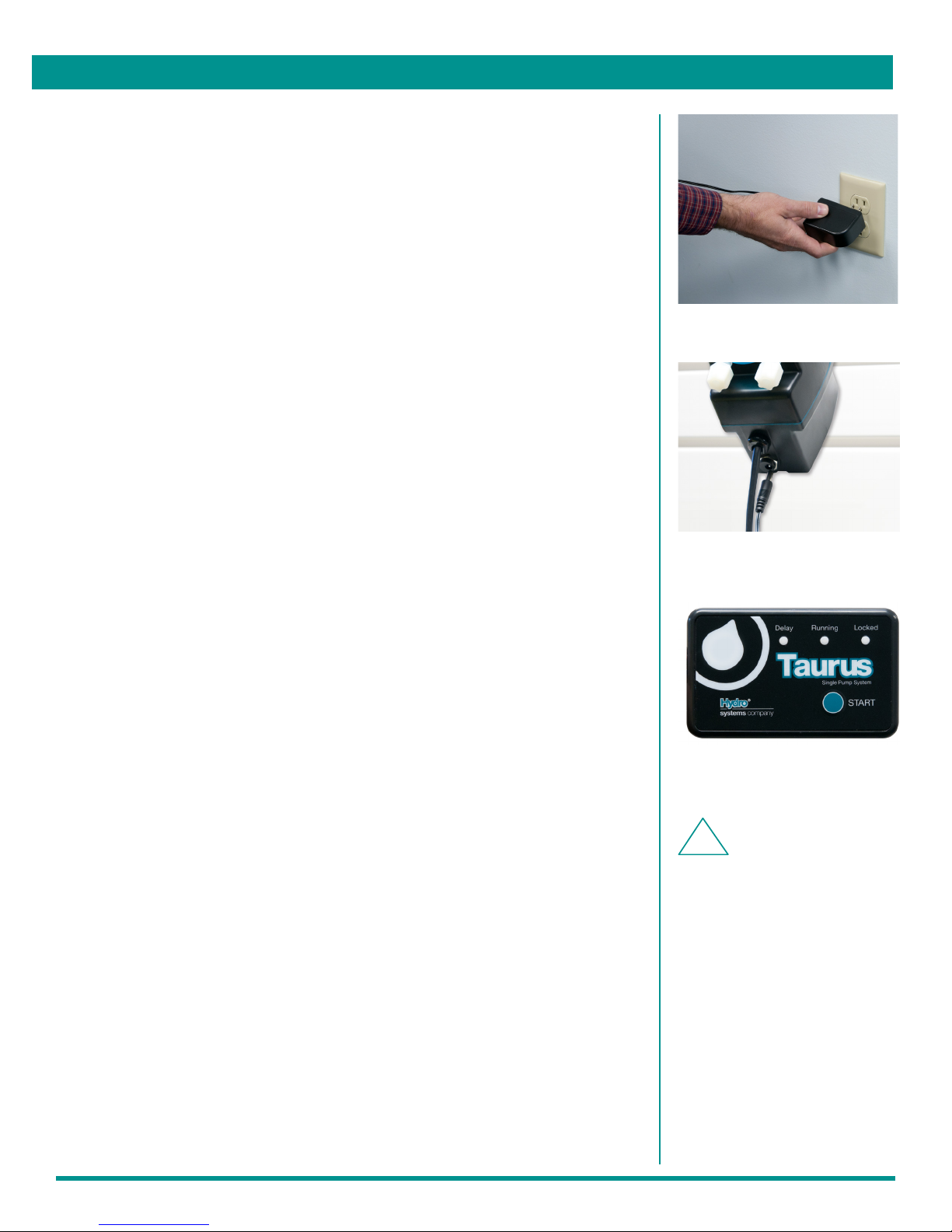
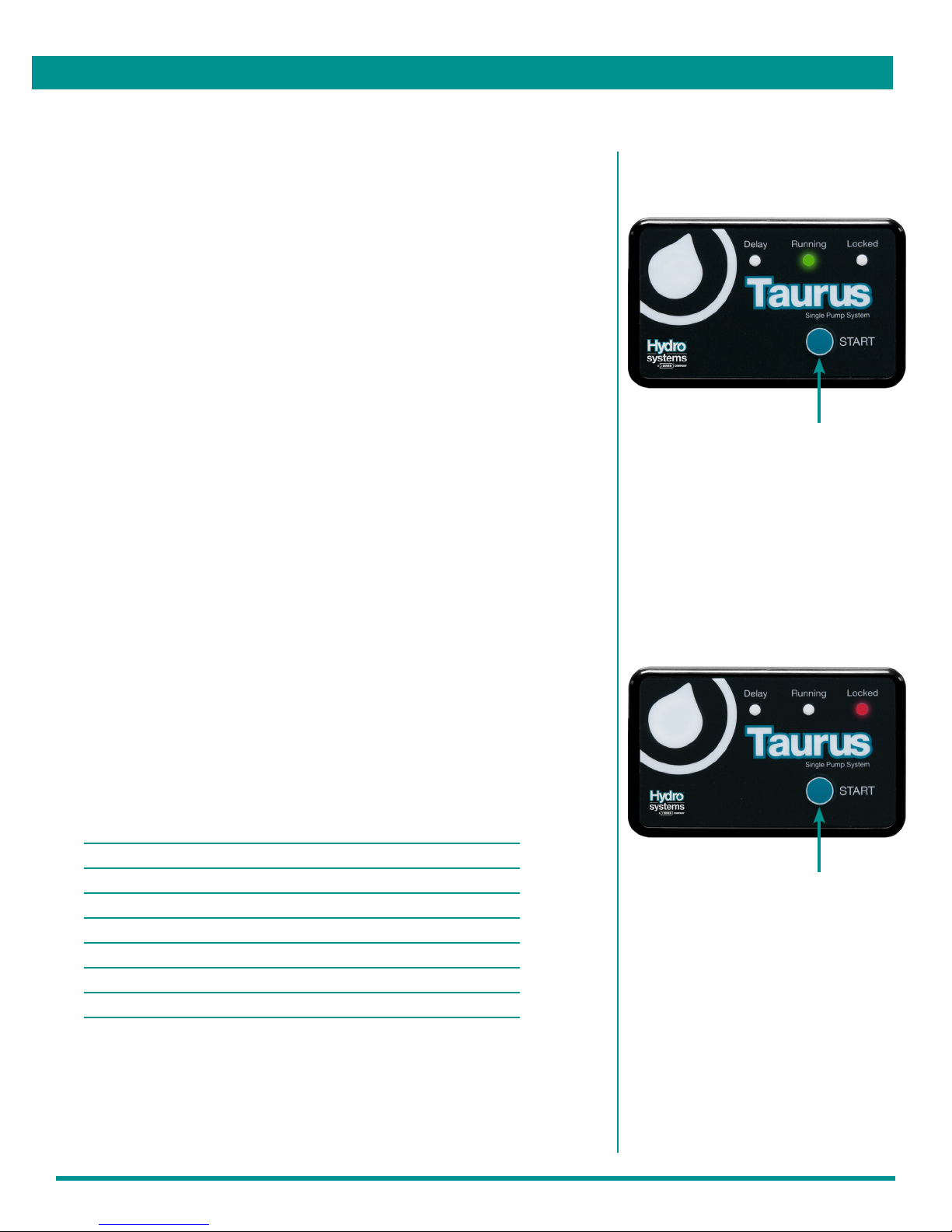
User Prime: Green LED stays on while
yellow and red LEDs toggle with each
press of START button (indicating User
Prime enabled or disabled)
Press and hold the PROG SELECT button
first, then press and hold the START button
for 2 seconds. All three LED indicators will
illuminate.