manuals.online logo
Brands
  1. Home
  2. •
  3. Brands
  4. •
  5. ICON
  6. •
  7. Treadmill
  8. •
  9. ICON IMAGE 10.6 Q User manual

ICON IMAGE 10.6 Q User manual

This manual suits for next models

1

Other ICON Treadmill manuals

ICON FREEMOTION 530 INTERACTIVE User manual

ICON

ICON FREEMOTION 530 INTERACTIVE User manual

ICON PRO-FORM 380 CS User manual

ICON

ICON PRO-FORM 380 CS User manual

ICON HEALTHRIDER H75T User manual

ICON

ICON HEALTHRIDER H75T User manual

ICON Pro-Form POWER 995i User manual

ICON

ICON Pro-Form POWER 995i User manual

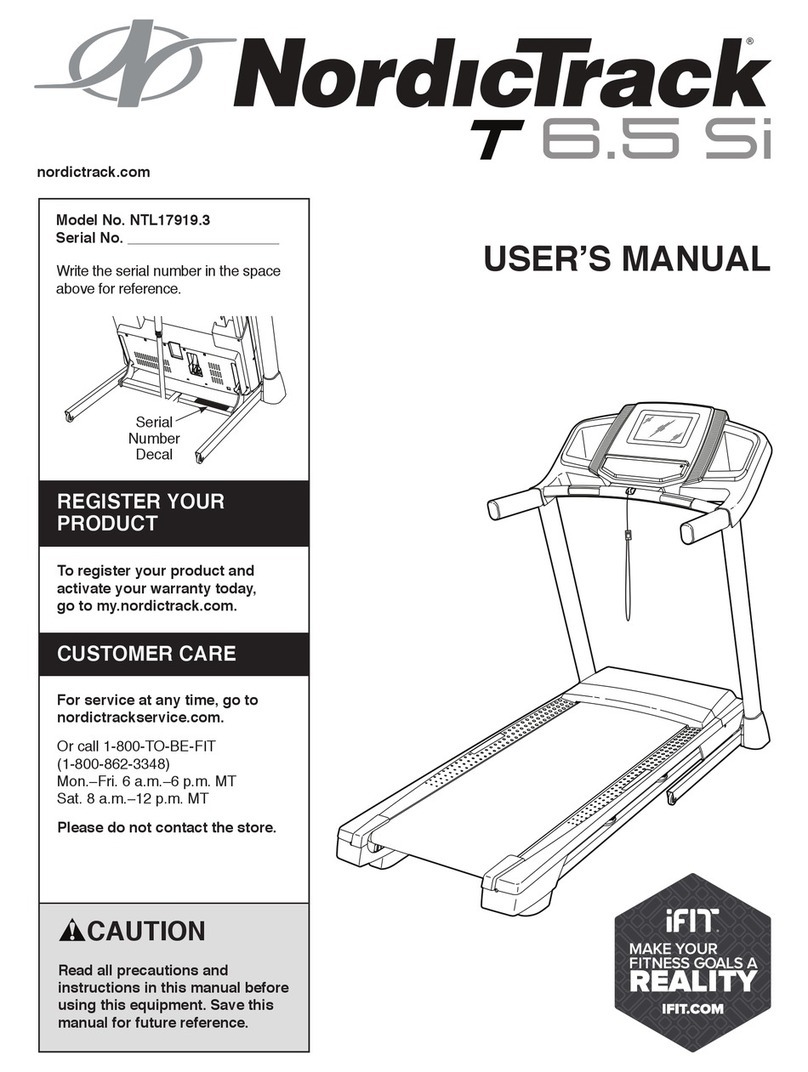
ICON NordicTrack T 6.5 Si User manual

ICON

ICON NordicTrack T 6.5 Si User manual

ICON NordicTrack T8.5 S User manual

ICON

ICON NordicTrack T8.5 S User manual

ICON NordicTrack NTL14815.4 User manual

ICON

ICON NordicTrack NTL14815.4 User manual

ICON PRO-FORM TRAINER 12.0 User manual

ICON

ICON PRO-FORM TRAINER 12.0 User manual

ICON NordicTrack COMMERCIAL X32i User manual

ICON

ICON NordicTrack COMMERCIAL X32i User manual

ICON PRO-FORM 305 CST User manual

ICON

ICON PRO-FORM 305 CST User manual

ICON PRO-FORM 770 EKG User manual

ICON

ICON PRO-FORM 770 EKG User manual

ICON Pro-Form 1280 PREMIER ES User manual

ICON

ICON Pro-Form 1280 PREMIER ES User manual

ICON PRO-FORM 6.0 RT User manual

ICON

ICON PRO-FORM 6.0 RT User manual

ICON NTL17919.5 User manual

ICON

ICON NTL17919.5 User manual

ICON GOLD'S GYM TRAINER 420 User manual

ICON

ICON GOLD'S GYM TRAINER 420 User manual

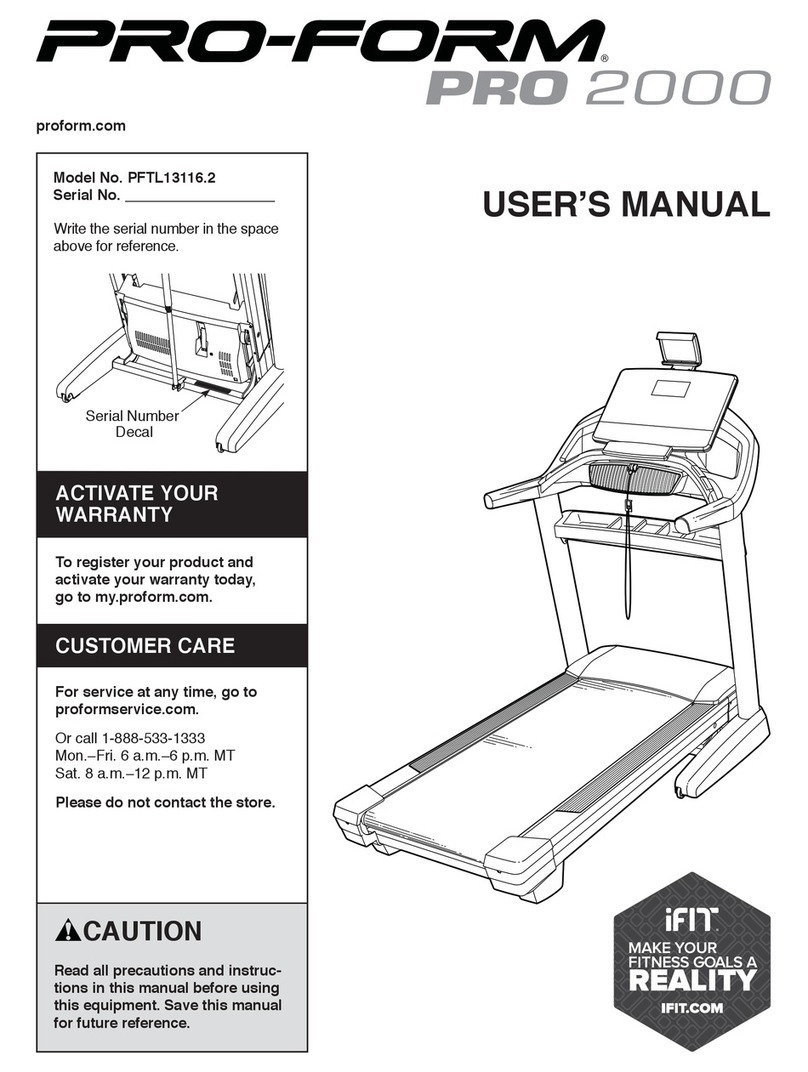
ICON PRO-FORM PRO 2000 User manual

ICON

ICON PRO-FORM PRO 2000 User manual

ICON NTL14113.0 User manual

ICON

ICON NTL14113.0 User manual

ICON NordicTrack COMMERCIAL 2950 User manual

ICON

ICON NordicTrack COMMERCIAL 2950 User manual

ICON PRO-FORM 495Pi Cooling Breeze User manual

ICON

ICON PRO-FORM 495Pi Cooling Breeze User manual

ICON PFTL14018.1 User manual

ICON

ICON PFTL14018.1 User manual

ICON PRO-FORM 7.0 CROSSTRAINER User manual

ICON

ICON PRO-FORM 7.0 CROSSTRAINER User manual

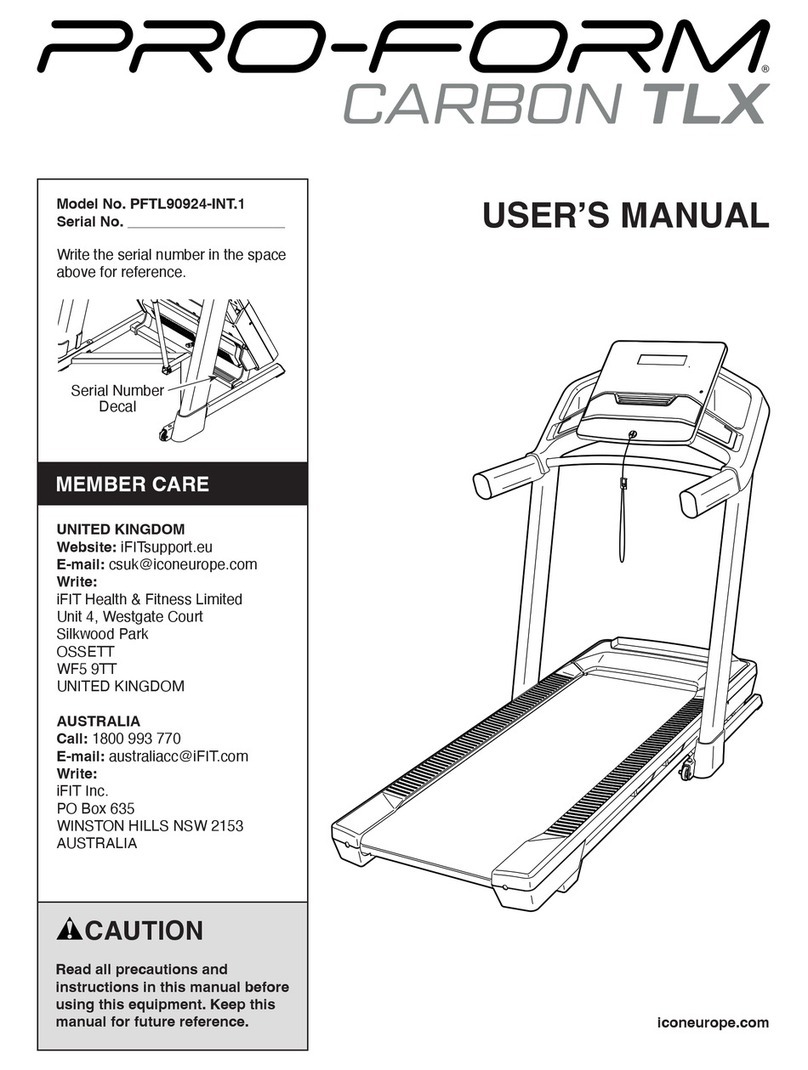
ICON PRO-FORM CARBON TLX User manual

ICON

ICON PRO-FORM CARBON TLX User manual

ICON NordicTrack T 20.0 User manual

ICON

ICON NordicTrack T 20.0 User manual

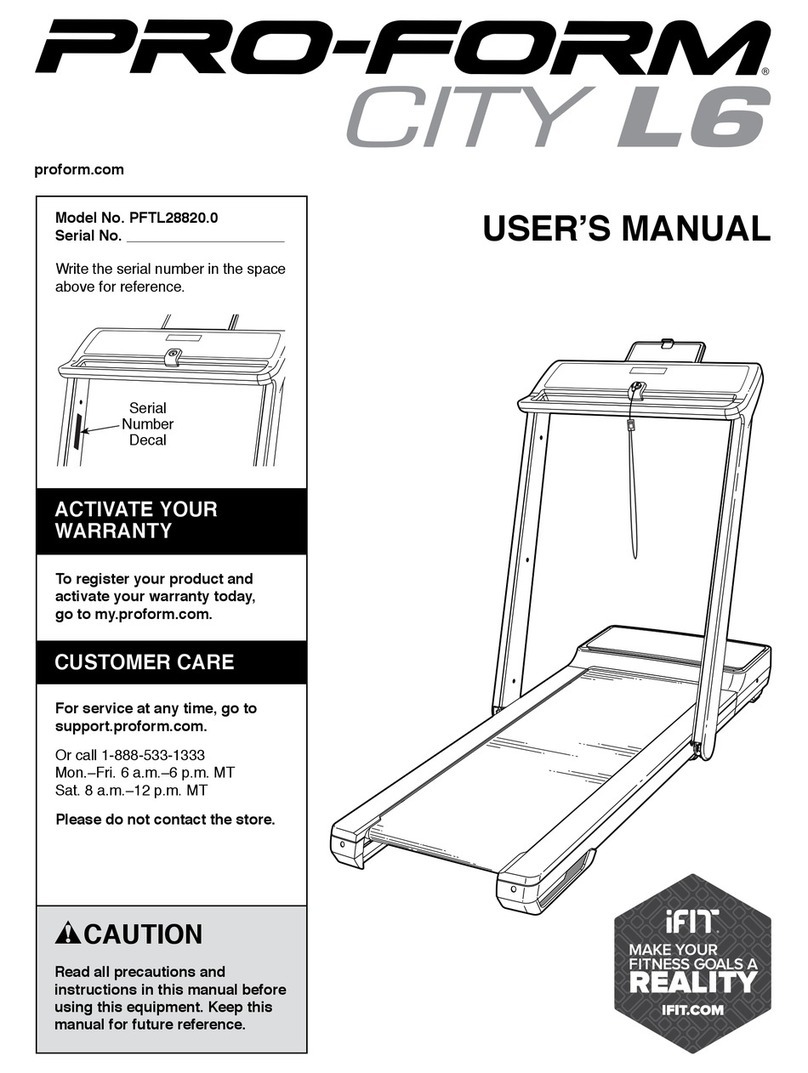
ICON PRO-FORM CITY L6 User manual

ICON

ICON PRO-FORM CITY L6 User manual

Popular Treadmill manuals by other brands

Motus M990T Service manual

Motus

Motus M990T Service manual

NordicTrack APEX4100i NTTL18906 user manual

NordicTrack

NordicTrack APEX4100i NTTL18906 user manual

CAPITAL SPORTS Pacemaker Touch manual

CAPITAL SPORTS

CAPITAL SPORTS Pacemaker Touch manual

Insportline Hill Pro user manual

Insportline

Insportline Hill Pro user manual

Expondo Gymrex GR-MG31 user manual

Expondo

Expondo Gymrex GR-MG31 user manual

HEALTH ONE Walk Ro user manual

HEALTH ONE

HEALTH ONE Walk Ro user manual

NordicTrack T7.5 S user manual

NordicTrack

NordicTrack T7.5 S user manual

Gold's Gym ADVANTAGE GGTL12920 user manual

Gold's Gym

Gold's Gym ADVANTAGE GGTL12920 user manual

Merax MS282992 manual

Merax

Merax MS282992 manual

FitLogic freewill d225 owner's manual

FitLogic

FitLogic freewill d225 owner's manual

HOP-SPORT ESTIMA HS-3200LB instruction manual

HOP-SPORT

HOP-SPORT ESTIMA HS-3200LB instruction manual

Stamia InMotion II owner's manual

Stamia

Stamia InMotion II owner's manual

Smooth Fitness EVO 3i user manual

Smooth Fitness

Smooth Fitness EVO 3i user manual

NordicTrack NETL81810.0 user manual

NordicTrack

NordicTrack NETL81810.0 user manual

Schwinn 830/Journey 8.0 Assembly manual / owner's manual

Schwinn

Schwinn 830/Journey 8.0 Assembly manual / owner's manual

Keys Fitness HealthTrainer HT-740T owner's manual

Keys Fitness

Keys Fitness HealthTrainer HT-740T owner's manual

Spirit XT8 Service manual

Spirit

Spirit XT8 Service manual

NordicTrack T 14.0 Treadmill Manuel de l'utilisateur

NordicTrack

NordicTrack T 14.0 Treadmill Manuel de l'utilisateur

manuals.online logo
manuals.online logoBrands
  • About & Mission
  • Contact us
  • Privacy Policy
  • Terms and Conditions

Copyright 2025 Manuals.Online. All Rights Reserved.

I®
E
Model No. 831.297572
Serial No.
Wnte theserial numberinthe space
above for future reference.
_mber Decal
tionslnlt_, ma_lo_ore using
t_s equ_-Save _ls mam:l
for future mlmm:e:_
USER'S MANUAL
TABLE OF CONTENTS
IMPORTANT PRECAUTIONS ..................................................... 2
BEFORE YOU BEGIN .............................................................. 4
ASSEMBLY ..................................................................... 5
HOW TO USE THE HEART RATE MONITOR ............................................... 6
OPERATION AND ADJUSTMENT ..................................................... 7
HOW TO FOLD AND MOVE THE TREADMILL ............................................. 17
MAINTENANCE AND TROUBLE-SHOOTING ............................................. 18
CONDITIONING GUIDELINES ..................................................... 20
PART LIST ............................................................... 22
ORDERING REPLACEMENT PARTS .......................................... Back Cover
FULL ONE YEAR WARRANTY ................................................ Back Cover
Note. An EXPLODED DRAWING is attachedat the center ofthinmanual. Save the EXPLODED DRAWING for
future reference.
IMPORTANT PRECAUTIONS
a=WARNiNG: To.m.=the of =t=wann m-
following Imporisnt_precautlona and Infamtaffml before operating the treaclmltl._
1. It is the respotn_bility of ff_eowner to ensure
that all uanm of this tree_lmlll ere adequately
Informed of all warnings and pre_mffonL
2. Uan the trudmlll only an deanrlbed in this
manual.
3, Rscethe tllladmlll on a level surlace_ vdth
alght foat of clmirance baltlnd It, Do nof pisce
the tnmdmlll on any anrisce that blocks air
opaningL,Toprotectme#ou_:_ _ from
damage_ piscea _u_ thel[z'andi_llL
4. Keep thetreadmIll I_ away _Wmmoll_-
mrs and dust. Do not putthe tl_admlll In s
garage or covered patlo,:or nanr watis,.'
5. DOnot operate the fmedmlll where aet_0qml
produats are uud or _hefe oxygen is balng
admlnl_.
6. Keep shHdren under the age of 12 and pats
away '1_ the treadndll at all t_
7. The treadmill should not beueed by pefanns
weighing more than 250 pounds.
8. Never allow mrs than one person on the
treadmill at s UnNx
9. Wear approprloteexerclse clothing when
using the b,eadmllL Do not wear loom cloth-
Ing tdh,at could become ceugM in the beadmlll.
Athletic support clothes are recommended for
both men anct women. Always wathletlc
shoes. Never use.the:trmdmlll wlilh bare feet,
wuarlng only atoaldnge,-or In sandals.,
10.When _ne_lng tt_ lXMer _rd (m HOW
TO PLUG:IN THE POWE_CORD on F_ge 7),
(not Included) and'_ _sur_w0fo_ta_
1sotm_ =.p=. _ _|=_=, should
I_'on them alrcuit. • '
11. Use only as!t_le-0Wh_'surge suppressor
of 400 Vo_i.w-lm: and _mlnlmum surge dls-
s_o. of,4S0Jo=_'T_'=ume-=up_mr_'
must be alectdcally ratedfor 120 volts _and
1sin
12.Ksep the power cord and the tmr_e suppran-
'anr away from hanted su_a_m_
is. Nevermo_ thewalkl.obeewhilothepower
is turned off._Do not opemfo the tmadmlll If,
the power c0_l or plug la damaged,-=r If the
trmdmm!s notwoddngproperly.(_e
BEFORE YOU BEGIN'on page 4 If the trand-
mill is not working'properly.)
14.NeverstarttheWmdmlllwhile you am stand-
Ing on the walking i=elLAlways hold_th_ -
handrails while using the treadmilL
THE TREADMILL on page 17.) You must be
abis to rarely Im 45 pouedR (2o ko)in ord_
to raise, lower, or move the tnmdmlll.
15. The l:eedmlll' is capab_ of I_gh;speeds.
Adjust the speed in small Increments to avoid
sudden jumps In speed.
16. To reduce the possibility of the treadmill over-
heating, do not opermithelbreedml, €onOn_
ously for longer than one hour.'
17.Theheart rate monHor isnot a_medJ_l de.
movemm_ may Miser the_ of hee_t
rattereedlng_ "rile Ilmwl_ monitc,__ I_.
tended only as an e_ ald In d_etanmlnlng
heart rate trends In ganeral.
18. Never leave the Vsodmmunattanded whl_ It
Is running. Always remove the Imy;unpisg
the power cord and move tbe o_off SWitchto
the "OfT positisn when'the _11 isnot In
use. (See the drawing on page4 for the loca-
tion of the oWoffswl_h.}
19. Do not attempt to raise_lower, olrmove the
treadmill until It is prope_ usand_d. (See
ASSEMBLY on page 5, _indHOWTO MOVE
20,When folding of moving,the trelldndll, make
sum that the storage latch is fully ©lmmd.
21. Inspect and tlghtan all.paris of the _reedmfll
every three months.
22. Never Insert any object Into any c_mni_.
23.TZler_rlU.=_"wt bem ,._fromtbe.
rearmller.-Removethe,key andisdldstthe
24. Always unplug bm power €ord before pm'-
_nJng _u_e..,inisnancea,_edJuSuanntpro-_
eedurm descdbed in this nmllual:Never re-
move the m0t0r hood uhkw _to do
soby.ananmorlz_ mk,vlctrep_,eeant_ve.•
Servicing other tben _e procedursoln this
manual should be pei'f(WnWdbyan anthorizod
sorrY, represanisuveanly.
"U;._ lreadmlH is _ tlor l_-homeuse
only. Do not use this.treedmlg In any commer-
cial, rental, or Institutional setting.
SAVE THESE INSTRUCTIONS
WARNING or anyexer seprogram,consultyourphyMcisn. This
is es_ally]mporisntfor!_s;oym'lhe*egeof35°orpkmmmlwlth_isUng _ _IXoblems-
n_a. !ns_r._ons _:_ SEARSm,um_ nomspo,.,_myforpe_, _.ry, orproperty
damage sus_ln_l W or throu_ the u_of tliis i:m:_:lu,=t.
The decals shown below have been placed on your treadmill. If a decal is missing, or if it Is not legible,
please call our toil-free HELPLINE to order afree replacement decal (sea ORDERING REPLACEMENT
PARTS on the back cover). Apply the decal In the location shown.
BEFORE YOU BEGIN
Thank youfor selectingthe IMAGE* 10.6Q treadmill.
The IMAGE®10.6Q treadmillcombinesadvancedtech-
nologywith innovativedesign to letyou enjoyan effec-
tive form ofcardiovascularexercise in the convenience
and privacyofyour home.And when you'renot exer-
cising,the uniqueIMAGE®10.6Q canbe folded up,re-
quiringlessthan halfthe floor spaceof othertreadmills.
For your benefit, read this manual carefully before
using the treadmill. Ifyou have questionsafter read-
ingthe manual, please call ourtoll-free HELPLINE at
1-800-736-6879, Monday throughSaturday, 7 a.m.
until7 p.m. Central Time (excludingholidays).To help
usassistyou,please note the productmodelnumber
and serialnumber beforecalling. The model numberof
the treadmillis831.297572. The serialnumber can be
found on a decal attached tothe treadmill(see the
front cover ofthis manualfor the location).
Beforereadingfurther,please review thedrawing
belowand familiarizeyourselfwiththe partsthat are la-
beled.
Console Reading Rack
Foot
AccessoryTray
Handrail-
Upright
Lock Knob
Walking
Water Bottle
(Bottle
notincluded)
On/Off
Switch
Circuit
Power Cord
RIGHT SIDE
_rRoller
AdjustmentBolt BACK Cushion Knob
4
ASSEMBLY
Assembly requires two people. Set thetreadmillin a clearedarea and remove allpacking materials.Do not
disposeofthe packingmaterialsuntilassemblyiscompleted.No tools are required for assembly.
1. Withthe help ofa second person,carefullyraise the
Uprights(115) untilthe treadmillis inthe positionshown.
2. Pressthe Lock KnobSleeve (100) intothe left Upright
(115).
Remove the Lock Knob (99) fromthe Lock Pin (103).
Make sure thatthe LockPin Collar(102) and the Spring
(101) are on the LockPin. Insertthe Lock Pin intothe left
Upright(115) and tightenthe Lock Knobontothe Lock
Pin.
3. Remove the backingfrom theAdhesive Clip (94). Press
the Adhesive Clipontothe base ofthe Uprights(115) in
the indicatedlocation.Pressthe Allen Wrench (95) into
the Adhesive Clip.
115 // /101
99
3
4. Make sure that all parts are tightened before you use the treadmill. Place s mat under the treadmill to
protect the floor or carpet,
5
HOW TO USE THE HEART RATE MONITOR
HOW TO PUT ON THE HEART RATE MONITOR
The heart rate monitorconsistsof two components:
the chest strapand the sensorunit (see the drawing
below). Insertthe tabon one end ofthe cheststrap
throughone ofthe holesin thesensorunit. Pressthe
end ofthesensorunitunderthe buckleon thechest
strap.The tab shouldbe almostflush withthe front of
the sensorunit.
_Chest Strap
Tabs_ _ _kle
Sensor Unit Tab
Next, wrap the
heart rate moni-
tor around your
chestand
attachthe other
end ofthe chest
strapto the sen-
sor unit.Adjust
the lengthofthe
cheststrap,if
necessary.The
heart rate moni-
tor shouldbe under yourclothing,tightagainstyour
skin,and as high underthe pectoral musclesor
breastsas iscomfortable. Make sure that the logoon
the sensor unitisfacing forward and isright-side-up.
Pullthe sensor unitaway from yourbody a few inches
and locate thetwo electrode areas on the innerside.
The electrodeareas arethe areas covered byshallow
ridges.Usingsaline solutionsuch as salivaor contact
lens solution,wet bothelectrode areas. Return the
sensorunitto a positionagainstyourchest.
HEART RATE MONITOR CARE AND MAINTENANCE
• Thoroughlydrythe heart rate monitorafter each
use. The heart rate monitoris activatedwhen the
electrode areas are wetted and the heart rate
monitoris puton; the heart rate monitorshutsoff
when it isremoved and the electrode areas are
dried. Ifthe heart rate monitorisnot dried aftereach
use, itmay remain activatedlongerthan necessary,
drainingthe batteryprematurely.
• Store the heart rate monitorin awarm, dry place.
Do not store the heart rate monitorin a plasticbag
or other container that may trap moisture.
•Do not expose the heart rate monitortodirect
sunlightfor extendedperiodsoftime;do not expose
ittotemperatures above 122=Fahrenheit(50=
Celsius)or below14°Fahrenheit (-10° Celsius).
•Do not excessivelybend or stretchthesensor unit
when usingor stodngthe heart ratemonitor.
•Clean the sensorunitusinga damp cloth--never
usealcohol, abrasives, or chemicals.The chest
strapmay be hand washed and air dried.
HEART RATE MONITOR TROUBLE-SHOOTING
The Instructions on the following pages explain
how the heart rate monitor Is used with the console.
Ifthe letters "PLB" appear In the PULSE/CALORIES
display or If the displayed heart rate Is excessively
high or low, try the steps below.
• Make surethat the heart ratemonitorisunder your
clothing,tightagainstyour skin,and as highunder
the pectoralmusclesor breasts as iscomfortable.
The logoon the sensor unitmustbe facingforward
and be right-side-up.Note: Ifthe heart rate monitor
does not functionwhen positionedas described,try
movingitslightlyloweror higheron yourchest.
•Use saline solution such as saliva or contactlens
solution towet the two electrode areas on the
sensorunit.Ifheartratereadings do notappear until
you begin perspiring,re-wetthe electrodeareas.
•Asyou walkor runon the treadmill,positionyour-
selfnear the centerof thewalkingbelt.For the
console to display heart rate readings, the user
must be within arm's length of the console.
•The heart rate monitoris designedto workwith
people who have normal heart rhythms.Heart rate
readingproblemsmay be caused by medical
conditionssuch as prematureventricularcontrac-
tions(pvcs),tachycardia bursts,and arrhythmia.
•The operation ofthe heart ratemonitorcan be
affectedby magneticinterferencecaused by high
powerlinesor other sources. Ifitissuspectedthat
thisis a problem,tryrelocatingthe treadmill.
•The CR2032 battery may need to be replaced.
6
OPERATION AND ADJUSTMENT
THE PERFORMANT LUBETM WALKING BELT
Yourtreedmdlfeatures a walkingbelt coated with
PERFORMANT LUBETM, a high-performancelubricant.
IMPORTANT: Never apply silicone spray or other
substances to the walking belt or the walking pier-
form. Such substances will deteriorate the walking
belt and cause excessive wear.
HOW TO PLUG IN THE POWER CORD
DANGER:
theeq rou
Check with a qualified _e_drlckm_or smvlce-
meplugprov ed p uct-n nwm
not fit the outlet, haye arproFer outlet
Instetledby a qualmed eteetdclan,
Your treadmill,like any othertype ofsophisticated
electronicequipment, can be seriouslydamaged by
sudden voltage changes in yourhome's power.
Voltage surges, spikes,and noiseinterferencecan
result from weather cond_honsor fromother apphances
being turned on or off. To decrease the possibility of
your treadmill being damaged, always use a surge
suppressor with your treadmill (see drawing 1 at
the right).
Surgesuppressorsare soldat mosthardware stores
and department stores.Use onlya single-outletsurge
suppressorthat isUL 1449 listedas a transientvoltage
surgesuppressor(TVSS). The surgesuppressormust
have a UL suppressedvoltage ratingof400 volts or
lessand a minimum surge dissipationof 450 joules.
The surge suppressormustbe electricallyrated for
120 voltsAC and 15 amps.
This product must be grounded. Ifit shouldmalfunc-
tionor break down, groundingprovidesa path of least
resistancefor electriccurrentto reducethe riskof elec-
tric shock.Thisproductisequippedwith a cordhaving
an equipment-groundingconductorand a grounding
plug Plug the power cord Into a surge suppressor,
and plug the surge suppressor Into an approprlete
outlet that Is properly Installed and grounded In
accordance with all local codes and ordinances.
This productisfor use on a nominal120-voltcircuit,
and has a groundingplugthatlookshketheplug illus-
trated in drawing 1 below. A temporaryadapterthat
lookshkethe adapter illustratedm drawing2 may be
usedto connectthe surgesuppressorto a 2-pole
receptacleas shown indrawing2 ifa properly
groundedoutletis notavailable.
_Grounded Outlet Box
"'p_Grounding
Grounded Outlet (_roundingPlug_"_
l_--Grounded Outlet Box
/11_J I Adapter ^
( "_" _1 Surge _uppressor
Metal Screw
The temporaryadapter shouldbe used onlyuntda
properlygroundedoutlet (drawing1) can be installed
by a qualified electrician.
The green-coloredrigidear, lug,or the like extending
from theadapter mustbe connectedto a permanent
groundsuch as a properlygroundedoutletbox cover.
Whenever the adapter mused itmustbe held mplace
by a metalscrew. Some 2-pole receptacle outlet box
covers are not grounded. Contact a qualified elec-
trician to determine If the outlet box cover Is
grounded before using an adapter.
7
DIAGRAM OF THE CONSOLE
ABC D E F G
ii -- .,_o O00OO01 _°_tb ._o o_*._f ,_o IMACIE_
_ _ _ _ Doooooq 0000000000ooo _ _
"--'-_\\ o......... oooooooooo Ill,P oIll- I
Jl_,_l_l_=mlmm 000000000 O0000000C _ -- m m
--'---_.\\ ........._oooooooo J/!_l:'_'_,'_/-'- I
HIJ K L M N P Q
Note: Ifthere isa thinsheetof clear plastic
on theface ofthe console,remove it.
-,ACAUTION: To of
tum g'or,mep0w , uu,,ru mo
waHmmbeP.
• Alum mr tht €l_ (rampart "O"ln the
ml!Lltfit_.key is pu,ed_frgm ffm €onsole ,
tt_ v,_l_nguen v_ulsto_:
Adjustthesp_l l_smal_Incmment_.
• The hea_ n_e monitor I_ not =m_llcal de-
vice. Various fa_m may alfe_ the accu-
raWof he=t ratema_ng=;Thehemtrote
m_ _hr_mde_only*zi_)_lr exercise aid
inUmn_._m_r_rite tmnu_tn_enem.
• ff you.have heart proll,ms, or ff you ere
overeOyem,_meand.ha_,e,u=m
five, doxml_.u_the _WO-puhiedrlvenpro-
•farly,_tYoUrp_s_an:toflnd :
•_t_w. tl_ _,,,_IIaffect your
exe_dsehea_ rat_
- TOreduce ttle riskof e_ Mu_ kee_
the _:.nsole. imd uamonly _sealed water
bottle.
FEATURES OF THE CONSOLE
The treadmillconsoleoffersan impressivearray of
featuresdesignedto make yourworkoutsmore effectnve.
When the consoleis inthe manual mode,the speed and
reclineof thetreadmillcan be changedwith a touchof a
button As you exercise,the consolewilldisplayinstant
exercisefeedback--you can watchyour progresson the
LED "track," whilethe fourdnsplaysshowyourheart rate,
the numberof caloriesburned, the incline,workouttime,
speed, pace, dnstance,and lapscompleted.
Eight presetprogramsare alsooffered" three inclinepro-
gramsautomatncallycontrolthe reclineof thetreadmillas
theyguideyou througheffectiveworkouts;three speed
programsautomaticallycontrolthe speed ofthetreadmill;
and twopulsedrivenprogramsautomaticallycontrolthe
speed and the incline of thetreadmillto keepyourheart
ratewithina predeterminedrangeduringyourworkouts.
The consolealso featurestwocustomprogramsthat
allowyoutocreate yourown workoutprogramsand store
themin theconsole'smemoryfor future usa.
To use the manual mode, followthe stepsbeginningon
page 10. To use an Incline program or a speed pro-
gram, see page 12. To use a pulse driven program, see
page 13. To create a custom program, see page 14. To
use a custom program, see page 15.
Note:The consolecandisplayspeed anddistance in
eithermilesor kilometers (see SPEED/PACE DISPLAY
on page 11). Forsnmplicity,all instructionsinthussection
referto mdes.
8
DIAGRAM OF THE CONSOLE K SET WEIGHT buttons--These buttonsare usedto
enter yourweightintotheconsole.
Refer tothe drawingon theoppositepage.
A. Workoutprofiles--These profilesshow howthe
inclineofthe treadmillwdlchangeduringinclinepro-
grams, how thespeed willchangeduringspeed pro-
grams, and how yourheart ratewillchange
duringpulsedriven programs.
B Mode indtcators--Theso indicatorsshowwhether
the manualmode isselected or whetherone ofthe
eightpresetprogramsisselected.
C. PULSE/CALORIES display--This displayshowsboth
yourheart rate (ifthe heart rate monitorisworn)and
the approxtmate number ofcaloriesyou have
burned.The displaywdlalternatebetweenone num-
berand the othereveryseven seconds.This display
isalso usedto enter yourwetght intotheconsole.
D. INCLINE/TIME dtsplay--This displayshowsboththe
inclineofthe treadmilland the elapsedtime (If a
presetprogramor a custom programisselected,the
displaywillshow thetime remainingin the program.)
The displaywillaltemate between one numberand
theotherevery seven seconds This displayisalso
used toenter yourage intotheconsole.
E. LED matrix--When the manualmodeisselected,this
matrixshowsyourprogresson an LED track.When a
presetprogramor a customprogramisselected,the
matrtxshowsthe program'sworkoutprofile.
F. SPEED/PACE dtsplay--This displayshowsboth the
speed ofthe walkingbeltand yourcurrentpace
(minutesper mile).The displaywtllalternatebetween
one number and theotherevery sevenseconds.
G. DISTANCE/LAP display--This d_splayshowsboth
thedtstanceyou havewalked and the numberof
lapsyou havecompleted (one lap equals114mile).
The displaywillalternatebetween one numberand
theother everyseven seconds.
H. CUSTOM PROGRAM buttons--These buttonsare
usedtoselectcustom programs1 and 2.
I. RECORD button--Th=s buttonis usedto create
customprograms
J. PROGRAM SELECT button--Thts buttontsused to
selectthe manualmode and the eightpreset pro-
grams.Note: Ifthe walkingbelt tsmovingwhen the
SELECT PROGRAM buttonispressed,the walking
beltwillslowtoa stop and thed=splayswillbe reset
Ineddthon, the treadmillmay automattcallyadjustto
the lowestinclinelevel
L. SET AGE buttons--These buttonsare used to enter
yourage intothe console.
MINCLINE buttons--These buttonsare usedto
change theinclineofthe treadmdl.The tnclinerange
is 0% to 12%. Note.The inclinecanbe adjusted
onlywhilethe walktngbelt ismoving.
N. START button--This buttontsusedto startthe
walking beltwhen the manualmode,a preset
program,or a customprogramtsselected
O. Key wtthclip--The key turnsthe console on and off.
The clipiswornon the waistbandofyourclothes.
PSPEED buttons--These buttonscontrolthe speed
of thewalkingbelt.The speed range ts0.5 mph to
12 mph Note: Whenthe START buttontspressed,
the walkingbeltwdlbeginto moveat 1.0 mph.
Q STOP button--Thts buttontsused topause or stop
thewalkingbelt whenthe manualmode, a preset
program,or a customprogramisselected.
HOW TO TURN ON THE POWER
DRug inthe powercord(see page 7). All dtsplays
and indtcatorson the consolewdlflash once and
then darken. Note: Ifthe key is intheconsole when
the power cordispluggedin,the letters=PO"will
flashm the SPEED/PACE dtsplay. Ifthtsoccurs,
removethe key.
laMake surethatthe
on/offswitch
locatedon the
frontofthe tread-
mdlisinthe "on"
position. J
BStandon the foot
railsofthe tread-
milland insertthe
key intothecon-
sole. Afteramo-
ment,the MAN-
UAL indicatorwdl
light,the letters
m
=LbS"willappear in the PULSE/CALORIES dis-
play,the letters"AGE" willappearin the INCLINE/
TIME d=splay,and the LED trackin thecenterof
the consolewilllight.Everyfew seconds,thewords
"PRESS STAR'r"willscrollacrossthe LED matrix.
9

B Insert the key into the console.
See HOW TO TURN ON THE POWER on page 9.
Note: When you are familiar with theoperation of
theconsole, you may go directlyto step5 ifdesired.
The first time you usethe console,please read and
follow all steps.
laSelect the MANUAL mode.
When the key
isinserted,the
manual mode
willautomati-
cally be se-
lected and the
MANUAL indi-
cator willlight.
Ifa program
has been selected,press the PROGRAM SELECT
buttonrepeatedly to selectthe manual mode again.
la Enter your weight and age If desired.
Althoughitis notnecessary to enter yourweightand
age to usethe manualmode,the CALORIES display
willbe more accurate ifthese numbersare entered.
To enter yourweight,
press eitherof the SET
WEIGHT buttons. The
currentweight setting
willappear inthe
PULSE/CALORIES
display. Pressthe SET
WEIGHT buttonsagainto enter yourweight. Each
time one of the buttonsispressed, theweight set-
tingwillchange by I pound. Ifone of the buttonsis
held down, theweight settingwillchange in incre-
ments of 5 pounds.
To enter yourage,
press eitherof the SET
AGE buttons.The
currentage settingwill
appear inthe INCLINE/
TIME display.To enter
yourage, pressthe
o o_Ncle_ r_=- ot
SET AGE buttonsagain. Eachtime one of the but-
tons is pressed, the age settingwillchange by 1
year. It one of the buttonsishelddown, the age set-
tingwillchange in incrementsof5 years. Note:
Once you have enteredyourweight and age, the
numbers willbe saved inthe console'smemory,
even ifthe power cordis unplugged.
Lq
!:1
!"4
Put on the heart rate monitor If desired.
For thePULSE/CALORIES displaytoshowyour
heart rate, the heart rate monitormustbe worn.To
put on the heart rate monitor,see HOW TO USE
THE HEART RATE MONITOR on page 6.
Press the START button.
Press the START buttonto startthe walking belt.
The LED trackin the center ofthe consolewill
disappearin a counterclockwise direction.One
flashing indicatorwillthen re-appear and the
walking beltwillbeginto move at 1.0 mph. Hold the
handrailsand step ontothe walkingbelt.
The LED track
represents 1/4
of a mile.As
you exercise,
the indicators
willlightone
at atimeuntil
the entire
track islit.
ooooeeeee'eeeeeoooo_
oooeooooooooooeoooo
ooeooooooooooooeoo
O00000000000000eO0 "
O000000000000000eO00
O00000000_O000eO000
00000000 eeeeoooo
•/
The trackwillthen disappear inacountemlockwisa
directionand a new lap willbegin.
To stopthe walking belt momentarily,press the
STOP buttononce.All displayswillpause and the
INCLINE/TIME displaywillbegin toflash. To restart
the walkingbelt, press theSTART buttonas de-
scribed above.To stopthe walking beltand resetall
displays,holddownthe STOP buttonfor twosec-
onds. The consolewillthen be in the same state as
ifthe key had just been inserted.
Adjust the Incline and speed of the treadmill.
While thewalking belt ismoving,the inclineof the
treadmillcan be adjustedwiththe INCLINE
buttons.Each timeone of the buttonsispressed,
the inclinewillchange by0.5%. The buttonscan
be helddownto changethe inclinequickly.The
inclinerangeis0% to 12%. Note:Afterthe buttons
are pressed,itmaytake a momentfor thetreadmillto
reachtheselected inclinesetting.
To adjustthe speed ofthe walking belt,press the
SPEED buttons. Eachtime one of the buttons is
pressed, the speed willchange by0.1 mph.The but-
tons can be helddownto changethe speed in incre-
mentsof 0.5 mph.The speed rangeof the walking
belt is 0.5 mphto 12.0 mph.
lO