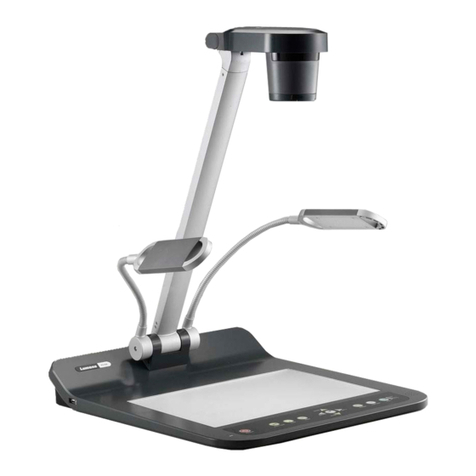
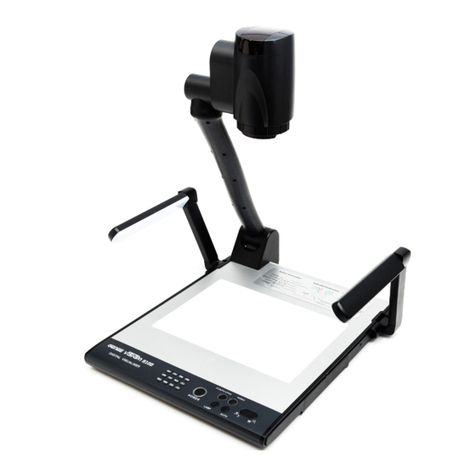
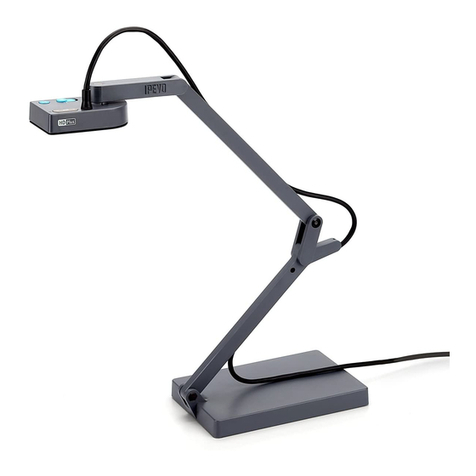
ICTS AVER F17 User manual

DOCUMENT CAMERA
USER INSTRUCTIONS
AVER F17 (SOFTWARE INSTRUCTIONS)
(LAST UPDATED:3RD FEBRUARY 2016)

2
Table of contents
Control the document camera.............................................................................................. 3
Set up your display ..................................................................................................................... 3
Basic setup .......................................................................................................................................... 3
Advanced display settings................................................................................................................... 3
Manipulate your image ............................................................................................................. 4
Manipulate your image....................................................................................................................... 4
Hide parts of your image .................................................................................................................... 4
Emphasise parts of your image........................................................................................................... 4
Annotate your image .......................................................................................................................... 4
Draw something new.......................................................................................................................... 4
Capture, view and copy images and video .................................................................... 5
What kind of media do I need to bring?............................................................................................. 5
1. Set up your storage media.............................................................................................................. 5
2. Capture images ............................................................................................................................... 5
3. View images .................................................................................................................................... 5
4. Show images side by side ............................................................................................................... 5
5. Record video ................................................................................................................................... 6
6. Save images and video onto your own media ................................................................................ 6
Packing up....................................................................................................................................... 6

3
Control the document camera
1. On the lectern Crestron control panel, select PC for the projector(s) that need to show the
document camera output.
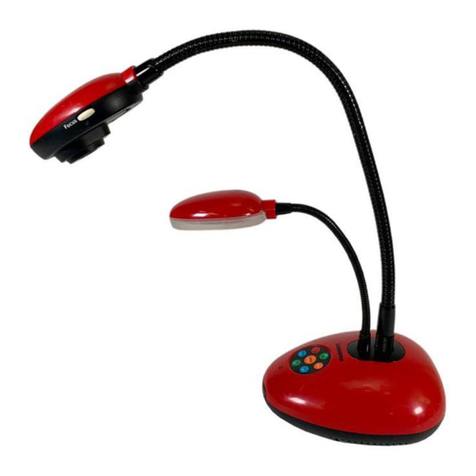
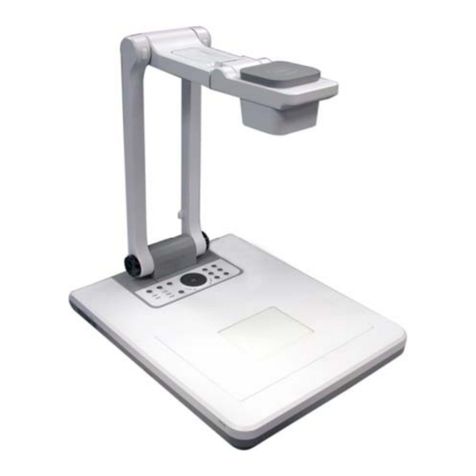
2. Basic operations: Use the buttons on the document camera control panel.
3. Advanced features: Open Sphere 2 on classroom PC desktop.
Set up your display
Basic setup
1. Set the switch on the right hand side of the document camera to RGB.
2. Turn the document camera on. The power light turns solid green.
3. Place your item on the display surface.
4. Adjust the document camera as required:
Position
Move the camera head as needed
Brightness
Use the and buttons
Light
Press the LAMP button
Focus
Press to autofocus
Zoom
Use the and buttons
Advanced display settings
Adjust your contrast, white balance, exposure and other display elements:
1. Click Camera Control.
2. Click Image adjustment to access the image settings.
3. Adjust the settings as required.

4
Manipulate your image
Manipulate your image
1. Click Camera Control.
2. Click each icon to adjust your display image as required –e.g. freeze, rotate 90O, zoom.
Hide parts of your image
1. Click Presentation Tools.
2. Click Visor.
3. Drag the visor to move or resize it.
4. Click Menu to adjust visor transparency.
Emphasise parts of your image
1. Click Presentation Tools.
2. Click Spotlight.
3. Drag the spotlight to move or resize it.
4. Click Menu to adjust the spotlight shape and transparency.
Annotate your image
1. Click Annotation Tools.
2. Use the Pen, Highlighter, Line, Text and Shapes tools to add annotations to your image.
Annotation tools can be customised further.
3. Use the Eraser to erase an annotation, or Clear all to remove all annotations.
4. To save your drawing, see the Capture images section below.
Draw something new
1. Click the Whiteboard tab near the top of the screen.
2. Use the tools provided to draw.
3. To save your drawing, see the Capture images section below.

5
Capture, view and copy images and
video
What kind of media do I need to bring?
You can capture images and videos using the document camera. If you don’t need to keep these
captures, don’t bring any media. If you do need to keep them:
Bring a flash drive with enough free storage space.
If you don’t bring your own media, captures will be deleted after your class and cannot be
recovered later on.
1. Set up your storage media
1. Plug your flash drive into an available USB port connected to the classroom PC.
2. Capture images
1. Click Capture.
2. Select relevant capture type:
Standard quality snapshot
High definition snapshot
Section of your image
Series of images at custom-defined intervals
3. View images
1. On the classroom PC, open Documents –Aver –Media Library –Picture.
2. Double-click each image to open it.
4. Show images side by side
1. Click the Side by Side tab near the top of screen.
2. Click Media Library.
3. Drag up to six captured images from left panel into right hand section of screen.

6
5. Record video
1. Click Record.
2. Click Mute if you don’t want to record sounds.
3. Click Record.
4. Use the recording controls to Pause or Stop recording.
6. Save images and video onto your own media
1. On the classroom PC, open Documents –Aver –Media Library.
2. Copy Picture and Video folders to your flash drive*.
*This method copies all captures. Alternatively, copy only the individual items you need.
Everything else will be deleted when you log out of the classroom PC.
Packing up
1. Turn the document camera off.
2. Remove your flash drive and pack away your display items.
3. Leave the camera head as is (i.e. do not stow it away).
Support
For assistance, use the phone on the teaching wall to contact classroom support.
Table of contents