
Intermec CT60 User manual
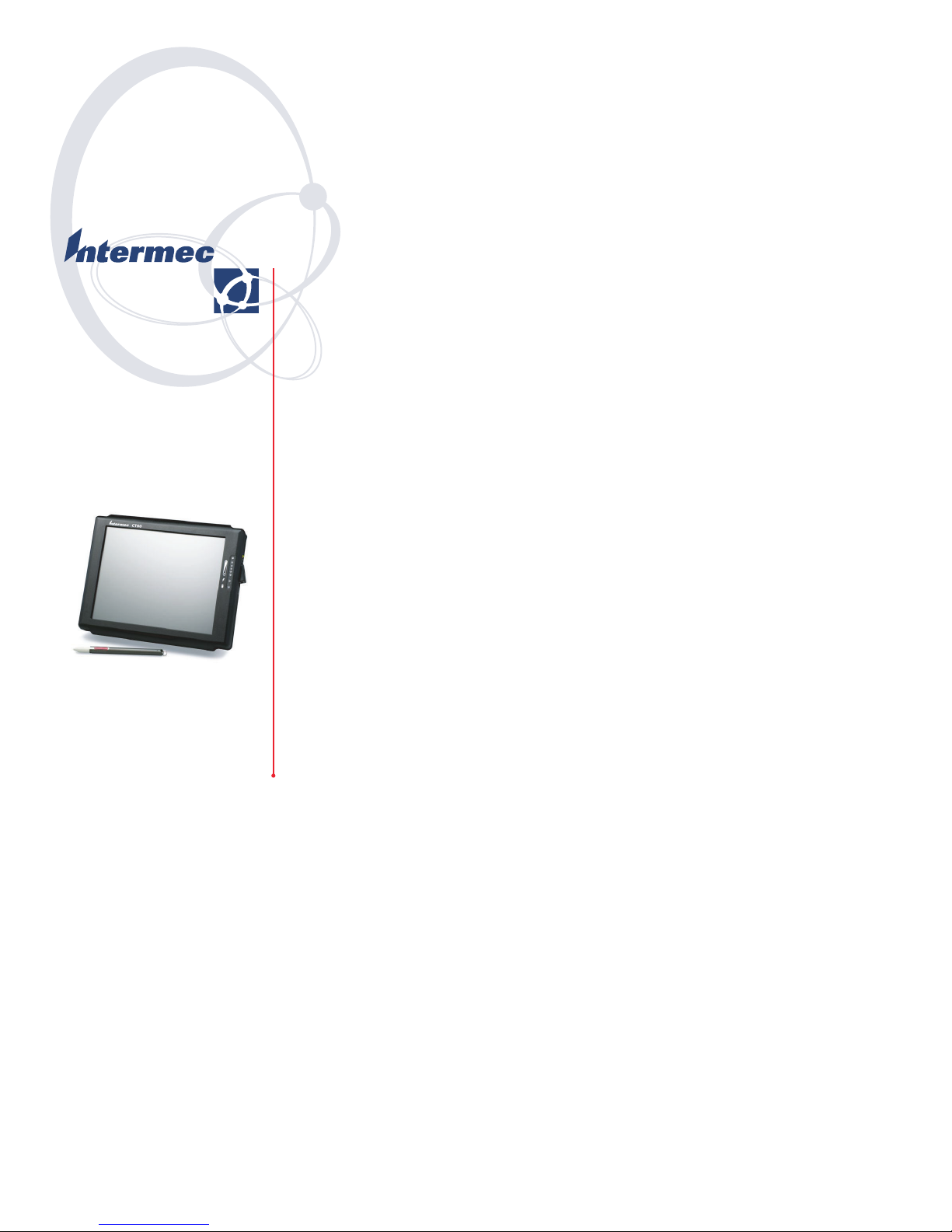
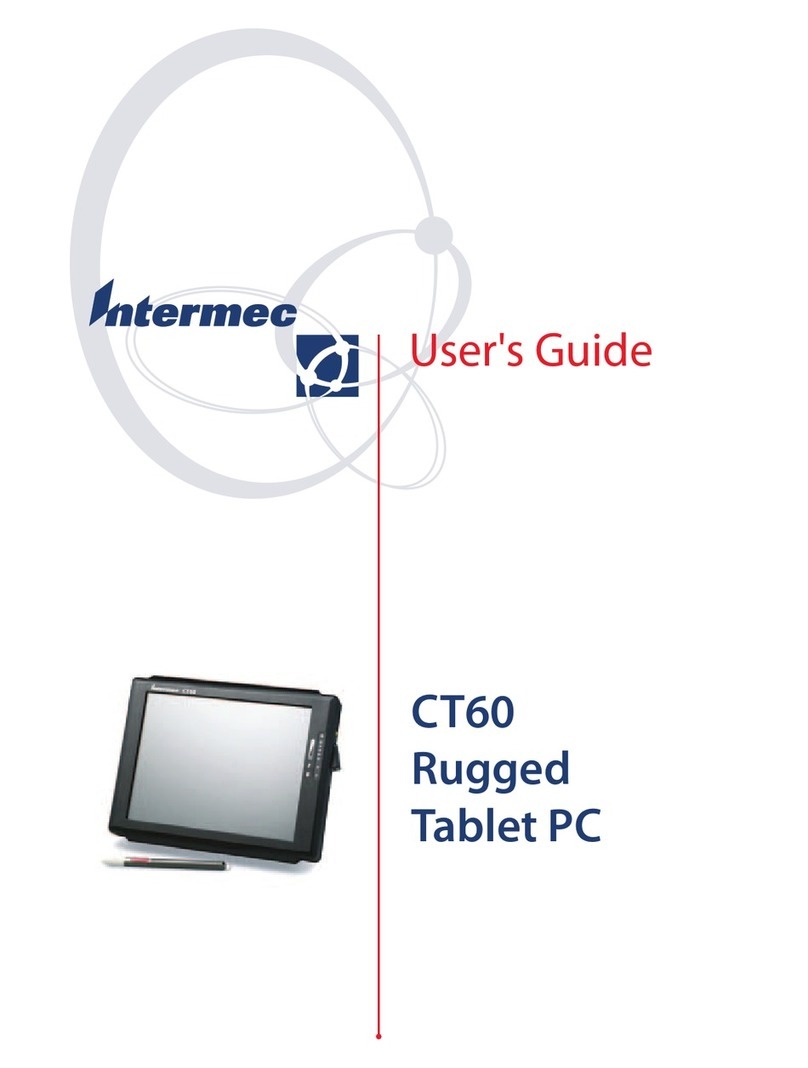
CT60
Rugged
Tablet PC
Quick Start Guide

CT60
Rugged
Tablet PC
Quick Start Guide

i
Intermec Technologies Corporation
Corporate Headquarters Technical Communications
Department
6001 36th Ave. W. 0 Second Street SE
Everett, WA 98203 Cedar Rapids, IA 2401
U.S.A. U.S.A.
www.intermec.com
The information contained herein is proprietary and is provided
solely for the purpose of allowing customers to operate and
service Intermec-manufactured equipment and is not to be
released, reproduced, or used for any other purpose without
written permission of Intermec.
Information and specifications contained in this document are
subject to change without prior notice and do not represent a
commitment on the part of Intermec Technologies Corporation.
E 2003 by Intermec Technologies Corporation. All rights reĆ
served.
The word Intermec, the Intermec logo, Norand, ArciTech,
CrossBar, Data Collection Browser, dcBrowser, Duratherm,
EasyCoder, EasyLAN, Enterprise Wireless LAN, EZBuilder,
Fingerprint, i-gistics, INCA (under license), InterDriver,
Intermec Printer Network Manager, IRL, JANUS, LabelShop,
Mobile Framework, MobileLAN, Nor*Ware, Pen*Key, Precision
Print, PrintSet, RoutePower, TE 2000, Trakker Antares, UAP,
Universal Access Point, and Virtual Wedge are either trademarks
or registered trademarks of Intermec Technologies Corporation.
Throughout this manual, trademarked names may be used.
Rather than put a trademark ( or ) symbol in every
occurrence of a trademarked name, we state that we are using the
names only in an editorial fashion, and to the benefit of the
trademark owner, with no intention of infringement.
There are U.S. and foreign patents pending.
Microsoft, Windows, Windows XP and the Windows logo are
registered trademarks of Microsoft Corporation in the United
States and/or other countries.

Contents
ii
Contents
Before You Begin iii. . . . . . . . . . . . . . . . . . . . . . . . . . . . .
Introduction 1. . . . . . . . . . . . . . . . . . . . . . . . . . . . . . . . . . . . . .
CT60 Rugged Tablet PC Description 2. . . . . . . . . . . .
Battery Use and Care 4. . . . . . . . . . . . . . . . . . . . . . . .
How to Install New Batteries 4. . . . . . . . . . .
When to Recharge Batteries . . . . . . . . . . . .
How to Recharge Your Batteries 6. . . . . . . . .
Turning on the CT60 7. . . . . . . . . . . . . . . . . . . . . . . .
Pen Operation 7. . . . . . . . . . . . . . . . . . . . . .
Adjusting Pen Settings 8. . . . . . . . . . . . . . . .
Pen Alignment 8. . . . . . . . . . . . . . . . . . . . . .
About Microsoft Windows XP Tablet Edition 9. . . . .
Cleaning Your CT60 Tablet PC 10. . . . . . . . . . . . . . . .
Case and Display 10. . . . . . . . . . . . . . . . . . . .
If Your Tablet PC Gets Wet 10. . . . . . . . . . . .
Troubleshooting 11. . . . . . . . . . . . . . . . . . . . . . . . . . . .
1

Before You Begin
iiiCT60 Rugged Tablet PC Quick Start Guide
Before You Begin
This section provides you with safety information, techniĆ
cal support information, and sources for additional product
information.
Safety Summary
Your safety is extremely important. Read and follow all warnings
and cautions in this document before handling and operating
Intermec equipment. You can be seriously in ured, and equipĆ
ment and data can be damaged if you do not follow the safety
warnings and cautions.
Do not repair or adjust alone
Do not repair or ad ust energized equipment alone under any
circumstances. Someone capable of providing first aid must alĆ
ways be present for your safety.
First aid
Always obtain first aid or medical attention immediately after an
in ury. Never neglect an in ury, no matter how slight it seems.
Resuscitation
Begin resuscitation immediately if someone is in ured and stops
breathing. Any delay could result in death. To work on or near
high voltage, you should be familiar with approved industrial
first aid methods.
Energized equipment
Never work on energized equipment unless authorized by a reĆ
sponsible authority. Energized electrical equipment is dangerous.
Electrical shock from energized equipment can cause death. If
you must perform authorized emergency work on energized
equipment, be sure that you comply strictly with approved safeĆ
ty regulations.
Before You Begin
iv CT60 Rugged Tablet PC Quick Start Guide
Safety Icons
This section explains how to identify and understand dangers,
warnings, cautions, and notes that are in this guide. You may
also see icons that tell you when to follow ESD procedures and
when to take special precautions for handling optical parts.
A warning alerts you of an operating procedure,
practice, condition, or statement that must be strictly
observed to avoid death or serious in ury to the
persons working on the equipment.
Avertissement: Un avertissement vous avertit d'une
procédure de fonctionnement, d'une méthode, d'un
état ou d'un rapport qui doit être strictement respecté
pour éviter l'occurrence de mort ou de blessures
graves aux personnes manupulant l'équipement.
A caution alerts you to an operating procedure,
practice, condition, or statement that must be strictly
observed to prevent equipment damage or
destruction, or corruption or loss of data.
Attention: Une précaution vous avertit d'une
procédure de fonctionnement, d'une méthode, d'un
état ou d'un rapport qui doit être strictement respecté
pour empêcher l'endommagement ou la destruction
de l'équipement, ou l'altération ou la perte de
données.
Note: Notes either provide extra information about a
topic or contain special instructions for handling a
particular condition or set of circumstances.

Before You Begin
vCT60 Rugged Tablet PC Quick Start Guide
Global Ser ices and Support
Warranty Information
To understand the warranty for your Intermec product, visit the
Intermec web site at http://www.intermec.com, click Support,
and then click Warranty.
Disclaimer of warranties: The sample code included in this docĆ
ument is presented for reference only. The code does not necesĆ
sarily represent complete, tested programs. The code is provided
as is with all faults." All warranties are expressly disclaimed,
including the implied warranties of merchantability and fitness
for a particular purpose.
Web Support
Visit the Intermec web site at http://www.intermec.com to
download many of our current manuals in PDF format. To orĆ
der printed versions of the Intermec manuals, contact your local
Intermec representative or distributor.
Visit the Intermec technical knowledge base (Knowledge CenĆ
tral) at http://intermec.custhelp.com to review technical inforĆ
mation or to request technical support for your Intermec prodĆ
uct.

Before You Begin
vi CT60 Rugged Tablet PC Quick Start Guide
Telephone Support
These services are available from Intermec Technologies CorpoĆ
ration.
Service Description Call 1Ć800Ć755Ć5505
and choose this option
Factory Repair and
OnĆsite Repair
Request a return
authorization number
for authorized service
center repair, or request
an onĆsite repair
technician.
1
Technical Support Get technical support
on your Intermec
product.
2
Service Contract
Status
Inquire about an
existing contract, renew
a contract, or ask
invoicing questions.
3
Schedule Site
Surveys or
Installations
Schedule a site survey,
or request a product or
system installation.
4
Ordering Products Talk to sales
administration, place an
order, or check the
status of your order.
5

Before You Begin
viiCT60 Rugged Tablet PC Quick Start Guide
Who Should Read this Guide?
This guide provides you with information about the features of
the CT60, and how to install, operate and maintain it.
Before you configure the CT60, you should be familiar with
basic WindowsĆbased PC operation, and how it relates to pen
computing.
Related Documents
This table contains a list of related Intermec documents and
their part numbers.
Document Title Part Number
CT Rugged Tablet PC User Guide 961Ć054Ć034A
CT60 Vehicle Mount Installation Guide 962Ć040Ć012A
The Intermec web site at http://www.intermec.com contains
many of our documents that you can download in PDF format.
To order printed versions of the Intermec manuals, contact your
local Intermec representative or distributor.

1
CT60 Rugged Tablet PC Quick Start Guide
1Introduction
The CT60 Rugged Tablet PC gives you the
power of a desktop computer, yet it is designed
for use on foot, in a vehicle, or in an office. It is
ideal for highly mobile applications in the most
demanding environments.
Other manuals for CT60
3
Other Intermec Tablet manuals
Popular Tablet manuals by other brands

Laser
Laser MID-1060 Quick operation guide

MUNBYN
MUNBYN IRT09J Easy setup guide

Motorola
Motorola MC3090R - Win CE 5.0 Professional 520 MHz quick start guide

Dell
Dell Latitude ST Setup and features information

Lenovo
Lenovo IdeaTab S6000L Hardware Maintenance Manual

Venturer
Venturer WT9L11 quick start guide











