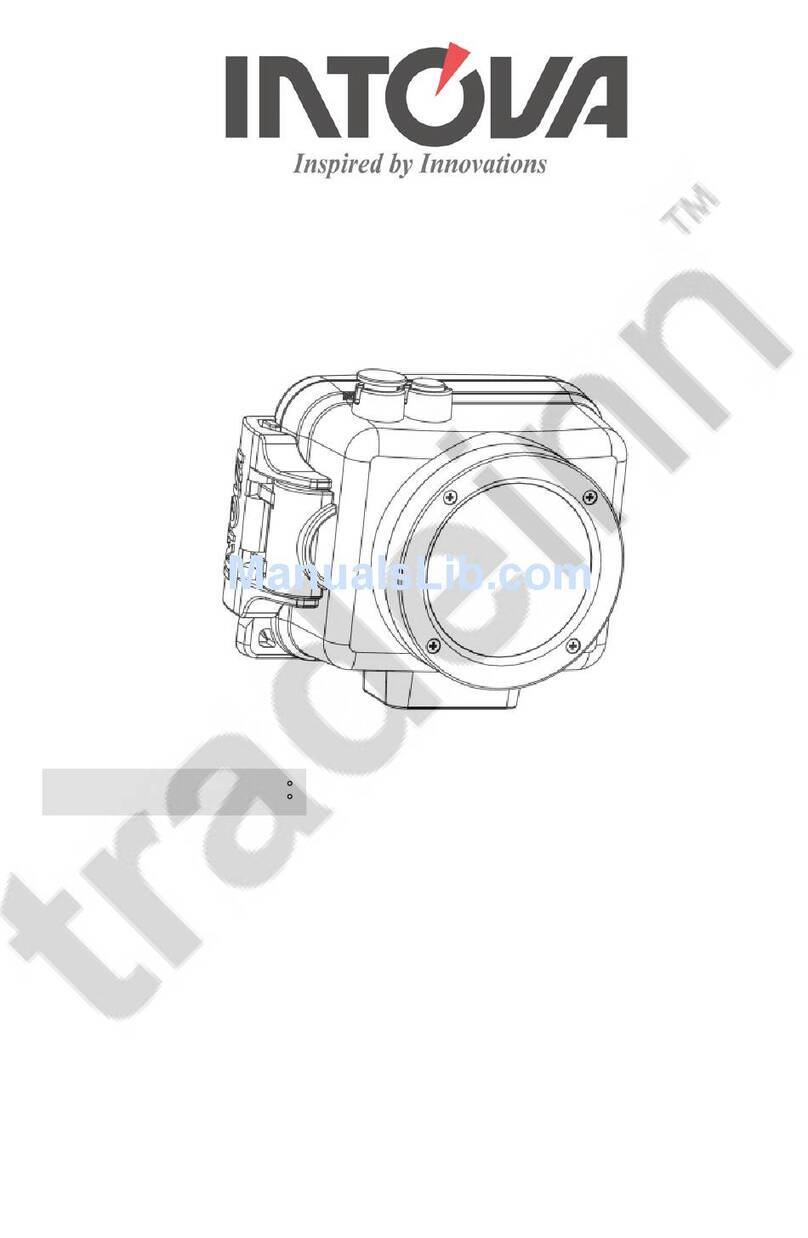
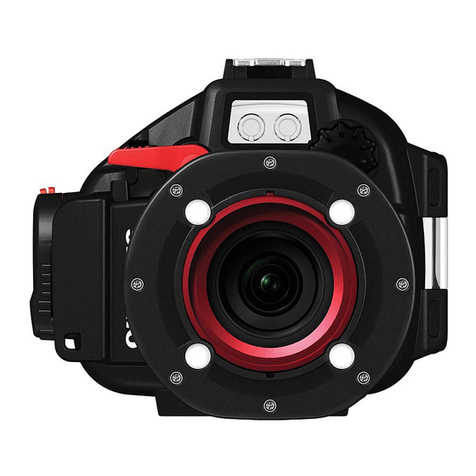
ConneX Quick Start Guide
Born in Hawaii - Built for the World
To download full user manual go to http://www.intova.net/support/intova-manuals/
Opening the camera:
Preparations:
1. Prior to use, with camera o, insert Micro SD card up to 32 GB
(class 10) into (18) card port with gold contacts towards LCD.
2. Turn on camera and select appropriate TV SYSTEM (NTSC or PAL)
in SETTING menu.
Video view mode:
1. In video mode, press (9) OK button.
2. Press (8) DOWN or (7) UP buttons to select le.
3. Press (9) OK 2 times to start video and OK again to stop.
4. Press (10) MODE 2 times to go back to main screen.
Photos:
1. Press (10) MODE button to switch to photo mode.
2. Press (2) SHUTTER button and release while holding
camera as steady as possible.
Video:
1. Press (2) SHUTTER button to start. Move camera smoothly.
2. Press (9) OK button to take photo while recording video.
3. Press (2) SHUTTER button to stop.
Zoom:
1. In either photo or video mode (except 1080p),
press and hold (8) ZOOM in or (7) ZOOM out button.
2. 4x is the maximum zoom.
Deleting les:
1. In either video or photo view mode, select le to delete and
press (11) MENU button.
2. Press (7) UP button to choose “YES” or “ALL”.
3. Press (9) OK button.
4. Press (10) MODE to exit.
Self Capture mode:
1. In photo mode, press (11) MENU button.
2. Press (9) OK button.
3. Press (8) DOWN button 2 timesand press (9) OK button.
5. Select OFF, 5, 10, 30 or 60 seconds and press (9) OK.
6. Press (11) MENU button 2 times to go back to main screen.
7. LCD screen should show self timer icon.
8. Press (2) SHUTTER button to activate.
Charging the Li-ion battery:
1. Gently insert USB cable into (13) Micro USB port.
2. Insert other end of cable into a computer USB port.
3. LCD should show MSDC, CHARGE and OPEN.
4. Scroll down to select CHARGE and press (9) OK.
5. When charge is complete, red LED (3) will turn o.
(1) POWER(2) SHUTTER
(3) LED
(4) LOCK
(5) Tripod mount
(6) Recording
indicator LED
(7) UP,
LCD icons o,
LCD o,
ZOOM out
(8) DOWN, ZOOM in (9) OK
(10) MODE
(11) MENU
(21) LCD
(19) Mini USB HD TV
out port
(18) Micro SD card port
(15) RESET
(14) VGA TV out port
(13) Micro USB port
Pull (4) lock Place against (16) EZ open tabs Push (17) thumb press opener
(16)
EZ open
tabs
(17) Thumb
press
opener
Photo view mode:
1. In photo mode, press (9) OK button.
2. Press (8) DOWN or (7) UP buttons to select le.
3. Press (9) OK to view photo.
4. Press (10) MODE button 2 times to go back to main screen.
2.4G Remote Control Operation:
1. To start/stop video, press button with video icon.
2. To take a photo, press button with camera icon.
3. To turn camera o, press the OFF (center) button for 3 seconds.
4. To change dead batteries, unscrew back cover and replace
with two fresh CR2016, 3V batteries.
5. IMPORTANT NOTE: Wireless transmission will not work underwater.
Wireless remote is for surface sports and waterproof to 6 feet only.
(12) Cable port cover (20) Cable port
(22) O-Ring
Important: Before each use, clean and maintain (22) O-Ring by
removing any dirt, sand and other debris and lightly lubricate
with silicone grease as needed to prevent drying and cracking.
WARNING: Do not attempt to take apart the camera-there are
high voltage parts and dangerous electric shock can occur.