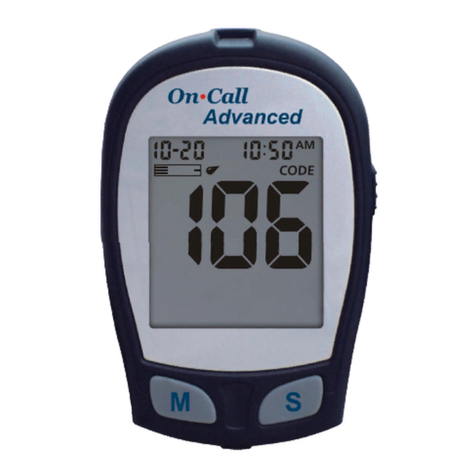
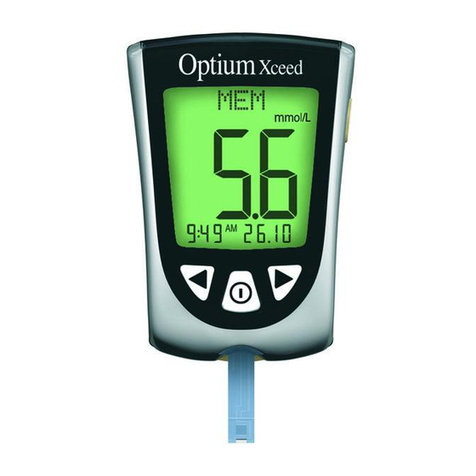
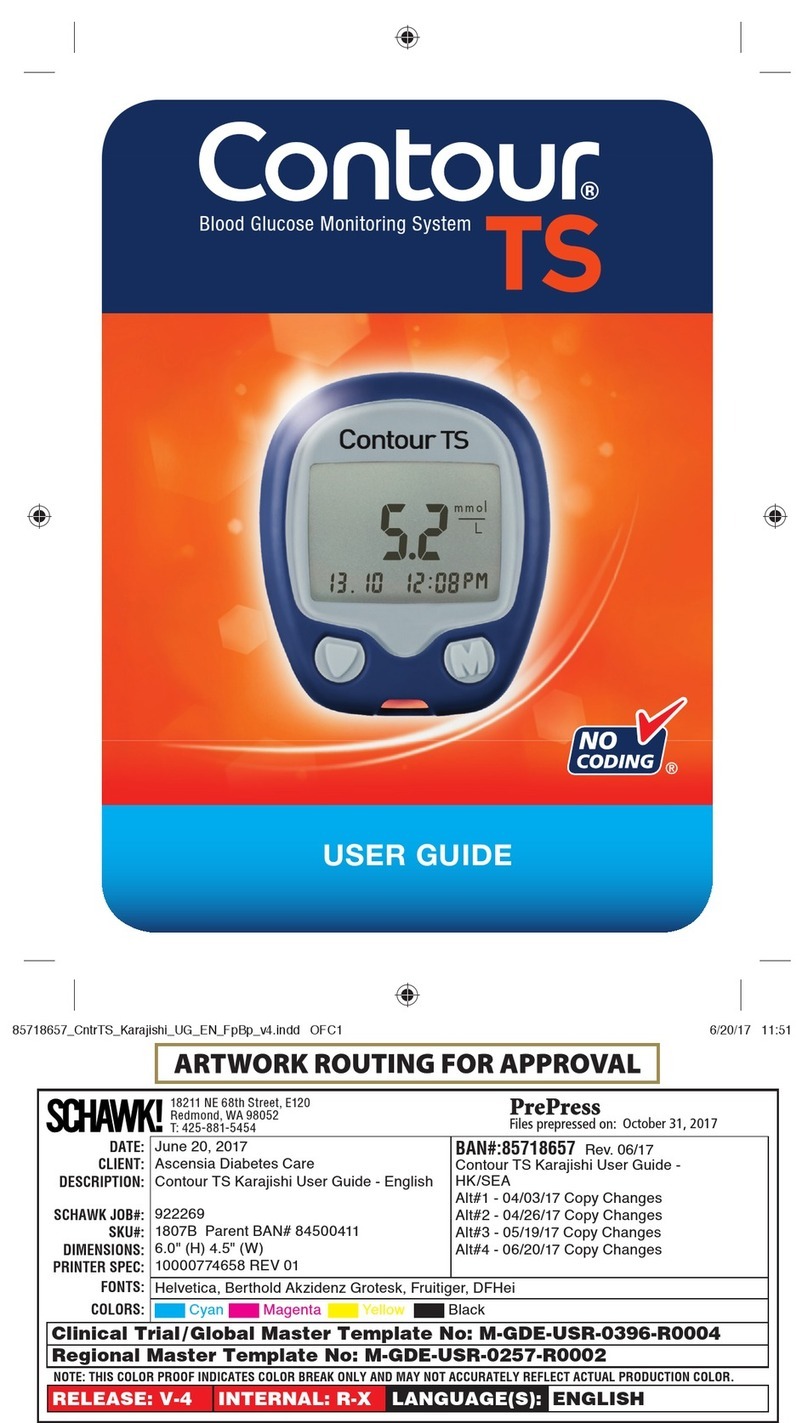
Invacare trackease smart system User manual

Welcome to the TrackEASE Smart System®
Blood Glucose Monitoring System
Congratulations on your purchase of the TrackEASE
Smart System®Blood Glucose Monitoring System. You
now have a very simple and accurate way to test your
blood glucose (sugar) level, anytime, anywhere.
Our Commitment to You
Our goal is to provide you with quality healthcare
products and dedicated customer service. If you have
questions about using TrackEASE Smart System®
products, visit our web site at:
www.homediagnostics.com.
Caution! Please read complete Owner’s
Booklet and all product Instructions for Use.
i
For
Assistance
Call
Use
By
Date
Lot
Number
For in vitro
Diagnostic
Testing Only
Authorized
Representative
Sterile
Number
of Tests
Control
Level
SYMBOLS:
Code
Number
Single
Use
Only
Attention! Read
Instructions
for Use.
Storage
Temperature
Range
Manufactured
By
Serial
Number

ii
Importance of Blood Glucose Monitoring
The more you know about diabetes, the better you are
able to take care of yourself. As you meet with your
Doctor or Diabetes Healthcare Professional, you will
work together to determine the target range for your
blood glucose results and how often you should test.
Having the majority of your results within your target
range helps delay or prevent complications of diabetes.
Using the TrackEASE Smart System
®
Blood Glucose
Monitoring System for self-testing shows you and your
Doctor or Diabetes Healthcare Professional how well
your daily treatment plan is working to control your
blood glucose. Do not makechanges to your treatment
plan without discussing with your Doctor or Diabetes
Healthcare Professional.
The TrackEASE Smart System
®
is intended for in vitro
(outside the body) testing only, and is not for the
diagnosis of diabetes or for testing blood glucose in
newborns.
Use of the TrackEASE Smart System
®
Blood Glucose
Monitoring System in a manner not specified in this
Owner’sBooklet is not recommended and mayaffect
your ability to determine your blood glucose.

iii
Important Information
Important: For the best possible performance from
TrackEASE Smart System®we recommend you:
•Read all instructions before you begin to test.
•Perform Check Strip and Glucose Control Tests
before testing your blood.
Note:
Glucose Control may not always be
included. Check Contents List on outside
packaging. If Glucose Control is not listed,
contact place of purchase.
•Check Codes. Code in Meter Display must match
Code on vial of TrackEASE Smart System®Test
Strips being used and Code Number printed on Code
Chip.
•Use only TrackEASE SmartSystem®Test Strips
and TrackEASE SmartSystem®Glucose Control
with TrackEASE SmartSystem®Meter.
•Use onlyfresh capillary whole blood samples for
testing. TrackEASE Smart System®is not
recommended for use with venous samples. Meter
displays results in Plasma values.
•The TrackEASE SmartSystem®is recommended
for testing of human whole blood only.

iv
Health Related Information
• Severe dehydration and/or excessive water loss
may cause false low results.2If you believe you
are suffering from severe dehydration, contact
your Doctor or Diabetes Healthcare Professional
immediately.
• Test results equal or below 80 mg/dL (4.4
mmol/L) indicate low blood glucose
(hypoglycemia).3Test results greater than 250
mg/dL (13.9 mmol/L), indicate high blood
glucose (hyperglycemia).4Perform another
blood test to assure that your results are correct.
If you continue to get similar results and you are
having symptoms that suggest glucose is too low
or too high, follow the treatment advice given by
your Doctor or Diabetes Healthcare
Professional.

Table of Contents
Fast Test Guide ...........................................inside front cover
Your Target Blood Glucose Range .............inside back cover
Introductory Information ...................................................i-v
Know Your System
Meter .............................................................................1-3
Test Strip ..........................................................................4
Test Strip Vial Label .........................................................5
Getting Started
Turning Meter On and Off................................................6
Meter Set Up (Time, Date, Units of Measure) .............7-8
Coding .........................................................................9-10
Quality Control Tests ......................................................11
Check Strip Test ..........................................................11
Glucose Control Test..............................................12-15
Testing your Blood
Obtain a Blood Sample.................................................16-17
Testing Blood Glucose..................................................18-19
Result Warning Messages ..................................................20
Meter Memory
Viewing Results in Memory ..............................................21
Care and Troubleshooting
Caring for TrackEASE SmartSystem®.........................22-23
Battery Installation .............................................................24
Troubleshooting..................................................................25
Display Messages ......................................................26-28
Meter Specifications ..........................................................29
Chemical Composition.......................................................30
Meter Warranty ......................................................................31
References..............................................................................32
v

KKNNOOWWYYOOUURRSSYYSSTTEEMM
Know Your System
Meter
➀Button - Decrease numbers in Set Up;
remove Control Symbol; move backward by date
when viewing results in Memory.
➁Button - Select settings; view results in
Memory.
➂Button - Increase numbers in Set Up; add
Control Symbol; move forward by date when
viewing results in Memory.
➃Display - Shows test results, messages and other
information.
➄Test Port - Insert TrackEASE Smart System®
Test Strip or Check Strip here.
1
Top of Meter
1 32
5
4
Front of Meter

KKNNOOWWYYOOUURRSSYYSSTTEEMM
➅Code Chip Port - Insert the Code Chip here.
➆Battery Compartment - Use one
non-rechargeable 3V Lithium Battery
(#CR2032), positive (“+”) side up.
Note:
See Pg. 24 for details on discarding old
battery.
➇Meter Label - Contains telephone number for
assistance.
➈Serial Number Label - Identifies Meter when
calling for assistance.
2
76
8
9
C10276
Back of Meter
Left Side of Meter

4
3
2
1
765
8
9
10
3
Display
1. Time, Date, Code.
2. Test Result in Memory.
3. Check Strip Test correct.
4. Test results.
Note:
A decimal point appears when results
are in mmol/L.
5. Battery Symbol (see Display Messages).
6. Temperature Symbol (see Display Messages).
7. Apply Sample Symbol.
8. Control Symbol (see Glucose Control Test).
9. Glucose Units of Measure.
10. Time is P.M.
Note:
AM does not appear.
KKNNOOWWYYOOUURRSSYYSSTTEEMM

KKNNOOWWYYOOUURRSSYYSSTTEEMM
4
➀Contact End -
Insert into Meter with Contacts
(metallic blocks) facing up
.
➁Sample Tip - Place sample (blood or Glucose
Control) to edge of Tip.
Placement of Sample to Test Strip
Correct Incorrect
Note: Do not apply blood or Glucose Control to
top of Test Strip!
Use Strip quickly after removal from vial.
Strips that have been left out of vial too
long will give error message when used.
Test Strip
1 2
Front of Test Strip

1
2
3
2
Test Strip Vial Label
➀Code - Match Code in Meter Display with Code
on Code Chip and Code on Test Strip vial label
before testing. All Codes MUST match for
accurate results.
Note: Letter printed before number on Code Chip
and vial label Code will not appear in
Meter Display. See Coding for further
details.
➁Use by Dates - Write date first opened on vial
label. Discard vial and unused Strips 120 days
after written date or date printed next to
symbol, whichever comes first.
➂Glucose Control Level Range - Range of
numbers in which Glucose Control Test result
must fall to assure System is working properly.
Caution!
Use of Test Strips or Glucose Control past
the Use by Dates may give inaccurate or
incorrect test results. Discard out-of-date
products and test with new products.
5
KKNNOOWWYYOOUURRSSYYSSTTEEMM
Table of contents
Languages: