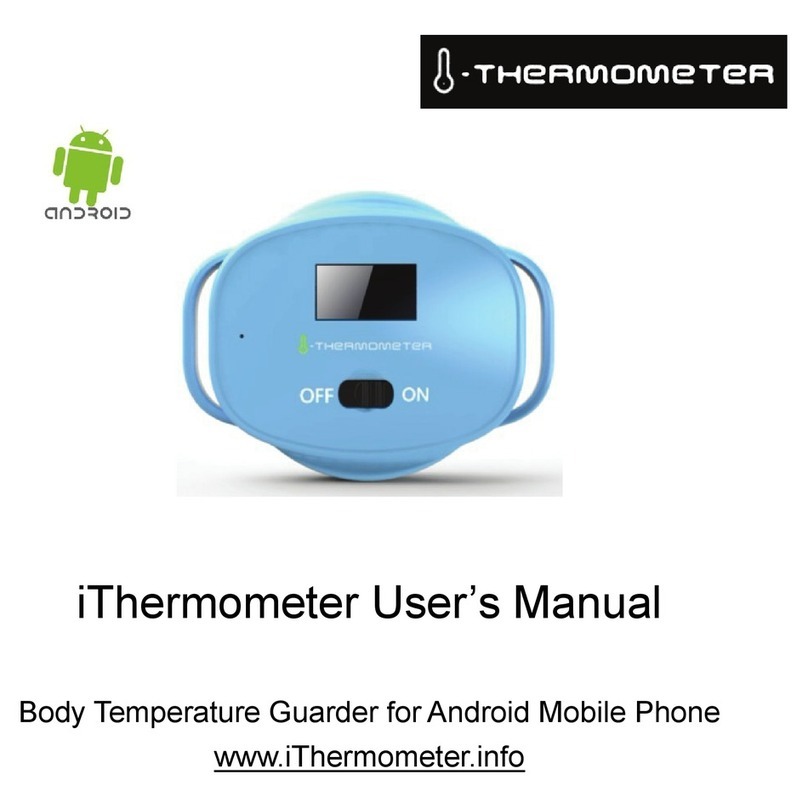
2) Run the application
Once the iThermometer device is paired, please press the icon
E " start the iThermometer application.
Please choose <Yes> if the Bluetooth permission request
message is shown.
3) ConnectiThermometer
ln the <Option> page, press <Device select> in the bottom of
this page. Find the iThermometer device just paired, named as
"ixxxxxxx", and press <Connect>. A message "Connect OK" will
flash for a few seconds, and the connecting status flag "M" will
appear on the iThermometer device if connected.
Remember to press <OK> button in the bottom of <Option>
page to save the setting.
The application will start to connect iThermometer device
automatically when the connection is broken. Press <Cancel>
button in the popup window to stop connecting.
4) Read temperature
ln the <Main> page, the body temperature will be refreshed
7
every 10 seconds.
You can also hide the application by press the back key !) of
your phone, and choose "Hide" in the popup window.
The iThermometer device will send temperature data every
minute to save the power in the hidden mode.
5) Connection status and battery level
The connection status is shown at the top left of the <Main>
page. The Bluetooth icon will be colored while it is connected,
and gray while disconnected.
The battery level icon shows the battery level of the
iThermometer device, on the top right of the <Main> page.
When the battery is low, please charge the device at once, as
low battery may lead to wrong data of temperature.
6) History body temperature chart
Press <Chart> to view history body temperature chart. Slide left
or right to view earlier or later temperature chart.