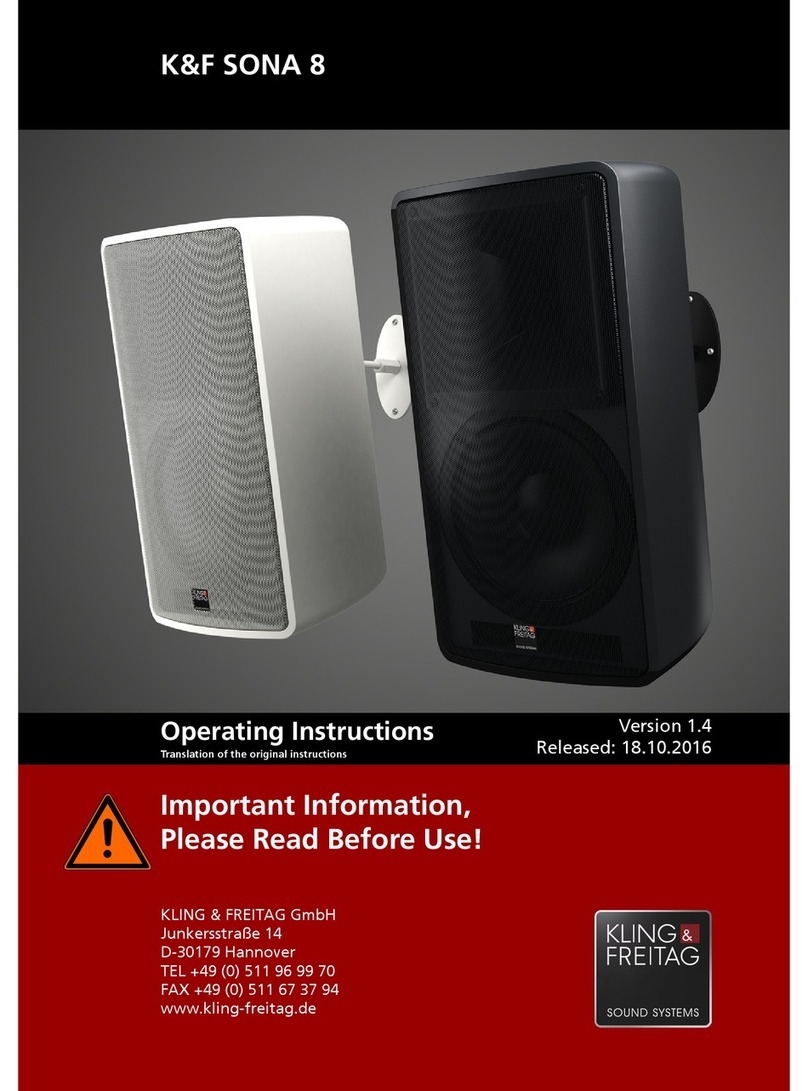
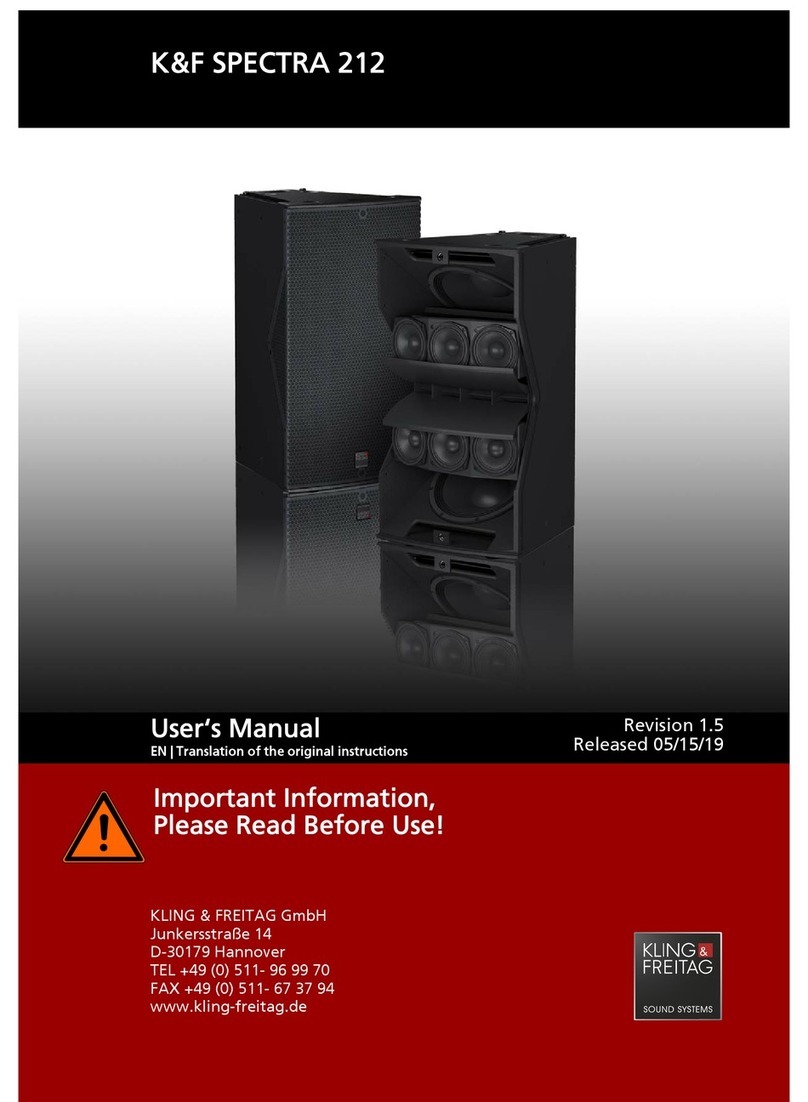
User's Manual K&F PASSIO and K&F PASSIO W
KLING & FREITAG GMBH © 2018 Version 3.2 Page 10 of 28
5. Wiring Instructions
• Before connecting your K&F PASSIO/K&F PASSIO W speaker, switch off all devices and
turn down all faders and encoders.
• Be sure to use high-end speaker cables with an appropriate wire gauge. Select the wire
gauge with regard to the cable length.
• To connect the mixing console to the power-amp inputs, use shielded 2-pole balanced
microphone cables equipped with quality connectors.
• Avoid creating ground loops.
• Be sure to follow the pinouts shown in this manual.
• Check for correct polarity of the speaker links to the power amplifier. When using
amplifiers by different manufacturers, make sure the pinout is correct. If necessary,
consider modifying the amplifier or connector pinouts as required.
• Upon completing wiring, ensure that the connected speaker channels are working
in phase, for example, using a phase tester. When the connected channels are used
simultaneously, you can identify out-of-phase statuses by bass cancellation or mid-
frequency signals (e.g. voices) that cannot be located properly.
• When connecting multiple speakers, you can daisy-chain the signal from one speaker to
the next. Make sure that the total impedance of all speakers connected to an amplifier
does not fall below the minimum impedance specified for the amplifier. 1/R1 + 1/R2 + 1/
R3 + … = 1/Rtotal
6. Initial Operation
• Switch off all devices and turn down all volume controls on the mixing console and the
amplifiers.
• Wire your K&F PASSIO/K&F PASSIO W systems as described in this manual.
• Switch on the devices in the following order: first the mixing console, then the
controller and finally the power amplifiers! Be sure to observe this power-up sequence
at all times. Failing to do so may result in switch-on noise that may damage your
system.
• If you hear noise, turn off all devices in reverse order, then check all cable connections.
• Turn up all amplifier channels one after another and output a low-volume signal to the
system. Check whether the audio is properly routed to the appropriate speakers. Make
sure no noise is heard through those speakers.
Controller operation: The SIGNAL indicators of the CD 44 controller will light when the
output level exceeds –45 dB. Your system is now ready for operation.
• With amplifiers with insufficient input-stage headroom, you may not always be able
to prevent distortion by reducing the power-amp volume controls. In this case, the
clipping indicator may not light when clipping actually occurs! To prevent damage to
the speakers, we recommend fully turning up the power-amp volume controls, then
carefully turn up the volume on the mixing console or controller or reduce the limiter
threshold of the controller as appropriate in order not to overload the amplifiers.
• When turning off the system, first turn down the amplifier input controls. Next, power
down the amplifiers, then turn off the remaining devices.