EnglishDeutsch
 logo
Brands
  1. Home
  2. •
  3. Brands
  4. •
  5. Kenmore
  6. •
  7. Vacuum Cleaner
  8. •
  9. Kenmore 116.23637C User manual

Kenmore 116.23637C User manual

Other Kenmore Vacuum Cleaner manuals

Kenmore 116.31069 User manual

Kenmore

Kenmore 116.31069 User manual

Kenmore ASPIRADORA 116.34728 User manual

Kenmore

Kenmore ASPIRADORA 116.34728 User manual

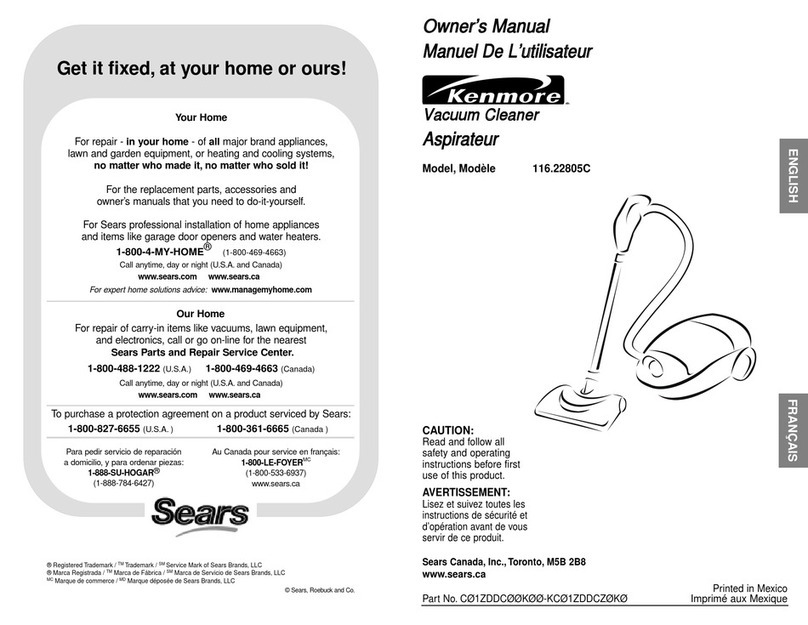
Kenmore 116.22805C User manual

Kenmore

Kenmore 116.22805C User manual

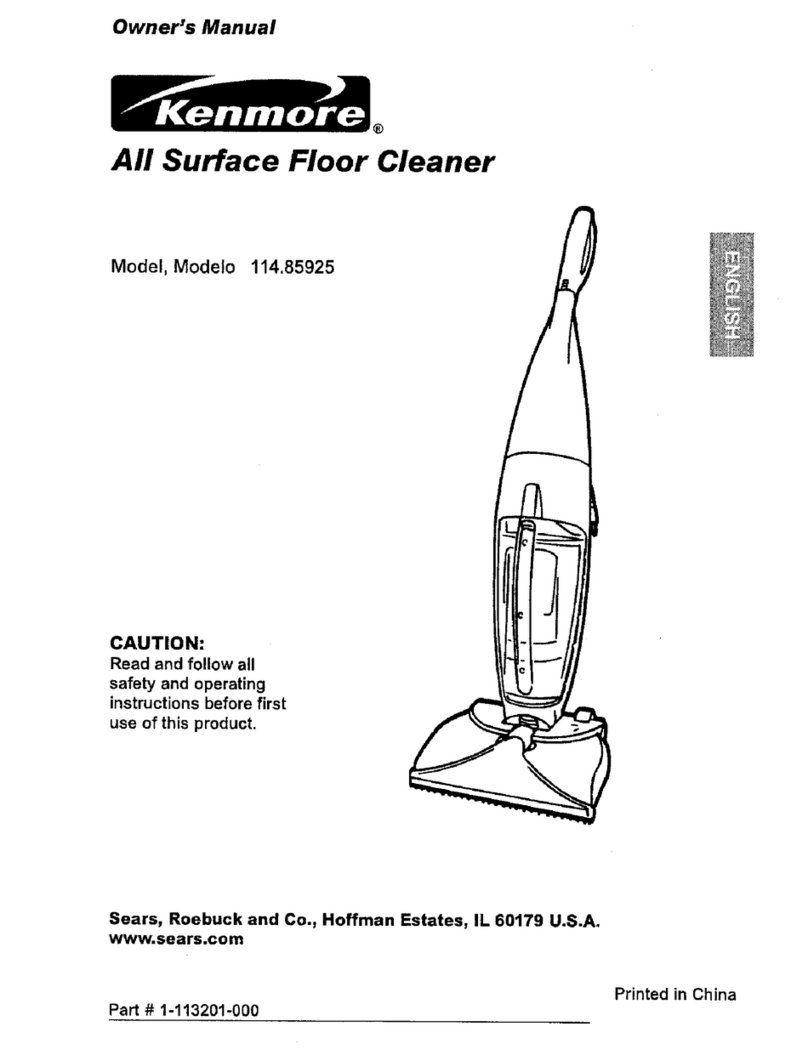
Kenmore 114.85925 User manual

Kenmore

Kenmore 114.85925 User manual

Kenmore BC3005 User manual

Kenmore

Kenmore BC3005 User manual

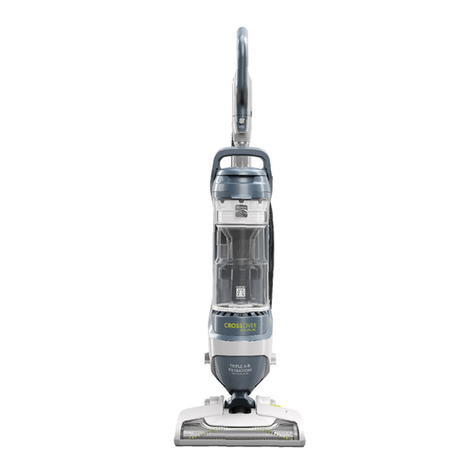
Kenmore Crossover Max DU3018 User manual

Kenmore

Kenmore Crossover Max DU3018 User manual

Kenmore CSV Max 30990 User manual

Kenmore

Kenmore CSV Max 30990 User manual

Kenmore BC4026 User manual

Kenmore

Kenmore BC4026 User manual

Kenmore BC4027 User manual

Kenmore

Kenmore BC4027 User manual

Kenmore 10325 User manual

Kenmore

Kenmore 10325 User manual

Kenmore 116.22512 User manual

Kenmore

Kenmore 116.22512 User manual

Kenmore 116.33912 User manual

Kenmore

Kenmore 116.33912 User manual

Kenmore 11 User manual

Kenmore

Kenmore 11 User manual

Kenmore 116.26212 User manual

Kenmore

Kenmore 116.26212 User manual

Kenmore Elite SSV Quick Clean DS6025 User manual

Kenmore

Kenmore Elite SSV Quick Clean DS6025 User manual

Kenmore 116.29912 User manual

Kenmore

Kenmore 116.29912 User manual

Kenmore SpotLite KW2001 User manual

Kenmore

Kenmore SpotLite KW2001 User manual

Kenmore CSV Go 125.10438910 User manual

Kenmore

Kenmore CSV Go 125.10438910 User manual

Kenmore 116.32735 User manual

Kenmore

Kenmore 116.32735 User manual

Kenmore Stratus DS1030 User manual

Kenmore

Kenmore Stratus DS1030 User manual

Kenmore CSV Go DS4020 User manual

Kenmore

Kenmore CSV Go DS4020 User manual

Kenmore Pet Friendly POP-N-GO 125.81615910 User manual

Kenmore

Kenmore Pet Friendly POP-N-GO 125.81615910 User manual

Kenmore 116.31079 User manual

Kenmore

Kenmore 116.31079 User manual

Kenmore Sears 175.8690090 Hom? cleaning system User manual

Kenmore

Kenmore Sears 175.8690090 Hom? cleaning system User manual

Popular Vacuum Cleaner manuals by other brands

Bissell LittleGreen Proheat 1425 Series user guide

Bissell

Bissell LittleGreen Proheat 1425 Series user guide

Panasonic MC-YL637S147-AE Service manual

Panasonic

Panasonic MC-YL637S147-AE Service manual

LG A9 Series owner's manual

LG

LG A9 Series owner's manual

Oreck Cordless Captura BK51700 Series user guide

Oreck

Oreck Cordless Captura BK51700 Series user guide

Kogan KAVACROBVWA user manual

Kogan

Kogan KAVACROBVWA user manual

Kränzle VENTOS 50 ID Use and maintenance

Kränzle

Kränzle VENTOS 50 ID Use and maintenance

NEFF N17XH10 0 Series instruction manual

NEFF

NEFF N17XH10 0 Series instruction manual

EVVO Ai35 instruction manual

EVVO

EVVO Ai35 instruction manual

DeWalt DWH200D instruction manual

DeWalt

DeWalt DWH200D instruction manual

Pontec Pondomatic Vacuum Cleaner operating instructions

Pontec

Pontec Pondomatic Vacuum Cleaner operating instructions

Cleanmaxx PC-P007E instruction manual

Cleanmaxx

Cleanmaxx PC-P007E instruction manual

RIDGID WD1685AU0 owner's manual

RIDGID

RIDGID WD1685AU0 owner's manual

Ezviz RE4P manual

Ezviz

Ezviz RE4P manual

STG global TANVAC HDV3000 Operator's manual

STG global

STG global TANVAC HDV3000 Operator's manual

Shark ROTATOR PRO COMPLETE NV550 Series manual

Shark

Shark ROTATOR PRO COMPLETE NV550 Series manual

Factory M3340 operating manual

Factory

Factory M3340 operating manual

Shop-Vac VN92 SERIES user manual

Shop-Vac

Shop-Vac VN92 SERIES user manual

Nobles 608669 Operator and parts manual

Nobles

Nobles 608669 Operator and parts manual

https://manuals.online logo
https://manuals.online logoBrands
  • About & Mission
  • Contact us
  • Privacy Policy
  • Terms and Conditions

Copyright 2026 Manuals.Online. All Rights Reserved.

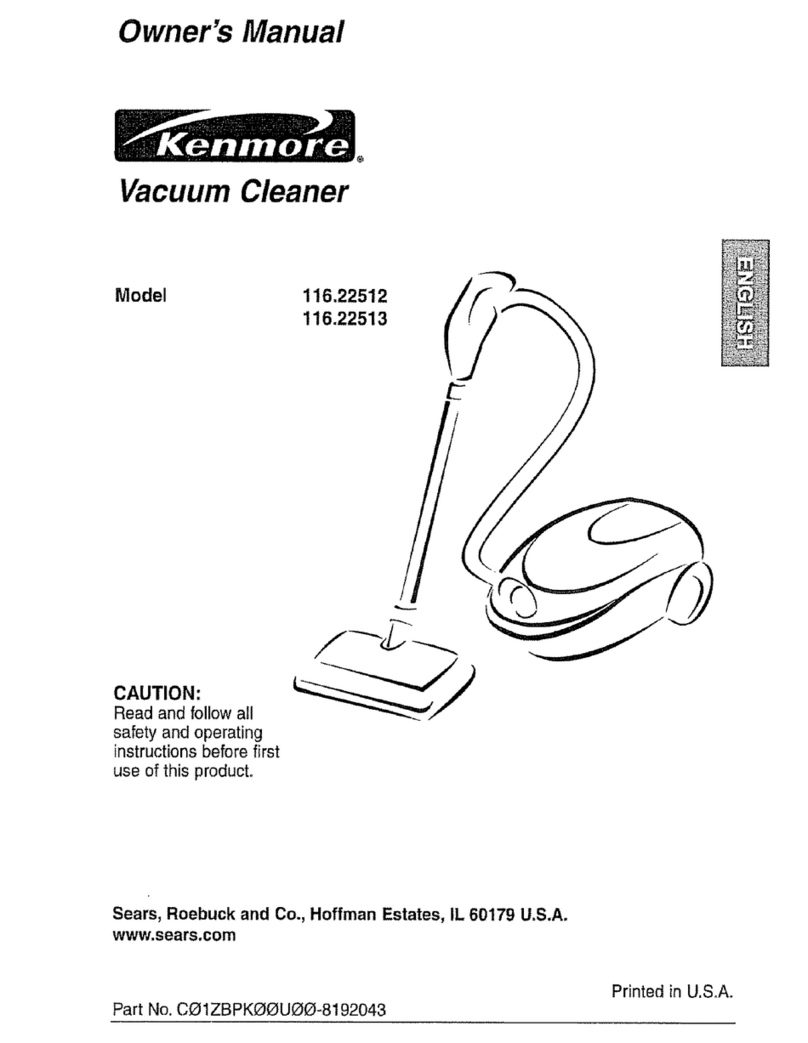
Owner'sManual
ManuelDeL'utilisateur
Vacuum Cleaner
Aspirateur
Model, Mod_.le 116.23637C
CAUTION:
Read and follow all
safety and operating
instructions before first
use of this product.
AVERTISSEMENT:
Lisez et suivez.toutes les
instructions de s_curit_ et
d'op_ration avant de vous
servir de ce produit.
Sears Canada, Inc.,Toronto, M5B 2B8
www,sears.ca
Printed in U.S.A.
Part No. CO1ZCJWO(_KI_I_-KC_1ZCJWZI3KQ Imprim_ aux Etats-Unis
Before Using Your New Vacuum ........ 2
KenmoreVacuum Cleaner Warranty .... 2
ImportantSafety Instructions ........... 3
Parts and Features ................. 4-5
Assembly Instructions............... 6-7
USe ................................ 8
How to Start ........................ 8
Vacuuming Tips ..................... 9
Suggested Pile Height Settings ......... 9
Attachments ....................... 10
Attachment Use Chart ............... 10
Performance Features ............... 11
How Your Vacuum Works ............. -12
Canister Care ....................... 12
Cleaning Exterior and Attachments ..... 12
Dust Bin Cleaning .................. 13
Filter Changing/Cleaning ........... 14-15
Power-Mate ®Care ................... 16
Belt Changing and Agitator Cleaning .. 16-17
Light Bulb Changing ................. 18
Agitator Servicing ................... 18
Troubleshooting ..................... 19
Requesting Assistance
Or Service ................... Back Cover
Please read this guide. It will help you assemble and operate your new Kenmore vacuum in
the safest and most effective way.
For more information about vacuum cleaner care and operation, call your nearest Sears store.
You will need the complete model and serial numbers when requesting information. Your vacu-
um's model and serial numbers are located on the Model and Serial Number Plate.
Use the space below to record the model number and serial number of your new Kenmore
vacuum.
Model No.
Serial No.
Date of Purchase
Keep this book and your sales check (receipt) in a safe place for future reference.
LIMITED ONE YEAR WARRANTY ON KENMORE VACUUM CLEANER
This warranty is for one year from the date of purchase, and includes only private household
vacuum cleaner use. During the warranty year, when this vacuum cleaner is operated and
maintained according to the owner's manual instructions, Sears will repair any defects in material
or workmanship free of charge.
This warranty excludes vacuum bags, belts, light bulbs, and filters, which are expendable parts
and become worn during normal use.
Forwarrantyservice, retumthis vacuumcleaner tothe nearest SearsServiceCentre InCanada.
This warranty applies only while this product is in use in Canada. This warranty gives you specific
legal rights, and you may also have other rights which vary from province to province.
Sears Canada, Inc., Toronto, M5B 2B8
2
Your safety is importantto us. To reduce the risk of fire, electricalshock, injuryto per-
sons or damage when using your vacuum cleaner, follow basic safety precautions
Including the following:
Read this manual before assembling or
using your vacuum cleaner.
Use your cleaner only as described in this
manual. Use only with Sears recommended
attachments.
To reduce the risk of electrical shock -Do
not use outdoors or on wet surfaces.
Disconnect electrical supply before servic-
ing or cleaning out brush area. Failure to
do so could result in electrical shock or
brush suddenly starting.
Always turn cleaner off before connecting or
disconnecting the hose or Power-Mate ®.
Always turn cleaner off before unplugging.
Do not unplug by pulling on cord. To
unplug, grasp the plug, not the cord.
Hold plug when rewinding onto cord reel.
Do not allow plug to whip when rewinding.
Do not use with damaged cord or plug. If
cleaner is not working as it should, has
been dropped, damaged, left outdoors, or
dropped into water, return it to a Sears
Service Center.
Do not pull or carry by cord, use cord as a
handle, close door on cord, or pull cord
around sharp edges or corners. Do not run
cleaner over cord. Keep cord away from
heated surfaces.
De not leave cleaner when plugged in.
Unplug from outlet when not in use and
before servicing.
De not allow to be used as a toy. Close
attention is n_cessary when used by or
near children.
Do not handle plug or cleaner with wet
hands.
Do not put any objects into openings.
SAVE THESE
Do not operate the cleaner with a punctured
hose. The hose contains electrical wires.
Replace if cut or worn. Avoid picking up
sharp objects.
Do not use with any opening blocked; keep
free of dust, lint, hair and anything that may
reduce air flow.
Keep hair, loose clothing, fingers, and all
parts of body away from openings and mov-
ing parts.
Do not use cleaner without dust bin and/or
filters in place.
Always empty the dust bin after vacuuming
carpet cleaners or freshener, powders and
fine dust.
Do not use the cleaner to pick up sharp
hard objects, small toys, pins, paper clips,
etc. They may damage the cleaner.
Do not pick up anything that is burning or
smoking, such as cigarettes, matches, or
hot ashes.
Do not use cleaner to pick up flammable or
combustible liquids (gasoline, cleaning flu-
ids, perfumes, etc.), or use in areas where
they may be present. The fumes from these
substances can create a fire hazard or
explosion.
Use extra care when cleaning on stairs. Do
not put on chairs, tables, etc. Keep on floor.
You are responsible for making sure that
your vacuum cleaner is not used by anyone
unable to operate it properly.
NSTRUCTIONS
Proper assembly and safe use of your vacuum cleaner are your responsibilities. Your cleaner
is intended only for household use. Read this Owner's Manual carefully for important use and
safety information. This guide contains safety statements under warning and caution symbols.
Please pay special attention to these boxes and follow any instructions given. WARNING
statements alert you to such dangers as fire, electrical shock, burns and personal injury.
, CAUTION statements alert you to such dangers as personal injury and/or property damage.
3

Itisimportantto knowyourvacuumcleaner'spartsandfeaturesto assureitsproperandsafe
use.Reviewthesebeforeusingyourcleaner.
Item PartNo. PartNo.
InU.S. InCanada
HeadlightBulb 20-5240 596181
Belt 20-5201 20-40979
Cord and _ i
Cord I
Holder_
U. er I
Wand
Wand !_
Swivel
(Some
Models) ------------_
Cord Holder _11]1111111
_Power_Mate =
Power Cord
Belt
WandQuickFlange____
Release Pedal _
Power-Mate =
Model/Serial Numbers
(On Bottom)
Handle Release
_--Cord and
Plug Holder
-- Handle Quick
Release
--Upper Wand
POWER-MATE®
ght Indicator
Protector
ResetBu_on
Pile Height PedaJ Edge Cleaner
(NotShow_
4
HOSE
3-Way On/Off Switch
Off/Floor/Carpet Crevice
Tool
Combination
Brush
Floor
Brush
A'I-I'ACHMENTS
Power-Mate Jr.=
(Some Models)
Handi-Mate Jr. =
(Some Models)
CANISTER
Item Part No. Part No.
In U.S. In Canada
Exhaust Filter 20-86889 20-86889C Cord Rewind
Button
(not shown) Power-Mate +
Storage slot
Cover
Cord
Exhaust Filter (inside)
Attachment
Stora,
5
WARNING I
IElectrical Shock Hazard
IDO NOT plug Into electrical supply
Iuntil assembly is complete. Failure to
Ido so could result in electrical shock or
Imjury.
Before assembling your vacuum cleaner, be
sure you have all parts shown in PARTS
AND FEATURES.
WANDS
Slide wands
together until wand
button snaps into
place. Turn wand Button
button to the slot-
ted area of the
wandswivel, n_ _,
The swivel allows
you to turn the
handle _left Wa
side to ,far- swivel--'_1_
ther ur w fur
n,ture.'-M:eri
_dsir rer-Mal.= until tL
sna place. ,
2. Con icct Pew
Mate ®Idl tg and
Raise as she VlI. DO
Area force. It_ised ar
of plug must be
toward hand.
button to the slot-
ted area of the
The swivel allows
handle to the left
side to reach far-
ther under low fur-
POWER-MATE®
1. Insert wands into Power-Mate ®until the
wand buttons snaps into place.
2. Connect Power-
Mate ®plug and cord
as shown. DO NOT
force. Raised area
3. Secure cord into
cord holder on
wand swivel.
To remove: Step on wand release pedal,
then pull up on wands.
Handle __
Handle
ButtoL---_ U
Upper
Wand _
"_ Wand
Button
Wand
Swivel
L
Wand
Wand
Button
Release Pedal
6
HOSE
1. Line up the hose latch tab with notch in
canister and insert hose into canister until it
snaps in place.
To remove: Press hose latch tab and pull
hose out,
Hose
Latch
Tab
Notch
Handle ---_
Handle II_
Release_
2. Inserthandle into wand until lock
button snaps in place. Be sure hose is
not twisted.
To remove: Presshandle release but-
ton and pull up on handle.
To store: Disconnect hose from wands
and canister to prevent stress on hose
during storage, Store hose in a loosely
coiled position so the hose material is
not stressed.
Carrying
Hose
Latch Tab
Cover
"Dust Bin
Attachment
Storage
HOW TO START
!WARNING
Personal Injury and Product Damage
Hazard
• DO NOT plug in if switchis in ON
position.Personal Injuryor
damage couldresult.
• The cord moves rapidlywhen
rewinding. Press cord rewind
withfoot only. Keep childrenaway -
and providea clear path when
rewindingthe cord to prevent
personalinjury.
• DO NOT use outletsabove
counters. Damage from cord to
itemsin surroundingarea
could occur.
Cord
Rewind
Button
1. Pull cord out of canister to desired length.
The cord will not rewind until the cord
rewind button is pushed.
NOTE: To reduce the risk of electric shock,
this vacuum cleaner has a polarized plug;
one blade is wider than the other. This plug
will fit in a polarized outlet only one way. If
the plug does not fit fully in the outlet,
reverse the plug. If it still does not fit, con-
tact a qualified electrician to install the prop-
er outlet. Do not change the plug in any
way.
2. Plug the polarized power cord into a 120
Volt outlet located near the floor.
To rewind: Unplug the cleaner. Hold the
plug while rewinding to prevent damage or
injury from the moving cord. Push cord
rewind button.
Pile Height
Indicator
Handle
Release
Pile Height Pedro
3. Lower wand from upright position by
pressing on the handle release pedal,
CAUTION
DO NOT leavethe Power-Mate•
runningin one spot in the upright
positionforany lengthof time. Damage
to carpet may occur.
4. Select a pile height setting by pressing
the small pedal on the rear of the Power-
Mate ®.The pile height setting shows on the
indicator. See SUGGESTED PILE HEIGHT
SETTINGS.
Attention: Refer to your carpet manufactur-
ers cleaning recommendations. Some more
delicate carpets may require that they be
vacuumed with the Power-Mate ®agitator
turned off, to prevent carpet damage.
©
OFF +
,f OFF
\ n.OOR
,_ARPrt 5. Select a switch
position on the
handle.
OFF
FLOOR - turns on the canister motor only.
CARPET -turns on both the canister and
the Power-Mate ®motors.
NOTE -When this switch is in the FLOOR
position, the headlight DOES NOT function
since no electricity flows to the Power-
Mate*.
8
Suggested sweeping pattern.
For best cleaning action, the Power-Mate ®
should be pushed straight away from you
and pulled straight back. At the end of each
pull stroke, the direction of the Power-Mate ®
should be changed to point into the next
section to be cleaned. This pattern should
be continued across the rug with slow, glid-
ing motions.
NOTE: Fast,
jerky strokes do
not provide
complete clean-
ing.
The hose swivel
allows the hose to
turn without moving
the canister. This is
helpful for cleaning
in small areas.
Check hose for
twisting before
pulling canister.
ProductDamage Hazard
Use care ifthe Power-Mate®and wand
Is left in the uprightpositionas it may tip
overeasily. Property damage can occur
if Upped.
Personal Injury and Product
Damage Hazard
• DO NOT run over power cord
with Power-Mate". Personal
injury or damage could result.
• DO NOT pull plug from wall by
the power cord. If there is
damage to the cord or plug,
personal injury or property
damage could result.
Suction
Control
\ •
Carpeted stairs need to be vacuumed regu-
larly. For best cleaning results, fully close
the suction control.
WARNING
PersonalInjuryHazard
Use care if canister is placed on stairs.
If it falls, personal injury or property
damage could result.
For best cleaning results, keep the airflow
passage open. Check each assembly area
in HOW YOUR VACUUM WORKS occasion-
ally for clogs. Unplug from oiJUet before
checking.
For best deep down cleaning, use the XLO
setting. However, you may need to raise the
height to make some jobs easier, such as
scatter rugs and some deep pile carpets,
and to prevent the vacuum cleaner from
shutting off. Suggested settings are:
HI - Shag, deep pile, or scatter rugs.
MED - Medium to deep pile.
LO - Low to medium pile.
XLO - Most carpets and bare floors
9
,
A'I-I'ACHMENTS ON WANDS
CAUTION
ATTACHMENTS ON HANDLE
NOTE: If the
Power-Mate ®is
attached, turn
cleaner off
before removing
handle from
wands.
I
Upper
Wand
1. Press lock
button, then pull
to remove han-
dle from wand.
If your model has the optional feature of a
handle release, press it
in similarly.
2. Slide attachments
firmly on handle as need-
ed. See chart below.
1. To remove
wands from Power-
Mate ®, lock wands
in straight-up posi-
tion.
_Wand
Quick
Release
Pedal
i
2. Press wand
release pedal
with foot and
pull the wands
straight up out of
Power-Mate ®.
The Power-Mate ®plug and cord do not have
to be removed to use attachments on the
wands.
3. Put attachments on
wands as needed. See
chart below.
CLEANING AREA
Between
A'I-I'ACHMENT Furniture"Cushions* Drapes* Stairs Walls
x X x x
x x
x x
CombinationBrush
CreviceTool
Roor Brush
Power-Mate •
HandI-Mat _J,r_•
Soma Model
=5=
X
X
Sate Caxpeted
Roots Roors_ugs
x
x** x
Power;_ate Jr e(sor_e_,
Mooels) _ X
*Always clean attachments before using on fabrics. ** Power-Mate e switch should be in FLOOR position.
"'" Handi-Mate Jr.='and Power-Mate Jr." attachment instructions are included with the products.
NOTE: When separating wands, depress lock button completely before pullingwands apart. If
wand lock button is difficult to depress push the two wands more tightly together to line up
the lock button with the hole. Depress ock button and then pull wands apart.
10