manuals.online logo
Brands
  1. Home
  2. •
  3. Brands
  4. •
  5. Knoll
  6. •
  7. Receiver
  8. •
  9. Knoll UTP User manual

Knoll UTP User manual

Other Knoll Receiver manuals

Knoll IR320 User manual

Knoll

Knoll IR320 User manual

Knoll UDR-HDMI User manual

Knoll

Knoll UDR-HDMI User manual

Knoll IR220 User manual

Knoll

Knoll IR220 User manual

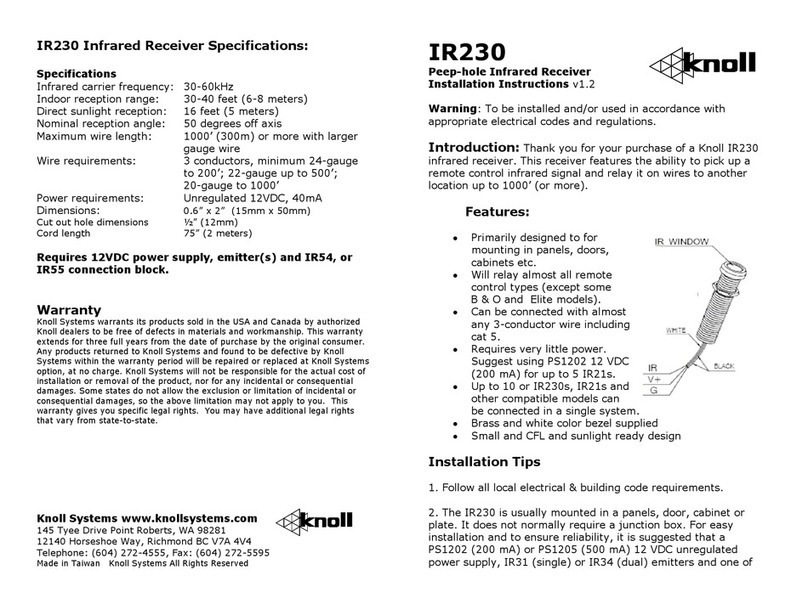
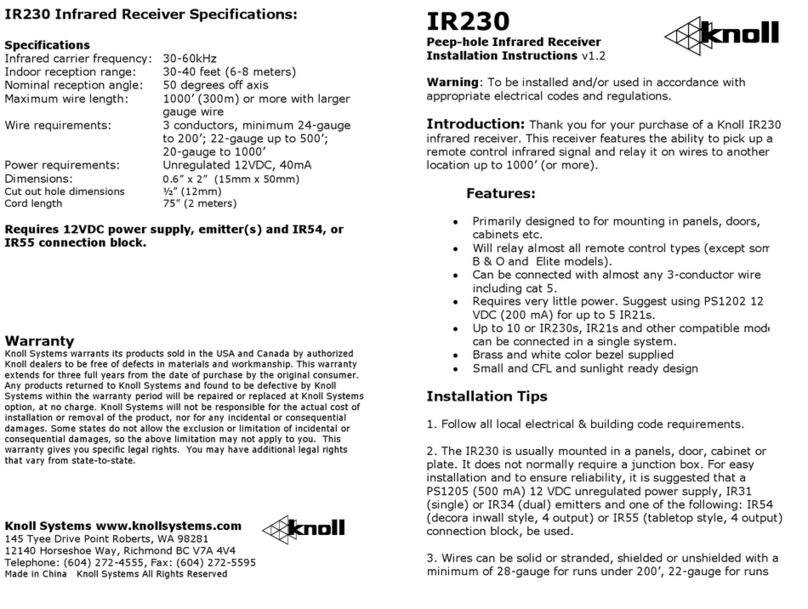
Knoll IR230 User manual

Knoll

Knoll IR230 User manual

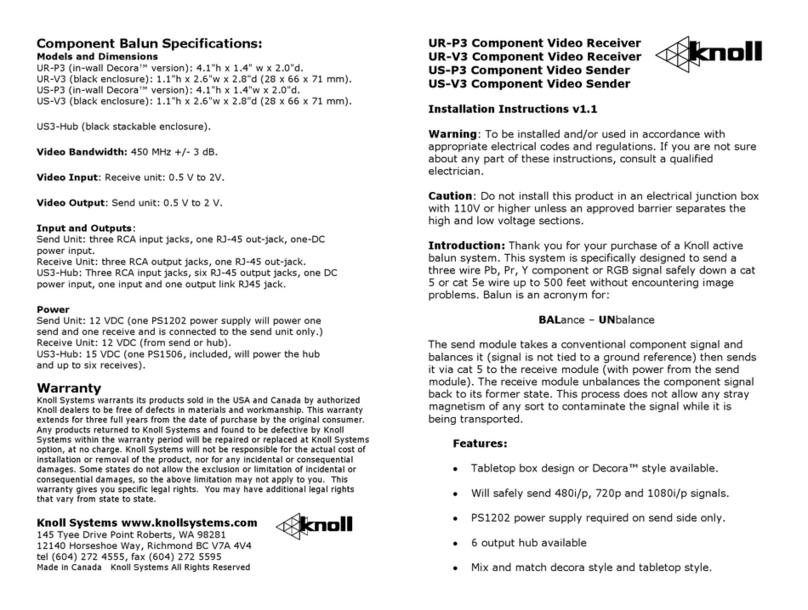
Knoll UR-P3 User manual

Knoll

Knoll UR-P3 User manual

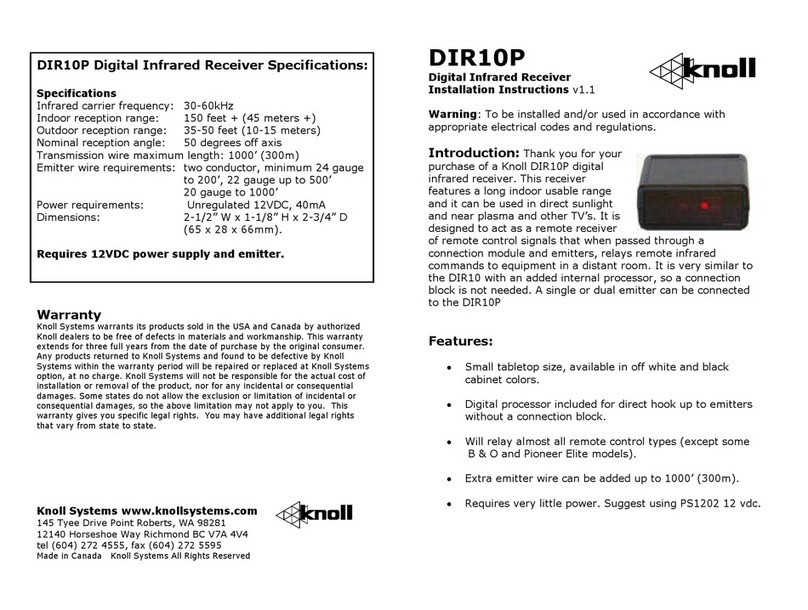
Knoll DIR10P User manual

Knoll

Knoll DIR10P User manual

Knoll UDR User manual

Knoll

Knoll UDR User manual

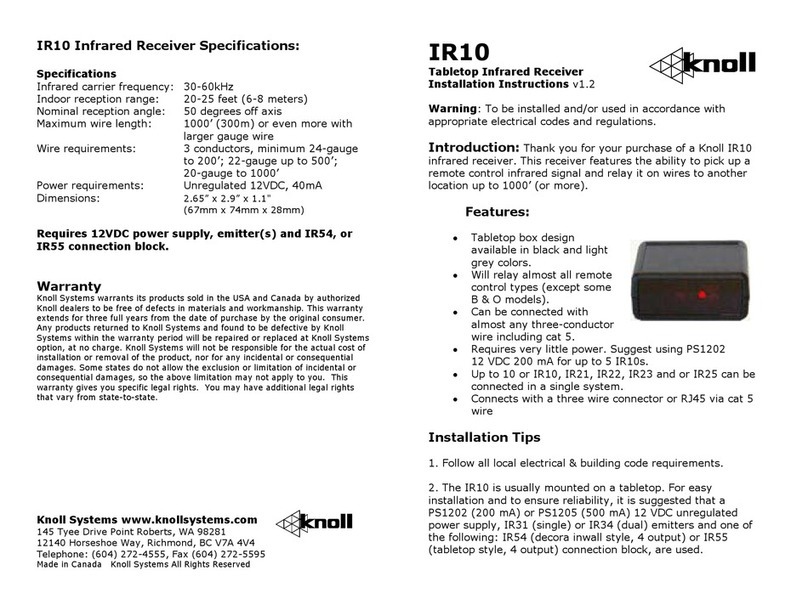
Knoll IR10 User manual

Knoll

Knoll IR10 User manual

Knoll DIR22 User manual

Knoll

Knoll DIR22 User manual

Knoll WE1-DAC User manual

Knoll

Knoll WE1-DAC User manual

Knoll VIS User manual

Knoll

Knoll VIS User manual

Knoll IR350 User manual

Knoll

Knoll IR350 User manual

Knoll IR230 User manual

Knoll

Knoll IR230 User manual

Knoll UDR-HDMI User manual

Knoll

Knoll UDR-HDMI User manual

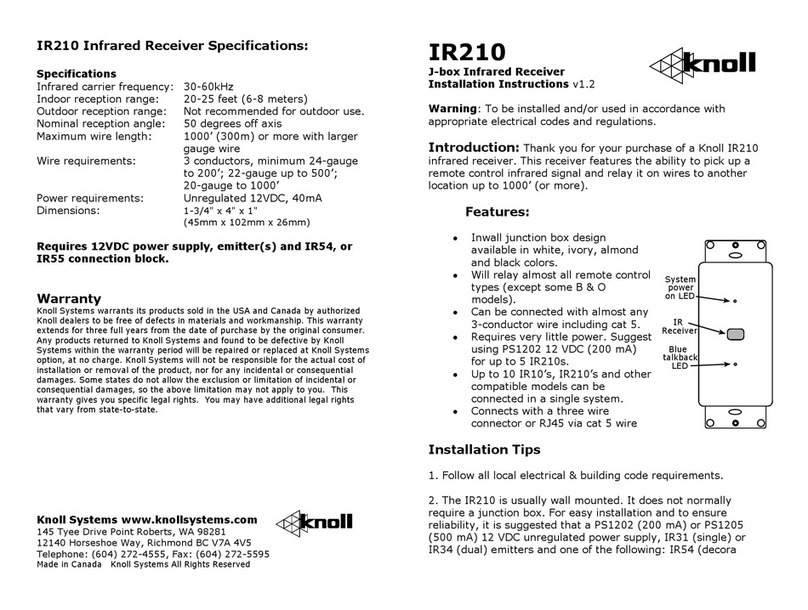
Knoll IR210 User manual

Knoll

Knoll IR210 User manual

Knoll DIR21 User manual

Knoll

Knoll DIR21 User manual

Knoll WLT-02 User manual

Knoll

Knoll WLT-02 User manual

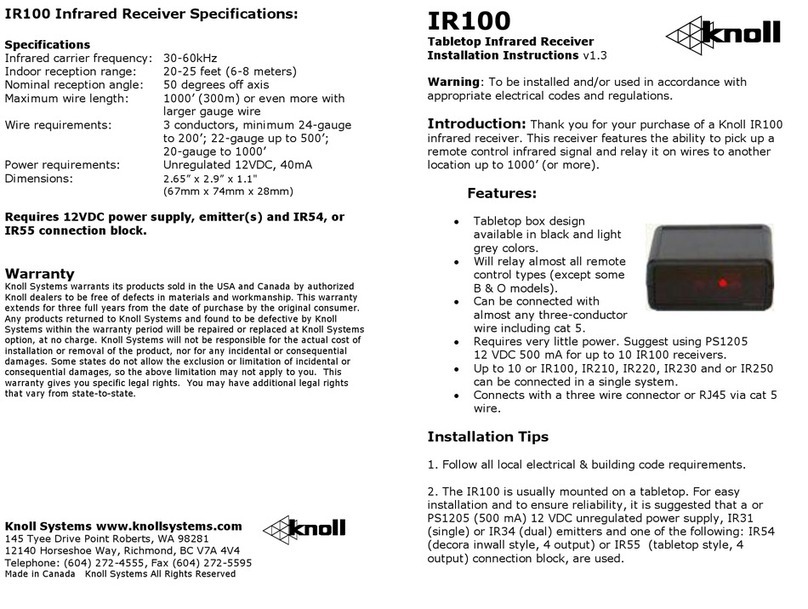
Knoll IR100 User manual

Knoll

Knoll IR100 User manual

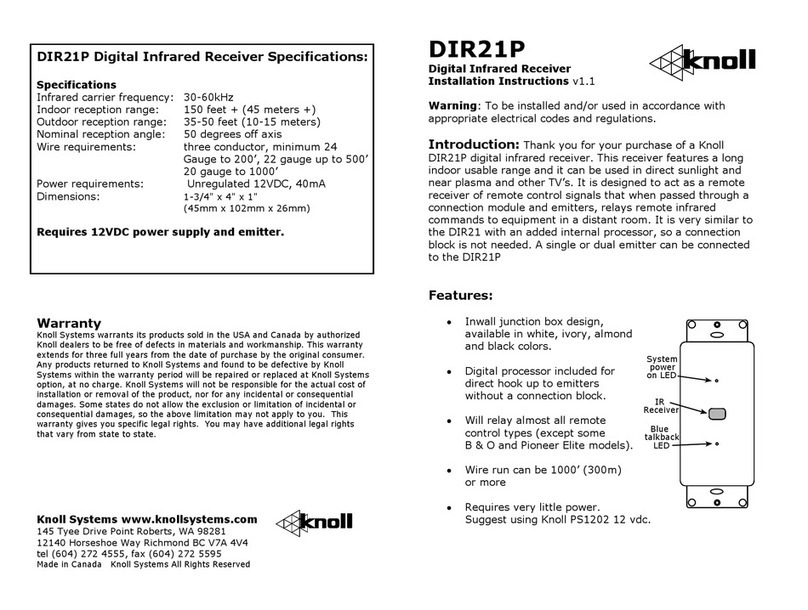
Knoll DIR21P User manual

Knoll

Knoll DIR21P User manual

Knoll VIC User manual

Knoll

Knoll VIC User manual

Knoll UBXX-HDMI User manual

Knoll

Knoll UBXX-HDMI User manual

Knoll IR250 User manual

Knoll

Knoll IR250 User manual

Knoll DIR10 User manual

Knoll

Knoll DIR10 User manual

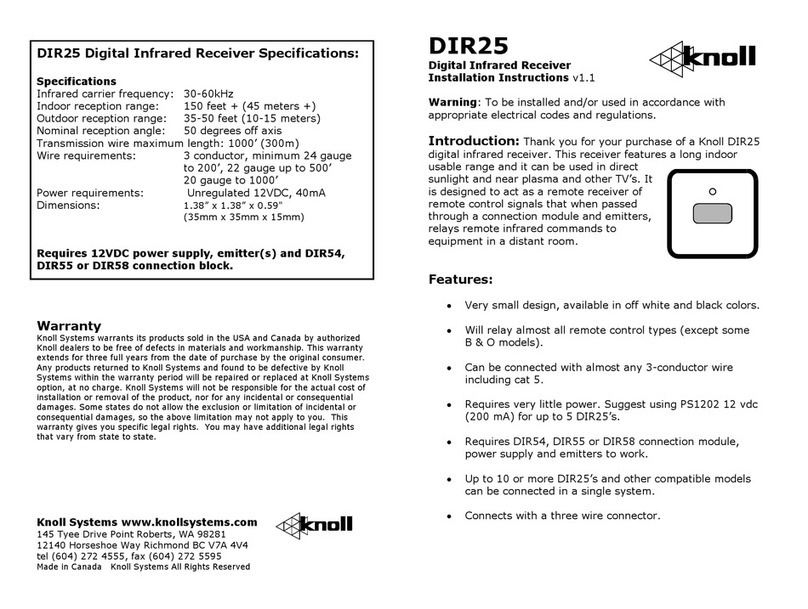
Knoll DIR25 User manual

Knoll

Knoll DIR25 User manual

Popular Receiver manuals by other brands

Greenheck 06 null

Greenheck

Greenheck 06 null

Garmin GA 23 Owner's manual and reference guide

Garmin

Garmin GA 23 Owner's manual and reference guide

Aiphone PS-12F instructions

Aiphone

Aiphone PS-12F instructions

IMES TCS-01CA-PMI Original Operating Instruction

IMES

IMES TCS-01CA-PMI Original Operating Instruction

BWI Eagle AIR-EAGLE SR Product information bulletin

BWI Eagle

BWI Eagle AIR-EAGLE SR Product information bulletin

AMIMON AMN12310 WHDI datasheet

AMIMON

AMIMON AMN12310 WHDI datasheet

Dual DMCPA79BT Installation & owner's manual

Dual

Dual DMCPA79BT Installation & owner's manual

Sound Associates SA652P Operation manual

Sound Associates

Sound Associates SA652P Operation manual

Sherwood NewCastle R-772 Service manual

Sherwood

Sherwood NewCastle R-772 Service manual

Audio A10-RX Series user guide

Audio

Audio A10-RX Series user guide

AllSee PushShare PSRV1.1 user manual

AllSee

AllSee PushShare PSRV1.1 user manual

DEMAG DRC-DR D2 operating instructions

DEMAG

DEMAG DRC-DR D2 operating instructions

Teleco TVRCL868A02 manual

Teleco

Teleco TVRCL868A02 manual

Bosch RF3222E installation instructions

Bosch

Bosch RF3222E installation instructions

Kramer 631R user manual

Kramer

Kramer 631R user manual

Xpress xmc10 installation guide

Xpress

Xpress xmc10 installation guide

JVC KD-MR1BTS instruction manual

JVC

JVC KD-MR1BTS instruction manual

Omega Engineering UWTC-REC3 user guide

Omega Engineering

Omega Engineering UWTC-REC3 user guide

manuals.online logo
manuals.online logoBrands
  • About & Mission
  • Contact us
  • Privacy Policy
  • Terms and Conditions

Copyright 2025 Manuals.Online. All Rights Reserved.

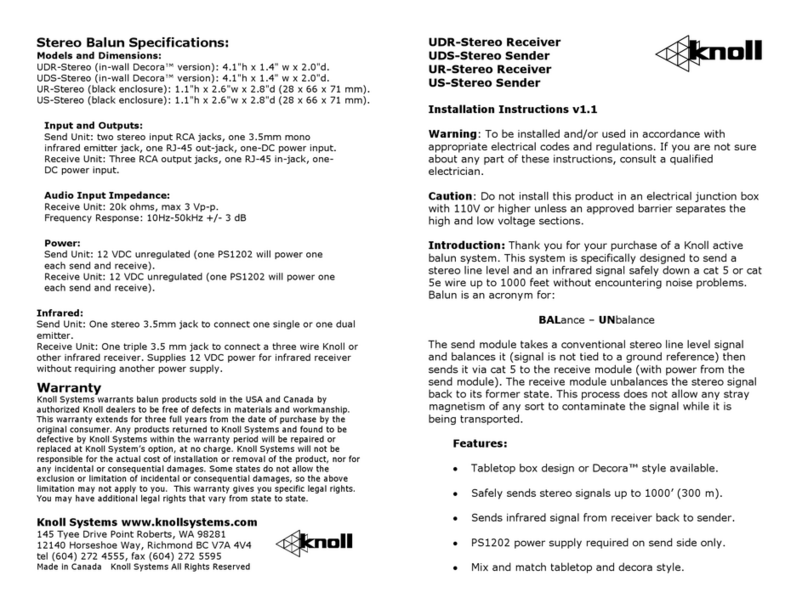
Composite/Stereo Balun Specifications:
Models and Dimensions:
UB-Receive (black enclosure): 1.1" x 2.6"w x 2.8"d (28 x 66 x 71 mm).
UB-Send (black enclosure): 1.1" x 2.6"w x 2.8"d (28 x 66 x 71 mm).
UTP-Receive (in-wall Decora™ version): 4.1"h x 1.4" w x 2.0"d.
UTP-Send (in-wall Decora™ version): 4.1"h x 1.4" w x 2.0"d.
UTP-Hub: Wall mount 6.5" x 3.4" x 1.75" d (16.5 x 8.6 x 4.5 cm)
Input and Outputs:
Send Unit: two stereo input RCA jacks, one composite input RCA jack,
one RJ-45 out-jack, one-DC power input.
Receive Unit: two stereo output RCA jacks, one composite video output
RCA jack, one-DC power input.
Video Bandwidth: 100 MHz +/- 3 dB.
Video Input and Output: 0.5 V to 2V p-p.
Audio Input Impedance:
Receive Unit: 20k ohms, max 3 Vp-p.
Frequency Response: 10Hz-50kHz +/- 3 dB
Power:
Send Unit: 12 VDC unregulated (one PS1202 will power one each send
and receive). Suggest Knoll PS1202.
Receive Unit: 12 VDC unregulated (one PS1202 will power one each
send and receive).
Warranty
Knoll Systems warrants balun products sold in the USA and Canada by
authorized Knoll dealers to be free of defects in materials and workmanship.
This warranty extends for three full years from the date of purchase by the
original consumer. Any products returned to Knoll Systems and found to be
defective by Knoll Systems within the warranty period will be repaired or
replaced at Knoll System’s option, at no charge. Knoll Systems will not be
responsible for the actual cost of installation or removal of the product, nor for
any incidental or consequential damages. Some states do not allow the
exclusion or limitation of incidental or consequential damages, so the above
limitation may not apply to you. This warranty gives you specific legal rights.
You may have additional legal rights that vary from state to state.
Knoll Systems www.knollsystems.com
145 Tyee Drive Point Roberts, WA 98281
12140 Horseshoe Way, Richmond BC V7A 4V4
tel (604) 272 4555, fax (604) 272 5595
Made in Canada Knoll Systems All Rights Reserved
UB-Composite/Stereo Receiver
UB-Composite/Stereo Sender
UTP-Composite/Stereo Receiver
UTP-Composite/Stereo Sender
Installation Instructions v2.0
Warning: To be installed and/or used in accordance with local
electrical codes and regulations. If you are not sure about any
part of these instructions, consult a qualified electrician.
Caution: Do not install this product in an electrical junction box
with 110V or higher unless an approved barrier separates the
high and low voltage sections.
Introduction: Thank you for your purchase of a Knoll active
balun system. This system is specifically designed to send a
stereo line level and an composite video signal safely down a cat
5 or cat 5e wire up to 1000 feet without encountering noise
problems. Balun is an acronym for:
BALance – UNbalance
The send module takes a conventional stereo line level signal
and a composite video signal and balances it (signal is not tied
to a ground reference) then sends it via cat 5 to the receive
module (with power from the send module). The receive module
unbalances the signal back to its former state. This process does
not allow any stray magnetism of any sort to contaminate the
signal while it is being transported.
Features:
• Tabletop box design or Decora™ style available.
• Safely sends stereo and video up to 1000’ (300 m).
• Six output hub available.
• PS1202 power supply required on send or receive only.
• Mix and match tabletop and decora style.

Wiring: A send
module (UB-Send or
UTP-Send) needs to
be connected to a
Knoll receive module
(UB-Receive or UTP-
Receive) to work
correctly. The send
and receive module
are connected using a single cat 5 wire using all 8 conductors.
Connection is made with the RJ45 connector (RJ45 plug not supplied).
Always use standard cat 5 wiring practices. Using the correct wire pairs
and polarity is VERY important.
Connection to Stereo Video Equipment: Connect the UB-Send or
UTP-Send gold RCA jacks to the appropriate outputs on your TV, VCR,
stereo or other equipment. If your system audio is mono, connect the
left connector only.
When connecting a video output to a TV and the UB-Send or UTP-Send
with a Y-cord, the video signal may exhibit poor picture quality.
If this is the case, on the UTP-Send move the shunt next to the
right (gold) connector from “75” position to the “Lp” or loop
position (see figure below). The UB-Send has a switch on it.
Normally it is in the in position.
Make sure a good quality RJ45 8-8 crimper is used to
connect the RJ45 connector to the cat 5 wire. Poor crimping

and mismatched wires are the most frequent cause of
installation problems.

Connection to the amplifier, TV or other components: Connect
the two gold RCA jacks on the UB-Receive or the UTP-Receive with a
good quality gold connector RCA jumper cable to the appropriate
stereo input jacks on your amplifier, receiver, TV or other component.
Make sure the correct stereo input is selected. Connect the gold video
jack (yellow center) with a good quality video RCA jumper to the video
input on the TV or other unit.
Multiple Connection(s): If the stereo/video signal needs to be sent to
more than one receiver, this can easily be accomplished by paralleling
or Y cording the composite and video inputs to the send unit.
Depending on the source components output, it should be acceptable
to Y cord up to ten send baluns. Each Knoll composite/stereo send
balun is connected to one stereo receive balun. Each stereo send unit
requires a PS1202 power supply. The video needs to have its
impedance corrected. On ALL BUT ONE UB-Send the switch needs to be
in the out position. (One switch has to be IN and the rest are out.) On
UTP-Sends the jumper near the right RCA connector on ALL BUT ONE
unit move the shunt from the 75 side to the loop side.
A six outlet hub model UTP-Hub is available for this system.
Power Requirements: The whole UB or UTP system requires a single
power supply. If you are using a UTP-Hub, the hub always supplies the
power for the UB-Send or UTP-Send, so do not connect another
power supply. If you are using a UB-Receive or UTP-Receive with this
send, connect only one 12-15 VDC power supply on either the UTP-
Send OR the UTP-Receive but not both.
The Knoll send receive system does not have any user adjustments and
is completely automatic. If need be, please call our tech line for details
at 1 800 566 5579.
CAT 5
UTP-Receive
Power is supplied
by Send
DLP-TV
DVD Player
UTP-Send
Power supply
gives power
for receive
PS1202
The UTP-Send uses very little power and is normally left on. A led lamp
shows if power is connected properly to the UTP-Send.
This product may contain lead that some states have determined are
harmful. Wash you hands after touching this product.
Decora™ is a trademark of Leviton
Shunt in this position.
UTP-Send side view