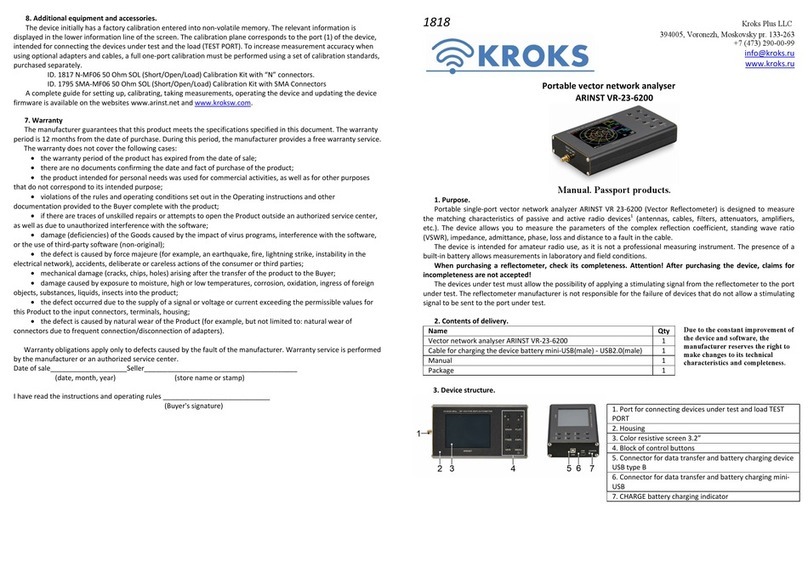
3. Contents of delivery
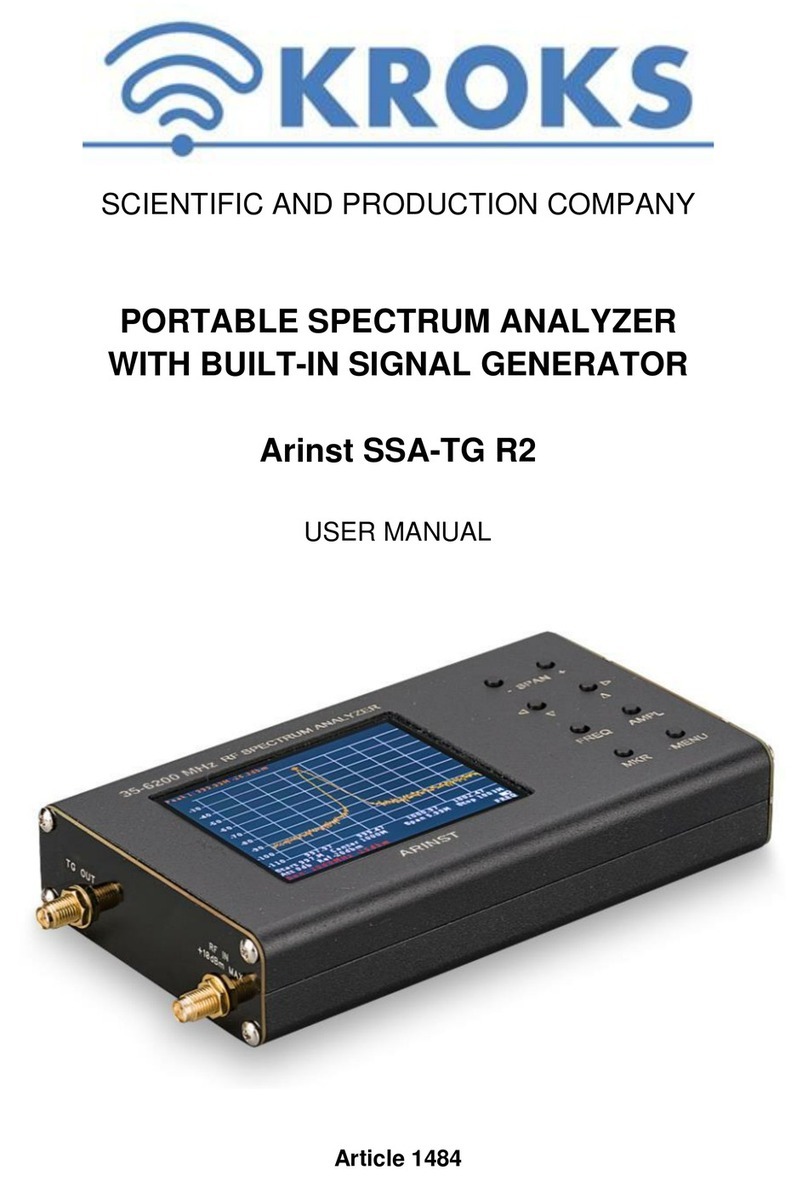
Spectrum analyzer ARINST SSA-TG R3 1 pcs.
Adapter SMA(male)-SMA(female) to protect the connector from wear 2 pcs.
Cable USB2.0(male)-A – mini-USB 1 pcs.
Operation manual (product passport) 1 pcs.
Package 1 pcs.
When purchasing the analyzer, check its completeness. Attention! After purchase, claims for incompleteness
are not accepted!
4. Specifications
Frequency range
Displayed frequency range
24 MHz-12 GHz
Measured frequency range 24 MHz-9 GHz
Maximum span ~12 GHz
Reference generator TXCO GPS 26 MHz
Frequency resolution 25, 10, 5, 2.5 kHz
Noise floor
in the band 24 MHz - 6.2 GHz -110 dBm
in the band 6.2 GHz - 9 GHz -100…-70 dBm
in the band 9 GHz - 12 GHz -70 dBm
Scan options
Maximum scan speed 20 GHz/s
Minimum scanning time the full frequency band 12 GHz 0.6 s
RF input
Gain when the attenuator is turned on -15 dB
Gain with LNA on +15 dB
Wave impedance 50 Ohm
SWR in the operating frequency range < 2.0
Maximum input power without attenuator and LNA 0 dBm
Maximum input power with attenuator on +15 dBm
Maximum input power with LNA enabled -15 dBm
Maximum DC input voltage 25 V
Tracking generator
Measurement modes
fix., S21
Normalized output power level in the band 24-6200 MHz -8 dBm… - 29 dBm
Normalized output power level in the band 6.2-9GHz -14 dBm
Depth of power adjustment in the band 24-6200 MHz 21 dB
Demodulator
Demodulation types WFM, FM, AM
Audio output Speaker 2 W, headphones
Display
Screen type touch resist., IPS
Screen resolution 800×480
Graphs spectrum, Waterfall, S21
Power
Built-in battery capacity 5000 mAh
Continuous battery life ~ 4 h
External power supply 7-24 V, 2 А.
Operating temperature range 0 … +40°С
Dimensions (L×W×H) 145x81x27 mm
Weight 0,4 kg
1. In the display range, the accuracy of the parameters is not guaranteed.
2. The level of the noise floor is measured with the LNA turned on and the spectral resolution is 2.5 kHz.
3. Measurements are carried out in the "Speed" operating mode and a spectral resolution of 25 kHz.
5. Enabling the Analyzer
Do not switch the RF input jack while connected to a charger or USB connection to a PC. If these recommen-
dations are not followed, the analyzer may fail.
Do not use the appliance outdoors during snowfall or rain. If the analyzer is brought in during the cold season
from a cold room or from the street into a warm room, do not turn it on for a time sufficient for the condensate to
evaporate. Match the signal strength and voltage supplied to the RF IN input connector with the maximum speci-
fications shown in the table.
5.1. Make sure the analyzer has no external damage and the battery is charged. Charge the discharged battery. When
the charger is connected, the maximum charging current is automatically determined. To reduce the battery charging
time, it is recommended to use industrial power supplies (chargers) with a maximum output current of 3 A as a charger.
When charging is completed, the CHARGE indicator will turn off.
It is allowed to operate the device while the battery is charging, provided that the power supply is capable of provid-
ing an output current of at least 1500 mA. If the charger or USB port of the PC is not able to provide the current required
to operate the device and charge the battery, the device will automatically reduce the current consumed until the battery
stops charging completely. You can also use an external power supply.
5.2. Press and hold button (6) for 2 seconds. The analyzer will turn on. Set the required frequency range, connect a
signal source to the input. User settings will be saved in the device memory and will be set automatically upon subse-
quent power-ups.
5.3. To turn off the device, press and hold the button (6) for 2 seconds. The instrument screen will turn off and the in-
strument will turn off. Each time the device is turned off, the main user settings are written to non-volatile memory,
which allows you to avoid setting the device when you turn it on again.
6.Device screen
Information on the device
screen
6.1. The results of scanning are displayed on the
screen of the instrument in the form of a spectrum
graph. The current settings and interactive buttons
for controlling the instrument interface are located at
the bottom of the screen.
6.2.The main components of the screen:
1. Field of markers - up to 4 pieces.
2. The field of frequency ranges.
3. Amplitude axis in dBm.
4. Pause button.
5. Start scan frequency in MHz.
6. Parameters of the built-in generator.
7. Frequency resolution.
8. Scanning speed.
9. Button for calling the additional menu.
10. Frequency axis in MHz.
11. Type of operating mode.
12. Stop scanning frequency.
13. Battery charge indicator.
14. The button to open the main menu.
6.3. Built-in battery status indicator:
lightning indicator – the battery is charging;
the indicator in the form of a battery is completely filled with white - the battery is fully charged;
indicator in the form of a white outline of the battery - the battery is discharged, it needs to be charged;
the device displayed a message about the critical charge level - the battery is completely discharged, the de-
vice will automatically turn off.