manuals.online logo
Brands
  1. Home
  2. •
  3. Brands
  4. •
  5. LanternLITE
  6. •
  7. Light Fixture
  8. •
  9. LanternLITE Honeycomb Quick start guide

LanternLITE Honeycomb Quick start guide

Popular Light Fixture manuals by other brands

Veko Magnus manual

Veko

Veko Magnus manual

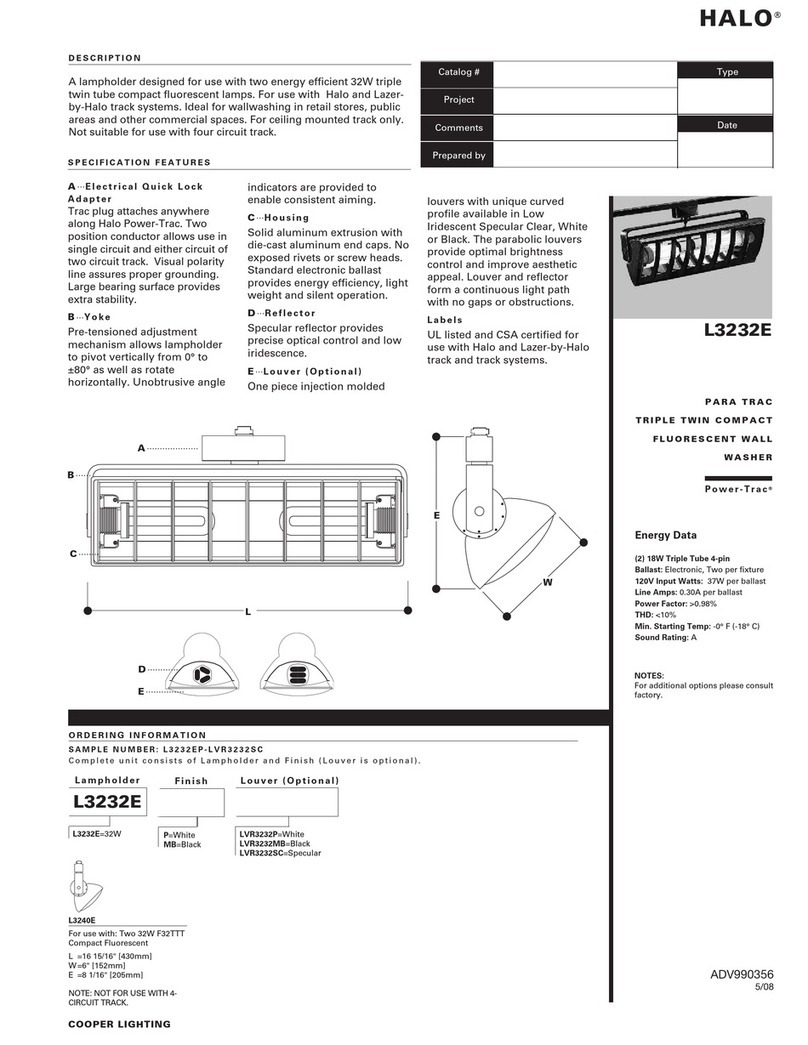
Cooper Lighting Halo L10538 specification

Cooper Lighting

Cooper Lighting Halo L10538 specification

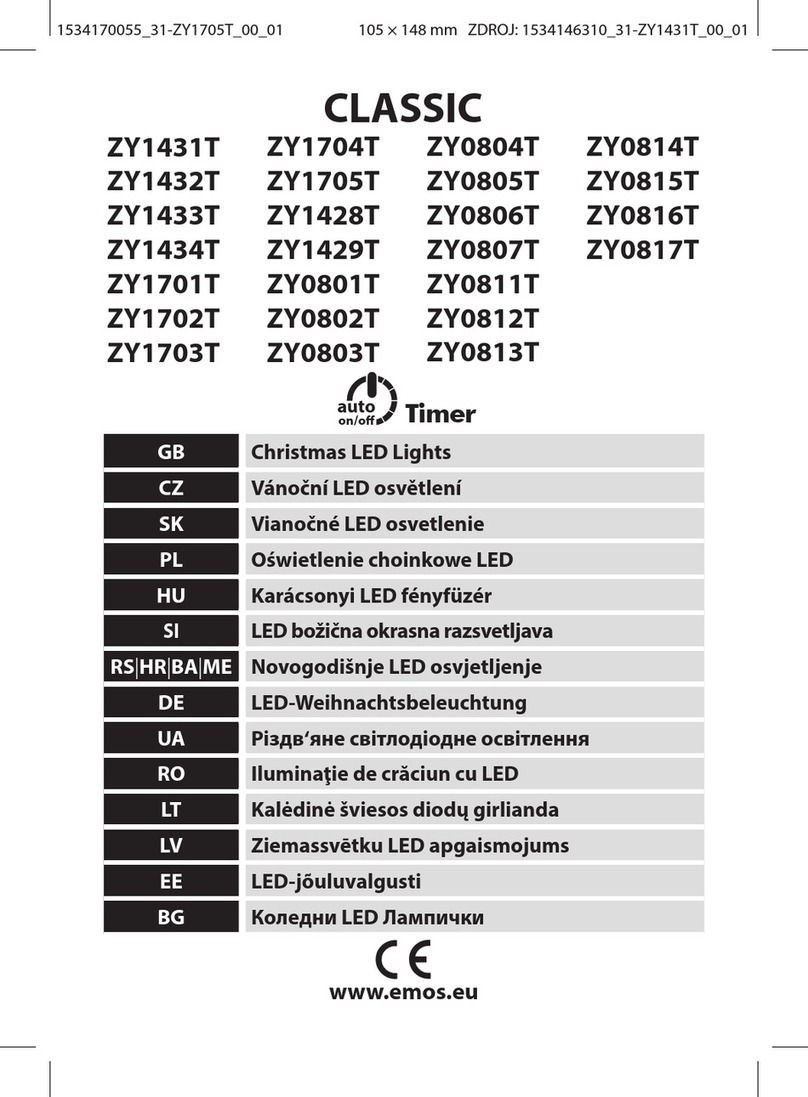
Emos CLASSIC ZY1431T manual

Emos

Emos CLASSIC ZY1431T manual

Westinghouse Outdoor Lighting Fixture owner's manual

Westinghouse

Westinghouse Outdoor Lighting Fixture owner's manual

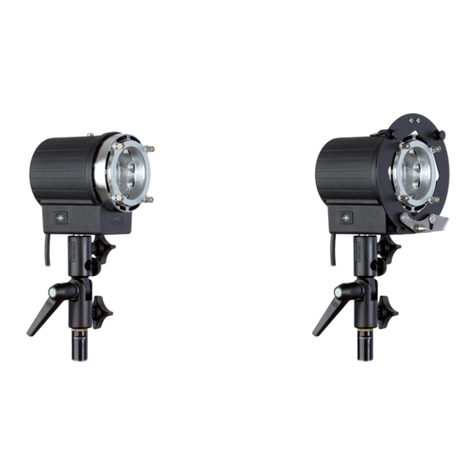
Hedler C 12 silent Operation manual

Hedler

Hedler C 12 silent Operation manual

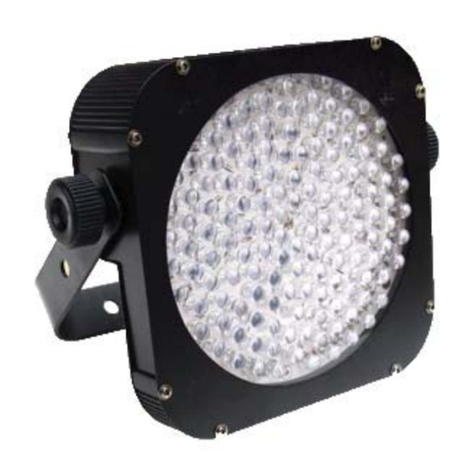
Blizzard Lighting Puck: CSI manual 

Blizzard Lighting

Blizzard Lighting Puck: CSI manual 

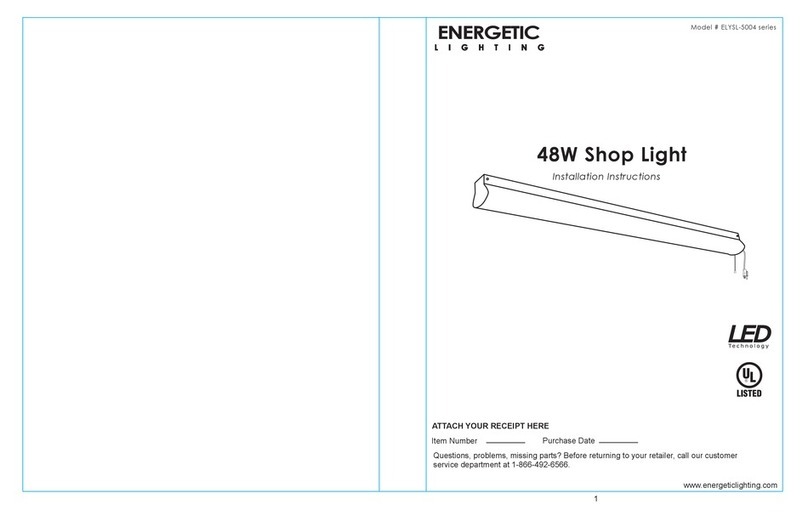
Energetic Lighting ELYSL-5004 Series installation instructions

Energetic Lighting

Energetic Lighting ELYSL-5004 Series installation instructions

Lightmaxx Shaft 5R user manual

Lightmaxx

Lightmaxx Shaft 5R user manual

Triarch 31083 Assembly instructions

Triarch

Triarch 31083 Assembly instructions

Philips 32614 Series user manual

Philips

Philips 32614 Series user manual

IKEA TIVED Assembly instructions

IKEA

IKEA TIVED Assembly instructions

Lightolier LP200 specification

Lightolier

Lightolier LP200 specification

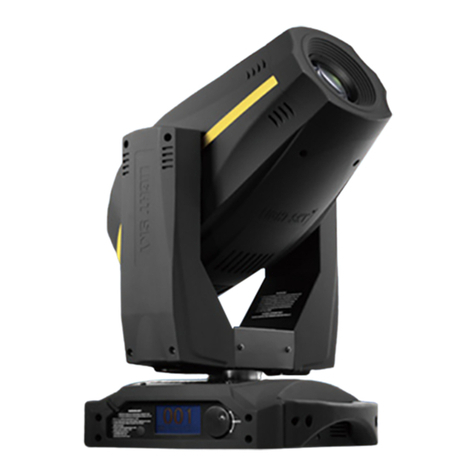
Chauvet Professional ROGUE R1 BEAM WASH user manual

Chauvet Professional

Chauvet Professional ROGUE R1 BEAM WASH user manual

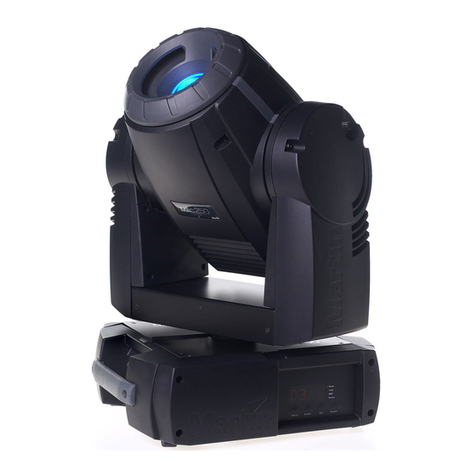
Martin MAC 250 Krypton user manual

Martin

Martin MAC 250 Krypton user manual

Cooper Lighting Halo L3232E Specification sheet

Cooper Lighting

Cooper Lighting Halo L3232E Specification sheet

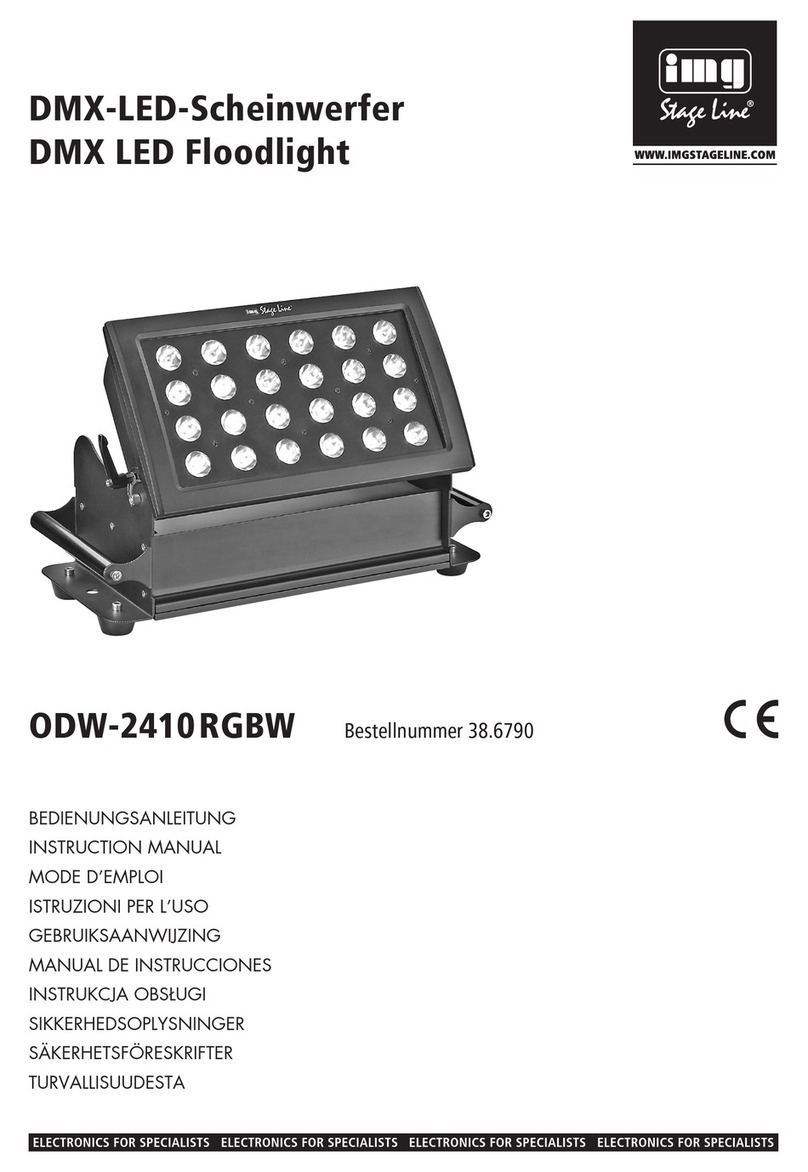
Stageline ODW-2410RGBW instruction manual

Stageline

Stageline ODW-2410RGBW instruction manual

Lightolier Paralyte 2424 PLA2G9LS26U specification

Lightolier

Lightolier Paralyte 2424 PLA2G9LS26U specification

Lightolier Lytespan 83ED17S specification

Lightolier

Lightolier Lytespan 83ED17S specification

manuals.online logo
manuals.online logoBrands
  • About & Mission
  • Contact us
  • Privacy Policy
  • Terms and Conditions

Copyright 2025 Manuals.Online. All Rights Reserved.

The DIY Lantern Blind
Wiring Diagrams & Programming Instructions
Mains powered Honeycomb blind
• Your mains powered Honeycomb blind is powered by a Somfy® Tilt 25 motor which is housed in the head of
the blind
• A 3m cable is attached to the motor
• There is a power adapter (transformer) attached to the 3m cable
• The best and easiest way to power this blind is by fitting a standard 3 pin plug socket above your blind.
• Once the blind is fitted, plug the power adapter into your 3 pin plug socket
• Your Somfy® remote has been synchronised in the factory so should work as soon as the power is
connected
• If the blind becomes unpaired from the remote please follow the instructions on the following pages
Solar powered battery operated Honeycomb blind
• Your mains powered Honeycomb blind is powered by a Somfy® Tilt 25 motor which is housed in the head of
the blind
• The power source for your blind is a battery pack which is hidden in the foot of your blind
• When you receive your blind please charge the battery pack overnight with the charger provided
• Once the blind is fitted you get attach the solar panel to the battery pack (the solar panel trickle charges the
battery for a longer life)
• You can fit the solar panel anywhere above the blind, but it is most discrete fitted above the head of the
blind
• Your Somfy® remote has been synchronised in the factory so should work as soon as the power is
connected
• If the blind becomes unpaired from the remote please follow the instructions on the following pages
• When eventually you notice that your blind is running slower than normal you can charge the blind in situ
(without having to take it down).
• Simply stand on a chair or ladder (making sure it is stable) and disconnect the charging wire from above the
blind. Then dangle it into the recess and attach it to the charger overnight.
RTS controls explained

 
® 

 

 


 
 r-
.� I \ ) l �
/�



 
 -


Somfy RTS motor setup -230v and 24v
Only the blind you want program can be connected to the power whilst programming.
Disconnect all other blinds from the power to avoid interference.






 

 

 
 
 
 
 
 
 
 
 
 
 


 
 

 
 

 
 
 

Somfy RTS motor setup -230v and 24v





 
 
 
 
 


 
 
B.-
 
 

 
   

 
 

 
 

 
 

 
 
 
 
 
 
 